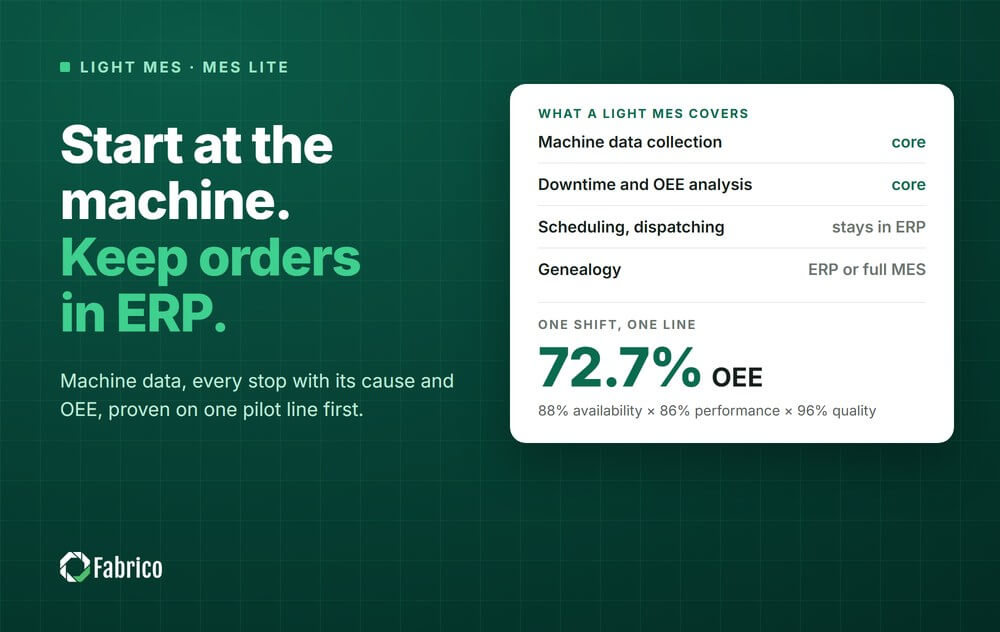

Energy has turned into a major line item on every manufacturing P&L. For buyers of MES and OEE software, the question is no longer just how to improve availability and performance, but how to connect those same data streams to energy per unit.
When you understand exactly how much energy each product and line consumes during running, idle and slow running, you gain a powerful new lever to cut cost without adding risk.
This article explains how a cloud-based MES and OEE platform like Fabrico, with built-in maintenance management, helps you use production and downtime data to identify and reduce energy waste during idle time and slow running. It is written for plant managers, operations and production leaders, continuous-improvement managers and maintenance heads in mid-size and large manufacturers who already think in OEE, but want to think in energy per unit as well.
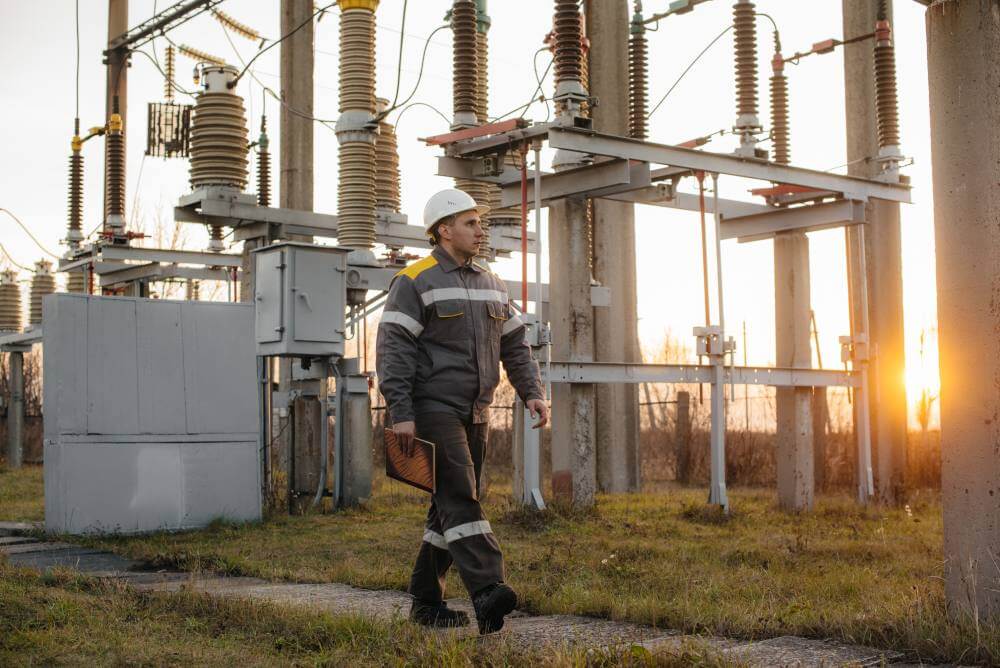
Most plants already collect some energy data, either from the utility or from submetering. On its own, however, energy data only tells you how many kilowatt-hours the plant used in a shift or a month. It does not tell you whether that energy created value or was burned during idle, standby, warmup or slow running.
OEE, on the other hand, already describes how your time is used. Availability, performance and quality show where production time is lost. When your MES connects machine data with energy data, every OEE loss can be translated into energy waste. That is where the opportunity lies.
Instead of only tracking OEE losses as hours, you begin to see them as energy spent without output. Energy per good unit becomes a core KPI, not just an engineering side metric.
To cut energy waste in idle and slow running, you first need to express energy consumption in the same language as production: units and time. That usually means three steps within your MES and OEE environment.
You link machines or lines to energy meters or energy estimates. When that data flows into Fabrico, it can be aligned with OEE data from the same machines. Over time, the platform learns typical energy profiles for each line, product and speed range.
Because Fabrico captures production and downtime data directly from machines, each second of energy consumption can be assigned to a state: running at rated speed, slow running, idle, setup, maintenance, microstop. This is where the combination of MES, OEE and built-in maintenance management becomes powerful. You can now answer questions like:
For plants in regulated or high volume markets like food and beverage or personal care, integrating OEE and energy by product family is particularly important. You can see practical guidance for that type of environment in this article on OEE for CPG manufacturing.
Once time states and energy are aligned, your MES can calculate energy per good unit for each combination of state and product. For example:
With this in place, the cost of idle time and slow running is no longer abstract. It becomes visible in currency and carbon for each product and line.
Availability losses are famously visible. Everyone sees the line that is not running when it should. What is less visible is the energy profile of that downtime. Different types of idle behave very differently in terms of energy per unit.
Planned stops like changeovers, sanitation or shift changes often leave machines powered, conveyors running or compressors online even when the line is not producing. Fabrico can distinguish between these loss categories and the energy associated with them, so you can:
This is where the built-in maintenance management matters. When you detect changeover-related energy waste, you can attach the insight directly to standard work, maintenance tasks or improvement actions inside the same platform.
Breakdowns, quality investigations or material shortages often make operators hesitant to power down equipment, especially if restart takes time or can cause instability. Without data, everyone assumes this is the cost of doing business.
By correlating downtime reasons, duration and energy draw, Fabrico surfaces which combinations are worth addressing. For example, if a particular frequent stoppage on a filler leaves upstream assets idling with high energy load, the energy dimension makes it easier to justify a reliability or debottlenecking project.
Manufacturers in continuous or semi-continuous processes are especially exposed here, because upstream and downstream assets are often left running while one node is down. This article on OEE and maintenance in continuous process plants goes into more detail about that type of environment.
With energy per idle minute visible on each machine or line, you can create practical rules with operators and maintenance:
OEE already tells you where and why time is lost. Adding energy per idle minute lets you prioritize which stops to tackle first, not just for uptime but for energy impact.
Performance losses are often perceived as less urgent than full stops. A line is technically running, orders are being completed, and the pain is less visible. However, from an energy per unit perspective, slow running can be one of the most expensive ways to operate.
Most machines have base loads that do not scale linearly with throughput. Operating at 60 percent of speed rarely means 60 percent of energy. It is often closer to 80 or 90 percent, depending on the asset. That means your energy per unit goes up sharply when speed drops.
By connecting machine speed, OEE performance and energy consumption, Fabrico lets you quantify this effect for each asset. You can then decide whether the reasons for slow running justify the energy penalty. Common causes include:
With accurate energy per unit data, you can evaluate tradeoffs. In some cases, lifting speed and investing in root-cause fixes may be more profitable than tolerating chronic slow running.
In metal fabrication, machining and fabrication cells often run below target feeds and speeds to extend tool life or reduce scrap. This can feel like a smart local optimization, but if the energy penalty is high, the global picture looks very different.
Using OEE insights in combination with energy per part per machine helps highlight which cells are the real cost centers, not just in scrap but in energy. For more guidance specific to fabrication and job-shop environments, see this overview of OEE for metal fabrication.
Fabrico is built to turn each loss into a concrete maintenance or production action. When slow-running energy waste is detected, you can, within the same platform:
This connection between insights and actions is essential if you want slow-running improvements to stick. Energy per unit becomes one more dimension that justifies and prioritizes these actions.
Collecting the data is the starting point. Making it usable every day for operators, engineers and managers is what creates results. Fabrico supports this in several practical ways.
Fabrico shows OEE, downtime and losses in real time. When enriched with energy, this means:
Color coding and simple indicators make it clear when energy per unit deviates from expected baselines for a given product and line. This helps teams react before an entire shift is lost to inefficient operation.
Energy waste in idle and slow running is often a symptom of maintenance and reliability issues:
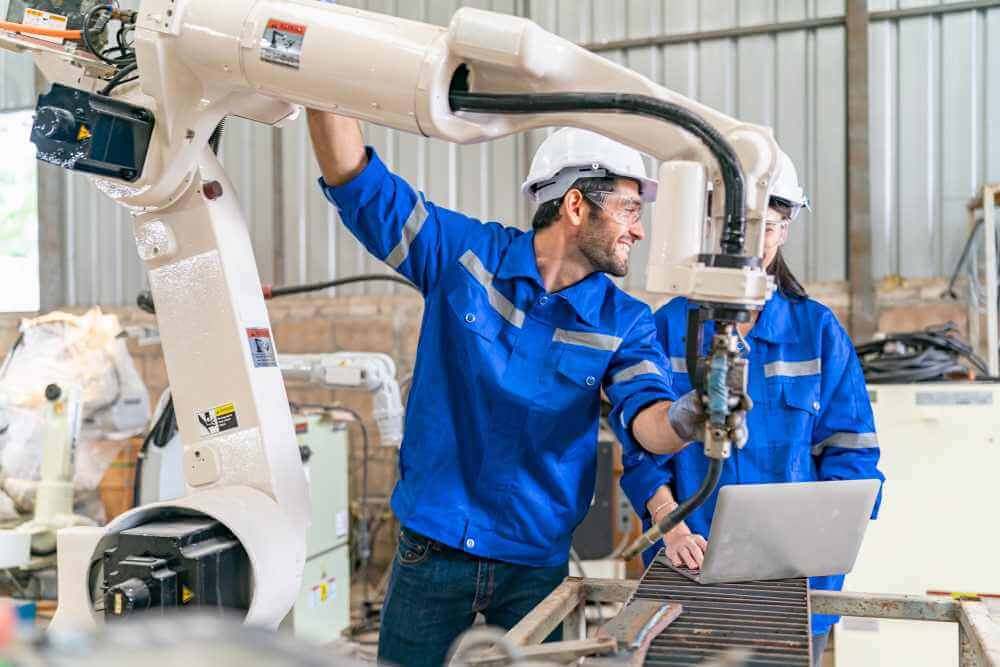
Because Fabrico includes maintenance management inside the same platform, actions are not lost in separate systems. You can create work orders directly from production and energy insights, assign them, and then verify their impact in future OEE and energy per unit trends.
Once you identify better ways to manage idle and slow running, you want to standardize them. Fabrico helps you:
Over time, these standards reduce variability between shifts and lines and support a consistent, energy aware way of working.
If you are evaluating MES and OEE platforms with an eye on energy performance, it helps to use a few concrete criteria. Here are questions to ask vendors and your internal team.
You want more than hourly or shift level energy totals. Ask how the platform connects energy meters or estimates to each machine and how it synchronizes that with running, idle, slow running and other states in your OEE model.
The ability to distinguish between energy per unit while producing, energy during idle and energy during slow running is key. Confirm that these KPIs can be sliced by product, order, line and shift.
Insights without action do not change your bill. Ensure that the platform does more than dashboards. With Fabrico, for example, the same environment that captures OEE and energy also holds the maintenance tasks and production actions that address the underlying causes.
Energy per unit should be visible at the line, not just in monthly reports. Make sure operators and supervisors can see simple, meaningful metrics in their daily view, with alerts when performance drifts.
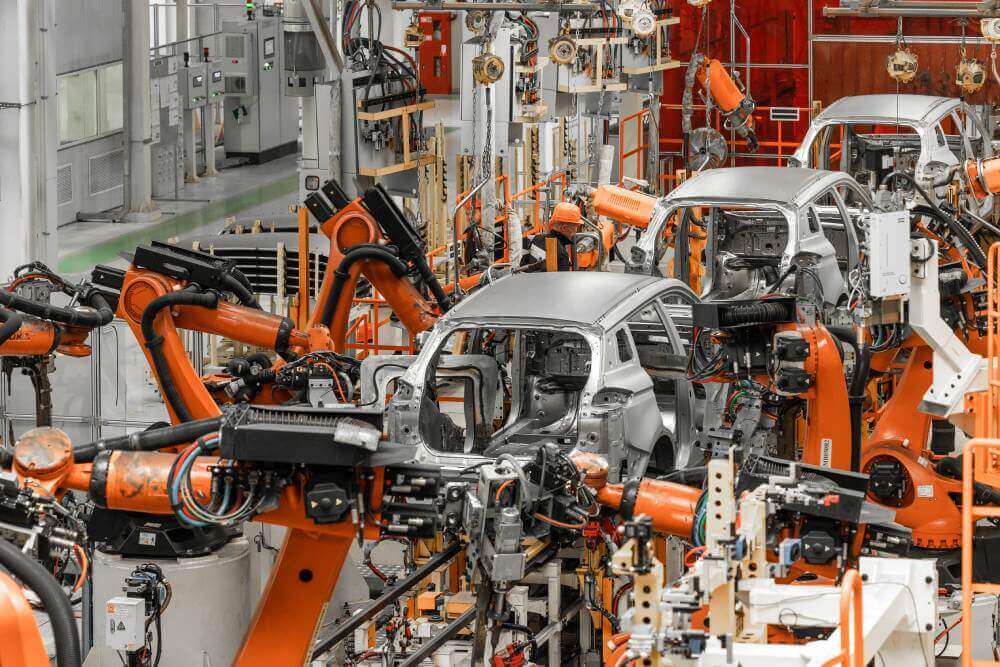
Many plants combine continuous, batch and discrete lines. Buyers should look for a platform that can apply the same energy per unit logic across all of them. Fabrico supports mixed environments, including CPG packaging, chemical and process, and discrete fabrication operations.
Fabrico is a cloud-based MES and OEE platform that captures production and downtime data directly from machines, displays OEE and losses in real time, and turns each loss into concrete maintenance and production actions. With built-in maintenance management and support for energy per unit metrics, it helps you move from generic energy reduction targets to precise, data driven decisions.
Instead of treating energy as a separate initiative, you can fold it into the same OEE and continuous-improvement routines you already run. Shift meetings, weekly CI reviews and maintenance planning sessions can all use a single source of truth for production, downtime, losses and energy impact.
If you are planning your next step in MES and OEE, or reconsidering how to use your existing data to tackle energy waste, Fabrico gives you the tools to make idle time and slow running visible, measurable and actionable.
Request a demo or Contact us to explore how Fabrico can support your plant.
See how Fabrico unifies OEE and maintenance in one platform.
Request a demo













 Login
Login
 Blog
Blog