


 Login
Camera-Based OEE Software: Computer Vision for Downtime Tracking Count what the PLC can't see. Watch the minute the line stopped.
Line cameras count output at hand-pack tables, bagging stations and older machines with no usable signal. When a line stops, open the camera video for that minute next to the machine data and the operator's reason, on one OEE timeline.
- Machines connected in about a month
- Video streamed, not stored by default
- ISO/IEC 27001
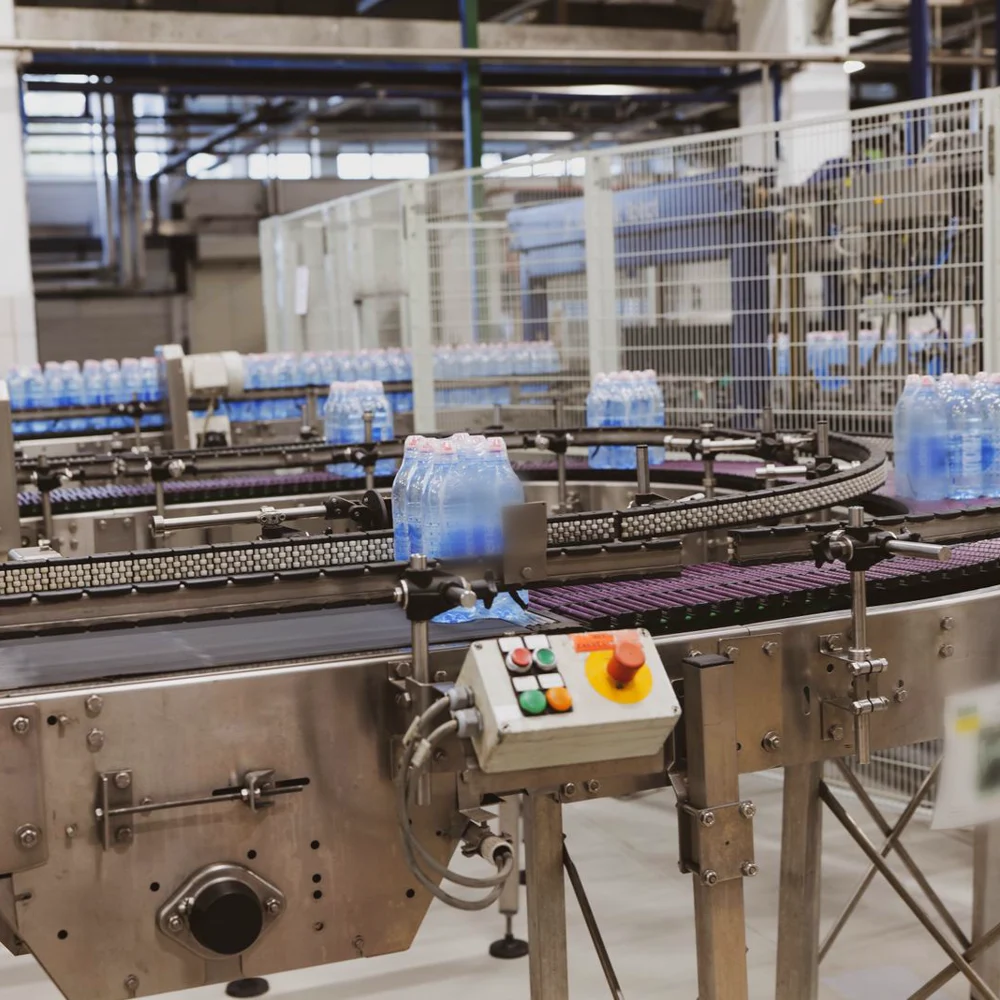
Illustrative footage · sample data
Computer vision in Fabrico
A camera is one more sensor on your production timeline
It does not replace PLC signals or IoT devices. It covers the stations and moments they can't see, and its counts land where your team already works: the shift timeline and the OEE calculation.
Counts where there is no signal
Hand-pack tables, bagging stations and older machines get output counts and OEE, with no PLC work.
Shows the stop behind the number
A station can report running and make nothing. The camera count shows the gap, and slow running too.
Puts video next to the data
Open the camera video for any stop at a camera station, next to the machine data and the operator's reason.
Helps find the root cause
Look at the minute the line stopped with your team, next to the machine data, and work back to the cause.
FMCG lines
Where a camera earns its place on an FMCG line
Most FMCG lines are well connected at the filler and the palletiser. The losses hide between the machines, and at the stations people run by hand.
Filling and capping
The filler PLC logs the stop and a fault code. The infeed video for that minute shows what actually happened at the star wheel.
Camera on a filling lineCase packers
Was it the packer, or did nothing arrive? With a camera count at the infeed and the video for that minute, the team can tell the packer's own stops from starved time.
Case packer downtimeHand-pack and kitting
Promotion packs, kitting and rework run by hand. The camera counts units per hour, so manual work gets an OEE too.
OEE for manual packing
More for food, beverage and FMCG plants: OEE software for FMCG and a buyer's guide to computer vision for FMCG.
Manual stations
Counts and OEE for stations with no PLC
A hand-pack table, a bagging station or an old machine with no usable signal. A camera above it counts the output, so the station gets the same OEE as a connected machine. No PLC work needed.
- Output per station and shift
- The same OEE calculation as PLC-connected lines
- Paper-based stations join the shift timeline
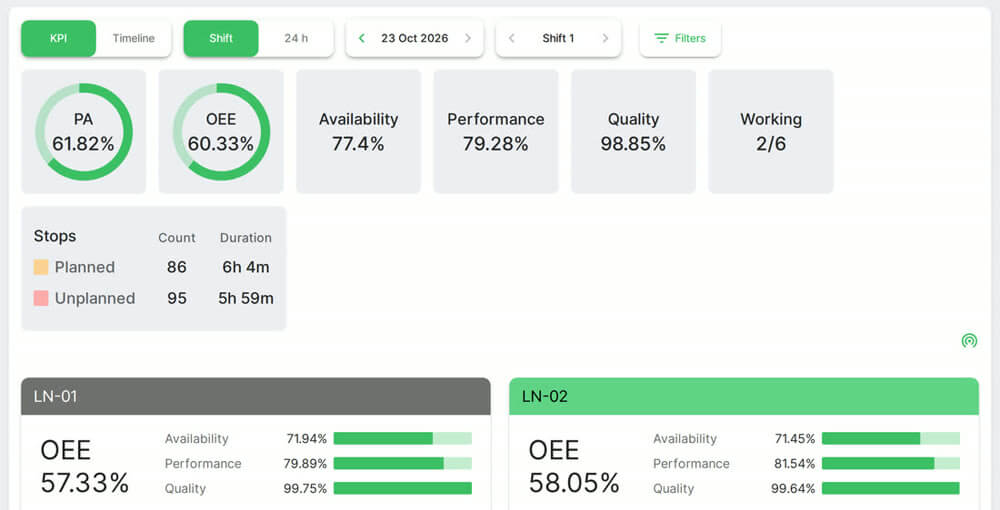
Running is not producing
A running signal can hide a stop
A machine can report running and make nothing: an empty infeed, a starved packer, a slow restart after a jam. The camera count shows the gap between running and producing, and slow running too.
- Short stops and starved or blocked stations made visible
- Slow running shown next to the machine signal
- The camera video for any stop at a camera station
One timeline
Camera video and machine data on one timeline
Click a stop on the shift timeline and open the camera video for that minute, next to the machine signal, the count and the operator's reason. The shift meeting starts from what happened, not from who remembers it best.
- Video for any stop at a camera station, by line and shift
- Camera counts, PLC and sensors in one OEE
- Lines connected in different ways, compared side by side
Stops this shift, with the operator's reason
- No operator08:20 · 12 min
- Changeover overrun10:40 · 18 min
- Jam at the transfer11:48 · 25 min
Continuous improvement
Visual evidence for continuous improvement
A kaizen team or a root cause analysis can start from the camera video of that minute, its machine data and the cause the operator tagged, rather than from memory. Fabrico gives you the data for that work. It has no formal root cause workflow of its own.
- Open the stop on the timeline
- Filter stops by line, shift and reason
- Top stop reasons ready for the loss Pareto
- 1The camera video for that minute
What actually happened at the station, not what was remembered at the end of the shift.
- 2The machine data around it
Speed, counts and stops from the PLC or sensor on the same timeline.
- 3The reason your operator tagged
The classification your team agreed on, ready for the loss Pareto.
Today and next
What runs today, and what comes next
So you know exactly what you are buying.
Live today
Cameras count output where there is no machine signal. Camera counts and PLC data feed one OEE calculation, so lines connected in different ways compare side by side. You open the camera video for any stop at a camera station.
CountsVideo at camera stationsOne OEEVideo and privacy
In the standard setup, video for a stop is streamed when someone opens it and is not stored in Fabrico. Access is role-based. How long video can be opened, and anything beyond the standard setup, is agreed per plant in writing.
StreamedRole-based accessGDPR with a DPANext, in development
Stop-reason suggestions from the camera, confirmed by the operator, and jam and blockage zones on the camera view. Ask what is ready for your pilot line.
Roadmap
Roadmap
Coming next: the camera suggests the reason, the operator confirms
We are building stop-reason suggestions from the camera. The system will propose a likely cause, such as a jam or no material, and the operator confirms it with one tap. Today the camera counts output, you open its video for any stop, and the operator picks the reason from your list.
- The camera proposes a likely cause
- The operator confirms or corrects it with one tap
- Ask what is ready for your pilot line
Video and privacy
Cameras on the shop floor, on your terms
Cameras on the shop floor need the trust of the people who work there. This is how video and access work in the standard setup.
Streamed, not stored
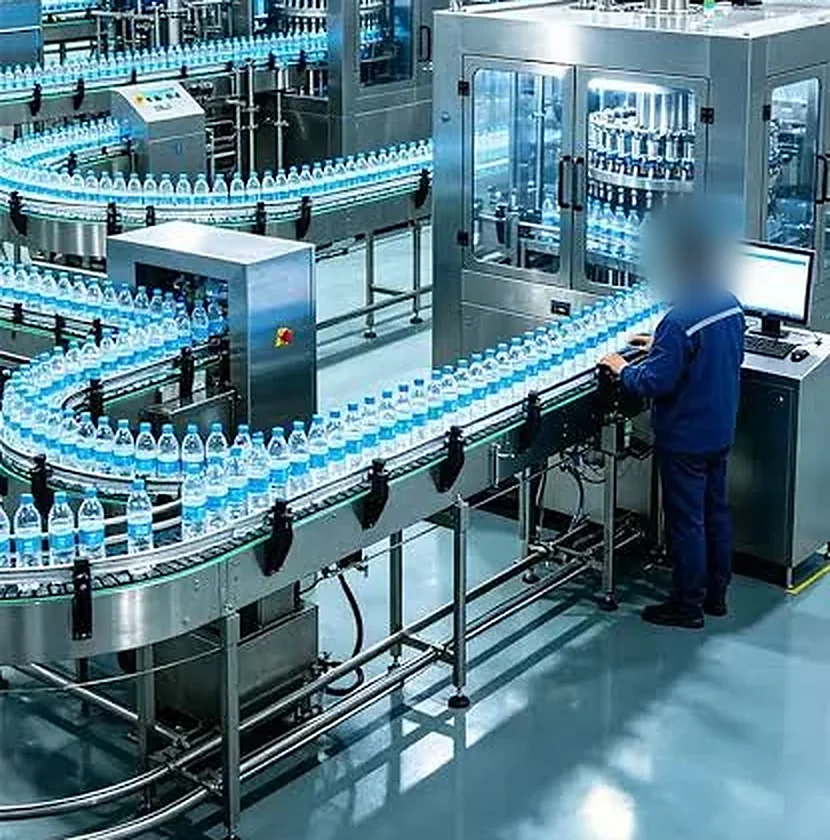
Video for a stop is streamed when someone opens it and is not stored in Fabrico in the standard setup.
Aimed at the product flow
Cameras point at the conveyor, the work surface or the transfer. Where each one points is agreed with you before it goes up.
ISO/IEC 27001 and GDPR
Role-based access to video, ISO/IEC 27001 certification and a data processing agreement for GDPR.
Your works council can join
They can join the review of where each camera points, before any camera goes up. OEE is reported by line and shift.
Rollout
How it goes live on your line
Cameras go where they explain a loss. Every other station connects through its PLC or a Fabrico IoT device.
- 1
Before install
Line review
We review the line with you and agree which stations get a camera, which connect through the PLC and which get a Fabrico IoT device.
- 2
About one month
Install and connect
Cameras go up over the agreed stations, and the machines connect through their PLC or the IoT device.
- 3
Once connected
One shift timeline
Counts, stops and speed land on one shift timeline, with OEE live by line and shift.
- 4
By month 3 to 4
Tag, open, rank
Operators tag stop reasons on a tablet, you open the camera video for any stop at a camera station, and, with the financial impact module, the losses are ranked in money.
Plan on about one month to install the devices and connect the machines. The full rollout, with data import, setup and on-site training, takes 3 to 4 months.
Day to day
What you see once the line is connected
A live count per station
Units per hour at each camera station, next to the machine counts, so a slow station shows up the same shift.
Stops on one timeline
Each stop with its start, its minutes and the camera video for that minute. Time with no reason is reported as its own figure, so missing reasons stay visible, not buried in the total.
OEE by line and shift, in money
Availability, performance and quality for camera-counted and PLC-connected lines on the same numbers, and with the financial impact module, the losses ranked in money.
Platform proof · Ficosota, FMCG
OEE from 53.1% to 59.6% on 16 lines
Ficosota's results come from OEE across its lines, not from cameras. Ficosota is also an investor in Fabrico.
For the first five months, the most important thing is visibility. It gives management a lot of insight - where to push and where to dive deeper, based on the main losses Fabrico finds.
See camera counts and stops on a demonstration line.
Book a demoBefore a camera goes up
The questions plants ask before a camera goes up
Do we need special hardware?
Yes, an industrial-grade camera over each station that has no usable signal, or where you want to see what stops it. Those stations need no PLC work. How many is agreed after a review of your stations, which also shows where a PLC link or an IoT device fits better. See how many cameras a line needs.
Will our network cope?
Video for a stop is streamed when someone opens it, and in the standard setup it is not stored in Fabrico. Ask for the measured bandwidth per camera on your pilot line before you scale. See what IT needs to know.
What will the works council say?
Cameras are aimed at the product flow: the conveyor, the work surface, the transfer. At hand-pack stations hands will be in view, so where each camera points is agreed with you before it goes up, and your works council can join that review. OEE is reported by line and shift. A data processing agreement covers GDPR. Read our guides to GDPR and line cameras and works council approval.
How accurate are the camera counts?
Check it on your own line. On the pilot, compare the camera count with a hand count or your checkweigher for the same shift before you scale. See how accurate a camera count is.
Is our data secure?
Fabrico is certified to ISO/IEC 27001, ISO/IEC 20000-1 and ISO 9001. Data is hosted on AWS in Germany for EU plants, encrypted in transit and at rest, with role-based access and an audit log. See security.
What does it cost, and can we start small?
Cameras are an add-on to Fabrico OEE, quoted per plant once the line review shows how many stations need one. Start with one line: a pilot ends with a readout of that line's losses and the capacity you can recover. See how Fabrico is priced and how a pilot works.
FAQs
Computer vision OEE: FAQs
What does computer vision add to OEE software?
Two things a PLC can't give you. First, counts at stations with no usable machine signal, such as hand-pack tables, bagging stations and older machines, so those stations get an OEE too. Second, context: when a line stops, you open the camera video for that minute next to the machine data and the operator's reason.
How many cameras does a production line need?
It depends on the stations, not the line. A camera goes over each station or transfer with no usable machine signal, or where you want to see what stops it. The number is agreed after a review of your process and machines, which also shows which stations suit a camera and which suit a PLC or an IoT device.
Is the camera video stored?
Not in Fabrico, in the standard setup. Video for a stop is streamed when someone opens it on the timeline. Who can open it is set by role. How long video can be opened, and any other setup, is agreed per plant in writing.
How long does a computer vision rollout take?
Plan on about one month to install the devices and connect the machines. The full rollout, including data import, setup and on-site training, is complete in 3 to 4 months.
Does it work with our PLCs and SAP?
PLCs, yes: camera counts and machine data feed the same OEE calculation, and the PLC link speaks OPC UA, Modbus, PROFIBUS, PROFINET, EtherNet/IP and EtherCAT. SAP or another ERP: a connection is scoped per customer through REST APIs.
Can the camera suggest why the line stopped?
That is the next step we are building. The camera will propose a likely reason, such as a jam or no material, and the operator confirms it with a tap. Today the camera counts output and shows the video for any stop, and the operator picks the reason from your list.
Is this the same as vision inspection for quality?
No. Inspection cameras check each pack for defects, such as a label, a cap or the fill level, and reject the bad ones. Fabrico's cameras count output at stations with no usable signal and let you open the video for a stop, so those losses show up in OEE.
More detail
Camera-based OEE software: camera and machine data in one OEE calculation
Camera counts land on the same timeline as PLC and sensor data. Every source feeds the same OEE calculation, so lines connected in different ways can be compared side by side. Maintenance is built in, linked to the same machine. See how OEE software builds availability, performance and quality from this data.
Computer vision OEE for food, beverage and FMCG lines
FMCG lines change SKU often and run fast, so short stops and slow running add up quickly. Cameras help where machine signals rarely tell the whole story: transfers between machines, case packers and hand-pack stations. Before you start, read how to place and light the cameras, what to ask in a computer vision buyer's checklist, and how to run a one-line computer vision pilot.
See it on your line
Find out what your losses cost. Recover the output you already own.
Bring a recent shift that fell short of plan. On a demonstration line we show how a shift like that looks in Fabrico: the stops, the camera view and, with the financial impact module, what each loss cost. Running several plants? Ask to see the group view, where plants are compared on the same numbers.
Or start with a one-line pilot
- 1Week 1: connect one representative line
- 2Weeks 1 to 3: measure its losses
- 3Weeks 3 to 5: act on the top three
- 4Week 6: readout of the capacity you can recover
Under 6 weeks. It starts with a standalone optical sensor and hub, so no PLC or IT link is needed to start. How the pilot works