


 Login
Machine Monitoring Software for New and Older MachinesConnect new and old machines. With or without a PLC.
See status, output, stops and live OEE while the shift runs.
- Wall screen or phone
- One OEE view
- ISO/IEC 27001
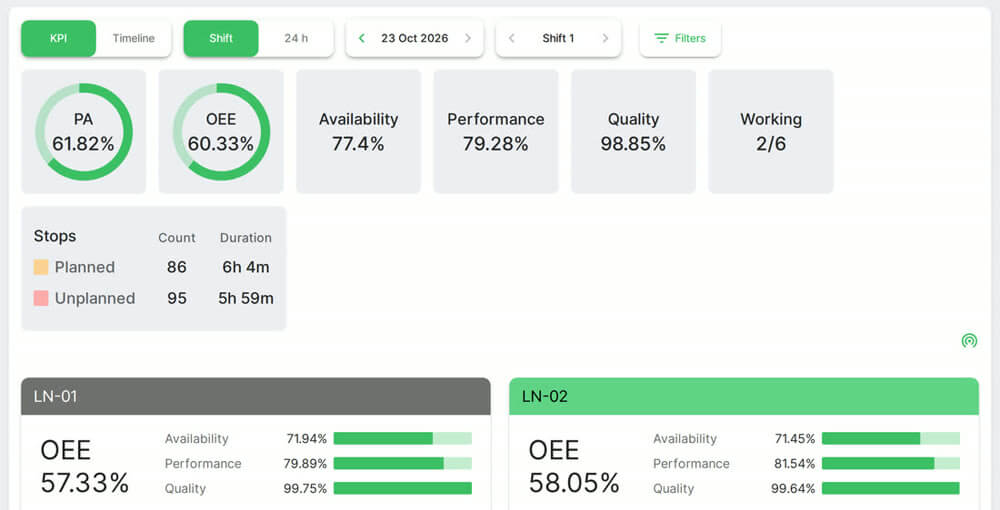 Plant and line OEE. Real Fabrico screen, sample data.
Trusted by manufacturing groups







See when a line ran and stopped
Hour by hour, with output against target.

Automated machines connect through the PLC
Your automation team, a partner or ours can do the integration.
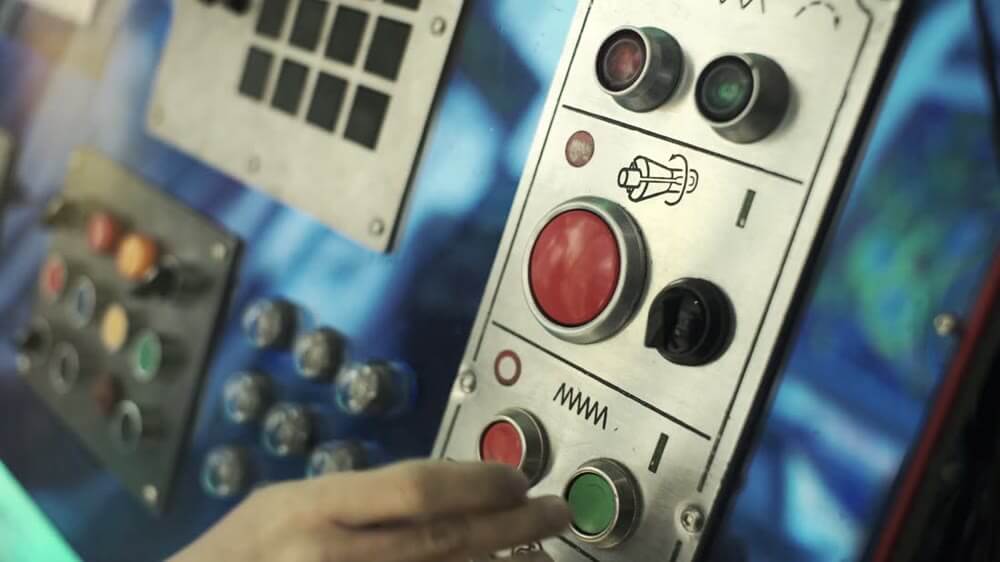 Stock photo: a machine control panel.
No PLC? Use sensors or a camera
Older machines get a Fabrico IoT device with external sensors. Manual stations can use AI cameras (add-on).
See computer visionPLC where there is one
IoT device with sensors
Camera: counts output
Connected machines report their own stops
Short stops too brief to log by hand get recorded too.
See downtime tracking
See how it works in a live demo.
FAQs
Which protocols does Fabrico support?
OPC UA, Modbus, PROFIBUS, PROFINET, MQTT, EtherNet/IP, EtherCAT, IO-Link and HTTP. PLC links use OPC UA, Modbus, PROFIBUS, PROFINET, EtherNet/IP or EtherCAT. Each project starts with a review of your machines, to agree the route for each one.
What happens if the connection drops?
The gateway can store machine data offline for up to 30 days, with automatic recovery within 72 hours by default. The Fabrico app itself has no offline mode.
How long does it take to set up machine monitoring?
Installing the devices and connecting the machines takes about one month. Full rollout across the lines you choose, with data import, setup and on-site training, takes 3 to 4 months.
More detail
Shop floor data collection
Shop floor data collection means capturing production data at the machine while the shift runs. Connected machines report status, cycles and stops. Operators add what no signal carries on a tablet or phone: stop reasons, plus good parts and scrap where no sensor counts them. The app runs on iOS, Android and the web, in English, German, French, Polish and Bulgarian, and other languages can be added.
ERP, API and multi-plant machine monitoring
Fabrico connects to other systems through a REST API and webhooks. A one-way or two-way connection to SAP PM or SAP S/4HANA can be scoped per customer with your SAP team. Dynamics, Oracle and other ERPs connect through a custom integration. Excel or CSV export covers other tools. Maintenance is built in, linked to the same machine. With a group account, head office sees all plants, and cross-plant reports compare machines and lines. See the OEE software for shift, line and plant reports.
Find out what your losses cost. Recover the output you already own.
See how losses get a price tag in a live demo.