Login
Login
 Blog
Blog
The Ultimate Manufacturing CMMS Requirements Checklist (2026 Edition)

Key Takeaways
-
Avoid the "Facility Trap": Facility-focused CMMS checklists skip the features manufacturers need most, such as Failure Mode tracking and OEE integration.
-
Data Integration is Non-Negotiable: In 2026, your CMMS must talk to your production equipment (OEE) and your finance system (ERP).
-
Prioritize with MoSCoW: Use the Must Have / Should Have framework to separate critical needs from "nice-to-haves."
Buying a Computerized Maintenance Management System (CMMS) is one of the most critical decisions a Plant Manager or Maintenance Director will make. Choose correctly, and you build a "Reliability Engine" that drives profit.
Choose poorly, and you end up with expensive "shelfware" that your technicians refuse to use.
The problem? Most CMMS requirements checklists found online are designed for Facility Management (hotels, schools, and offices), not Manufacturing. They prioritize room bookings over OEE (Overall Equipment Effectiveness), and cleaning schedules over Failure Modes.
If you run a factory, your requirements are different. You aren't just maintaining a building; you are maintaining the capacity to produce revenue.
This guide provides a Manufacturing-First CMMS Requirements Checklist, aligned with Reliability-Centered Maintenance (RCM) principles, to help you select a platform like Fabrico that integrates production data with maintenance action.
The "Facility Trap": Why Standard Checklists Fail
Before building your requirements list, you must understand the difference between a General Purpose CMMS and a Manufacturing CMMS.
A General Purpose CMMS treats a broken toilet the same as a broken CNC machine, it’s just a "ticket" to be closed. A Manufacturing CMMS understands that the CNC machine drives revenue. It knows that OEE (Production) and CMMS (Maintenance) are two sides of the same coin.
The Golden Rule of 2026: If your CMMS cannot see your production data (OEE), it is blind to the real problems on your floor.
How to Use This Checklist (The MoSCoW Method)
To keep your project focused, we recommend grading every requirement using the MoSCoW method:
-
M - Must Have: Non-negotiable. If the software lacks this, it’s a "No."
-
S - Should Have: Important, but a workaround exists (e.g., via API).
-
C - Could Have: Nice to have, but not a deal-breaker.
-
W - Won't Have (this time): Features you agree to leave out of this project, to keep scope and complexity under control.
Requirement Category 1: The "Living" Asset Register
According to RCM principles, you must understand what you have before you can maintain it. A flat list of assets is not enough; you need context.
| Requirement | Type | Why It Matters (The Diagnosis) | The Fabrico Solution (The Cure) |
| Hierarchical Asset Tree | Must | You need to track costs at the Parent (Line), Child (Machine), and Grandchild (Motor) level. | A machine registry with each machine's full history, organized by plant and location. |
| Failure Code Tracking | Must | "Fixed It" is not data. You need to record Failure Codes (e.g., "Bearing Seized") to analyze root causes. | Failure codes that technicians log at the machine, so you can run Pareto analysis on why assets fail. |
| Bill of Materials (BOM) | Should | Technicians shouldn't waste time guessing which spare belt fits which motor. | Link spare parts to the machines they belong to, so the right part is one tap away on the work order. |
Requirement Category 2: Work Order Management & Mobility
This section is for "Tom," your lead technician. If the software is hard to use, he won't use it.
| Requirement | Type | Why It Matters (The Diagnosis) | The Fabrico Solution (The Cure) |
| Mobile-First App | Must | Technicians don't work at desks. They work at machines. | A native iOS/Android app designed for fat fingers and oily screens. |
| QR Code Scanning | Must | Searching for assets by typing serial numbers is a waste of time. | Scan a code on the machine to instantly open its history and active work orders. |
| Digital SOPs & Checklists | Must | Paper checklists get pencil-whipped. Digital lists ensure compliance. | Mandatory step-by-step digital checklists with "Pass/Fail" logic. |
| Photo/Video Uploads | Should | A picture of a leaked seal is worth 1,000 words of typed description. | Direct camera integration for "As Found" / "As Left" documentation. |
Requirement Category 3: The OEE Integration (Production Bridge)
This is the most critical differentiator for manufacturers. Standard CMMS tools rely on calendar-based maintenance (Time-Directed). Modern factories need Condition-Based Maintenance (CBM) triggered by real-time data.
| Requirement | Type | Why It Matters (The Diagnosis) | The Fabrico Solution (The Cure) |
| Integrated OEE Module | Must | You cannot improve what you cannot measure. You need to see Availability, Performance, and Quality in real-time. | Fabrico OEE is built-in, not a plugin. It visualizes losses immediately. |
| Signal-Triggered Follow-Up Tasks | Must | If a machine faults, the system should be able to trigger a follow-up task, instead of relying on an operator to remember to report it. | Recurring PM templates and an annual PM plan, plus PLC and IoT signals that can trigger a follow-up task. |
| Computer Vision Capability | Could | Sensors miss "micro-stops" and human factors (e.g., slow changeovers). | Fabrico Computer Vision sees manual bottlenecks that PLCs miss, providing the "Why" behind the downtime. |
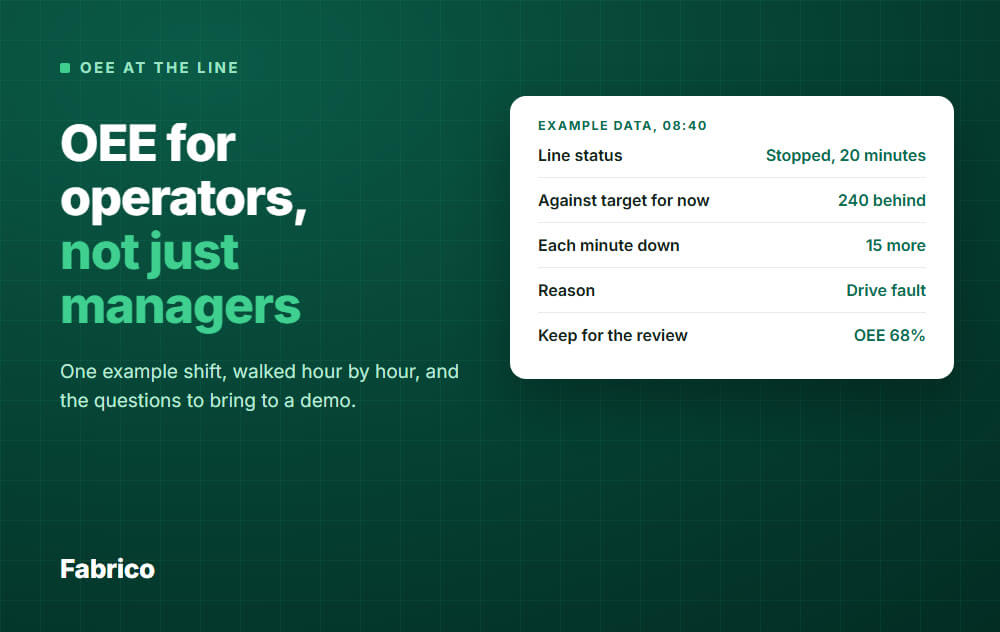
| Downtime Reason Codes | Must | To fix chronic issues, you need to categorize downtime (e.g., "No Material" vs. "Motor Failure"). | Operators select downtime reasons on tablets, feeding the Pareto charts for maintenance. |
Requirement Category 4: Inventory & Procurement
Plant leadership cares about cash flow. Spare parts sitting on a shelf are dead money.
| Requirement | Type | Why It Matters (The Diagnosis) | The Fabrico Solution (The Cure) |
| Min/Max Levels | Must | Prevents stockouts of critical spares and overstocking of non-criticals. | Auto-alerts when stock dips below minimum safety levels. |
| Vendor Management | Should | You need to know who sells the bearing and how much it costs. | A supplier listing linked to specific parts, so you know who supplies each spare. |
| Multi-Site Inventory | Could | If Plant A has the part, Plant B shouldn't buy a new one. | Visibility of stock levels across multiple factory locations. |
Requirement Category 5: Technical & ERP Connectivity
A CMMS is an island unless it connects to your financial brain (ERP).
| Requirement | Type | Why It Matters (The Diagnosis) | The Fabrico Solution (The Cure) |
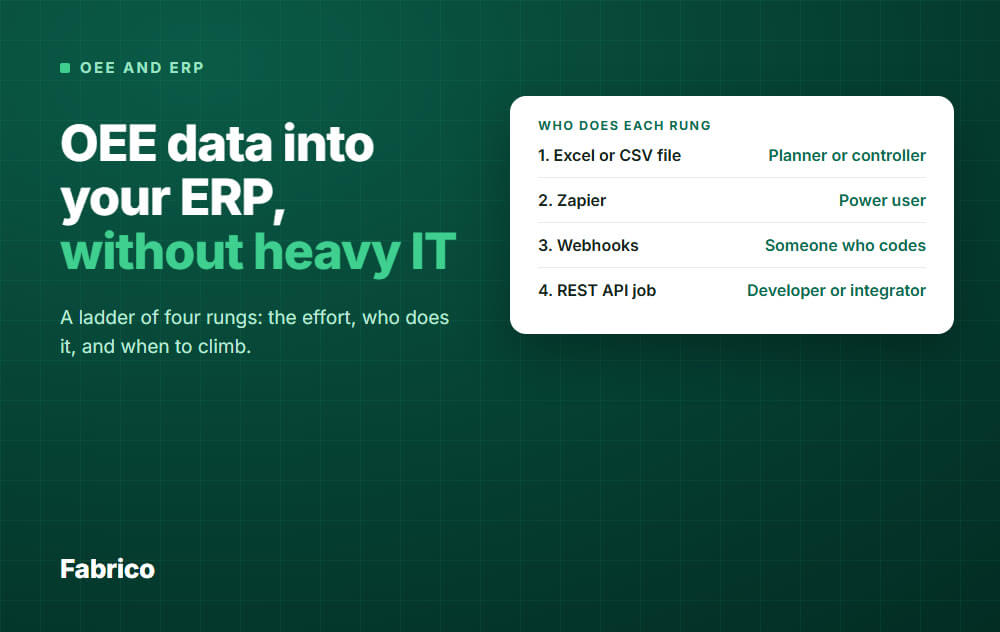
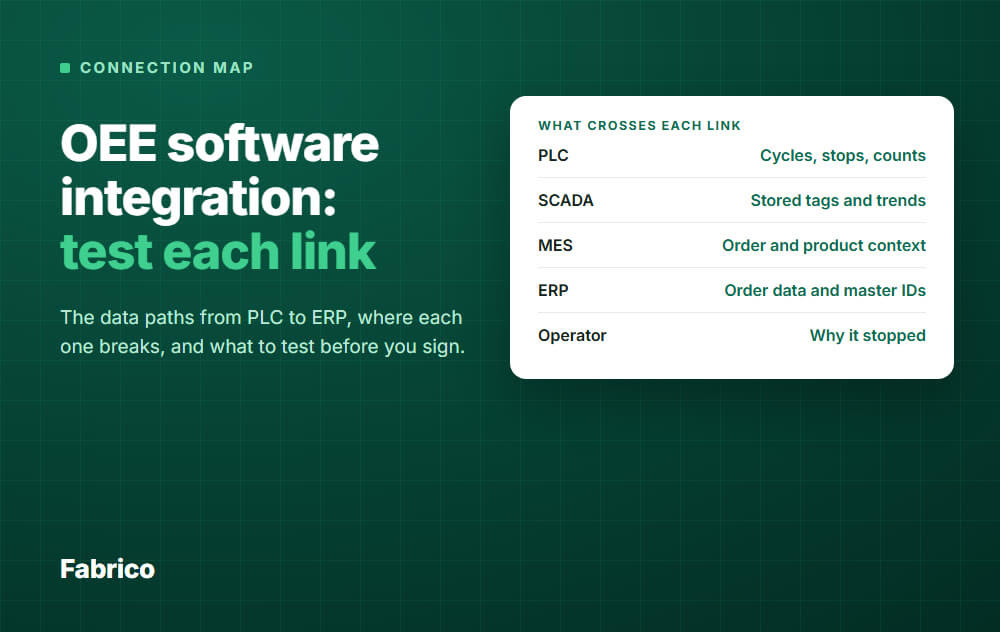
| SAP / ERP Integration | Must | Maintenance costs must flow to Finance; Inventory data must flow to Purchasing. | SAP PM sync, a REST API, webhooks and Zapier, plus Excel import and export. Microsoft Dynamics can be connected through a custom integration or the REST API. |
| Cloud-Based (SaaS) | Must | On-premise software is expensive to update and hard to access remotely. | Secure, cloud-native architecture accessible from anywhere. |
| Data Export/API | Must | You own your data. You must be able to extract it for BI tools (PowerBI, Tableau). | Open API for custom reporting and dashboards. |
The Master Summary: Is It "Manufacturing Ready"?
When reviewing a vendor, ask these three questions to determine if they are truly manufacturing-ready or just a generic tool:
-
"Does your system calculate OEE natively, or do I need to buy a separate tool?"
-
Fabrico Answer: It is native. We believe OEE (The Diagnosis) and CMMS (The Cure) belong together.
-
-
"How fast is mobile work order capture on the floor?"
-
Fabrico Answer: Work orders are built to be closed at the asset on a phone, with an auto-timer recording the time spent.
-
-
"How do you handle Condition-Based Maintenance triggers?"
-
Fabrico Answer: We connect to PLCs, IoT sensors and computer vision, and a machine signal can trigger a follow-up task, so condition data reaches maintenance without an operator having to report it.
-
Frequently Asked Questions (FAQ)
What is the difference between EAM and CMMS?
An Enterprise Asset Management (EAM) system typically focuses on the full lifecycle of an asset (acquisition to disposal) and is often used by very large enterprises for financial tracking. A CMMS focuses on the maintenance execution phase.
Modern platforms like Fabrico blend these lines by offering EAM-level depth with the usability of a modern CMMS.
Why is OEE important for a CMMS?
OEE (Overall Equipment Effectiveness) measures how effectively your equipment is running. By integrating OEE with your CMMS, you can correlate maintenance activities with production performance.
For example, you can prove that a specific Preventive Maintenance (PM) task improved machine speed by 10%.
How long does it take to implement a Manufacturing CMMS?
Large ERP-based maintenance modules can take many months to roll out. Fabrico quotes 3 days of Fabrico-side setup, covering configuration, users, roles and bulk import, and its intuitive interface means technicians need less training. The rest of the timeline is set by how clean your asset register is.
Does Fabrico support ISO compliance?
Yes. Fabrico maintains a digital audit trail of all maintenance activities, who performed them, and when. This traceability is what auditors look for under ISO 9001 and similar quality standards, and Fabrico itself is certified to ISO 9001 and ISO 27001.
Ready to define your requirements?
Don't settle for a generic facility tool. Equip your factory with a system built for production.
Book a Demo with Fabrico to see how we check every box on your list.
Add a sixth category: security and compliance
IT will ask these questions before anyone signs, so put them on the list from the start. Typical Must Haves are role-based access control, single sign-on through SAML, an audit log of who changed what, data hosted in a region your policies allow, a signed data processing agreement under GDPR, and current certifications such as ISO 27001. Fabrico offers role-based access control, an audit log, SSO through SAML set up for each customer, hosting in the AWS EU region, a GDPR data processing agreement, and ISO 27001, ISO 9001 and ISO 20000-1 certification.
Add requirements for rollout and support
Features are only half of the decision. Ask every vendor for their setup time, help with bulk import of your asset register from Excel, live and on-site training, a committed support response time, and a multi-language interface if your plants work in more than one language.
Fabrico covers these with 3 days of setup, bulk import support, live and on-site training, support response in under 2 hours and a multi-language interface.
Turn the checklist into a scorecard
Treat every Must Have as pass or fail, then weight Should Haves above Could Haves and score each vendor against the same total.
Before each demo, send the vendor five of your real assets and two real work orders, and ask them to run your scenario live, including a QR scan on a phone and a downtime Pareto. A demo on your own data exposes gaps that a feature list hides.
Want OEE captured straight from your machines, no manual logs?
Request a demoRelated articles