


 Login
Computer Vision for OEE and Downtime TrackingCameras see what machine signals miss. See the stop behind the number.
Short stops nobody writes down. Manual interventions nobody reports.
- Works on manual stations
- Add-on to Fabrico OEE
- ISO/IEC 27001
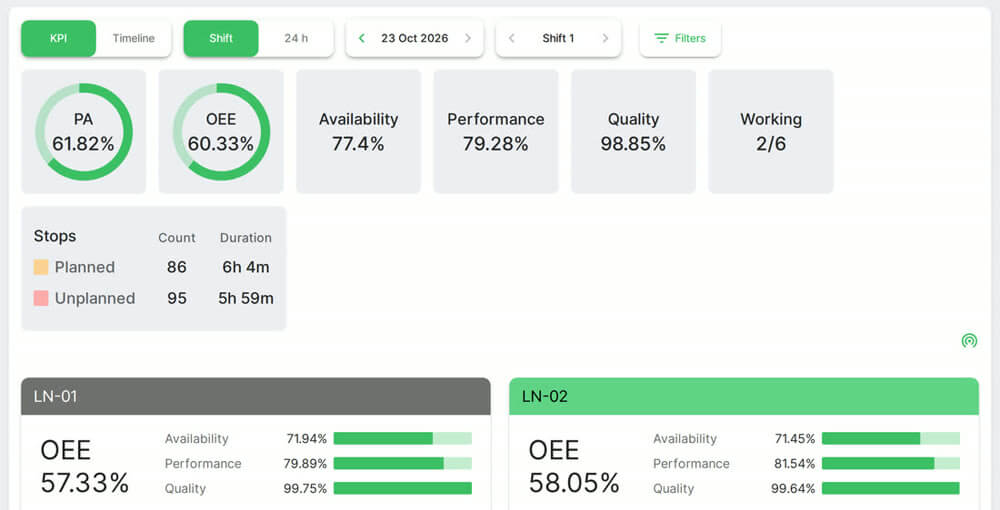 Plant and line OEE. Real Fabrico screen, sample data.
Trusted by manufacturing groups







Manual stations get counts and OEE
No machine signal, no PLC needed. The camera counts parts and detects cycles.
See machine monitoring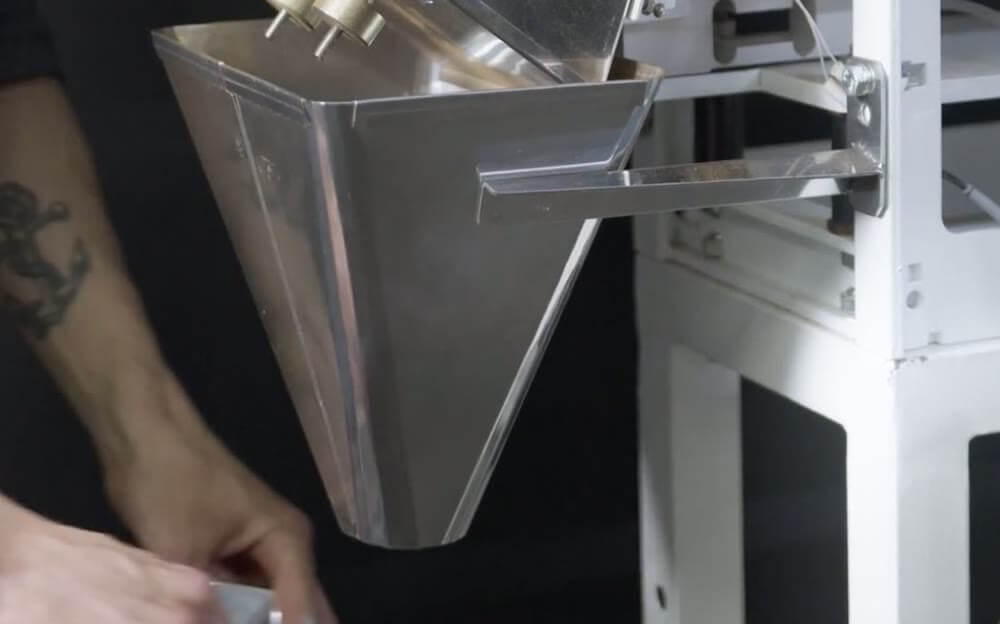 Stock photo: a manual bagging station.
A running signal can hide a stop
A station can be on and make nothing. Cameras detect that, and slow running too.
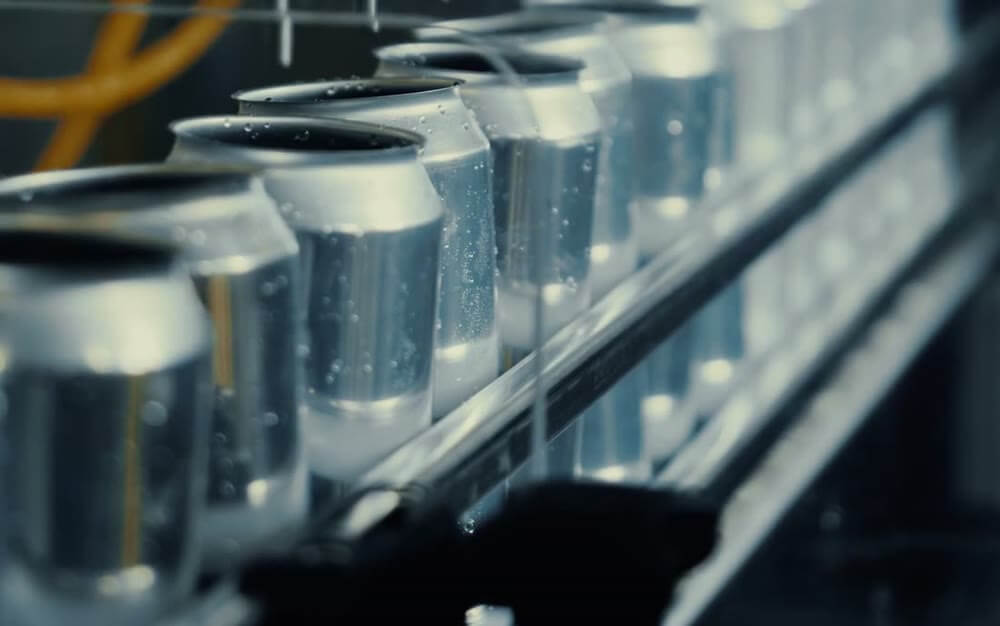 Stock photo: a filling line.
The camera suggests, the operator confirms
Cameras suggest a likely stop reason for the operator to confirm.
Suggested: no material
Suggested: jam
Suggested: broken part
Footage and machine data share one timeline
Zoom in on the exact moment and review the cause.
See downtime tracking
See how it works in a live demo.
FAQs
How does Fabrico learn the reasons for stops?
The model learns from historical inputs from machines and operators, and learns to recognize recurring causes. Suggestions come after that learning phase.
How many cameras does a production line need?
One or more industrial-grade cameras per line, set up to cover the key process areas. The number is agreed after a review of your process and machines, which also shows which stations suit a camera and which suit a PLC or an IoT device.
How long does a computer vision rollout take?
Plan on about one month to install the devices and connect the machines. The full rollout, including data import, setup and on-site training, is complete in 3 to 4 months.
More detail
Camera-based OEE software: camera and machine data in one OEE calculation
Camera counts land on the same timeline as PLC and sensor data. Every source feeds the same OEE calculation, so lines connected in different ways can be compared side by side. When a line stops, the footage, the machine data and the operator's reason sit in one place. Maintenance is built in, linked to the same machine. See how OEE software builds availability, performance and quality from this data.
Visual evidence for continuous improvement
A kaizen team or a root cause analysis can start from the clip of the stop, its machine data and the cause the operator tagged, rather than from who remembers it best. Fabrico gives you the data for that work. It has no formal root cause workflow of its own.
Find out what your losses cost. Recover the output you already own.
See how losses get a price tag in a live demo.