In a factory with 500 motors, finding "Motor #412" can take longer than fixing it.
Technicians wander the floor, wiping grease off nameplates, trying to match serial numbers to a work order.
This "Search Time" is waste. And worse, it leads to Data Rot. If a technician services the wrong machine, your maintenance history is corrupted.
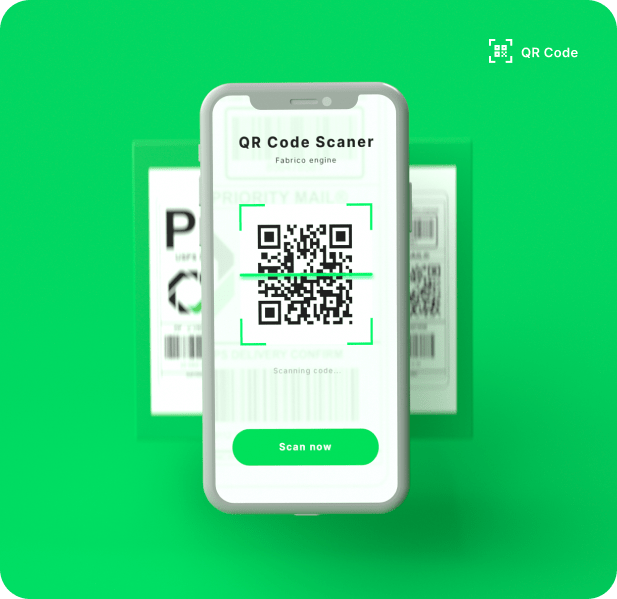
To solve this, modern maintenance teams use QR Code Asset Tagging.
But printing a code is the easy part. The hard part is finding software that makes scanning that code fast, intuitive, and actionable.
You don't want a "URL Redirect" to a website; you want a deep link into your maintenance workflow.
Here are the 6 best CMMS software tools with native QR Code Asset Tagging.
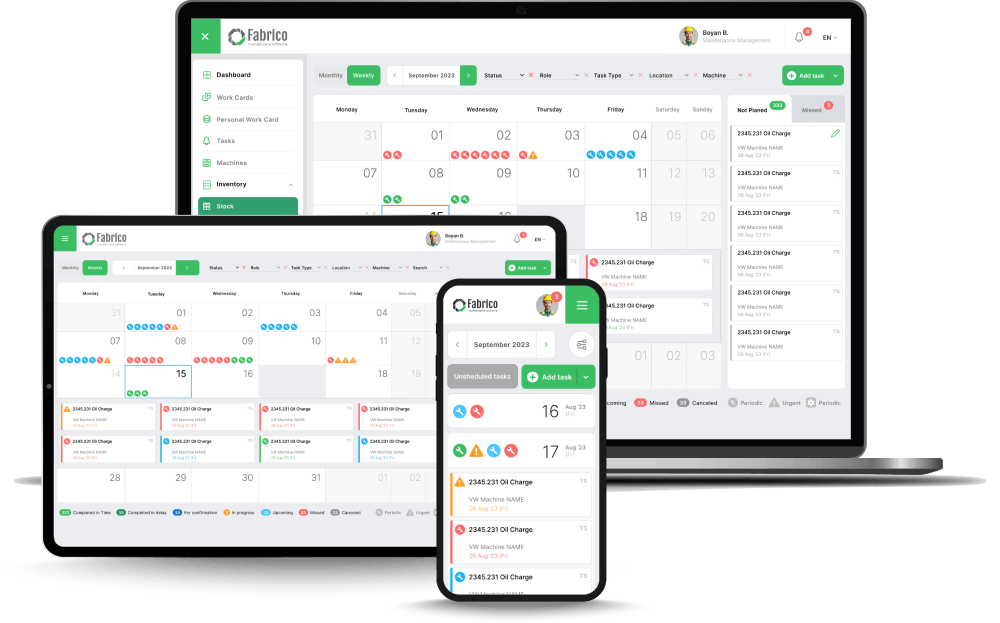
1. Fabrico (Best for Instant Maintenance Access)
Fabrico puts the "Field-Ready" philosophy into its QR scanning.
We understand that when a machine is down, speed is everything.
Fabrico's QR system is designed to bypass the menus.
When a technician or operator scans a tag on the shop floor, they are instantly presented with the Asset Profile and a "One-Tap" button to report a fault or start a PM.
Key QR Features:
-
Instant Context: Scanning the code shows the asset's Open Work Orders, History, and Manuals immediately. No searching.
-
Digital SOP Access: Link safety procedures (LOTO) to the code. Scan the breaker box to see exactly how to lock it out.
-
Batch Printing: Fabrico allows you to generate and print batches of asset tags directly from the asset list, streamlining the setup process.
-
Guest Scanning: Allows non-users (like machine operators) to scan a code and submit a "Request" without needing a full license.
Best For: Manufacturing plants needing instant "Scan-to-Work" capabilities for technicians and operators.
2. Asset Panda (Best for Pure Asset Tracking)
Asset Panda is primarily an asset tracking platform, not just a maintenance tool.
It allows for infinite customization of what happens when you scan.
If you need to track IT Assets (laptops), Tools, and Machinery all in one system, Asset Panda is incredibly flexible.
Its QR scanning is robust, supporting checking in/out of tools and updating location data (GPS) upon scan.
Best For: Companies managing a wide variety of asset types (IT, Fleet, Tools) alongside machinery.
3. Limble CMMS (Best for Work Request Portals)
Limble uses QR codes brilliantly for the Work Request Portal.
Their goal is to stop the "Hey, can you fix this?" hallway conversations.
You stick a Limble QR code on the coffee machine or the CNC lathe. When it breaks, anyone (even without a login) scans it. A simple form pops up: "What's wrong?" -> "Take a Photo" -> "Submit."
It is the lowest friction way to get breakdown reports from the shop floor into the maintenance queue.
Best For: Facilities and Plants that need to simplify the "Request" process for operators.
4. UpKeep (Best for Inventory Scanning)
UpKeep extends QR scanning into the Parts Room.
While most tools scan assets, UpKeep excels at scanning Parts Bins.
Technicians can grab a filter, scan the bin label, and instantly deduct the quantity from inventory. This "Point of Sale" style workflow improves inventory accuracy significantly.
Their mobile app handles the camera focus well, even in dimly lit storerooms.
Best For: Teams that want to use QR codes for both Assets and Spare Parts inventory.
5. MaintainX (Best for Digital Procedure Launch)
MaintainX links QR codes to Digital Procedures.
This is vital for safety compliance.
You can stick a QR code on a fire extinguisher. When scanned, it doesn't just open the asset info; it launches the "Monthly Fire Inspection Checklist."
The technician must complete the steps on the screen. This ensures that the inspection was actually done at the asset (Proof of Presence).
Best For: Safety-critical environments requiring "Proof of Presence" for inspections.
6. Fiix (Best for Enterprise Asset Hierarchies)
Fiix handles QR codes within complex Asset Hierarchies.
In a large factory, you might have a "Parent" asset (Production Line) and "Child" assets (Motor, Pump, Belt).
Fiix allows you to scan a Child asset and easily navigate up to the Parent system to see upstream dependencies.
It helps technicians understand the context of the asset they are working on within the larger system.
Best For: Large enterprises with complex Parent/Child asset structures.
Comparison: What Happens When You Scan?
Different tools optimize for different actions.
| Feature |
Fabrico |
Asset Panda |
Limble |
UpKeep |
MaintainX |
Fiix |
| Primary Scan Action |
Access & Repair |
View/Track |
Submit Request |
View/Inventory |
Start Checklist |
View Hierarchy |
| Guest Scanning |
Yes (Request) |
No |
Yes (Portal) |
Yes |
Yes |
Limited |
| Inventory Scanning |
Yes (Native) |
Yes |
Limited |
Native (Focus) |
Limited |
Yes |
| SOP Linking |
Native (One-Tap) |
Limited |
Limited |
Standard |
Native (Focus) |
Standard |
| Batch Printing |
Yes |
Yes |
Yes |
Yes |
Yes |
Yes |
Conclusion: Stick it and Scan it
QR codes are the cheapest way to digitize your factory floor. A $0.10 sticker can save a technician 10 minutes of searching.
If your goal is Asset Tracking (Where is it?), Asset Panda is the specialist.
If your goal is Easy Requests (Fix it!), Limble is excellent.
But if your goal is to empower your maintenance team with instant access to History, Manuals, and Spare Parts right at the point of failure, Fabrico transforms a simple sticker into a gateway for reliability.
Ready to tag your fleet?
See how Fabrico's scanning workflow speeds up repairs.
Book a Demo with Fabrico Today


 Login
Login
 Blog
Blog