Menu

What planners can use in Fabrico today

Planners need to know what the machines can really do. Fabrico shows it live, with data from PLC connectivity or IoT sensors on the machines.

  • Live OEE by line and shift: Availability x Performance x Quality for every machine and line, on a real-time dashboard.
  • Machine status: which machines are running and which are stopped right now, on the web or in the iOS and Android app.
  • Downtime by cause: every stop with its duration and the cause the operator tags, plus micro-stops.
  • Repair figures: MTTR, MTBF and the machines with the most repairs.

So a planner can see which line really holds its expected pace before promising a date. Read more about our OEE software and our downtime tracking software.

On the roadmap: production planning in Fabrico

This section describes a module that is not available today. Production planning is on our roadmap, and we have no release date to share.

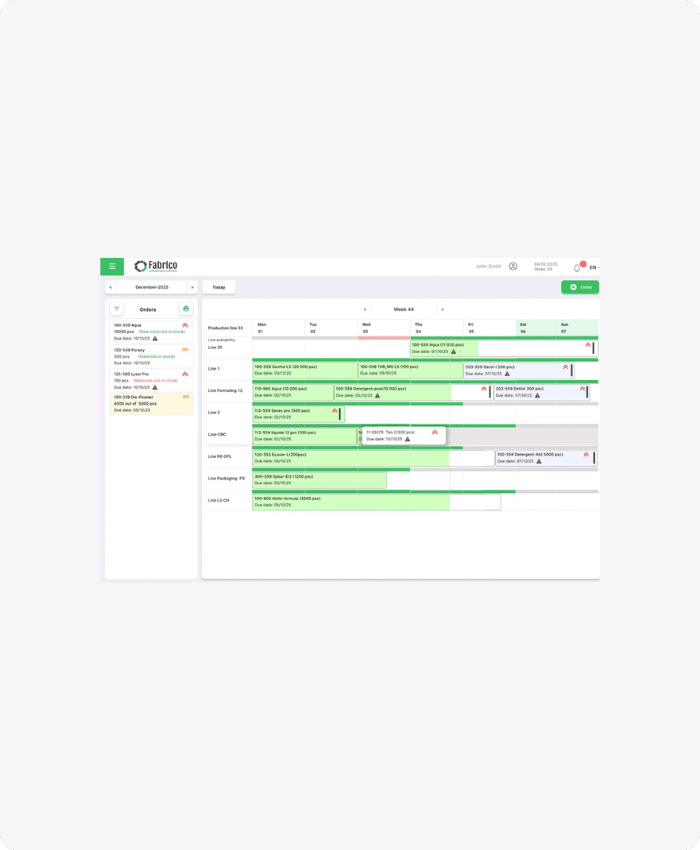
The idea is to plan production on top of the data Fabrico already collects. A planning module is meant to take real machine availability, actual speed and planned maintenance windows into account, so the plan matches what the lines can do.

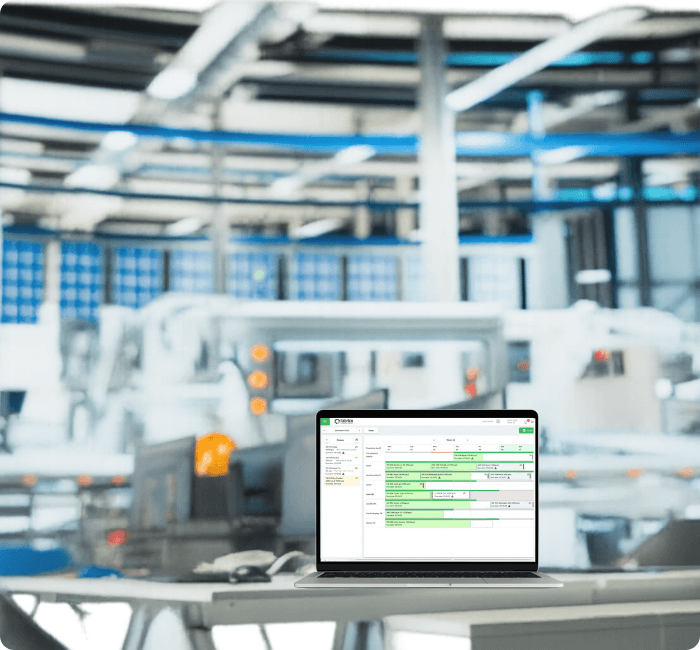
The planning screens in the pictures on this page show a design of that module. They are not in the product today, and the final module may look different.

Today, Fabrico does not create, schedule or dispatch production orders. It is the monitoring and OEE layer that a planning tool or an ERP can draw on.

The scope may still change. If production planning matters for your plant, contact us and tell us how you plan today.

Available today: maintenance windows and ERP integration

Production plans often clash with maintenance. The maintenance calendar of the built-in CMMS shows every planned task and the annual PM plan, so planners see in advance when a machine is booked for maintenance.

If you plan in your ERP, Fabrico works alongside it:

  • SAP: integration with SAP S/4HANA and bidirectional sync with SAP PM.
  • Other ERPs: Dynamics, Oracle and others through a custom integration.
  • REST API and webhooks: to connect Fabrico data with the tools you already use.
  • Excel export: any list in Fabrico exports to Excel or CSV, for example for your own planning sheet.

The plan is still made where you make it today, with fresher numbers from the shop floor.

FAQs

Does Fabrico do production scheduling?

No. Your plan stays in the ERP or planning tool you use today, and Fabrico feeds it live OEE and stop data from the lines. See the OEE and MES overview for what it measures.

Can planners see maintenance windows before they plan?

Yes. Planned work shows on the preventive maintenance calendar, so a machine booked for service is visible before you commit a date.

Does Fabrico connect to the ERP we plan in?

Yes. Fabrico syncs with SAP PM both ways and works with SAP S/4HANA, and other ERPs connect through a custom integration or the REST API.

Define Your Reliability Roadmap
Validate Your Potential ROI: Book a Live Demo
Define Your Reliability Roadmap
By clicking the Accept button, you are giving your consent to the use of cookies when accessing this website and utilizing our services. To learn more about how cookies are used and managed, please refer to our Privacy Policy and Cookies Declaration