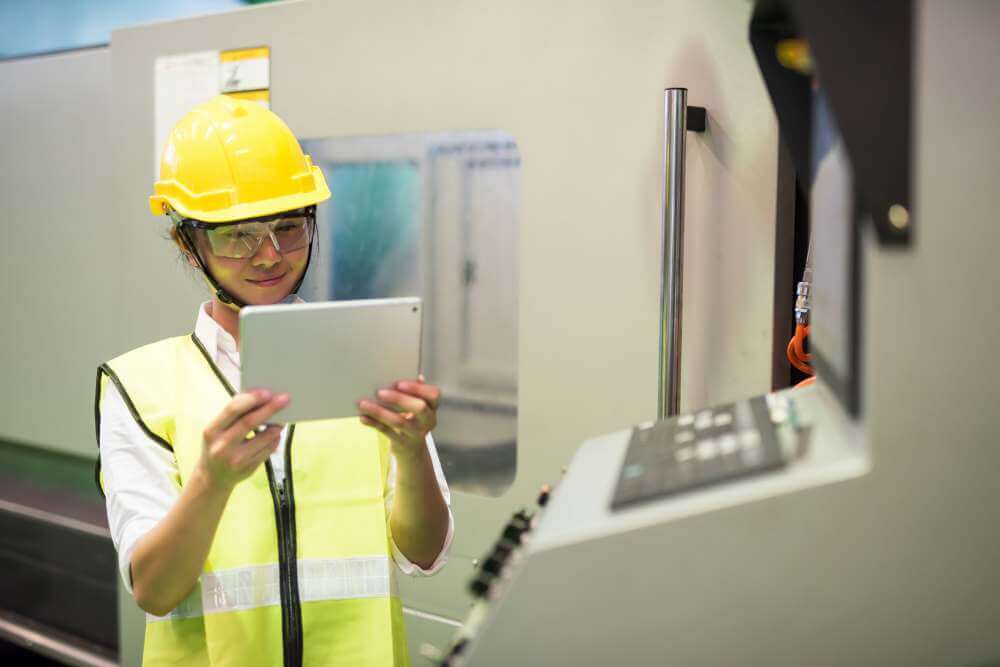
"I can order a taxi or book a flight on my phone in 30 seconds. Why does fixing this machine require 30 minutes of paperwork?"
This is the frustration of the modern manufacturing worker.
For decades, operators and technicians were treated as "Data Sources"—people who fed information into a system for managers to analyze.
In 2026, the paradigm has flipped. Frontline Operations Platforms are designed for the worker. They turn the tablet or smartphone into a command center. They replace binders, radios, and whiteboards with a unified digital interface.
But a pretty app isn't enough. The best platform must connect the Worker to the Machine.
Here are the 5 best tools to empower your frontline teams.
The Comparison Matrix (2026)
| Software |
Best For... |
Core Focus |
Machine Connectivity |
Mobile Experience |
| 1. Fabrico |
Unified (Worker + Machine) |
Execution (OEE/CMMS) |
Native (PLC/Vision) |
Native App (Offline) |
| 2. Tulip |
DIY Apps |
Custom Workflows |
High (IoT) |
Excellent |
| 3. Poka |
Knowledge Sharing |
Video & Training |
Low |
Excellent (iPad) |
| 4. Redzone |
Team Huddles |
Collaboration/Culture |
Medium (OEE) |
Good |
| 5. Parsable |
Digital Procedures |
Standard Work (SOPs) |
Low |
Good |
1. Fabrico: The "Super App" for Execution
Verdict: The best choice for factories that want to arm their workers with real-time Machine Intelligence, not just digital forms.
Fabrico stands out because it doesn't just digitize paper; it connects the worker to the asset. When an operator scans a QR code on a pump, they don't just see a PDF manual. They see:
-
Live Status: Is the machine running? (OEE).
-
History: What happened last shift? (Digital Logbook).
-
Action: A "Create Work Order" button to fix issues instantly.
Why It Wins for the Frontline:
-
Fabrico Assistant (AI): Instead of searching for answers, the worker asks the AI: "How do I clear a jam on Unit 4?" The AI answers instantly using the OEM manual and historical logs.
-
Inefficiencies Zoom-In: If the machine stops, the operator can watch the "Instant Replay" video on their tablet to see what happened.
-
Offline Capability: The app works perfectly in basements or far corners of the plant where Wi-Fi is spotty, syncing data when connectivity returns.
Best For: Maintenance Technicians and Machine Operators who need data to do their jobs.

2. Tulip Interfaces: The "Builder's" Platform
Verdict: The best tool for engineers who want to build custom apps for their operators.
Tulip is a "No-Code" platform. It lets you drag-and-drop widgets to create custom interfaces. You can build an app specifically for "Line 1 Assembly" that looks completely different from "Warehouse Receiving."
Pros:
-
Customization: You can design the screen exactly how the operator wants it (big buttons, specific colors).
-
Hardware Integration: Connects to pick-to-light systems and smart torque tools to guide the worker's hands.
Cons:
-
Build Time: You are building software, not just buying it. It requires an internal team to maintain the apps.
-
Consistency: Without strict rules, different lines might build different looking apps, confusing workers who move between stations.
Best For: High-Mix Assembly environments.
3. Poka: The "YouTube" of the Factory
Verdict: The leader in video-based knowledge sharing and training.
Poka is built on the idea that video is the best language. It allows workers to film short clips of problems or solutions and share them with the factory news feed.
Pros:
-
Onboarding: New hires can watch a library of "How-To" videos on their iPad before they touch a machine.
-
Social Feel: It feels like a social network, which drives high adoption among younger workers.
Cons:
-
Not an Execution System: It’s great for learning how to fix the machine, but it’s not the primary tool for managing the Work Order or Spare Parts inventory.
-
Manual Data: It relies on users to create content.
Best For: Training and Continuous Improvement cultures.
4. Redzone: The "Huddle" Platform
Verdict: A coaching platform that uses digital tools to drive daily communication.
Redzone focuses on the "Daily Huddle." It gathers the team around a screen to review performance (OEE) and assign actions for the shift.
Pros:
Cons:
-
Service Heavy: It’s a philosophy implementation as much as a software purchase.
-
Limited Asset Depth: It drives behavior, but it lacks the deep engineering asset data (MTBF, Spare Parts) of a full CMMS like Fabrico.
Best For: Food & Beverage plants needing a culture turnaround.
5. Parsable: The "Digital Binder"
Verdict: A solid tool for digitizing complex Standard Operating Procedures (SOPs).
Parsable takes your 50-page safety procedure and turns it into an interactive mobile checklist. It ensures that Step 1 is done before Step 2 is unlocked.
Pros:
Cons:
Best For: CPG and Energy companies with strict safety protocols.
Conclusion: Give Them the Right Tools
The "Deskless Worker" is your most valuable asset.
-
If you need Custom Assembly Apps, build with Tulip.
-
If you need Video Training, use Poka.
-
If you need a Unified Execution Platform that gives workers Machine Data, AI Answers, and Maintenance Tools in one app, Fabrico is the 2026 solution.


 Login
Login
 Blog
Blog