Menu
5 Best MachineMetrics Alternatives for Actionable OEE (2026 Review)

5 Best MachineMetrics Alternatives for Actionable OEE (2026 Review)

Key Takeaways


  • The "Analytics" Trap: MachineMetrics is a powerful analytics tool, but it forces you to buy a separate system (CMMS) to actually manage the repairs.

  • The "Action" Gap: Knowing your OEE is low is useless if you don't have an automated workflow to dispatch technicians to fix it.

  • The Top Contenders: We review Fabrico, Vorne, Evocon, and others to help you find a solution that turns data into action.

5 Best MachineMetrics Alternatives for Actionable OEE (2026 Review)

MachineMetrics is one of the most well-known names in the Industrial IoT (IIoT) space. It excels at collecting high-frequency data from CNC machines and PLCs, presenting it in beautiful dashboards.

If your only goal is to visualize production data, it is a strong product.


But visualization is not the same as improvement.


The frustration many Plant Managers face with MachineMetrics is the "So What?" factor.

The screen turns red, indicating a machine is down. But the software doesn't inherently manage the spare parts, the work orders, or the technician schedules required to get it back up.

You have to integrate it with a third-party CMMS to close the loop.

If you are tired of paying for two separate subscriptions to solve one problem, here are the 5 best MachineMetrics alternatives for 2026.

## 1. Fabrico: The "Actionable OEE" Solution


Best For: Manufacturers who want OEE + Maintenance in a single platform.

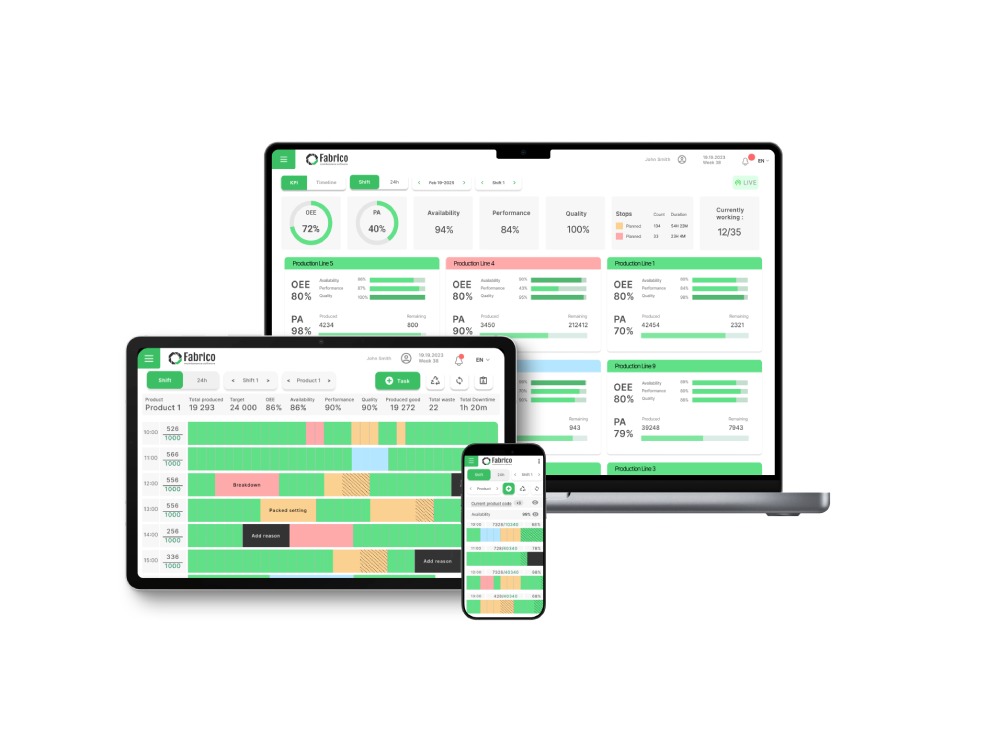
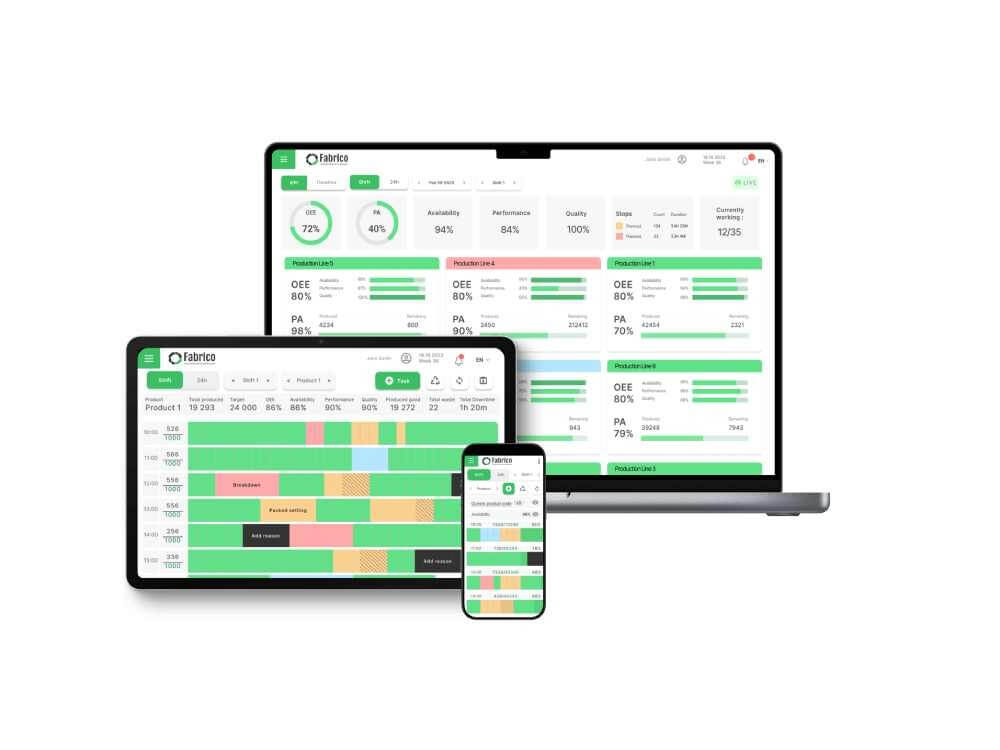
Fabrico challenges the idea that you need separate software for Production (OEE) and Maintenance (CMMS). It combines both into a unified operating system for the factory floor.


Why Manufacturers Switch to Fabrico:

  • From Fault to Fix: In MachineMetrics, a fault is just a data point. In Fabrico, a fault is a trigger. When OEE drops, Fabrico automatically generates a maintenance work order, assigns it to a technician, and tracks the repair time (MTTR).

  • Computer Vision: MachineMetrics relies heavily on PLC connections. Fabrico adds Computer Vision to the mix, allowing you to detect manual bottlenecks (like slow changeovers or operator errors) that PLCs miss.

  • One Budget: Instead of paying for an OEE tool and a separate CMMS (like Fiix or UpKeep), Fabrico gives you both modules for a single price.

  • Root Cause Analysis: Because Fabrico holds both the performance data and the maintenance history, you can correlate specific failure modes with production losses without complex API integrations.


The Verdict: If you want to stop just watching your machines fail and start fixing them automatically, Fabrico is the superior choice.


Take a live tour with a product expert
Request a demo

2. Vorne XL

Best For: Simple, visual production counting.

Vorne is famous for its "XL Productivity Appliance"—a hardware device with a big LED scoreboard that hangs over the line.

  • Pros: Extremely simple to deploy. You plug in a sensor, and the scoreboard shows the OEE in real-time. It is excellent for motivating operators on the floor.

  • Cons: It is hardware-centric. It lacks the deep, flexible software workflows of modern SaaS platforms. It tells you the score, but it doesn't help you manage the maintenance team needed to improve that score.

  • The Difference: Vorne is a digital scoreboard. Fabrico is a digital coach.

3. Evocon

Best For: Easy OEE monitoring for manual or semi-automated lines.

Evocon is a popular European alternative that focuses on simplicity. It uses simple hardware devices to track production signals.

  • Pros: Very clean user interface. It is easy to understand and great for tracking "micro-stops" on packaging lines.

  • Cons: Like MachineMetrics, it is primarily a monitoring tool. It has very limited maintenance management capabilities. You will still need a separate CMMS to manage spare parts and work orders.

  • The Difference: Evocon is great for monitoring; Fabrico is great for execution.

4. SensrTrx

Best For: Mid-market analytics.

SensrTrx positions itself as a "Manufacturing Analytics" platform. It provides good visibility into scheduling and performance.

  • Pros: Strong context. It allows operators to add context to downtime events easily (e.g., "Waiting on Material"). It integrates well with ERP scheduling modules.

  • Cons: It is purely analytics. It does not handle the physical execution of asset care (Maintenance). It identifies the bottleneck but relies on other tools to manage the fix.

  • The Difference: Use SensrTrx if you need deep scheduling analytics. Use Fabrico if you need asset reliability.

5. Tulip

Best For: DIY engineering teams who want to build their own apps.

Tulip is a "No-Code" platform. It isn't an OEE tool out of the box; it is a toolkit that lets you build an OEE app (or a Maintenance app).

  • Pros: Infinite customization. If you have a team of engineers who want to build a completely custom workflow screen for a specific station, Tulip is amazing.

  • Cons: High effort. You have to build the logic yourself. It is not a turnkey solution like Fabrico or MachineMetrics. Setup can take months of engineering time.

  • The Difference: Tulip is for builders; Fabrico is for users.

Comparison Matrix: From Data to Action

Feature Fabrico MachineMetrics Vorne XL Evocon
Primary Focus OEE + Maintenance Analytics Visualization Monitoring
Native CMMS ✅ Yes ❌ No ❌ No ❌ No
Auto-Work Orders ✅ Yes ⚠️ Requires Integration ❌ No ❌ No
Deployment Software (SaaS) Hardware + SaaS Hardware Hardware + SaaS
Computer Vision ✅ Yes ❌ No ❌ No ❌ No

Summary: Which one solves your problem?

  • Stick with MachineMetrics if: You are a high-precision CNC shop that needs deep spindle-load analytics and you already have a separate CMMS you love.

  • Choose Vorne if: You just want a big scoreboard to motivate operators.

  • Choose Fabrico if: You want to close the loop. If you are tired of the disconnect between "Production" and "Maintenance," Fabrico is the only platform that gives you the Diagnosis (OEE) and the Cure (CMMS) in one system.


Turn your data into maintenance action.


[Book a Demo with Fabrico] to see how we integrate the shop floor with the maintenance shop.

Latest from our blog

Define Your Reliability Roadmap
Validate Your Potential ROI: Book a Live Demo
Define Your Reliability Roadmap
By clicking the Accept button, you are giving your consent to the use of cookies when accessing this website and utilizing our services. To learn more about how cookies are used and managed, please refer to our Privacy Policy and Cookies Declaration