In 2026, many Plant Managers face a common pressure from IT:
"Why do we need a special maintenance system? Can't you just use the same ticketing system the IT department uses? It’s already paid for."
It is a tempting offer. Consolidating software saves money.
But using an IT Ticketing System (or a generic Project Management tool) to run a Factory is like using a spreadsheet to fly a plane.
It might capture the data, but it won't keep you in the air.
Manufacturing Work Order Software is distinct because it is Asset-Centric, not Task-Centric.
It understands that a "Repair" is not just a to-do item; it is a complex event involving Safety, Inventory, and Production.
Here are the 4 critical layers where generic tools fail the factory floor, and why you need specialized software like Fabrico.
1. The Inventory Link (The "Cost" Layer)
When an IT tech fixes a laptop, they rarely use consumable spare parts.
When a Maintenance tech fixes a pump, they use seals, oil, and bearings.
2. The Safety Gate (The "Risk" Layer)
In an office, a mistake means a deleted file. In a factory, a mistake means a lost finger.
Safety cannot be optional.
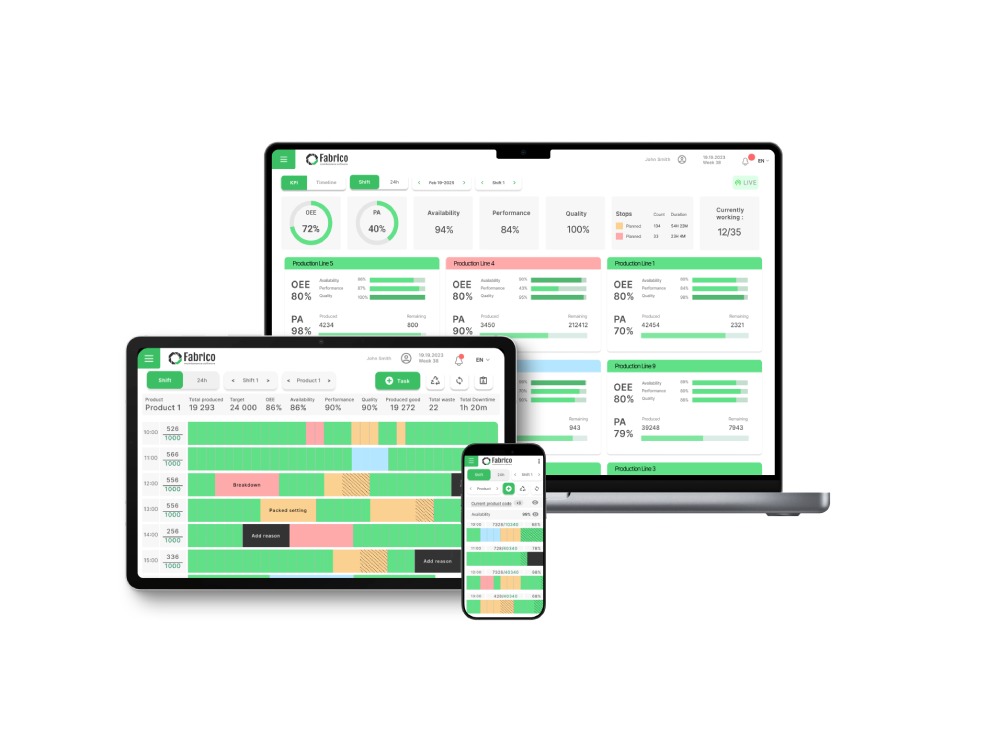
3. The Production Handshake (The "OEE" Layer)
Maintenance exists to support Production. Generic tools treat them as separate worlds.
4. The Asset Hierarchy (The "Engineering" Layer)
Factories are built on parent-child relationships. A Bearing is part of a Motor, which is part of a Conveyor, which is part of a Packaging Line.
-
Generic Tool: Uses a "Flat List." You have 50 tickets for "Conveyor." You can't tell if it's the motor or the belt causing the issue.
-
Fabrico: Uses a deep Asset Hierarchy. You log the failure against the specific Component (The Bearing).
-
Analysis: You can run a report: "Show me all Bearing failures across all Motors." This is how you find bad batches of parts.
Comparison: Generic vs. Specialized
| Feature |
Generic Project Tool (Monday/Jira) |
Manufacturing Software (Fabrico) |
| Primary Object |
The Task (Ticket) |
The Asset (Machine) |
| Inventory |
Manual Text Entry |
QR Scan & Auto-Deduct |
| Safety |
Optional Checklist |
Mandatory Logic Gates |
| Hierarchy |
Flat / Tags |
Multi-Level Tree |
| Downtime |
Manual Time Log |
OEE Integrated |
| Outcome |
"Task Done" |
"Reliability Improved" |
The Fabrico Framework: The 4-Layer Work Order
A true Manufacturing Work Order is not a single form. It is a stack of 4 integrated forms:
-
The Header: Asset ID, Priority, and Problem Description.
-
The Safety Layer: LOTO and Permit-to-Work verification.
-
The Execution Layer: Step-by-step Digital SOPs and Parts Consumption.
-
The Closing Layer: Failure Codes and OEE Validation.
Conclusion: Use the Right Tool
You wouldn't use a hammer to drive a screw.
Don't use a generic task manager to run a multimillion-dollar facility. The risk of stockouts, safety incidents, and lost data is too high.
Build for the factory.
[Request a Demo] and see how Fabrico handles the complexity of manufacturing.


 Login
Login
 Blog
Blog