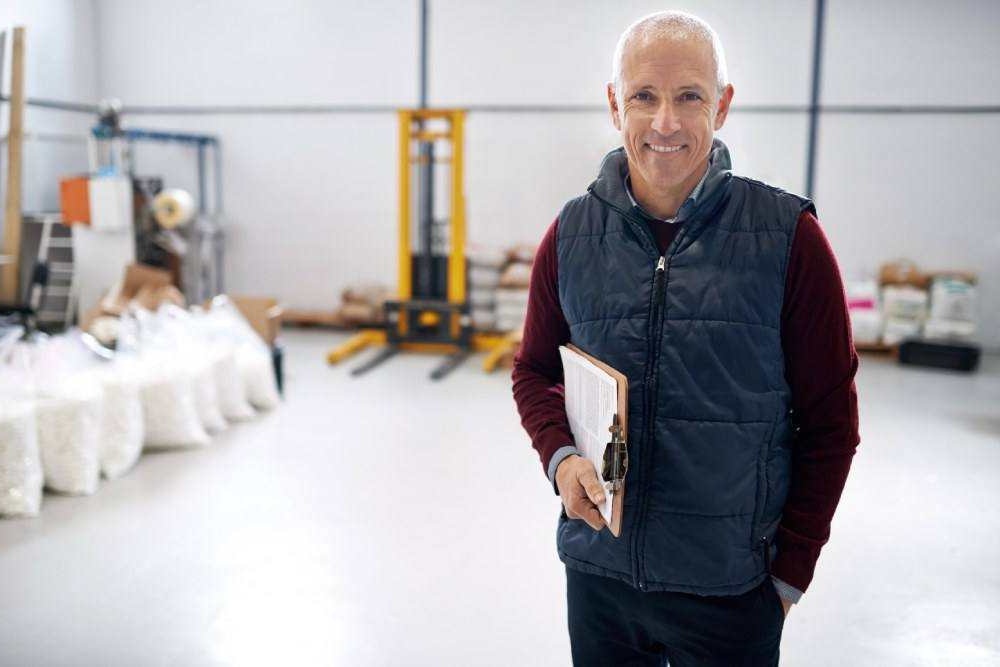
In a factory environment, the "office" is a concept, not a reality for most maintenance teams. Your technicians are under machines, on top of gantries, or inside signal-shielded enclosures.
Yet, most Factory Maintenance Software is designed as if they are sitting at a desk with perfect Wi-Fi.
This disconnect is the #1 reason CMMS implementations fail. If the tool is hard to use, technicians will "pencil whip" the data (enter fake data to finish quickly) or ignore it entirely.
To capture accurate data and improve OEE, you need software that is Field-Ready. Here is what that means for the modern factory in 2026.
The "Field-Ready" Standard
A true Factory Maintenance System acknowledges that speed and simplicity are the only things that matter when a line is down.
1. Mobile-First & Offline-Capable
Generic cloud apps (like generic project management tools) spin and crash when the internet signal drops. In a factory with thick concrete walls and metal interference, this is fatal.
Fabrico’s Approach:
-
Native App: Not a web page wrapper. It utilizes the device's hardware (camera, GPS, storage).
-
True Offline Mode: Technicians can download their route, complete inspections, log parts, and close Work Orders while completely offline. The data syncs automatically once they re-enter a coverage zone.
-
Result: Zero data loss and zero frustration for the user.
2. The "Scan-to-Solve" Workflow (QR Codes)
Searching for an asset by typing a serial number into a search bar is a waste of time.
Fabrico’s QR Integration:
-
Instant Identification: A technician scans a QR code on the machine.
-
Contextual Data: The app immediately opens that specific asset’s profile—showing Open Work Orders, Maintenance History, and Safety Checklists.
-
Parts Write-Off: Scanning a spare part’s barcode instantly deducts it from inventory and links it to the Work Order.
-
Result: "Admin time" drops from minutes to seconds.
3. AI-Powered Troubleshooting (Fabrico Assistant)
Factory machinery is becoming more complex. A single factory might have equipment from 20 different OEMs (Siemens, Allen Bradley, Fanuc, etc.). No technician can memorize every manual.
The Old Way: Walking back to the office to find a physical binder or searching a slow PDF on a phone.
The Fabrico Way: The Fabrico Assistant (GenAI) ingests all your OEM manuals and historical repair data.
-
Technician asks: "How do I tension the belt on Conveyor 4?"
-
Fabrico answers: Retrieves the specific page from the manual, summarizes the steps, and warns about specific safety lockouts required.
Connecting the Floor to the Metrics (OEE)
A "Factory" tool must be more than a digital checklist; it must understand production.
Fabrico links the technician’s actions to the OEE Dashboard.
-
Downtime Validation: When a technician closes a repair, the "Reason Code" they select validates the OEE downtime event.
-
Video Evidence: If Fabrico’s Computer Vision captured the breakdown, the technician can watch the "Zoom-In" clip on their tablet before they start fixing, seeing exactly what happened (e.g., "The arm hit the guard rail").
Comparison: Factory-Specific vs. General Purpose
Why "Field-Ready" matters for adoption.
| Feature |
Fabrico (Factory Specialized) |
Generic CMMS (e.g., Maintenance Connection) |
Paper / Excel |
| Connectivity |
True Offline Sync (Native App) |
Often requires constant Web connection |
N/A |
| Asset ID |
Native QR/Barcode Scanning |
Search bar focused |
Serial numbers (Manual) |
| Knowledge Base |
AI Assistant (Reads Manuals) |
Static File Attachments |
Physical Binders |
| OEE Context |
Integrated (See downtime cycles) |
None (Siloed data) |
None |
| User Interface |
Large Buttons / Glove-Friendly |
Complex Menus / Mouse-focused |
Pen & Paper |
The Fabrico Framework: Adoption Drives Data
We follow a simple rule: High Adoption = High Quality Data.
-
Simplify: Give the technician a tool that is faster than paper.
-
Guide: Use Digital SOPs and AI to help them fix things faster.
-
Validate: Use OEE data and Computer Vision to confirm the work was effective.
-
Analyze: Only then do you look at the dashboards to make strategic decisions.
Conclusion: Build for the User, Win the Data
If you buy software for the "Head Office," you will get pretty charts based on bad data. If you buy software for the "Factory Floor," you get accurate data that drives real improvements in Uptime and OEE.
Don't force your technicians to struggle with desktop software on a tiny screen. Give them a tool built for the job.
Equip your team with the Field-Ready solution.
[Request a Demo] and see Fabrico’s mobile app in action.


 Login
Login
 Blog
Blog