


 Login
 Blog
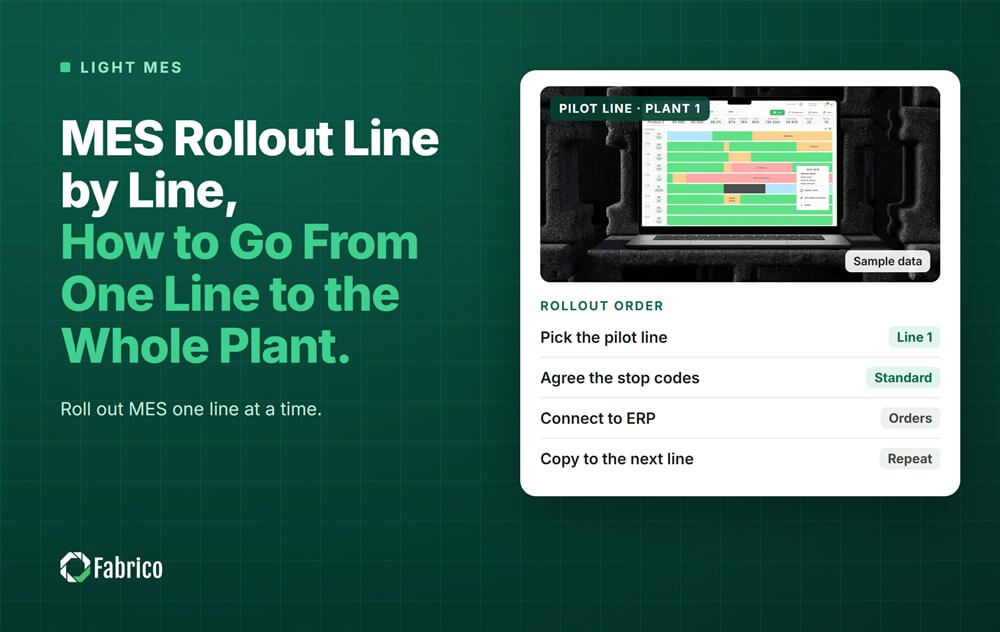
MES Rollout Line by Line: How to Go From One Line to the Whole Plant

Key takeaways
- Roll out MES one line at a time, not the whole plant on day one.
- Start on the line where downtime costs the most, with a baseline and a decision date agreed before go live.
- Copy a template to each next line: states, reason codes, rated speeds and the shift meeting.
- Move to the next line only when the last one passes a short readiness check.
- Fewer than a third of manufacturers move digital programs from pilot to scale. A line by line plan with exit dates is how you avoid that.
The short answer: an MES rollout works best line by line. You prove it on one line, freeze what worked into a template, then copy it to the next line with a clear check before each step.
This guide is for plant managers and CI leads planning a light MES or OEE rollout. Fabrico, a computer vision enabled Manufacturing Performance Platform, is rolled out this way: one line first, then the rest of the plant. The steps below work with any system.
Why roll out MES line by line instead of all at once?
A big bang rollout touches every line, every shift and every operator in the same week. When something is wrong, such as a bad reason code list or a wrong rated speed, it is wrong everywhere, and people stop trusting the numbers.
A line by line rollout keeps the blast radius small. Problems show up on one line, get fixed once, and the fix travels with the template.
It also fights a known trap. McKinsey found in 2018 that less than a third (30%) of manufacturers had moved digital programs from pilot to scale, while 92% felt level with or ahead of their peers. That gap is often called pilot purgatory. Our guide on why MES implementations fail covers the other usual causes.
How do you pick the first line?
Pick the line where a lost hour hurts the most and the crew is willing. Score each line on four points:
| Question | What a good first line looks like |
|---|---|
| Does a stop here cost the plant output? | Yes, it is the bottleneck or close to it |
| Is there a known pain? | Frequent short stops, long changeovers, or arguments about the shift report |
| Is the crew open to it? | The supervisor asked for better data |
| Can the machines be connected? | Through a PLC, an IoT device or a camera; the machine itself needs no PLC with Fabrico |
Avoid the newest, best run line. It will show the smallest gain and teach you the least.
What do you agree before go live on line 1?
- The baseline. Today's OEE, downtime minutes and top losses, from whatever records exist, even paper.
- The goal. One or two numbers, for example own stop minutes per shift and changeover minutes over standard.
- The decision date. The day you decide to extend, change or stop. Put it in the calendar.
- The owner. One person who runs the daily review of the data.
With Fabrico you start on one line with a baseline and a decision date agreed in advance. That exit date is what keeps a pilot from drifting.
What goes into the line template?
Everything you set up on line 1 that the next line will reuse. Write it down as one page:
- Machine states. Running, own stop, starved, blocked, planned stop, changeover.
- Reason codes. A short list the operators actually use. See our guide to operator friendly reason codes.
- Rated speeds per product or format, not one number per machine.
- The micro stop cutoff. No standard sets it, so pick one and keep it the same on every line.
- The shift routine. Who looks at which screen, at what time, and what they decide.
The template is the real product of line 1. The software is the same on every line; the template is what makes line 2 faster than line 1.
When is a line ready for the next one to start?
Use a short readiness check. Move on only when every box is ticked for two weeks in a row:
- Operators confirm stop reasons on most stops without being chased.
- The supervisor uses the data in the shift meeting.
- The OEE on screen matches a hand check of one shift.
- At least one fix came out of the data and was tracked.
If a line fails the check, fix the cause before you start the next line. Starting two weak lines is worse than one strong one.
A worked rollout plan for a four line plant
Sample plant (illustrative numbers, not a customer): four packaging lines, two shifts. Line 2 is the bottleneck. Its baseline OEE is 52%, with 70 minutes of own stops per shift.
| Step | Line | Main work | Exit check |
|---|---|---|---|
| 1 | Line 2 | Connect, build the template, train both shifts | Readiness check passed, decision date met |
| 2 | Line 1 | Copy the template, adjust rated speeds | Readiness check passed |
| 3 | Lines 3 and 4 | Copy the template, add their own reason codes only if needed | Readiness check passed on both |
| 4 | Plant | One plant view, weekly loss review across lines | Losses ranked across all four lines |
Suppose line 2 cuts own stops from 70 to 50 minutes a shift. That is 20 minutes a shift, 40 minutes a day over two shifts. On a line making 200 units a minute, that is 8,000 more units a day before anything changes on lines 1, 3 and 4. Those numbers are the sample, not a promise; your own baseline sets your own case.
Mistakes to avoid in a line by line rollout
- No decision date, so the first line runs for months with nobody deciding.
- Changing the reason code list on every line, so plant totals stop adding up.
- Starting the next line before the last one passed its check.
- Training operators once and never coming back after week one.
- Judging a line on OEE alone, without splitting own stops from starved and blocked time.
For budget and staffing, see our guide to MES implementation cost, time and team.
Where Fabrico fits
Fabrico is a computer vision enabled Manufacturing Performance Platform. OEE and light MES come first: automatic downtime logging that keeps own stops, starved and blocked time apart, and OEE live by line and shift.
- Machines connect through a PLC, a Fabrico IoT device or an AI camera.
- The operator confirms the reason in one tap, so codes stay the same from line to line.
- Losses priced in money and ranked, so each new line joins one loss list.
- One view across lines and plants once the rollout grows.
Named results so far: ABB reports 20% less downtime, and Ficosota took factory wide OEE from 53.1% to 59.6% with good output up 23.2% a month. There is no free plan and there are no tiers: each plant gets a quote. Read more on our light MES page.
Frequently asked questions
What is a line by line MES rollout?
It means you put the MES on one production line first, prove it, turn the setup into a template, and then copy it to the next line. Each line has a short check before the next one starts.
Which line should go first?
The line where a lost hour costs the plant the most, usually the bottleneck, with a crew that wants better data.
How do you avoid pilot purgatory?
Agree a baseline, one or two goals and a decision date before go live. On that date you extend, change or stop.
Do all lines need the same reason codes?
Keep one shared core list so plant totals add up. Add a line specific code only when a loss truly exists on that line alone.
Does every machine need a PLC?
Not with Fabrico. A machine connects through a PLC, a Fabrico IoT device or an AI camera.
Plan your rollout in a demo
Bring your line list and one week of downtime records. We will show which line to start on and what its template looks like.
Latest from our blog


Real Fabrico tiles, sample data.