


 Login
 Blog
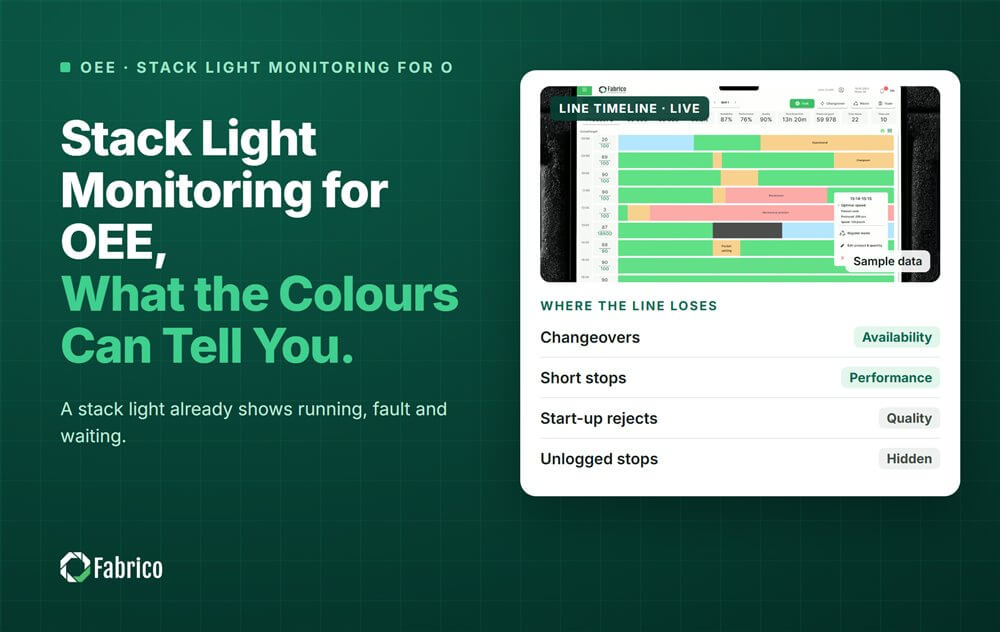
Stack Light Monitoring for OEE: What the Colours Can Tell You

Key takeaways
- The stack light is the oldest machine state signal in most plants, and a legitimate data source.
- Read it in parallel to the lamps, with no change to the PLC program.
- Colours mean what the builder decided. Check each machine before you map them.
- It gives a state, not counts or reasons. Add a count sensor and a one-tap reason.
- Keep out of the control logic, so the machine's CE declaration stays safe.
Most older machines already tell you their state with a stack light: green, amber, red. Read those lamps and you have the start of OEE for a machine you could not otherwise connect. Add a count and a reason step, and the picture is complete.
Fabrico, OEE and light MES software with AI cameras, connects a machine through its PLC, a Fabrico IoT device or an AI camera. Its site states that "the machine itself needs no PLC". This guide shows what a stack light alone can and cannot give you.
What is a stack light, and why read it for OEE?
A stack light, also called a signal tower or light tower, is the column of coloured lamps on top of a machine. Toyota UK defines andon as "a visual aid that highlights where action is required". In the Toyota Production System, the andon comes on to tell workers about an abnormality.
For OEE, that matters because the lamps already carry the machine state. No one has to find a tag in a PLC program. On a machine with an old controller, or a controller nobody may touch, the stack light is often the easiest signal there is.
What do the stack light colours mean?
Many machines follow a common pattern, but not all of them:
- Green: running.
- Amber: waiting, or a warning while still running.
- Red: stopped on a fault.
- Blue or white, on some machines: a call for an operator or for material.
Amber is the colour to check first. On one machine it means "waiting for product"; on another it means "running, but low on labels". Read the manual, or watch the machine for a shift, before you decide how each colour counts.
How do you read a stack light without touching the PLC?
- Tap the lamp signals with a small input module wired in parallel to each lamp.
- Fit a connected light tower that reports each segment's state as data. One such tower takes as many as six digital signals and passes them on over IO-Link, next to the original lamps.
- Clip a light sensor onto each lamp, so nothing is wired into the machine at all.
A sensor supplier warns that "considerable intervention in the machine could result in the loss of the CE declaration of conformity". So wire in parallel, stay out of the control logic, and check the plan with the machine builder or your safety engineer.
Worked example: a wrapper with only a stack light
Sample line (illustrative numbers, not a customer). An old shrink wrapper has no readable PLC. Its manual says amber means waiting for product. A tap on its stack light and a photo eye counting packs give one 480 minute shift:
| Lamp state | Minutes | Meaning for OEE |
|---|---|---|
| Green | 392 | Run time |
| Amber | 50 | Waiting: starved or blocked |
| Red | 38 | Own fault |
- Availability = 392 / 480 = 81.7%. The machine's own faults are 38 minutes; the 50 amber minutes belong to its neighbours.
- The photo eye counted 11,700 packs. At an ideal 32 packs a minute, Performance = 11,700 / (392 x 32) = 93.3%.
- With 99% Quality from the checkweigher downstream, OEE = (11,700 x 0.99) / 32 / 480 = 75.4%.
The stack light gave the state. The photo eye gave the count. Neither said why the 38 red minutes happened. That still takes a reason the operator confirms.
What can a stack light not tell you?
- How many units were made, or how many were rejected.
- Why the machine stopped. Red says "fault", not which fault.
- Slow running. A machine can show green while it runs well below its ideal speed.
- Very short stops, if the lamp logic ignores pauses of a few seconds.
So treat the stack light as one input. Add a count sensor for Performance and Quality, and a one-tap reason for the stops. Our guide to OEE monitoring without a PLC covers the other options.
Which mistakes do plants make with stack lights?
- Wiring into the control logic instead of in parallel to the lamps.
- Assuming the colours without checking the manual or watching the machine.
- Counting amber as a breakdown, so starved minutes are blamed on the wrong machine.
- Skipping the reason step, so every red minute lands in one big "fault" bucket.
For the difference between a lamp on a machine and a board for the whole line, read andon light vs andon board.
Where does Fabrico fit?
Fabrico is a computer vision enabled Manufacturing Performance Platform. OEE and light MES come first, read from whichever signal a machine has.
- Automatic downtime logging from PLC tags or IoT devices.
- The operator confirms the reason in one tap, so a red minute gets a cause.
- A camera clip as evidence for a stop, where a camera watches the station.
- OEE live by line and shift, with every loss priced in money.
Connection details for each plant are agreed with Fabrico's technical team. There is no free plan and there are no tiers: each plant gets a quote. See the product on the computer vision OEE page, and how Availability works in OEE vs Availability.
Frequently asked questions
What is stack light monitoring?
It means reading the state of a machine's coloured lamps and turning it into data: running, waiting or fault, with times. It is done in parallel to the lamps, so the PLC program and the machine's safety functions stay as they are.
Can you measure OEE from a stack light alone?
Only part of it. The lamps give the machine state, so you can compute run time and Availability. For Performance and Quality you also need counts of total and good units, usually from a photo eye or a checkweigher. Reasons still need the operator.
Does connecting a stack light affect the CE marking?
It can, if the work goes into the control logic. Wire any module in parallel to the lamps, or use a sensor clipped on the outside. Check the plan with the machine builder or your safety engineer before anyone opens the cabinet.
What do stack light colours mean?
On many machines green means running, amber means waiting or a warning, and red means a fault. Some add blue or white for operator or material calls. The builder decides, so check each machine's manual before you map the colours to OEE states.
Is a stack light the same as an andon?
A stack light is one kind of andon: a visual signal on the machine that shows where action is needed. An andon system can also include cords, buttons and a board for the whole line. For OEE, the stack light is useful because it already carries the state.
Connect your oldest machine first
Bring one machine with no readable PLC. We will show how its state is read and what its stops cost.
Latest from our blog


Real Fabrico tiles, sample data.