


 Login
 Blog
Shrink Tunnel Speed Loss: When the Tunnel Sets the Line's Pace

Key takeaways
- Tunnel speed loss is a Performance loss: the wrapper runs, just slower.
- Faster belt speed means less time in the heat, which is why crews slow down when shrink quality drops.
- A wrapper slowed to the filler's speed loses its spare speed, so buffers stop refilling after short stops.
- Then short wrapper stops start blocking the filler, and the loss moves to the bottleneck.
- Set temperature, airflow and speed per film and pack, and measure speed while running.
A shrink tunnel needs enough heat and enough time to shrink the film. When it cannot give both at full belt speed, crews slow the wrapper down, and the line loses output as speed loss rather than as downtime. Because nothing stops, it rarely appears in a stop log, and it can quietly let other short stops reach the filler.
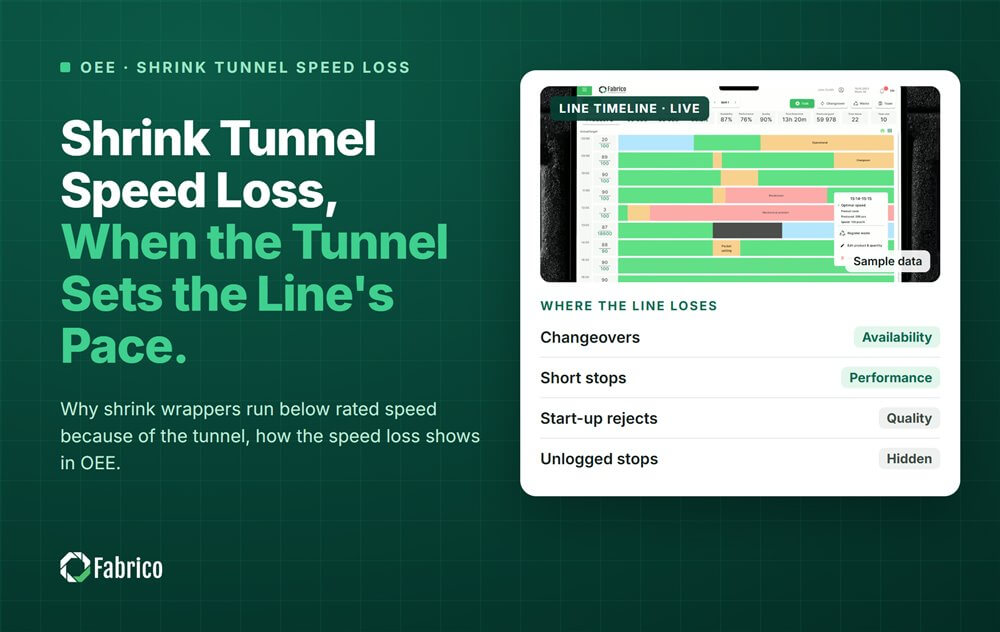
Fabrico, an OEE and light MES platform, shows OEE live by line and shift, including the speed each machine runs at while it runs, so a wrapper running below its rated speed is visible next to its stops. This guide explains how the tunnel limits speed, how that shows up in OEE, and why it matters more than the speed figure suggests.
How does a shrink tunnel limit speed?
Shrink film needs to reach a certain temperature for a certain time to shrink tightly around the pack. The time each pack spends in the tunnel is the tunnel length divided by the belt speed. Speed the belt up and each pack gets less time in the heat.
- Too fast: loose film, open ends, poor bullseyes. The crew slows the wrapper to fix it.
- After a long stop: the tunnel may need time to come back to temperature before good packs come out.
- Packs stopped inside the tunnel: film can overheat, burn through or deform.
- A new film: a different film or a new supplier lot can need different settings to shrink at the same speed.
None of this is a fault in the usual sense. The machine works; it just cannot work at its rated speed with the settings and film it has. Our guide to shrink wrapper OEE covers the machine's other losses.
What does tunnel speed loss look like in OEE?
Performance compares what a machine made with what it could have made at its rated speed while it was running. A wrapper rated at 55 packs a minute that runs at 50 loses about a tenth of its Performance, with no downtime recorded at all.
Whether that costs line output depends on where the wrapper sits:
- If the wrapper's slower speed is still above what the filler sends, it costs no output directly.
- If it drops below the filler's rate, the wrapper becomes the bottleneck and blocks the filler.
- In between, the wrapper loses its spare speed, which is the case most plants miss. See the worked example below.
For the difference between running slow and stopping often, see reduced speed loss vs minor stops.
Which tunnel problems show up as stops, and which as speed?
| Problem | Shows up as | OEE factor |
|---|---|---|
| Crew runs the wrapper slower for better shrink | Lower speed while running | Performance |
| Loose film, open ends | Rejected or reworked packs | Quality |
| Tunnel too cold after a long stop | Waiting for temperature | Availability |
| Burn through on packs stopped in the tunnel | Rejected packs | Quality |
| Tunnel conveyor or fan fault | Machine stop | Availability |
Give the waiting for temperature case its own code, apart from faults, so the warm-up time after long stops is visible.
Why does a slower wrapper let short stops reach the filler?
Sample line (illustrative numbers, not a customer): a filler at 300 bottles a minute packed in 6-packs, so the wrapper receives 50 packs a minute. The wrapper is rated at 55 packs a minute, about 10% faster than what it receives, as in the usual V-curve design.
The conveyor between filler and wrapper holds 2 minutes of product. Over a shift the wrapper has 20 short stops of 1 minute each, spread out across the shift.
After each 1 minute stop, 50 packs wait on the conveyor. The wrapper can only clear them by running faster than the 50 packs a minute that keep arriving.
| Wrapper speed | Spare speed | Backlog from one 1 minute stop clears in | Filler minutes blocked by the 20 stops |
|---|---|---|---|
| 55 packs a minute (rated) | 5 packs a minute | 10 minutes | 0 |
| 50 packs a minute (slowed for shrink) | None | Never | 18 |
- At rated speed: 50 waiting packs / 5 spare packs a minute = 10 minutes to clear. With stops more than 20 minutes apart, the conveyor is empty again before the next one. The filler never notices.
- Slowed to 50: the backlog never clears. After two stops the 2 minute buffer is full, and each of the other 18 stops blocks the filler for 1 minute: 18 filler minutes.
- 18 x 300 = 5,400 bottles not filled in one shift, from a speed change that looked like a 9% Performance dip on the wrapper.
This is a simplified model, but the effect is real: spare speed around the bottleneck is what keeps short stops local. Our guide to starvation and blocking covers how buffers and recovery speeds work together.
How do you fix tunnel speed loss?
- Settings per film and pack: tunnel temperature, airflow and belt speed written as centerlines, not set by feel.
- Trial new films before they go to the line, at rated speed, and record the settings that work.
- A warm-up routine after long stops, with its own code so the time is measured.
- Keep packs from stopping inside the tunnel where the machine allows it, to avoid burn through.
- Measure speed while running hour by hour, so a wrapper that drifts down to filler speed is seen in days, not months.
- Set rated speed honestly. Do not quietly lower the rated speed to the new slow speed; that hides the loss.
To check whether the wrapper has become the line's real limit, see our guide to finding the real constraint on linked packaging lines.
Where Fabrico fits
Fabrico is a computer vision enabled Manufacturing Performance Platform. OEE and light MES come first, with computer vision on stops.
- OEE live by line and shift, with speed while running for each machine.
- Automatic downtime logging, so the short wrapper stops are in the data next to the speed.
- The operator confirms the reason in one tap, including waiting for tunnel temperature.
- Every loss priced in money and ranked, so blocked filler minutes are priced at the bottleneck.
- A camera clip as evidence for a stop, where a camera watches the tunnel exit.
You start with a pilot on one line, with a baseline and a decision date agreed in advance. There is no free plan and there are no tiers: each plant gets a quote. See how stops are captured on our computer vision OEE page.
Frequently asked questions
Why does my shrink wrapper run below rated speed?
Usually because the film does not shrink well enough at full belt speed with the current tunnel settings or film, so the crew slows it down to keep packs good.
Is shrink tunnel speed loss downtime?
No. The machine is running, so it is a Performance loss. It does not appear in a stop log, which is why it is easy to miss.
How does a slow wrapper affect the filler?
It loses the spare speed it needs to clear the conveyor after short stops. Then those short stops build up and start blocking the filler.
Should warm-up time after a stop be coded?
Yes. Give waiting for tunnel temperature its own code so the warm-up after long stops is measured and can be reduced.
Can I just lower the wrapper's rated speed?
Not to hide the loss. Rated speed should reflect what the machine can do. If it truly cannot run faster with any setting, agree a new rated speed openly and write down why.
See your wrapper's speed in a demo
Bring one line and its current stop log. We will show speed, stops and what reached the filler.
Latest from our blog





Real Fabrico tiles, sample data.