


 Login
 Blog
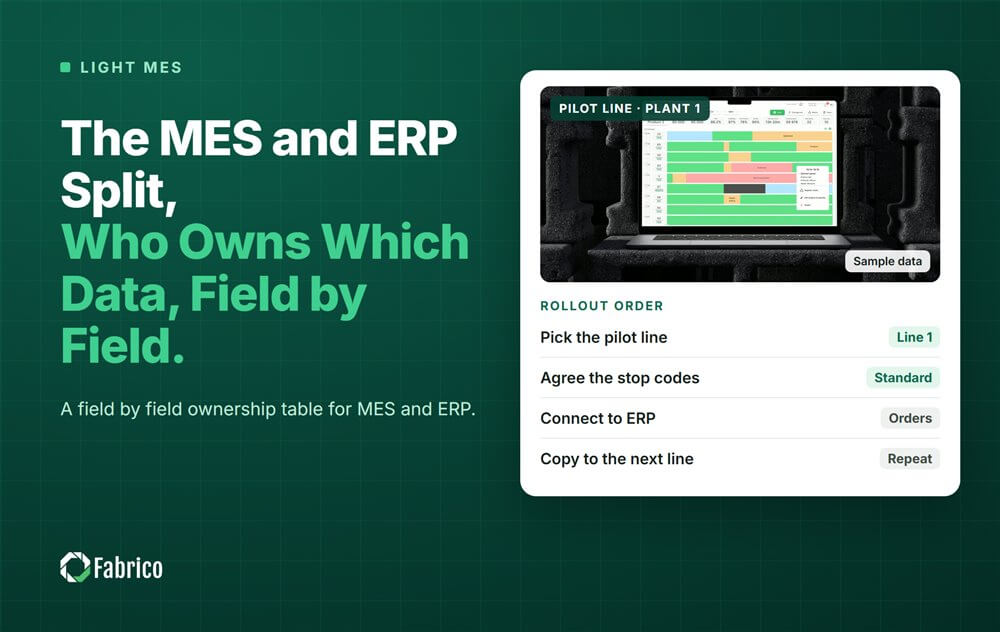
The MES and ERP Split: Who Owns Which Data, Field by Field

Key takeaways
- ERP owns orders, materials, costs and plans. MES owns what happens on the line: states, stops, counts and rates.
- Every shared field needs one owner. The other system reads it and never edits it.
- Downtime and speed loss belong in MES; booked quantities belong in ERP.
- Most conflicts come from two systems keeping the same number.
The rule is simple: ERP owns the plan and the money, MES owns what happens on the line. Every field that both systems touch needs one owner, and the other system only reads it.
This guide is for operations managers, controllers and IT leads who need the two systems to agree. Fabrico, a light MES built around OEE and downtime, sits on the line side of this split. It is not an ERP and does not replace one. For the wider comparison, see ERP vs MES.
Where does the split come from?
ISA 95, also known as IEC 62264, describes the interface between Level 3 (manufacturing operations, MES) and Level 4 (business planning, ERP). Level 4 works in months, weeks and days. Level 3 works in days, shifts, hours, minutes and seconds. That difference in time scale is why the two systems should not own the same data. Our ISA 95 guide covers the levels.
Who owns which field?
| Data | Owner | The other system |
|---|---|---|
| Production orders and quantities planned | ERP | MES reads them |
| Product and material master | ERP | MES reads them |
| Standard cost and contribution | ERP | MES reads them to price losses |
| Machine states and stop reasons | MES | ERP does not need them |
| Good and reject counts per shift | MES | ERP receives a booked total |
| Actual run rate per product | MES | ERP reads it to plan |
| OEE by line and shift | MES | ERP does not need it |
| Booked quantity and scrap against the order | ERP | MES sends the counts |
| Rated speed per product and line | MES, agreed with engineering | ERP may read it |
The pattern: ERP sends the plan down, MES sends a few totals up, and everything minute by minute stays in MES.
Why do MES and ERP numbers disagree?
- Two owners. Both systems keep a run rate, and someone updates only one.
- Different time cut offs. ERP books at order end; MES counts per shift.
- Rework counted as good. One system counts first pass good, the other counts all good.
- Manual backflush. Someone types the count into ERP from a paper sheet.
Our article on why shop floor data conflicts with ERP goes deeper into each one.
A worked example: one order, two systems
Sample order (illustrative numbers, not a customer): an order for 120,000 bottles on a line rated at 300 bottles a minute, over 2 shifts of 450 minutes.
- ERP plans the order at the rated speed: 120,000 / 300 = 400 minutes.
- MES logs what happened: 2 changeovers, 95 minutes of stops and a real average of 270 bottles a minute while running.
- MES counts 118,800 good bottles and 1,200 rejects over the two shifts.
- At order end, MES sends one record to ERP: 118,800 good and 1,200 scrap.
- ERP books those totals. It never sees the 95 minutes of stops, and it does not need to.
Now the planner asks why the order took longer than planned. The answer is in MES: the line ran at 270, not 300, and stopped for 95 minutes. If the planner updates the ERP run rate to the real 270, future plans get closer to reality. MES owns the actual rate; ERP reads it.
How do you set up the split in practice?
- List every field both systems touch.
- Name one owner for each field.
- Decide the direction and the timing: per order, per shift or daily.
- Start with a one way flow of a few fields, such as order number, product and good count.
- Check the totals weekly until they match.
For a simple first link, read OEE and ERP integration without heavy IT. Questions about specific ERP connectors should go to the vendor's technical team, plant by plant.
What should the first data flow between MES and ERP look like?
Keep the first version small enough to check by hand. A good first flow has two directions and only a few fields.
- ERP to MES: order number, product code, planned quantity and the planned line.
- MES to ERP: order number, good count and scrap count, sent once per shift or at order end.
Leave stop reasons, speeds and OEE in MES. Planners and managers read them there, in the screens built for that job. Add more fields only when someone names a decision the new field will change. A link with ten fields that everyone trusts is worth more than a link with a hundred fields nobody checks.
Before the link goes live, agree with the controller how scrap and rework are counted, so both systems use the same rule from the first order.
Mistakes plants make with the split
- Letting MES and ERP both edit the run rate.
- Sending each stop to ERP, where nobody reads it.
- Planning on rated speed forever, never on actual rate.
- Building the ERP link before the line data is trusted.
Where Fabrico fits
Fabrico is a computer vision enabled Manufacturing Performance Platform. OEE and light MES come first. A machine connects through its PLC, a Fabrico IoT device or an AI camera, so the machine itself needs no PLC. Fabrico works in the ISA 95 Level 2 to Level 3 space; it is not an ERP and does not replace Level 4.
- Automatic downtime logging, with OEE live by line and shift.
- The operator confirms the stop reason in one tap, and where a camera watches the machine, the clip stays as evidence.
- Losses priced in money and ranked, so the costliest stop rises to the top.
- One view across plants for groups with several sites.
- A work order with its cost to the right technician when a stop is a breakdown, as a side benefit.
Named results: at Ficosota, factory wide OEE went from 53.1% to 59.6% and good output rose 23.2% a month; ABB reports 20% less downtime. You start on one line, with a baseline and a decision date agreed in advance. There is no free plan and there are no tiers: each plant gets a quote.
See the line side of the split on our light MES page.
Frequently asked questions
What is the difference between MES and ERP?
ERP plans orders, materials and costs over days and weeks. MES tracks what happens on the line over shifts, minutes and seconds.
Should downtime be recorded in ERP?
Usually not. Downtime belongs in MES, where it is logged per stop with a reason. ERP gets the booked totals.
Which system owns the production count?
MES counts per shift. ERP owns the booked quantity against the order, which MES sends at order end or per shift.
Can an MES replace the ERP production module?
No. They do different jobs. MES shows how the line ran; ERP plans and books.
How often should MES send data to ERP?
As often as the ERP needs it, usually per order or per shift. More often adds traffic without adding decisions.
Map your own split in a demo
Bring one line and a list of the fields your ERP keeps. We will show which ones belong on the line side.
Latest from our blog






Real Fabrico tiles, sample data.