


 Login
 Blog
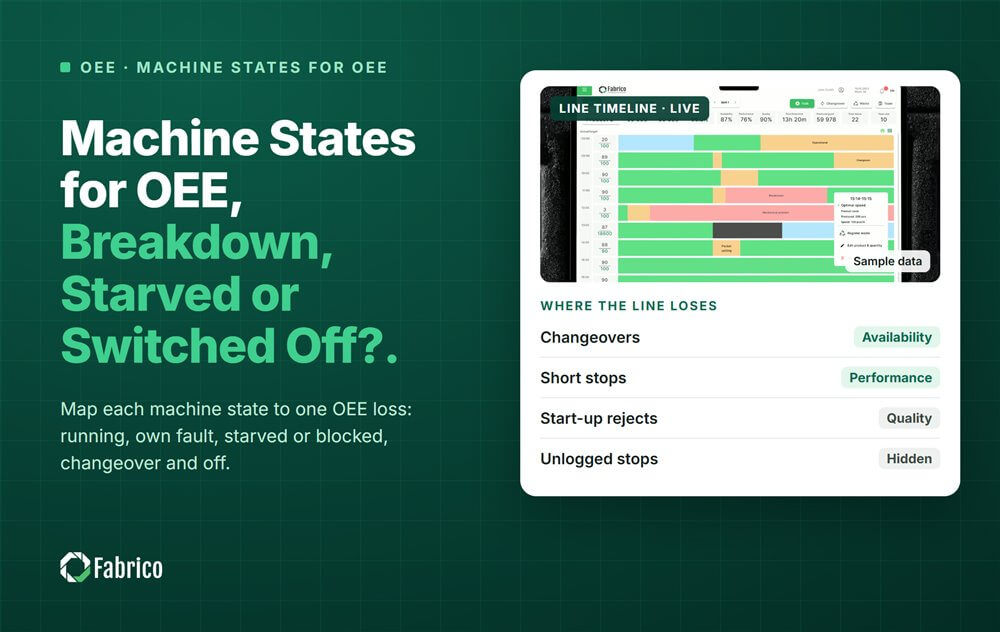
Machine States for OEE: Breakdown, Starved or Switched Off?

Key takeaways
- Six practical states: running, running slow, own fault, waiting, changeover and off.
- The machine gives the state. The reason and the planned flag come from people and the shift plan.
- OPC UA for Machinery: OutOfService is a breakdown, NotExecuting is waiting.
- PackML: Held is a problem inside the machine, Suspended is a problem outside it.
- Set a minimum duration for each state, so a changeover does not flicker between running and idle.
A machine can only be in a handful of states, and each one has one place in the OEE time model. Running is run time. A breakdown and a changeover cost Availability. Starved and blocked are losses caused somewhere else on the line.
Fabrico, OEE and light MES software with AI cameras, reads the state from the PLC, a Fabrico IoT device or a camera. It logs each stop automatically and asks the operator to confirm the reason in one tap. This guide maps the common state models to OEE losses.
Which machine states does OEE need?
Whatever the machine calls them, six states cover almost every minute of a shift.
| State | What it means | Where it lands in OEE |
|---|---|---|
| Running at rate | Producing at or near the ideal speed | Run time |
| Running slow | Slow cycles and stops under the plant's cutoff | Performance loss |
| Own fault | A breakdown or jam inside the machine | Availability loss, the machine's own |
| Waiting | Starved, blocked or no order | Availability loss, charged to the cause |
| Changeover | A format or product change | Availability loss |
| Off | Switched off | Outside planned time if planned; a loss if not |
A starved machine has an empty infeed because something upstream is down or slow. A blocked machine has a full outfeed because something downstream is. In both cases the machine itself is fine.
How do OPC UA machine states map to OEE?
OPC UA for Machinery is a standard published by the OPC Foundation with the VDMA machine builders' association. Its MachineryItemState has four values:
- NotAvailable: switched off or in energy saving mode. Map it to off.
- OutOfService: available but unable to work, for example because of an error inside the machine. Map it to own fault.
- NotExecuting: available, but waiting for an outside reason, such as starvation, a changeover or no order. Map it to waiting or changeover.
- Executing: actively working. Map it to running.
An OutOfService stop is a maintenance question. A NotExecuting stop is a planning or line question. That split alone sends half the stops to the right team.
One limit matters. A 2024 study by the University of Stuttgart and Fraunhofer IAO tested this. OPC UA data alone could not reliably split setup time from production time. People or the MES decide that split. Our guide to OPC UA for OEE covers the rest of the data model.
How do PackML states map to OEE?
PackML is the state model for packaging machines, published as ANSI/ISA-TR88.00.02 in 2008, 2015 and 2022. Its tag set, PackTags, was designed with OEE in mind. It defines modes such as Production, Maintenance and Manual, with as many as 17 states in each mode.
- Execute: running.
- Held: a condition inside the machine. Map it to own fault.
- Suspended: a condition outside the machine, such as starved or blocked. Map it to waiting.
- Stopped, Idle, Complete: waiting or off, depending on the shift plan and the order.
- Aborted: a fault. Map it to own fault.
Time in Maintenance or Manual mode is not production time. Decide once how it is counted. Our PackML state model guide lists every state.
What if the machine has no state model at all?
Many older machines have none. You can still read a state:
- The signal tower: green for running, red for a fault, amber for waiting.
- A current clamp: running or idle, from the motor current.
- A camera: whether the station is working, and a clip of each stop.
These give you the state. The reason still comes from the operator, in one tap.
Why does a machine flip between running and idle during a changeover?
Because the crew jogs the machine and runs test cycles. Each short run sets the run signal, and each pause clears it. The log fills with fake stops and fake run time.
- Set a minimum duration for each state before it counts.
- Use a changeover state, started by the operator or by the order change, that holds until the first good unit at rate.
- Judge running by counts. For cycle-based machines, count it as running only if a cycle finished within 1.5 to 2 times the ideal cycle.
Our guide to micro stops explains how to set that cutoff.
Worked example: one shift of machine states
Sample line (illustrative numbers, not a customer). A filler has 480 planned production minutes. The breaks are already outside planned time.
| State | Minutes | OEE effect | Whose loss |
|---|---|---|---|
| Running | 413 | Run time | |
| Own fault | 22 | Availability | Filler |
| Starved | 14 | Availability | Upstream machine |
| Blocked | 6 | Availability | Downstream machine |
| Changeover | 25 | Availability | Filler |
Availability, all causes = 413 / 480 = 86.0%. The filler's own causes are 22 + 25 = 47 minutes, so its own Availability = (480 minus 47) / 480 = 90.2%. The 20 starved and blocked minutes go on the neighbours' lists.
Now the classic mistake: book the changeover as planned time. Planned time shrinks to 455 minutes, and Availability reads 413 / 455 = 90.8%. The line did not get better. The number just moved a loss out of sight.
Where does Fabrico fit?
Fabrico is a computer vision enabled Manufacturing Performance Platform. OEE and light MES come first. It turns machine states into a stop log the line can act on.
- Automatic downtime logging from PLC states, IoT devices or cameras.
- The operator confirms the reason in one tap, so a state becomes a cause.
- A camera clip as evidence for a stop, where a camera watches.
- A work order to the right technician, with its cost, when the state is a breakdown.
See it on the computer vision OEE page, and how the minutes add up in the OEE time model. There is no free plan and there are no tiers: each plant gets a quote.
Frequently asked questions
What are the machine states for OEE?
Six cover most of a shift: running at rate, running slow, down on its own fault, waiting (starved, blocked or no order), changeover, and off. Running is run time, running slow is a Performance loss, and the fault, waiting and changeover states are Availability losses.
What is the difference between starved and blocked?
A starved machine has nothing at its infeed, because a machine upstream is down or slow. A blocked machine cannot release its output, because a machine downstream is down or slow. Both are fine themselves, so charge the minutes to the machine that stopped first.
Is a changeover planned downtime in OEE?
In OEE a changeover counts as an Availability loss, even when it is on the schedule. Booking it as planned time removes it from the calculation and makes OEE look better than the line is. That is one of the best known ways OEE gets fudged.
What is the difference between Held and Suspended in PackML?
Held means the machine stopped because of a condition inside it, such as a jam or a fault. Suspended means it stopped because of something outside it, such as an empty infeed or a full outfeed. For OEE, Held is the machine's own loss, and Suspended is waiting.
How do you detect machine state without a PLC?
Tap the signal tower, which already shows running, fault and waiting. Or clamp a current sensor on the motor to tell running from idle, or point a camera at the station. Each gives the state. The operator then confirms the reason for each stop in one tap.
See your machines' states in a demo
Bring one line's machine list. We will show its shift as states and what each lost minute cost.
Latest from our blog

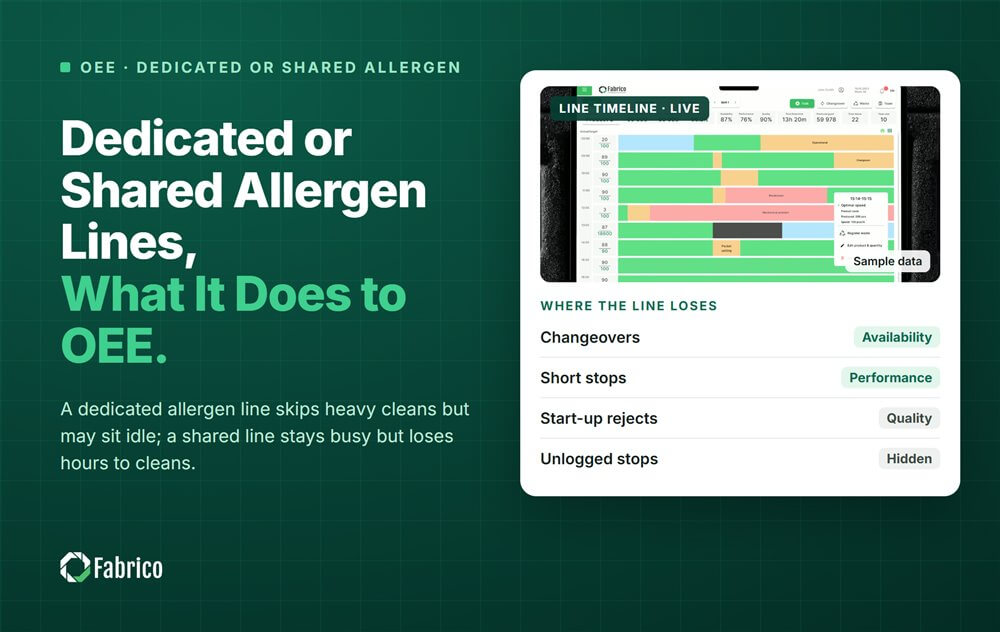
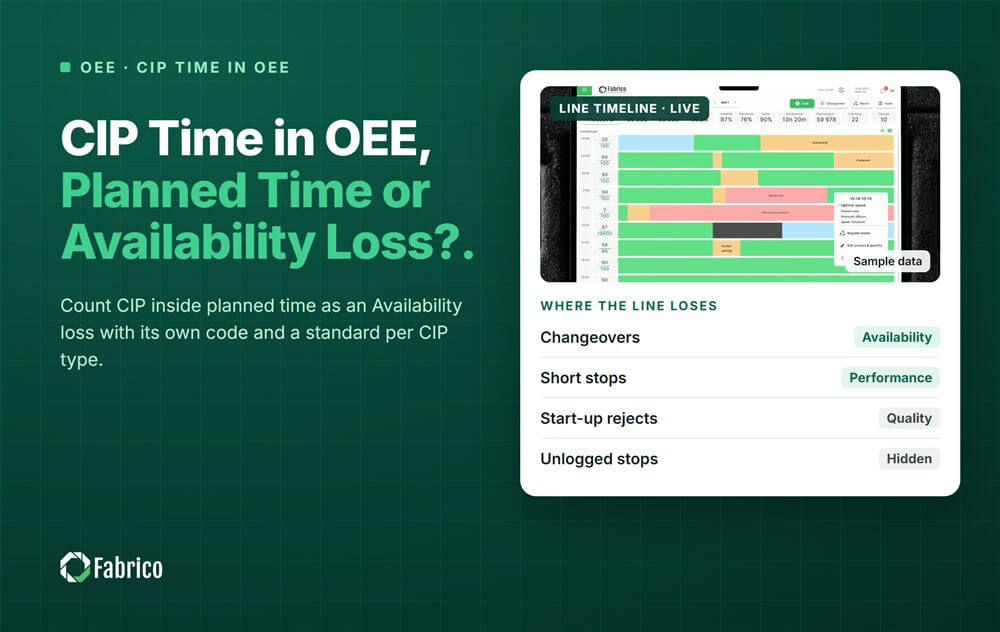


Real Fabrico tiles, sample data.