


 Login
 Blog

Downtime Tracking Without Paper: Manual vs Automatic, and Why Your Pareto Changes

Short answer: To track downtime without pen and paper, let each machine record when it stops and for how long, and have the operator add only the reason, from a short list on a tablet or phone. Fabrico, a cloud-based OEE and light MES platform, does this from the PLC, a Fabrico IoT device or AI cameras (an add-on), and FourJaw, MachineMetrics, Tulip and TeepTrak each describe their own way of doing it in the table below.
Key takeaways
- Manual downtime logs depend on operators remembering and classifying stops.
- Automatic capture records stops on connected machines, including the micro-stops people never log.
- Manual data under-reports short stops and mislabels causes.
- A Pareto built on manual data often targets the wrong losses.
Manual downtime tracking relies on operators noticing, timing and classifying each stop, so short stops vanish, times get rounded, and causes get guessed at shift end. Automated capture reads stops directly from connected machines, with exact start and end times.
The gap is not small: manual data routinely hides the micro-stops that are the biggest real loss, so every decision built on it targets the wrong problem. See also overall equipment effectiveness.
Why manual data lies
Manual tracking depends on a human catching every event during a busy shift and writing it down accurately. In practice the short stops never get logged, the long ones get rounded, and the reason codes are reconstructed from memory hours later. The result looks like data but is really an impression.
- Short stops are too frequent and brief to log.
- Times are rounded or estimated.
- Causes are reconstructed from memory at shift end.
What automated capture fixes
Automated capture takes the human out of the timing loop. The machine signals stops with their exact duration; the operator only adds the reason. You get a complete, objective record instead of a hopeful sample.
- Stops recorded directly from connected machines.
- Exact timing, no rounding.
- A complete, objective picture.
A worked example
An example with illustrative numbers: a line's manual logs show 95% availability, which looks great. After automated capture goes in, true Availability is 84%, and the new data reveals 60 micro-stops a shift the operators never logged, worth 11 points. The biggest loss on the line had been completely invisible, so every improvement effort had been aimed at the wrong place.
Nothing about the line changed, only the honesty of the measurement, and the real problem finally appeared.
Why the Pareto changes
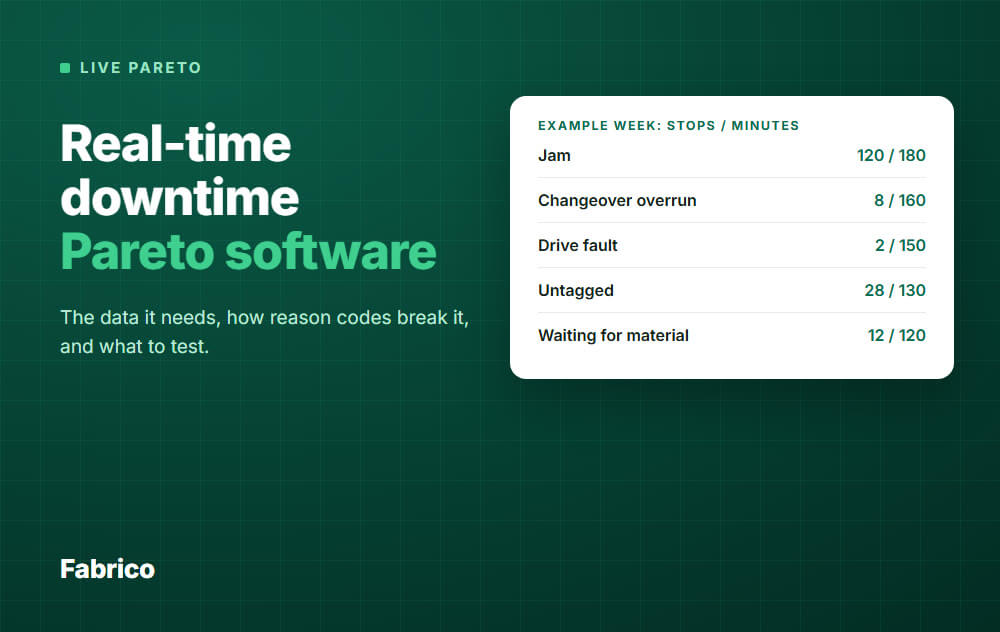
When micro-stops finally appear in the data, they often jump to the top of the loss Pareto, a category manual logs hid completely. Plants often find that their biggest loss was never on any report, which is why the first weeks of automated capture can re-order the improvement plan.
The hybrid that works
Let the machine detect and time the stop; let the operator add the context and reason code. You get complete, accurate timing with human insight, without the burden of manual logging, the best of both.
What replaces each column of the paper log
| On the paper log | Without paper |
|---|---|
| Start and end time | Recorded by the machine signal when the stop starts and ends |
| Duration | Calculated from those times, short stops included |
| Machine | Fixed by the connection: each stop belongs to its machine and line |
| Reason | The operator picks one from a short list on a tablet or phone |
| Note | Optional text, for what no list can hold |
| Repair | In Fabrico, a work order is opened from the stop in one step, linked to the line |
Paperless downtime tracking tools compared
This table shows what each vendor's own site says, in our words. It is not a rank, and something missing from a site says nothing about what a product can do, so ask each vendor directly. For how downtime tracking software works and how the wider market compares, see downtime tracking software compared.
| Vendor | How stops and reasons are captured, per its own site | Source, checked 4 November 2026 |
|---|---|---|
| Fabrico (our product) | Connected machines report their own stops, including short stops too brief to log by hand; the operator adds the reason on a tablet or phone. Data from the PLC, a Fabrico IoT device with sensors, or AI cameras (an add-on). Maintenance is built in. | Downtime tracking |
| FourJaw | Automatically detects when production stops and gives operators a quick way to record the reason; the Operator Workspace prompts a reason from a predefined list. | fourjaw.com, downtime monitoring |
| MachineMetrics | Detects events from machine data "with no operator input and no minimum duration"; a rules engine assigns reasons from alarms and machine state; you define the categories. | machinemetrics.com, downtime tracking |
| Tulip | Connects to machines natively over OPC UA and MQTT to find out why machines are stopping; connected apps replace whiteboards and end-of-shift reports. | tulip.co, OEE tracking, production tracking |
| TeepTrak | "Stops, micro-stops, slow cycles and scrap captured live"; operators tag the cause in two taps on the workstation tablet, using your own loss tree. | teeptrak.com, PerfTrak |
How to switch from the paper log
- Agree a short list of stop reasons with the operators who will use it. Their words, not the office's.
- Connect the machine that loses the most time first. One machine whose numbers people trust convinces the next line.
- Run the paper log and the system side by side until the totals agree, then stop printing the sheet.
- Review the top losses with the shift every day. The point of the data is the next action, not the report.
Common mistakes
1. Trusting manual Availability numbers. They systematically overstate uptime by hiding micro-stops.
2. Improving against manual data. You optimise the visible losses and miss the biggest hidden one.
3. Automating capture but not reasons. You get accurate times with no cause to act on.
4. Blaming operators for "bad data." The method is the problem, not the people.
How it shows up in OEE
OEE is only as trustworthy as its data. Manual entry inflates Availability and hides Performance loss; automated capture makes OEE a reliable basis for decisions instead of a comforting fiction. Until capture is automatic, the loss tree is built on guesses.
How Fabrico fits
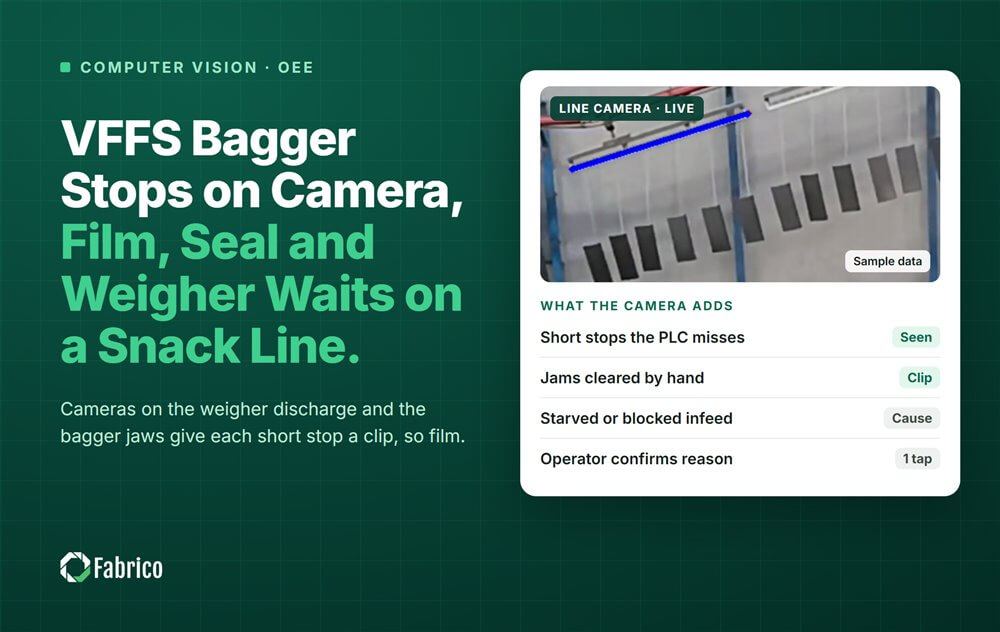
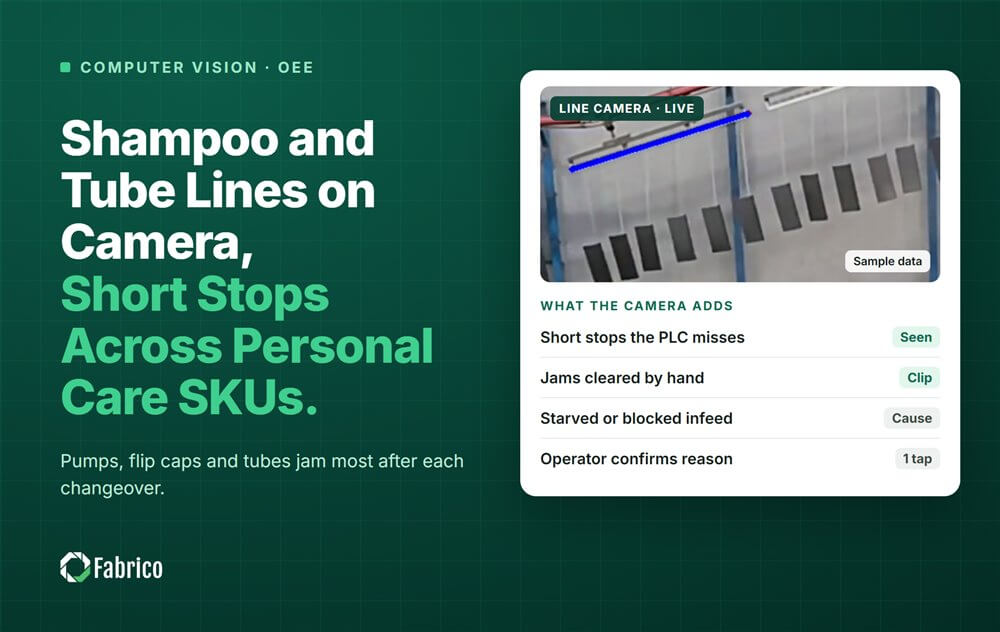
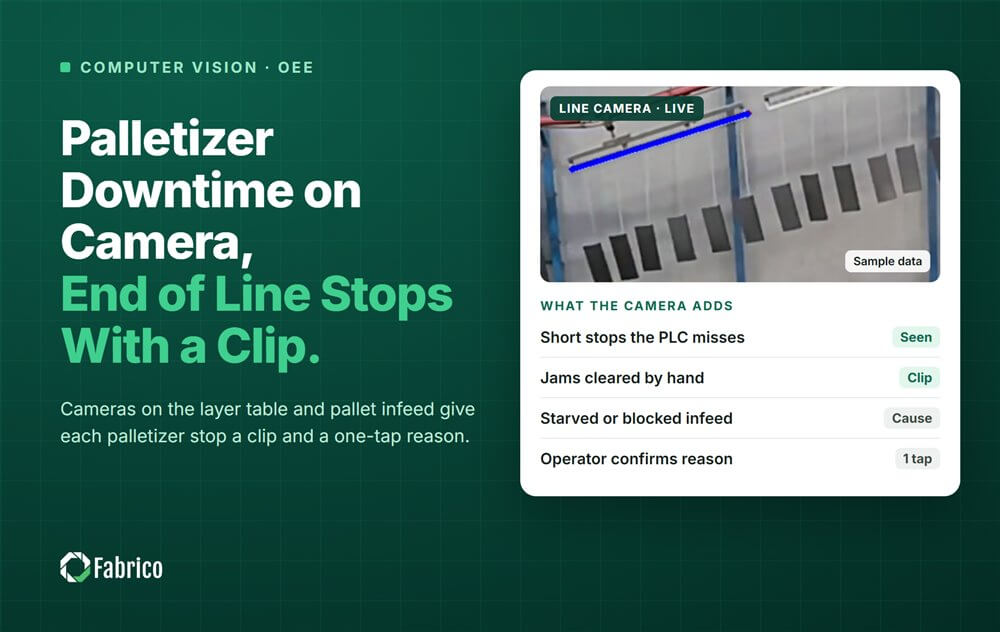
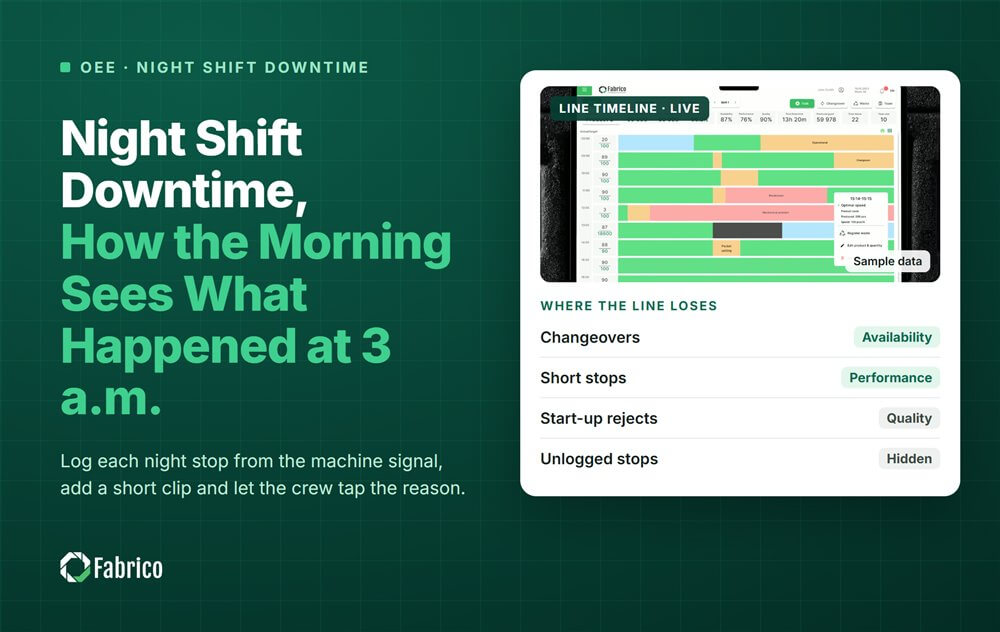
Fabrico records stops on connected machines automatically, including short stops too brief to log by hand, and operators add the reason on a tablet or phone, so OEE and the loss Pareto rest on machine data. Machines connect through the PLC, a Fabrico IoT device with external sensors, or AI cameras (an add-on). Book a demo to see automatic downtime capture on a line like yours.
Related reading
- overall equipment effectiveness
- micro stops vs breakdowns
- oee loss tree vs pareto
- plant availability vs equipment availability
Frequently asked questions
Is manual downtime data good enough?
For rough trends maybe, but it under-reports short stops and misclassifies causes, so it misleads improvement.
What does manual data miss most?
Micro-stops, often the single largest hidden loss on the line.
What is the best setup?
Automated detection and timing, plus operator-entered reasons for context.
Why does OEE need automatic capture?
Trustworthy OEE requires complete, accurate data; manual entry inflates Availability and hides Performance loss.
Will automated capture make our numbers look worse?
Often yes at first, because it finally shows the truth, which is what lets you fix it.
What should replace a paper downtime log?
Machine data for when a stop starts and how long it lasts, and a short reason list on a tablet or phone for why. That keeps short stops and exact durations, and makes the reasons countable.
Can you track downtime without a PLC?
Yes. An add-on sensor reads whether the machine runs, and a camera covers manual stations. In Fabrico, that is a Fabrico IoT device with external sensors, or AI cameras (an add-on).
Is a shared spreadsheet on a tablet enough?
It removes the paper, but someone still types the start time, the end time and the reason, so short stops and exact durations still depend on memory. A machine signal records the time by itself.
See stops by cause, and what each one costs, in Fabrico.
Request a demoRelated articles







Real Fabrico tiles, sample data.