


 Login
 Blog
What Happens to Your OEE Data if You Change Vendor?

Key takeaways
- If you change OEE vendor, you keep only what the contract says you keep, so agree the exit plan before you sign.
- Ask for export formats you can open without the old vendor's software.
- List the history you need: stops, reasons, counts, OEE by line and shift, and the definitions behind them.
- Agree who owns the data, how long you can still log in after the end, and when the data is deleted.
- Camera clips can show people, so agree how they are handled and deleted at exit.
The short answer: when you change OEE vendor, your data goes only where the contract says it goes. So agree the exit plan before you sign. Cover the export formats, the history and clips you keep, who owns the data, how long access lasts, and the handover.
A plant decides to change its OEE software after three years. The new vendor asks for last year's stop history to set a baseline. The old contract says nothing about exports, and the line's best evidence sits in a system nobody wants to keep paying for.
This guide is for plant managers, IT and purchasing leads signing for OEE (overall equipment effectiveness) software. It comes from Fabrico, a vendor of OEE and light MES software with computer vision on stops. Ask these questions of any vendor, us included.
Who owns the OEE data?
You should own the data your plant creates: stops, reasons, counts and settings. Write that into the contract in plain words.
- The contract should say the plant owns its production data, and the vendor may only process it to run the service.
- Ask whether the vendor uses your data in any other way, for example in grouped, anonymous form.
- Ask who owns the settings: the stop reason list, ideal cycle times and shift calendars. They took your team hours to build.
Our guide to cloud MES security, uptime and data ownership covers the wider contract questions.
Which export formats should you ask for?
Ask for formats you can open without the old vendor's software, with a short note that explains each column.
- Tables as plain files, such as CSV, one file per data type.
- A data dictionary: what each column means, its unit and its time zone.
- Clips as standard video files, each linked to its stop by time and machine.
- A test export before you sign, so you see the format with real data.
Ask too whether you can export at any time during the contract, not only at the end. A monthly copy on your own servers is a cheap safety net.
What history and clips should you keep?
Keep what you need to compare the old and new numbers, and to defend past decisions. Not everything is worth keeping.
- Stop events: machine, start, end, reason, comment.
- Counts and rejects by machine and shift.
- OEE by line and shift, with the three factors.
- The definitions: ideal cycle time per product, planned stop rules and the stop reason list, with dates of each change.
- Shift calendars, so planned time can be rebuilt.
Camera clips are different. Where people appear, they are personal data. European data protection guidance on video says footage should be erased, ideally automatically, after a few days. So agree that clips are deleted at exit, and confirmed in writing, unless a clear reason to keep one exists. Our data protection buyer's guide covers the rules.
How long does access last after the contract ends?
Agree a date, not "a reasonable time". The contract should say:
- How long you can still log in, read only, after the end date.
- The last date you can ask for a full export.
- The date your data is deleted, including backups, and how the vendor confirms it.
- What happens to user accounts on the last day.
Agree this with IT and purchasing together. Our guide to data flows and ownership between MES, OEE and ERP helps you see which systems hold copies.
What does a clean handover look like?
A clean handover means the data arrives complete, the devices are sorted, and nothing is left behind by accident.
- Freeze the definitions and the stop reason list on the old system.
- Take the full export and check row counts against the old screens.
- Load the history into the new system or your own store.
- Agree who removes the sensors and cameras, and who owns them.
- Close user accounts, then get written confirmation that the data is deleted.
Keep one owner for the whole list. Our article on OEE governance and who owns the definitions shows who that person usually is.
Sample: an export checklist for one plant
Sample line (illustrative numbers, not a customer): a plant with 4 lines checks its exit terms before signing. Each line logs about 120 stops a day, and the plant wants 2 years of history it can take with it.
| Data | Format | Kept at exit | Status |
|---|---|---|---|
| Stop events | CSV with data dictionary | Full history | Agreed |
| Stop reason list and changes | CSV | Full history | Agreed |
| Counts and rejects | CSV | Full history | Agreed |
| OEE by line and shift | CSV | Full history | Agreed |
| Ideal cycle times per product | CSV | Current and past values | Agreed |
| Shift calendars | CSV | Full history | Agreed |
| Camera clips | Standard video | Deleted, confirmed in writing | Open |
| Read-only access after the end | Login | Date in the contract | Open |
| Sensors and cameras | Hardware | Owner and removal named | Open |
- Stop events to export: 4 lines x 120 stops x 365 days x 2 years = 350,400 rows.
- Check after export: the file should hold 350,400 rows, and 350,400 minus the rows found = 0 missing.
- Items agreed: 6 of 9, so 6 / 9 = 66.7% before signing.
- Items still open: 9 minus 6 = 3, all about clips, access and devices.
The data side is in good shape. The three open items are the ones plants forget, and they are cheaper to settle now than at the end. The plant signs only after all three have a written answer.
Mistakes plants make with OEE data at exit
- Signing with no export terms because leaving seems far away.
- Exporting stop events but not the definitions behind them.
- Keeping camera clips with no reason to keep them.
- Forgetting who owns and removes the sensors.
- Never testing an export until the contract is ending.
Where Fabrico fits
Fabrico is a computer vision enabled Manufacturing Performance Platform. OEE and light MES come first, and the exit questions above are ones we expect you to ask before you sign.
- Automatic downtime logging: each stop is a record with its machine, time and reason.
- The operator confirms the reason in one tap, so the history you keep has real reasons, not "other".
- A camera clip as evidence for a stop, with how clips are handled agreed per plant with our technical team.
- OEE live by line and shift, with the definitions you agree.
You start on one line, with a baseline and a decision date agreed in advance. There is no free plan and there are no tiers: each plant gets a quote. Our light MES guide explains what the software covers.
Frequently asked questions
Who owns OEE data in a cloud contract?
The plant should own its production data, and the contract should say so in plain words. The vendor processes it to run the service. Ask whether the vendor uses your data in any other form. Ask who owns the settings your team built, such as the stop reason list.
Can I export my OEE history when I leave?
Only if the contract says so. Ask for plain formats such as CSV with a data dictionary. Ask for the right to export at any time, and a last export date after the end. Test one export before you sign, so you know the files open and the columns make sense.
What happens to camera clips when the contract ends?
That depends on what you agree. Where clips show people, they are personal data, and guidance says footage should not be kept longer than needed. Most plants agree that clips are deleted at exit, with written confirmation, unless one is kept for a clear reason.
How long should access last after the contract ends?
Long enough to export and check your data, and written as a date in the contract. Agree read-only access until that date, a last export date, and a deletion date that includes backups. Vague words like "a reasonable time" lead to arguments later.
What should an OEE data handover include?
Stop events, counts, rejects, OEE by line and shift, the stop reason list, ideal cycle times and shift calendars, each with a data dictionary. Add a row count check, a plan for the sensors and cameras, and closed user accounts. End with written confirmation that the old copy is deleted.
Plan your exit before you sign
Bring your exit questions and one line's stop history. We will show what you would keep and how it exports.
Latest from our blog
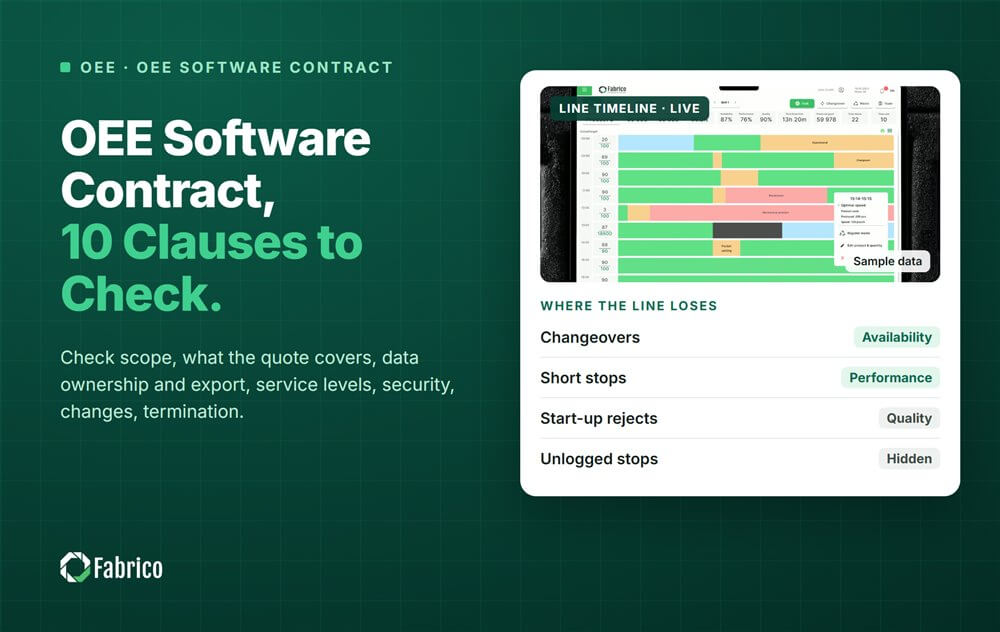
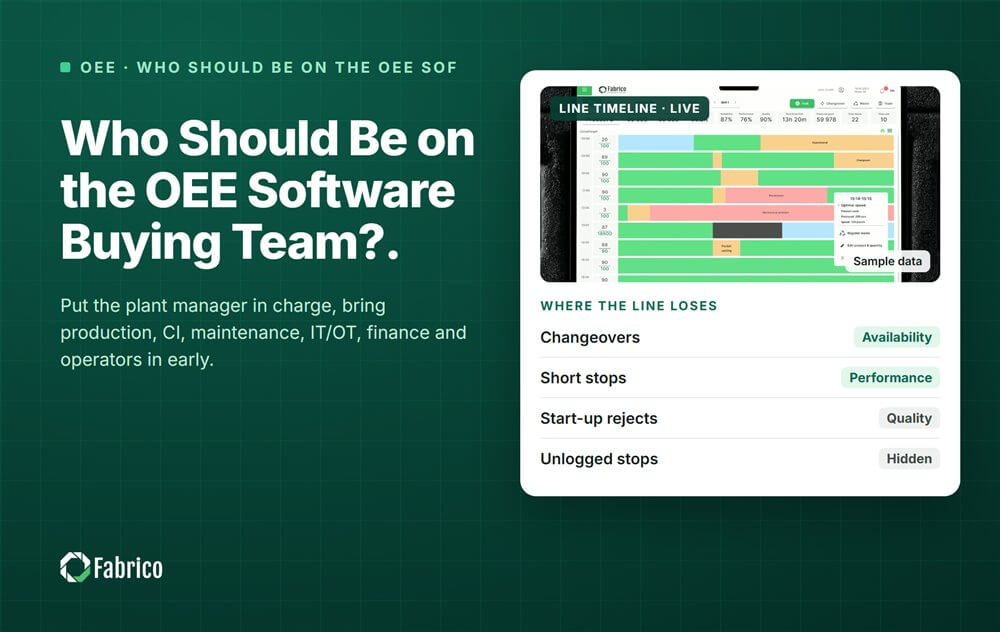
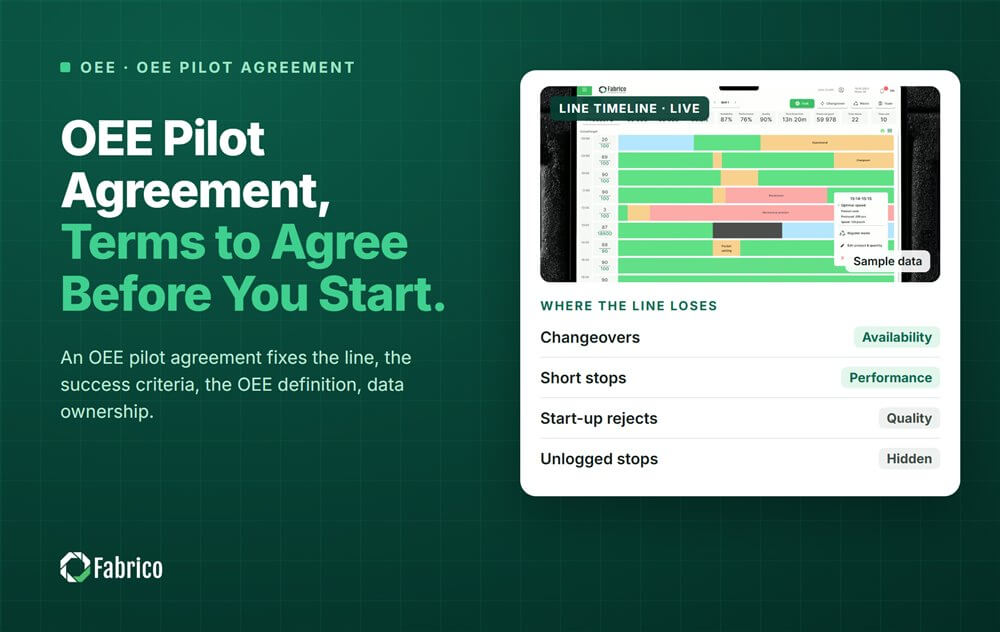


Real Fabrico tiles, sample data.