


 Login
 Blog
VFFS Bagger Stops on Camera: Film, Seal and Weigher Waits on a Snack Line

Key takeaways
- A multihead weigher and a VFFS (vertical form fill seal) bagger stop each other many times a shift, often for under 60 seconds.
- When one stops, the other waits, so both PLC (programmable logic controller) logs show a stop. The owner is the machine that stopped first.
- Two camera views do most of the work: the weigher feed and discharge, and the bagger jaws.
- On a sample snack line, the bagger owned only 30 of 60 short stop minutes. The rest, $270 a shift, started elsewhere.
Put one camera on the multihead weigher and one on the bagger jaws, and each short stop on a snack bagging line gets a clip. Side by side, the two clips show which machine stopped first: the weigher, the bagger, the product feed or the case packer.
Fabrico is OEE (overall equipment effectiveness) and light MES (manufacturing execution system) software, with AI cameras as an add-on. The camera marks each stop and keeps a short clip, and the operator confirms the reason in one tap.
For the OEE math of the pair, see our guide to VFFS machine OEE. For the whole line from the fryer on, see OEE for snack food lines.
Why do the weigher and the bagger blame each other?
The two machines work as a pair. The weigher drops a dose down the forming tube when the bagger is ready. The bagger closes the bag once the dose has fallen. So when one stops, the other waits.
Both PLCs see the wait. The bagger logs "no dose" or "stopped". The weigher logs "not ready" or "waiting for bagger". Neither log says which machine stopped first.
Most of these stops last seconds. Many OEE tools ignore stops under 60 seconds, so the minutes land in Performance as speed loss, with no owner. The shift report says "bagger, short stops", and the crew starts on the jaws. More in our guide to micro stops and computer vision.
Which short stops happen on a weigher and VFFS bagger?
- Bagger, film: a splice or reel end passing the jaws, or film walking off its print mark on the forming tube.
- Bagger, jaws: product falling late into the cross seal, so the jaws stop or the bag leaks.
- Weigher and feed: no dose, because the feed ran thin or the weigher had a fault. The bagger waits with its jaws open.
- Case packer: bags back up on the takeaway belt, and the bagger is blocked.
The old log often gives two of these one code. "Weigher not ready" covers a thin feed and a weigher fault. "Bagger stopped" covers a jaw jam and a full case packer.
Where do the two cameras go on a snack bagging line?
- Weigher feed and discharge. Look down from the weigher platform on the product infeed, the top cone and the discharge. It shows a thin feed, or product piling up or spilling.
- Bagger jaws. Frame the cross jaws, the film below the forming collar and the takeaway belt. It shows a splice, film off track, product in the seal or bags backing up.
Mount both outside the guarding. Metallized film throws glare and seasoning dust settles on lenses, so test each view in your own light.
How do two clips show which machine stopped first?
The weigher and the bagger each report a state, and both go on one timeline with the clips. The machine that left "running" first owns the stop. The other one was waiting.
- The jaws stop on a splice. The weigher holds its dose and waits. The stop belongs to the bagger, film.
- The feed runs thin. The weigher cannot make a weight, and the bagger waits with its jaws open. The stop belongs to the product feed.
- The case packer backs up. Bags fill the takeaway belt, the bagger stops, then the weigher waits. The stop belongs to the case packer; its own jams are in our guide to a camera on the case packer.
Each stop keeps a short clip from each view as evidence. The screen suggests a reason, and the operator confirms it in one tap. The PLC stays the clock and the camera is the witness, as our computer vision and PLC comparison explains.
Worked example: what do short bagger stops cost on a sample snack line?
Sample line (illustrative numbers, not a customer): one multihead weigher on a VFFS bagger, rated at 90 bags a minute. It packs 50 g chip bags, and a case packer follows. Planned production time is 450 minutes a shift, and the OEE tool ignores stops under 60 seconds.
The old OEE log showed 34 stopped minutes, all on the bagger. The clips showed 94 stops and 60 minutes, and the operator confirmed each owner in one tap:
| What the clip showed | Stops | Minutes | In the OEE log | Charged to | Cost a shift |
|---|---|---|---|---|---|
| Film splice or reel end at the jaws | 6 x 2 minutes | 12 | Film fault | Bagger, film | $108 |
| Film tracking off, print mark lost | 12 x 30 seconds | 6 | Not logged, under 60 seconds | Bagger, film | $54 |
| Jaws stopped, product in the seal | 8 x 1.5 minutes | 12 | Bagger stopped | Bagger, jaws | $108 |
| No dose, thin product feed | 48 x 15 seconds | 12 | Not logged | Product feed | $108 |
| No dose, full feed, weigher fault | 16 x 30 seconds | 8 | Not logged | Weigher | $72 |
| Bags backed up at the case packer | 4 x 2.5 minutes | 10 | Bagger stopped | Case packer (blocked) | $90 |
| Total | 94 | 60 | 34 logged | $540 |
- The old log missed 6 + 12 + 8 = 26 minutes: stops under 60 seconds, filed as speed loss.
- 60 / 450 = 13.3% of the shift, or 60 x 90 = 5,400 bags.
- At a contribution of $0.10 a bag (or €0.10 in a euro plant), each minute costs 90 x $0.10 = $9. The shift lost $540, or $405,000 over 750 shifts a year.
- The bagger owned 12 + 6 + 12 = 30 minutes, or $270. The other 30 minutes, another $270, started at the product feed, the case packer and the weigher.
- The no-dose waits were the most frequent stop, 48 of 94, at 15 seconds each. Film handling cost the most: 18 minutes, or $162 a shift.
The fix list changes. The bagger crew starts on splices and film tracking, not the jaws. The process team looks at the product feed. The case packer team gets its own 10 minutes back.
The money counts only if the line is sold out, or the lost bags cost overtime to make up. Agree that rule with your controller first.
What can cameras on a bagger not see?
- Inside the weigher: bucket doors, load cells and weights stay with the weigher's own controller.
- A weak seal: a bag can look closed and still leak. Leak tests and the checkweigher catch it.
- The cause on its own: it suggests a reason, and the operator confirms it.
How do you keep the cameras on bags, not people?
Frame the feed, the discharge and the jaws, not the walkway. Report OEE by line and shift, never by named operator. The clip defends the crew: it shows a thin feed or a failed splice, not a "slow" person.
In Germany, the works council co-determines any equipment that could monitor performance, even a camera that records nothing. Our works council approval guide covers the steps.
Where Fabrico fits
Fabrico is a computer vision enabled Manufacturing Performance Platform. OEE and light MES come first, and cameras are an add-on.
- Automatic downtime logging for the weigher and the bagger, short stops included.
- A camera clip as evidence for a stop, from the weigher feed or the bagger jaws.
- The operator confirms the reason in one tap, so film, seal and feed stops get different codes.
- Losses priced in money and ranked, so the costliest owner gets fixed first.
Named result: ABB, a Fabrico customer, reports 20% less downtime. You start with a pilot on one line, with a baseline and a decision date agreed in advance. Devices are connected in about a month, and the full rollout takes 3 to 4 months.
There is no free plan and there are no tiers: each plant gets a quote. See the computer vision OEE and MES page.
Frequently asked questions
Which machine gets the stop when the weigher and the bagger both stop?
The one that stopped first. If the jaws stopped on a splice and the weigher waited, it is a bagger stop. If the feed ran thin and the bagger waited for a dose, it belongs to the product feed. One timeline with both machine signals and the clips shows the order.
Can a camera tell a film splice stop from a weigher wait?
Yes, from what is in the frame. A splice stop shows the film and the jaws stopped together. A weigher wait shows the jaws open and empty, with no dose falling. The camera suggests the reason, and the operator confirms it in one tap.
Do short bagger stops count in Availability or Performance?
It depends on the plant's cutoff, and no standard sets it. Stops above it lower Availability, stops below it lower Performance, and OEE stays the same. But a stop below the cutoff has no reason and no owner unless something records it, such as a camera clip.
Where should the first camera go on a VFFS line?
Where stops are frequent and the PLC tells you least. On many snack lines that is the bagger jaws. If the weigher often waits for product, add a view of the weigher feed next. The clips then show how often the jaws wait for a dose.
Does a camera on the bagger watch the operators?
It should not. Frame the feed, the discharge and the jaws, keep faces out of the frame, and report by line and shift. Person-level metrics are a legal risk in Germany and France, and they kill trust on the floor.
See your bagger's short stops in a demo
Bring one bagging line and a week of its downtime log. We will show which machine stopped first, with the clips, and what each stop cost.
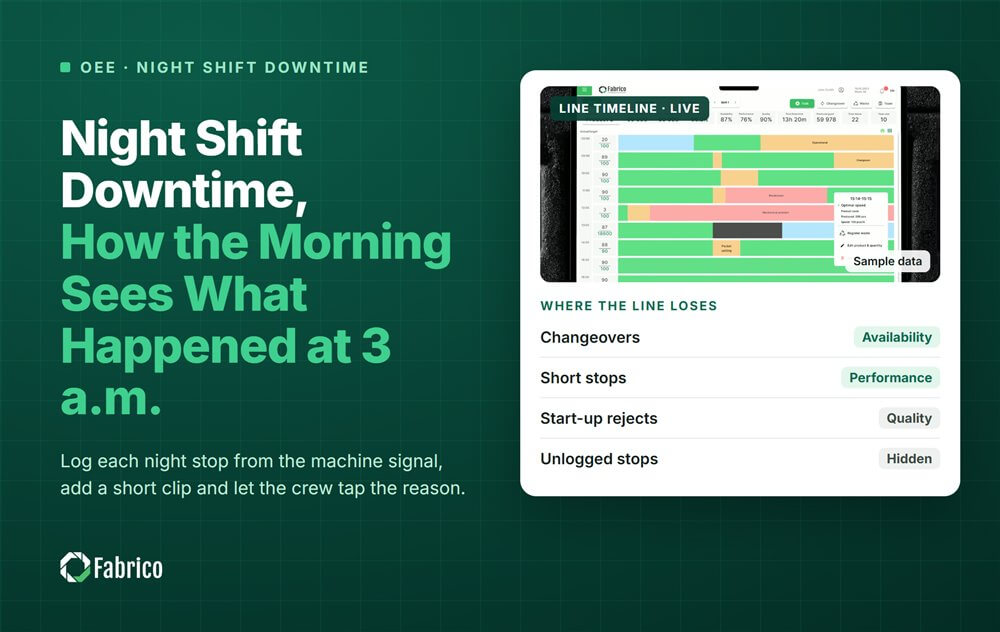
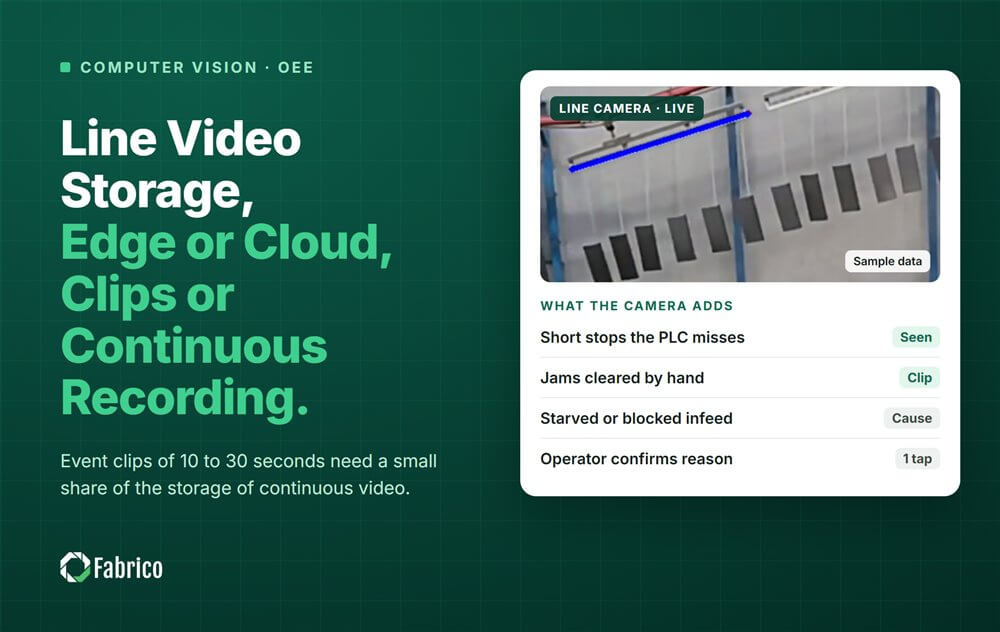
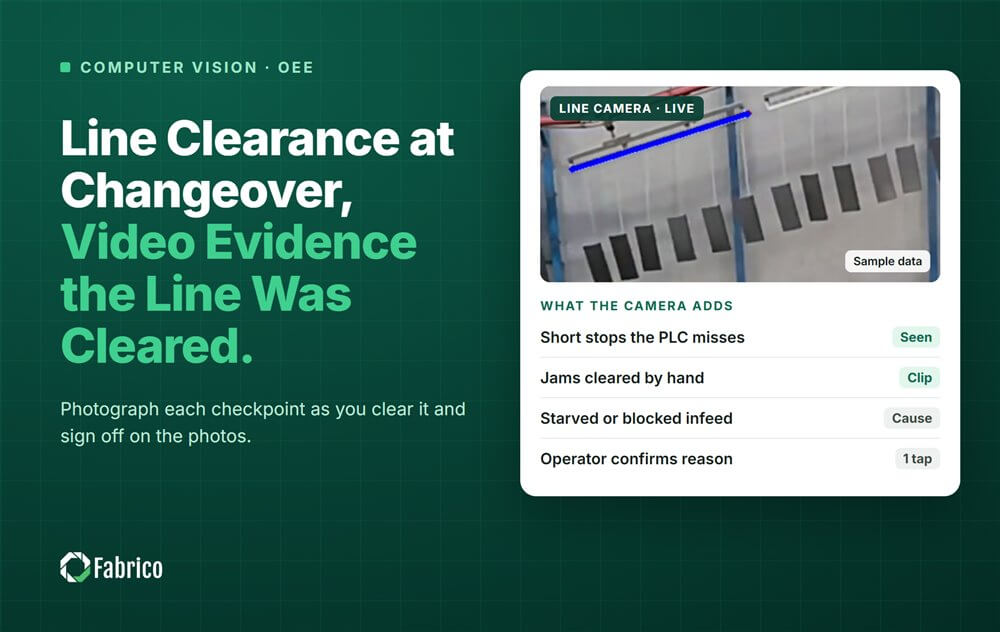


Real Fabrico tiles, sample data.