


 Login
 Blog
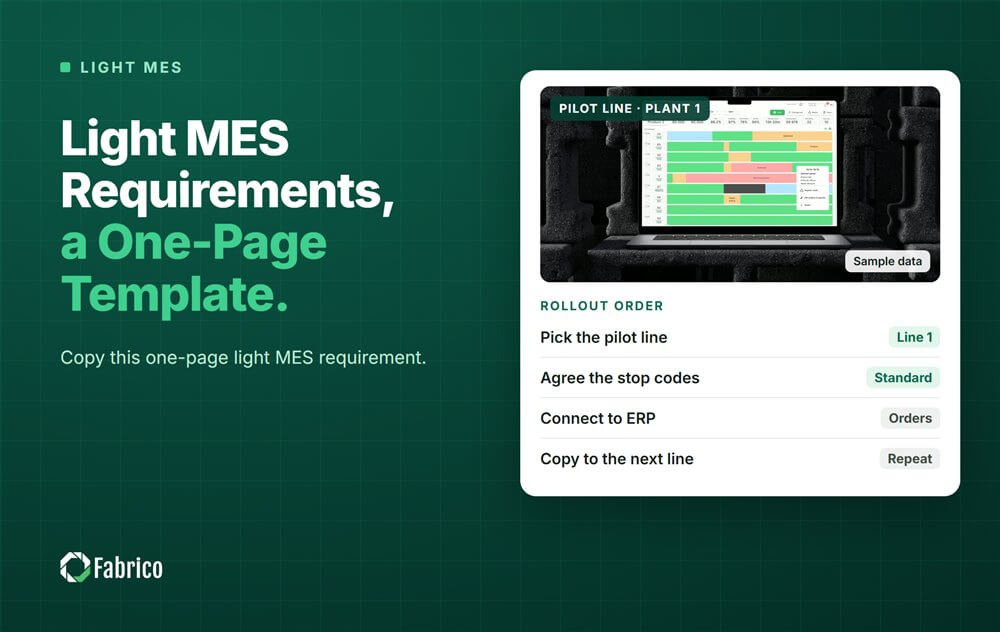
Light MES Requirements: a One-Page Template

Key takeaways
- A light MES requirement fits on one page, in 7 sections.
- Mark each line must or nice, and keep the musts short.
- Write each must as something you can see in a demo.
- Leave out order release, part-by-part history and regulated records for each batch. They belong to a full MES.
- If those items are musts for you, you need a full MES, at least on those lines.
A light MES (manufacturing execution system) requirement fits on one page, in 7 sections. They cover lines and machines, data sources, OEE definitions, stop reasons, reports, users and IT. Mark each line must or nice. Leave out the items that belong to a full MES, such as order release and part-by-part history.
Picture the filler on line 2 stopping for the fourth time in a shift. The plant's draft requirement has 200 lines, copied from a full MES tender. None of them says how that stop gets a reason.
This guide is for plant managers, CI (continuous improvement) leads and IT teams writing their first light MES requirement. It comes from Fabrico, a vendor of OEE and light MES software with computer vision on stops. Use the template on every vendor, us included.
What does a light MES cover, and what stays in the ERP?
A light MES is the part of an MES that watches the machines: it logs stops, shows OEE and prices each loss. Orders, stock and costs stay in the ERP.
ISA-95, the standard for the link between plant and business systems, puts MES at Level 3 and ERP at Level 4. Level 3 works in shifts, hours and minutes, while the ERP plans in weeks and months.
- In the light MES: stops and their reasons, OEE by line and shift, losses in money, the shift board, breakdown work orders.
- In the ERP: orders, bills of materials, stock, purchasing and costing.
- In a full MES: deciding which order runs where, enforced routings, part-by-part history and regulated records for each batch.
Our ISA-95 guide explains the levels, and light MES vs full MES compares the two scopes.
What goes on a one-page light MES requirement?
Seven sections, a few lines each. If a section needs more, it is probably a full MES item.
- Lines and machines. Which lines, which machines on each, which one is the bottleneck, how many shifts.
- Data sources. For each machine: its PLC (programmable logic controller), a small IoT device on a signal, a camera, or manual entry.
- OEE definitions. Ideal cycle time per product, what counts as a planned stop, the minor stop cutoff, what counts as good.
- Stop reasons. A short list in the operators' words, who confirms the reason, and how quickly.
- Reports. OEE by line and shift, top losses in money, the shift board, the view for head office.
- Users. Operators, line leads, CI, maintenance and managers, with their languages and screens.
- IT. Hosting region, accounts and roles, the network path from the line, what data leaves the plant, camera rules.
Ideal cycle time causes the most arguments later, so settle it here. Our ideal cycle time guide compares the nameplate rate with the best rate the line has shown.
How do you mark must versus nice?
A must is something without which the first line fails. A nice is something you would use but could live without for now.
- Keep the musts short. If everything is a must, nothing is.
- Tie each must to a loss or a person: "the night shift's stops", "the controller's rate".
- Write each must as a test you can see in a demo: "a stop shows on the screen while the line is still down".
- Let the owner write each must. IT writes the IT lines, and operators check the stop reasons.
Nice items still matter. They break ties between two vendors that meet every must.
What should you leave out of a light MES requirement?
Anything that turns a light project into a full MES project, unless you truly need it:
- Order release: deciding which order runs next on which line, and sending it there.
- Part-by-part history: following each serial number or lot through every step.
- Regulated electronic records for each batch, as in pharma.
- Enforced routings that block a step until the one before is signed off.
- Two-way order sync with the ERP from the start.
Each of these adds scope, people and links to other systems. Our article on why MES implementations fail names everything-in-scope as a top cause.
When does that list mean you need a full MES?
When any item on the leave-out list is a must for you. Three signs:
- Regulators or customers need you to follow each lot or serial number through every step.
- You must keep regulated electronic records for each batch.
- Choosing and releasing orders across lines is your daily pain, more than downtime.
Some plants mix the two: a light MES on most lines, and a full MES only where those records are needed.
A worked example: one page for a sauce plant
Sample line (illustrative numbers, not a customer): line 2 of a sauce plant with 3 bottling lines and 2 shifts. Its ERP already runs orders and stock well. This is the whole plant's page.
| Section | Must | Nice |
|---|---|---|
| Lines and machines | Lines 1 to 3: filler, capper, labeller, case packer. The filler is the bottleneck. | Add the mixing room later. |
| Data sources | Filler and capper by PLC. Labeller by an IoT device. The old case packer by a camera. | Manual entry for the hand-packing table. |
| OEE definitions | Ideal rate per bottle size from the filler nameplate. Planned stops: breaks and the weekly clean. Minor stops: under 2 minutes. Rework counts as bad. | ISO 22400 names on reports. |
| Stop reasons | 12 reasons in the operators' words. The operator confirms in one tap at the line. | A camera suggests the reason on the case packer. |
| Reports | OEE by line and shift. Top 5 losses in money. A shift board screen at each line. | Head office view. |
| Users | 30 operators, 6 line leads, 1 CI lead, 2 maintenance, 1 plant manager. Screens in English and Polish. | Phone access for managers. |
| IT | Hosted in the EU. Roles per user group. Outbound connection only from the line network. Camera rules agreed with the works council. | Single sign-on. |
| Out of scope | Order release, part-by-part history, ERP order sync. | None |
- Machines to connect: 3 lines x 4 machines = 12.
- By source: 3 x 2 = 6 by PLC, 3 by IoT device, 3 by camera, and 6 + 3 + 3 = 12.
- User accounts: 30 + 6 + 1 + 2 + 1 = 40.
Every machine has a named source, so no vendor can skip the old case packers. The out-of-scope row matters most: it tells every vendor where to stop, and it tells the ERP team that nothing changes on their side.
Mistakes plants make with light MES requirements
- Copying a full MES tender and calling it light.
- Musts that cannot be tested in a demo.
- No out-of-scope row, so vendors quote for everything.
- Leaving the IT lines for the vendor to write.
- No decision on ideal cycle time, so OEE is argued later.
Where Fabrico fits
Fabrico is a computer vision enabled Manufacturing Performance Platform. OEE and light MES come first: Fabrico works in the ISA-95 Level 2 to Level 3 space, and it is not an ERP.
- Automatic downtime logging: stops come from the machine through its PLC, a Fabrico IoT device or an AI camera.
- OEE live by line and shift: the reports section, on a screen at each line.
- The operator confirms the reason in one tap: a camera suggests a reason and the clip stays as evidence.
- Losses ranked by money: the top losses, priced.
- A work order to the right technician, with its cost: when a stop is a breakdown.
You start on one line, with a baseline and a decision date agreed in advance. Devices are connected in about one month, and the full rollout takes 3 to 4 months. There is no free plan and there are no tiers: each plant gets a quote.
Our light MES guide covers the full scope.
Frequently asked questions
What is a light MES?
A light MES is the part of an MES that watches the machines. It logs stops and their reasons, shows OEE by line and shift and prices the losses. Orders, stock and costing stay in the ERP, and regulated records for each batch stay in a full MES.
How long should a light MES requirement be?
One page. Seven sections, each with a few must and nice lines, plus an out-of-scope row. If it grows past a page, check whether you are writing a full MES requirement by accident. Detail belongs in the demo script, not in the requirement.
What is the difference between a requirement and an RFP?
The requirement says what your plant needs. An RFP (request for proposal) wraps it in questions for vendors: company details, support, security answers and commercial terms. Write the one-page requirement first, then build the RFP around it. The RFP can be long; the requirement stays one page.
Can a light MES connect to old machines without a PLC?
Often, yes. A small IoT device can read a run signal or a sensor, and a camera can watch a machine with no usable signal. Write each old machine into the data sources section, so every vendor has to answer for it.
Who should sign off the requirement?
The plant manager owns it. Production and CI sign the line and OEE sections, IT signs the IT section, and operators check the stop reasons. The ERP team should confirm the out-of-scope row, so nobody expects order sync from the start.
Bring your requirement to a demo
Bring your one page and one line's stop log. We will go through each must on screen and mark what we can show and what we cannot.
Latest from our blog


Real Fabrico tiles, sample data.