


 Login
 Blog

Andon Software: 5 Digital Andon Systems and Boards Compared (2026)

Andon software is the digital version of the andon cord and light stack: an operator or a machine raises a signal, the software alerts the right people on screens, phones or boards, and it logs when the call was raised and when it was closed. Digital andon systems differ in how they route alerts, what they show on line boards, and whether the calls feed OEE and maintenance data.
Key takeaways
- A light stack shows that a line needs help. Andon software adds why, who was told and how long the line waited.
- Four things separate the tools: what triggers a call, how alerts are routed, what the line board shows, and what happens to the data after the call is closed.
- Fabrico is our product and is listed first. It is an OEE and light MES platform rather than a dedicated andon call system, and its section says which part of andon it covers.
- L2L, Tulip and Vorne XL are described from each vendor's own website, checked 5 November 2026, with a link to the page.
-
The Top Contenders: We review Fabrico, L2L, Redzone, and others to help you reduce response times on the shop floor.
What is andon software?
Andon comes from lean manufacturing: Toyota let any operator pull a cord and stop the line when they saw a problem, and a light stack above the line showed the status to everyone.
Andon software keeps the signal and adds what a light cannot carry: the reason for the call, who was alerted, when help arrived and how long the line waited. Vorne describes an andon system as "a lean manufacturing tool built around the same three core elements as Andons", and names them signal, alert and resolve (Vorne, checked 5 November 2026).
How a digital andon system works
- Signal: an operator taps a button or a tablet, or a machine signal reports a stop.
- Alert: the system tells the right people, on a line board, a phone, by email or in a messaging app, depending on the tool.
- Respond: someone comes to the line, the problem is fixed and the call is closed.
- Learn: calls and stops are counted by reason, line and shift, so the problems that repeat get a lasting fix.
Tools differ most in step 2, how alerts are routed and followed up, and in step 4, whether the data feeds OEE and maintenance.
What to look for in andon software
- Triggers: operator calls, machine signals, or both.
- Routing: who is alerted for which reason, line or machine, and through which channel.
- Follow-up: what happens when nobody responds. Some tools step up through a chain of people on a timer; others leave that to the team. Ask each vendor to show it live.
- Line boards: what the screen at the line shows, and whether a standard TV or monitor can be used.
- Response data: the time from call to arrival and from call to restart, by reason. This is what turns andon from a light into an improvement tool.
- Link to OEE and maintenance: whether a call becomes part of the downtime record and, when a repair is needed, a work order.
Fabrico is listed first because it is our product; the others are in alphabetical order, not ranked. L2L, Tulip and Vorne XL are described from each vendor's own website, checked 5 November 2026.
1. Fabrico
Disclosure: Fabrico is our product.
What it is: a cloud-based OEE and light MES platform. It covers the machine side of andon: which line is stopped and why, who is told, and what the stop costs, kept in the same record as OEE and maintenance. It is not a dedicated andon call system.
What it covers in the andon role
- Machine stops as the signal: connected machines report their own stops, including short stops too brief to log by hand. Operators add the stop reason on a tablet or phone, and Fabrico's downtime tracking shows the stops and their reasons by line and shift.
- Alerts: alerts go to the right technician by stop reason, through push, in-app and email notifications with smart rules, and to a smart watch through push.
- Line status: real-time OEE per line and shift on a live OEE dashboard, on the web and in the iOS and Android apps.
- From stop to repair: a work order is opened from the stop in one step, linked to the line, because maintenance (CMMS) is built in on the same machine and production data.
- Machine data: from the PLC, from a Fabrico IoT device with external sensors on older machines, or from AI cameras (an add-on) where there is no machine signal.
- Cost of a stop: revenue at risk and profit impact per loss, in real time.
Things to consider
- Fabrico does not run an escalation chain, and the person who receives an alert is not asked to confirm it. If your andon process depends on calls that step up a chain of people until someone responds, use a dedicated andon system, or keep your current one next to Fabrico.
- Machines without a usable signal need a Fabrico IoT device or AI cameras (an add-on) first. Plan that into the rollout.
2. L2L (Leading2Lean)
What it is: L2L presents its factory notification system as digital andon and says: "Log an issue once, and the right person gets notified automatically with L2L's factory notification system".
What L2L highlights
- Each issue is logged as a Dispatch, which L2L describes as "a single record that tracks the issue from the moment it's flagged to the moment it's resolved."
- Timed escalation: "Configure automatic, timed notifications up a chain of command, so an unresolved issue reaches the next person without anyone having to remember to follow up."
- Channels: "Send alerts by email, text, Microsoft Teams, WhatsApp, or browser notification, wherever your team actually is."
- Routing: "Route alerts to the right group of people based on area, line, or machine, instead of notifying everyone every time."
- An "Andon-Style Machine Status Dashboard".
Source: L2L factory notification system, checked 5 November 2026.
Things to consider
- Ask L2L which modules your first phase needs, and who on your side sets up the escalation chain and keeps it current.
3. Redzone
What it is: Redzone describes its product as "AI Manufacturing Software for Frontline Teams", and lists real-time production monitoring and downtime tracking among its use cases.
Source: Redzone website, checked 13 November 2026.
Things to consider
- Ask Redzone how andon calls are raised, routed and followed up, and what the line board shows.
4. Tulip
What it is: Tulip offers andon apps in its Library, on a platform where, in Tulip's words, you can "Create apps, add logic, build connectors, and more with no-code editing."
What Tulip highlights
- Andon Terminal: "The Andon Terminal app provides management for andon and alert events throughout the shopfloor."
- Andon Management: "The Andon Management application helps managers monitor station statuses in real time."
- "The Andon Management App works together with the rest of the apps in the Production Management App Suite."
Sources: Tulip Library Andon Terminal and Andon Management, and the Tulip App Editor page, checked 5 November 2026.
Things to consider
- Ask Tulip which Library apps fit your andon process as delivered and which you would configure.
5. Vorne XL
What it is: Vorne sells the XL Productivity Appliance with a plant-floor scoreboard, and lists a "Built-in Andon report showing the real-time status of every line in your Enterprise."
What Vorne highlights
- "Utilize any size TV or monitor as an operator scoreboard."
- "Hook up one or two sensors or tap into an existing photo-eye, relay, PLC, or proximity switch."
- "Operators simply scan down reasons, and optionally, add comments."
- "Receive automatic email and text alerts to see problems that need immediate attention."
Source: Vorne XL, checked 5 November 2026.
Things to consider
- XL is hardware at the line. Plan which sensor signal counts parts on each line, and how many units you need.
Andon software compared
| Feature | Fabrico | L2L | Redzone | Tulip |
| Primary Focus | OEE and light MES | Dispatch | Frontline teams | App Building |
| Work Order Link | Opened from the stop in one step | Ask L2L | Ask Redzone | Varies Custom |
| Stop signal (PLC) | Connected machines report their own stops | Ask L2L | Ask Redzone | Ask Tulip |
| AI cameras | An add-on: they count parts | Varies | Ask Redzone | Ask Tulip |
| Deployment | Agreed per plant | Ask L2L | Ask Redzone | Ask Tulip |
This table is not a ranking, so ask each vendor directly.
Which andon software fits
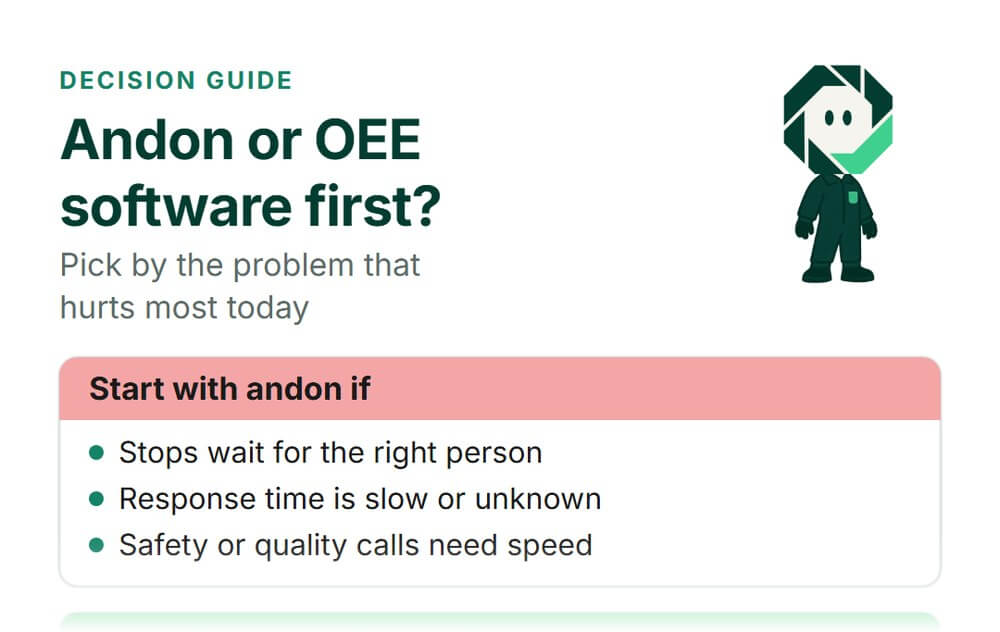
- Look at Fabrico if the question behind your andon calls is why lines stop and what it costs, and you want stops, causes, OEE and the repair in one system.
- Look at L2L if you want calls routed and stepped up through a chain of people on a timer, the way L2L describes its factory notification system.
- Look at Tulip if you want andon apps you can configure or build on a no-code platform.
- Look at Vorne XL if you want a scoreboard at the line driven by a hardware appliance with sensors.
From andon calls to fewer stops
An andon call fixes today's problem. Fewer calls next month come from counting them: which reasons repeat, on which line and shift, and how much line time they cost. That is the same data behind OEE, where andon calls hit availability first, and it is why many plants run andon next to a light MES that keeps stops, causes and OEE in one place.
To compare tools built for downtime first, see our downtime tracking software review, and for the causes behind breakdowns, our guide to equipment downtime.
Frequently asked questions
What is the difference between an andon light and andon software?
A light stack shows a colour: running, waiting or stopped. Andon software also records the reason, who was alerted and how long the line waited, so the calls can be counted and reduced.
What is a digital andon board?
It is a screen at the line or on the wall that shows status, open calls and, in many tools, output against target. Many tools run on a standard TV or monitor, so ask each vendor which hardware it needs.
Can andon be triggered by the machine instead of the operator?
Yes, in many systems. A signal from the PLC or a sensor raises the stop, and the operator adds the reason.
In Fabrico, connected machines report their own stops, including short stops too brief to log by hand, and operators add the stop reason on a tablet or phone.
How do you measure andon response?
Track the time from the call to someone arriving at the line, and from the call to the line running again, by reason, line and shift. In the daily meeting, review the reasons that repeat as well as the slowest responses.
Do I need andon software if I already track OEE?
They answer different questions. OEE software shows how much of the shift was lost and why; andon software gets help to the line while the stop is happening.
Plants with a working andon process often keep it and add OEE tracking next to it, so both use the same stop reasons.
See where lines like yours lose time.
Book a demo to see, on a demonstration plant with lines like yours, how stops, their causes and the repair show up in one system.
Curious what honest, real-time OEE looks like on lines like yours?
Book a demoContact usRelated articles




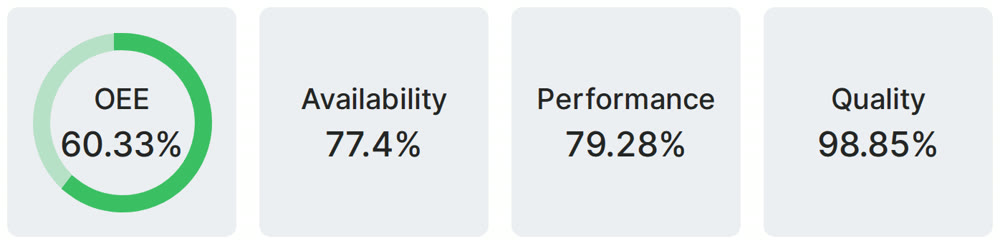
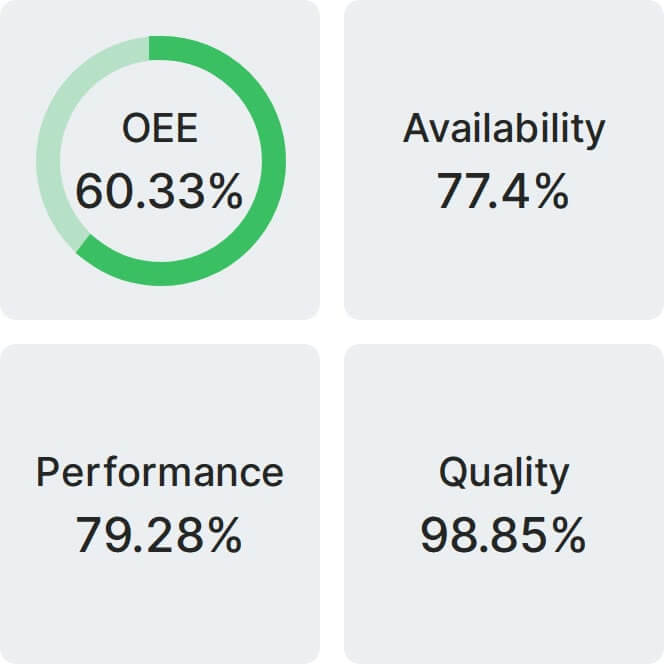
Real Fabrico tiles, sample data.