

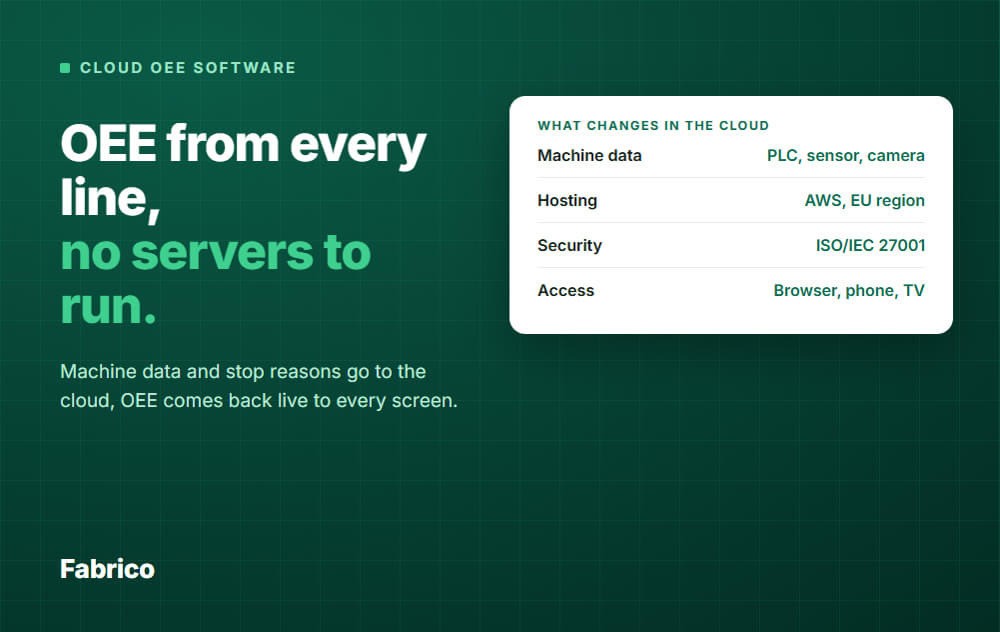

In short: Cloud OEE software runs on the vendor's servers. Your machines send data over the internet, and you read OEE and downtime in a browser or phone app. You do not run a server in your plant.
Cloud OEE software measures how well your lines run, and it runs on servers the vendor operates.
You do not install a database or an application server. You log in from a browser or an app.
It calculates the same OEE as any other system: Availability × Performance × Quality. The maths does not change with the hosting. If you need a refresher, see OEE calculation.
What changes is who runs the infrastructure, how fast you can start, and how you add a second or tenth plant.
You will also see "cloud based OEE" and "OEE in the cloud". They mean the same thing. Much OEE software is sold this way.
A cloud system only shows what it receives. So the first question is how the signal leaves the machine.
There are three common ways, and most plants use a mix.
Many machines already know their state and their count. A connection to the PLC, or to another existing machine connection, passes that on.
This is often the simplest route, because nobody has to add hardware.
Older machines often cannot talk to anything. A small IoT device with an external sensor can read a run signal and count pieces.
This is how you bring a 20-year-old packer into the same picture as a new line.
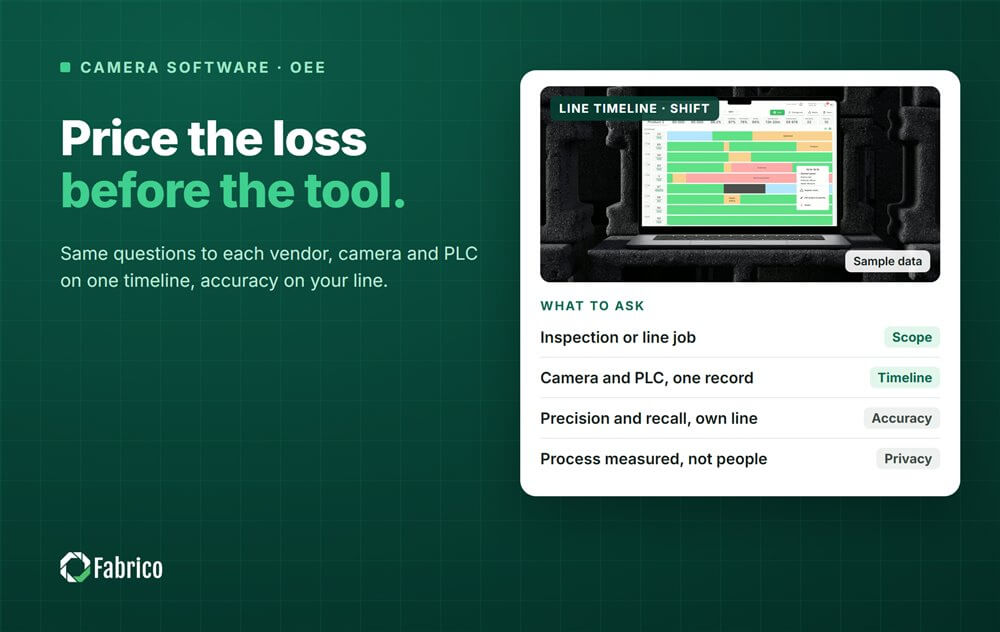
Where a sensor cannot count output, a camera with AI can. Cameras can also help explain stops. See camera-based OEE.
A machine can tell you it stopped. It cannot always tell you why.
So operators pick a stop reason on a tablet or phone. That reason travels to the cloud together with the signal.
On-premise means the software runs on servers you own and look after. Cloud means the vendor does.
Neither is "better" in general. It depends on your IT team, your rules and your number of plants.
| Question | Cloud OEE | On-premise OEE |
|---|---|---|
| Who runs the servers? | The vendor | Your IT team |
| Updates and patches | Rolled out by the vendor | You schedule and install them |
| Security | Depends on the vendor: ask for certificates | Depends on your own IT security |
| Time to start | No server to build | Hardware and setup come first |
| Several plants | One platform, one view | Each site needs connecting and maintaining |
| Internet needed? | Yes, to send data and to read results | Can run inside your network |
| Data location | Set by the vendor: ask where | Fully in your hands |
A good cloud vendor can be as secure as your own server room, and sometimes more. A bad one cannot.
The same is true on-premise. A server that nobody patches is a risk.
So do not ask "is cloud safe?". Ask for the certificates, the access controls and the hosting details. More on that below.
Some plants have rules that keep production data inside the building. Some sites have no reliable internet at all.
In those cases, on-premise or a hybrid setup can be the right call. Hybrid means local collection with cloud reporting on top.
This is the question buyers forget, and it matters.
If the link between plant and cloud breaks, the machine keeps running. The question is what the system shows afterwards.
Some systems may fill the gap when the link returns. Others may leave a hole in the timeline.
Example: an 8-hour shift has 480 planned minutes. The line really stopped for 60 minutes in total.
One 10-minute stop happened inside a 20-minute link drop, so the system never received it. Say it counts those 20 minutes as running time.
That is two points of availability that exist only on paper. A link that drops every day can hide real losses.
Put these questions in writing. A serious vendor answers them without fuss.
Fabrico is a light MES that measures OEE and downtime from machine data. It is a cloud SaaS product, and its data is hosted in the AWS EU region.
Fabrico is certified to ISO/IEC 27001, ISO/IEC 20000-1 and ISO 9001 (by DNV). Access is controlled by roles.
Data comes in the three ways shown above: existing PLCs and other machine connections, Fabrico IoT devices with external sensors, and camera and AI counting where a sensor cannot. Camera integration is enabled per factory on request.
For lines with no sensors, there is a manual mode. Operators start and stop production and record stops by hand.
Data from sensors is locked, so nobody edits it afterwards. Operators add the stop reason on a tablet or phone, with web and iOS and Android apps.
For several plants, group analytics compare OEE across sites. For the wider picture, see Fabrico MES and OEE and light MES.
A pilot site can be operational in days.
Request a demo or Contact us to see it on your own lines.
It can be. It depends on the vendor's controls and certificates, not on the word "cloud".
Ask for ISO/IEC 27001 and check its scope. Then ask about access control and hosting.
Machines keep running, but a pure cloud system needs a link to show results.
Ask the vendor exactly what happens to data during a drop. Some plants choose a hybrid setup for that reason.
Usually faster than on-premise, because there is no server to build. The real work is connecting machines and setting up products, reasons and targets.
Start with one or two lines, then add more once the numbers are trusted.
Either an existing PLC signal, a small IoT device with a sensor, or a camera. For a line with none of those, a manual mode can work for a start.
Track downtime with reasons on your bottleneck line. See downtime tracking software for what to look for.
No. Many plants start with OEE and downtime alone. A light MES grows from there as you need it.



 Login
 Blog