


 Login
 Blog
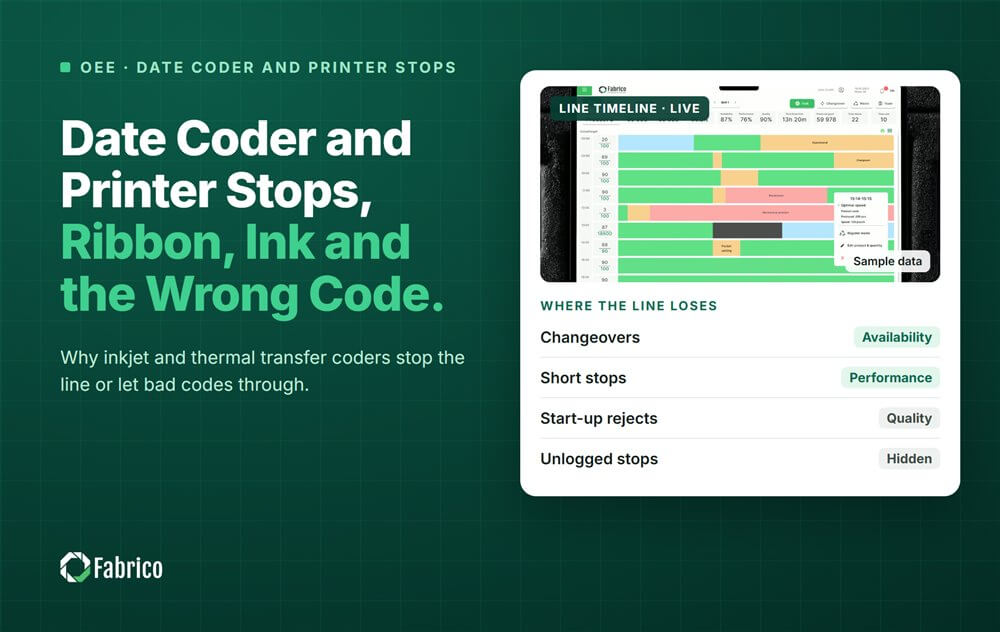
Date Coder and Printer Stops: Ribbon, Ink and the Wrong Code

Key takeaways
- Most coder stops are consumables, cleaning and settings, not machine failures.
- A wrong date code found late costs more than any single stop: everything since the last good check goes on hold.
- Check the code at every changeover and after every long stop.
- Code the waiting time of a quality hold, not only the coder stop.
- Consumable level checks at shift start remove most "out of" stops.
Coder stops usually come from consumables and setup: ribbon or ink running out, print heads that need cleaning, and the wrong code loaded after a changeover. The most expensive coder problem is often not a stop at all, but a wrong or missing date code that is found later and puts finished product on hold.
Fabrico, an OEE and light MES platform, logs each stop with its reason and prices every loss in money, so a short ribbon change and a long quality hold can be compared on the same list. This guide covers the coders on a packaging line, why they stop, why a wrong code costs more than a stop, and what to fix first.
Which coders sit on a packaging line?
- Inkjet coders print dates and batch codes on bottles, cans and cartons.
- Thermal transfer coders print on film, often on flow wrappers and baggers, using a ribbon.
- Laser coders mark the surface without ink or ribbon.
- Label printers and print and apply units put labels on cases and pallets at the end of the line.
Each type has its own consumables and its own ways to fail, but the pattern is the same: short stops for supplies and cleaning, and a risk of a bad code that nobody notices at once. On film lines the coder sits on the wrapper itself; see our guides to flow wrapper OEE and VFFS machine OEE.
What makes a coder stop the line?
| Cause | Typical sign | Code group |
|---|---|---|
| Ribbon or ink out | Coder alarm, line stops or runs without a code | Material |
| Ribbon break | Sudden stop, often after a splice or a speed change | Short stop |
| Print head dirty or blocked | Faint, broken or smeared characters | Short stop or cleaning |
| Wrong code or date loaded | Code does not match the order, found at a check | Changeover |
| Code verification reject | A reader or camera rejects unreadable codes | Quality |
| Print position wrong | Code off the print area, on a seam or over a graphic | Settings |
| Coder fault | Electronic or mechanical fault on the coder | Breakdown |
Most of these are short: a ribbon change or a head wipe takes a minute or two. They rarely reach a paper log, which is why the coder often looks reliable on paper. Our guide to micro stops explains how such stops add up.
Why is a wrong date code worse than a stop?
A coder stop costs minutes. A wrong or missing code costs product. When a check finds a wrong best before date or batch code, every pack made since the last good check is in question. It goes on hold until someone checks it, and then it is reworked, relabelled or scrapped.
- The longer the gap between checks, the bigger the hold.
- The hold often happens after the line has moved on, so it never appears as line downtime.
- The waiting time for the quality team is a loss too, if the line waits for a release.
How should coder stops and holds be coded?
- Ribbon or ink out: material group, so a reorder point and a level check can fix it.
- Ribbon break and print head cleaning: short stops at the coder.
- Wrong code loaded: changeover group, with the SKU pair in the note.
- Code verification reject stop: quality group.
- Waiting for quality release: its own code, so the waiting time is measured apart from the coder.
- Coder fault: breakdown, for faults that need a technician.
What does one shift of coder problems cost?
Sample line (illustrative numbers, not a customer): a snack line where the flow wrapper with its thermal transfer coder is the bottleneck at 200 packs a minute. The contribution margin is $0.03 a pack, or €0.03 in a euro plant, so one wrapper minute is worth 200 x $0.03 = $6. One shift:
| Event | Count | Line minutes | Cost |
|---|---|---|---|
| Ribbon out, 5 minutes each | 2 | 10 | $60 |
| Print head cleaning, 1.5 minutes each | 6 | 9 | $54 |
| Ribbon break, 2 minutes each | 3 | 6 | $36 |
| Wrong date after changeover: line stop to fix it | 1 | 15 | $90 |
| Wrong date: 8,000 packs held and reworked at $0.06 each | 1 | $480 | |
| Total | 40 | $720 |
- The wrong date was found 40 minutes after the changeover, so 40 x 200 = 8,000 packs were made with it.
- That one event cost $90 + $480 = $570, more than three times all the ribbon and cleaning stops together ($150).
- The ribbon outs were a supply problem: a level check at shift start would have removed both.
Which fixes help first?
- A code check at every changeover, before the line runs at speed. Our guide to first off approval after changeover shows a simple routine.
- A code check after every long stop and at fixed times during the run, so a bad code is found in minutes, not hours.
- The code taken from the production order where your coder supports it, instead of typed by hand.
- Consumable checks at shift start and a reorder point for ribbon and ink at the line.
- A head cleaning schedule written into the shift routine, so cleaning happens before print quality drops.
- Print position settings per SKU as centerlines.
Where Fabrico fits
Fabrico is a computer vision enabled Manufacturing Performance Platform. OEE and light MES come first, with computer vision on stops.
- Automatic downtime logging, including the one minute ribbon and cleaning stops.
- The operator confirms the reason in one tap, so ribbon out, ribbon break and wrong code get different codes.
- Every loss priced in money and ranked, so a quality hold and a short stop can be compared.
- A camera clip as evidence for a stop, where a camera watches the coder.
- OEE live by line and shift, and one view across plants.
You start with a pilot on one line, with a baseline and a decision date agreed in advance. There is no free plan and there are no tiers: each plant gets a quote. See how stops are captured on our computer vision OEE page.
Frequently asked questions
Why does my date coder keep stopping the line?
Most often because of ribbon or ink running out, ribbon breaks and print heads that need cleaning. These are short stops that a level check and a cleaning schedule reduce.
What happens when a wrong date code is found?
Everything made since the last good check is put on hold, checked and then reworked, relabelled or scrapped. That usually costs more than the coder's stops.
How often should date codes be checked?
At every changeover, after every long stop and at fixed times during the run. The shorter the gap, the smaller any hold.
Is a ribbon change downtime?
Yes, if the line stops for it. Code it as a material or consumable stop so its count and minutes are visible.
Should quality hold time be in the downtime data?
Code the time the line waits for a release, and track held product separately in money, because it often happens after the line has moved on.
See your coder's real cost in a demo
Bring one line and a week of coder stops. We will show their count, minutes and cost.
Latest from our blog


Real Fabrico tiles, sample data.