


 Login
 Blog
Can a Camera Tell Why the Line Stopped? How Stop Reasons Are Suggested

Key takeaways
- A camera suggests, it does not decide. It names a likely reason from what it saw, such as an infeed jam.
- The operator confirms or changes it in one tap. The clip stays with the stop as evidence.
- Short stops under your threshold are counted, not asked about.
- The confirmed reason feeds the stop Pareto and OEE (overall equipment effectiveness) by line and shift.
- It cannot see inside the controller, judge a part against its spec or know why a person stopped the line.
By the numbers
- Large plants suffer an average of 25 unplanned downtime incidents a month, down from 42 in 2019. (Siemens, 2024)
- 28% of large US manufacturers rank vision systems as a first or second investment priority for the next 24 months. (Deloitte, 2025)
- Automated optical inspection is the leading industrial AI use case, with a share of about 11% across the 48 use cases IoT Analytics tracks. (IoT Analytics, 2025)
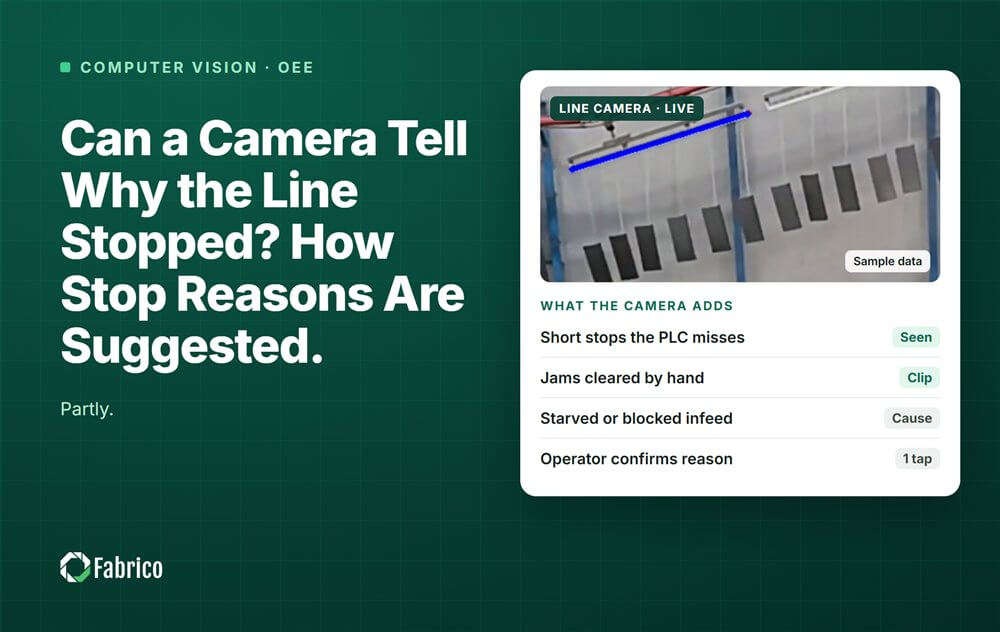
Yes, partly: a camera can suggest a likely reason for a stop, and the operator confirms it in one tap. It cannot prove the cause by itself. It adds a short clip of the moments before the stop, so the reason is checked against what happened, not against memory.
Fabrico is a computer vision enabled Manufacturing Performance Platform. Its OEE and light MES (manufacturing execution system) software logs stops automatically, prices each loss in money and shows OEE live by line and shift.
What can a camera see when a line stops?
A camera on the line is a witness. A PLC (programmable logic controller) knows the machine's state, but it often cannot show that product stopped moving. A camera can, and it can see these scenes:
- An infeed jam: product tipped over or piled up where it enters the machine.
- A blockage: the outfeed is full, so the machine has nowhere to put product.
- An empty infeed: nothing arrives, so the machine is starved by one upstream.
- A manual intervention: a guard opens and someone steps in to clear or adjust the machine.
- Nothing in view: no cause is visible, so there is no suggestion.
A suggestion describes the scene; a person who knows the line names the cause. Our guide to camera based production monitoring covers where to point the camera and how light affects it.
How does a camera suggest a stop reason, step by step?
- The stop gets a time stamp. A usable PLC signal is the clock. With no signal, the camera marks the moment product stops moving.
- The stop gets a clip. It starts a few seconds early, so this lead-in shows what led to the stop.
- A suggestion appears on the line screen, for example "Suggested: infeed jam", taken from the plant's own reason list.
- The operator confirms or changes it in one tap. If it is wrong, they pick the right code. The clip stays attached either way.
- Short stops are counted, not asked about. Below the plant's threshold, two minutes for example, there is no question. Asking about each 30 second jam trains people to tap anything.
- The confirmed reason feeds the reports: the stop Pareto and OEE by line and shift, next to the minutes and the cost.
A suggestion is not a reason until a person confirms it. Once confirmed, a camera reason and a typed one land in the same column. Our guide to micro stops shows what to do with the short stops. For the setup, read how to connect line cameras to MES downtime codes.
What can a camera not tell you about a stop?
A camera sees one field of view, in one range of light. It cannot tell you:
- What happened inside the controller. A drive fault or a failed sensor looks like a machine that simply stopped.
- Whether a part was out of spec. A badly glued case blank can look normal on video. This is not product inspection.
- Why a person stopped the line, for example to check a seal. The clip shows a stop with no visible fault.
- What is out of frame or in poor light. A jam behind a guard or glare from a window can hide the cause.
So the operator stays in the loop. The camera turns "what happened?" into "is this right?". The clip also protects the operator: the morning meeting talks about the machine, not about who was standing there.
What does a suggested stop reason look like in a worked example?
Sample line (illustrative numbers, not a customer). A bottle labeller runs at 200 bottles a minute. It is the first hour after a changeover, 06:00 to 07:00. A camera covers the infeed, the outfeed and the label magazine. The short-stop threshold is 2 minutes.
Before the camera, the PLC logged stops of 2 minutes or longer, and the operator wrote reasons at the end of the hour. Shorter stops were dropped. Here is the same hour with suggestions:
| Start | Minutes | What the clip shows | Suggested | Operator confirmed |
|---|---|---|---|---|
| 06:04 to 06:52 | 4 (4 short stops) | Bottles tipped at the infeed | Short stops, not asked | Counted as short stops |
| 06:11 | 4 | Bottles piled up at the infeed | Infeed jam | Infeed jam |
| 06:23 | 6 | Outfeed full, labeller waiting | Blocked downstream | Blocked by the case packer |
| 06:38 | 5 | Guard open at the label magazine | Manual intervention | Label reel splice |
| 06:47 | 3 | Empty infeed, no bottles arriving | Starved upstream | Starved by a filler stop |
| 06:55 | 3 | Machine still, nothing visible | No suggestion | Label sensor fault |
| Total | 25 |
Method note: Sample line, illustrative numbers, not a customer. Every result above comes from the inputs listed and the formula shown with it, so you can repeat the calculation with your own line's numbers.
The reason table for the hour, before and after:
| Reason | Before: from memory (min) | After: suggested and confirmed (min) |
|---|---|---|
| Jam | 7 | 4 |
| Short stops at the infeed | Not recorded | 4 |
| Blocked by the case packer | 0 | 6 |
| Label reel splice | 0 | 5 |
| Starved by a filler stop | 0 | 3 |
| Label sensor fault | 0 | 3 |
| Other | 14 | 0 |
| Total recorded | 21 | 25 |
- Recorded stop time: 21 minutes before, 25 after. The 4 extra minutes are the short stops the old log dropped.
- Share of "Other": 14 / 21 = 66.7% before, 0% after.
- The operator kept 3 of 5 suggestions, changed 1 and filled in 1 the camera could not see.
- Lost output: 25 x 200 = 5,000 bottles. At a sample margin of $0.10 a bottle (€0.10 in a euro plant), that is $500 for the hour, or €500.
Before, the 3 starved minutes were logged as a jam, and "Other" was the biggest bar. After, those minutes are charged to the filler upstream, and the case packer and the label reel show up.
How do you start using camera stop reasons?
Start with the loss, not the camera:
- Pick the station where stops most often end up as "Other".
- Clean up the reason list first. A camera cannot fix a bad list.
- Agree the short-stop threshold with the people who run the line.
- Review unconfirmed stops each morning. Our guide to unclassified downtime shows how.
To see the clip next to the OEE chart, read about an OEE dashboard with video context.
Fabrico starts with a pilot on one line. See how a stop gets its clip and its suggested reason on the computer vision OEE feature page. There is no free plan and there are no tiers: each plant gets a quote.
Proof from a named plant: Ficosota raised factory-wide OEE from 53.1% to 59.6%, with good output up 23.2% a month from June to September 2026. Read the Ficosota case.
Toyota calls jidoka "automation with a human touch": the machine stops on a problem, and a person decides what happens next. (Toyota, Toyota Production System)
Frequently asked questions
Can a camera find the root cause of a stop?
Not by itself. It shows the scene before the stop and suggests a likely reason, such as an infeed jam. Why the bottles tipped is for the team to find, with the clip and the fault codes in front of them. Use the clip to start the root cause talk.
What happens if the operator ignores the suggestion?
In a good setup, the stop stays unconfirmed. Its minutes still count as lost time in OEE, and it shows up in the daily review with its clip. Confirming should be faster than ignoring: one tap on the line screen, right after the restart.
Does the camera watch the operators?
It should not. A stop reason camera watches product and machines and gives no scores per operator. The European Data Protection Board's video guidelines (3/2019) say employers should not rely on consent for video at work. This is not legal advice: check with your data protection officer and, in Germany, your works council.
Where is the video processed, and how long are clips kept?
Ask the vendor's technical team, and get the answer in writing. Where video is processed, how long clips are kept and who can open them depend on the product and on your IT rules. Agree these points before the first camera goes up.
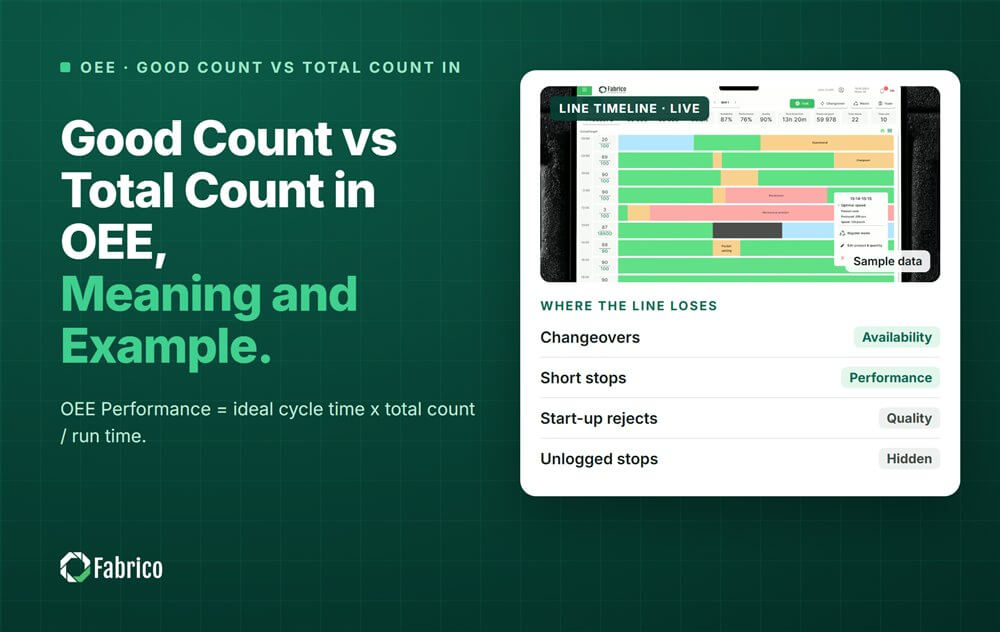


Real Fabrico tiles, sample data.