


 Login
 Blog
How Accurate Is Camera-Based OEE? What Affects It and How to Test It

Key takeaways
- View and job decide accuracy. Camera-based OEE (overall equipment effectiveness) is strongest on one clear question: is product moving?
- Errors come from the field of view, light changes, people or guards in the way, look-alike product and a camera that has moved.
- A false alarm costs seconds of review. A missed stop costs the lost output.
- The PLC (programmable logic controller) is the clock, the camera is the witness.
By the numbers
- 28% of large US manufacturers rank vision systems as a first or second investment priority for the next 24 months. (Deloitte, 2025)
- Automated optical inspection is the leading industrial AI use case, with a share of about 11% across the 48 use cases IoT Analytics tracks. (IoT Analytics, 2025)
- Analytical AI and machine learning are embedded in nearly 62% of Lighthouse sites' top five use cases, and generative AI in 23%, up from 9% in 2024. (World Economic Forum, 2026)
Camera-based OEE is accurate when the camera has a clear, steady view of one simple event, such as product moving or not moving. Accuracy drops when people, guards, changing light or look-alike product get in the way. Published accuracy figures are thin and mostly self-reported by vendors, so the number that counts is your own test.
Fabrico is a computer vision enabled Manufacturing Performance Platform. It is OEE and light MES (manufacturing execution system) software. It logs stops automatically, prices each loss in money and shows OEE live by line and shift.
What makes a camera miss stops or raise false alarms?
A camera sees one field of view, in one range of light, for events someone defined. Watch five things.
- Field of view. A jam inside the machine may not show until product stops at the point the camera watches.
- Light changes. Daylight from a dock door, other lamps on nights or glare on shrink film can fool it.
- Occlusion. Hands, an operator leaning in, an open guard door or a parked pallet can hide the product.
- Look-alike product. Clear bottles on a shiny belt, or packs that touch and read as one, make counts harder.
- Camera drift. A camera knocked during cleaning, or a guide rail moved at a changeover, shifts the view.
The job matters too. "Is product moving?" is easier than "how many packs passed?", and both are easier than "why did it stop?". That is why the operator confirms the reason.
See our guide to placing and lighting a line camera. For the wider setup, read about camera based production monitoring.
Which costs more, a false alarm or a missed stop?
- False alarm: the camera logs a stop that did not happen. The operator checks the clip and rejects it. Cost: a few seconds.
- Missed stop: the line stopped and the camera logged nothing. Nobody gives it a reason or fixes it. Cost: the lost output, hidden as slow running.
So plants often set a camera to flag slightly too much: each event carries its clip, so a false alarm is quick to clear.
The loss can be large. Siemens' True Cost of Downtime 2024 report puts a lost hour in FMCG (fast-moving consumer goods) at about $36,000 for large plants.
On the other side, operators who spend the shift rejecting false alarms stop opening the clips.
Is a camera as accurate as the PLC on stop timing?
Usually not, and it does not need to be. A PLC state is often read every 100 milliseconds to 5 seconds. A camera sees whether product moved.
So the PLC is the clock: where a reliable signal exists, its times go on the record. The camera is the witness: it shows what happened, and covers stations with no usable signal.
They can disagree for a good reason: a starved machine can show a run signal while nothing moves.
Keep the PLC, cameras and servers on one network time. Our comparison of computer vision and PLC data for OEE shows what each source does well.
How do you test camera accuracy on one station?
Run the camera next to the current log on one station, and let the operator settle each event.
- Pick one station where the loss is and the view is clear.
- Write down what a stop is, such as "no case leaves the outfeed for 10 seconds", agreed by someone who runs the line.
- Keep the current log as it is. Do not change how people log during the test.
- Send each camera event to the operator, who confirms or rejects it in one tap. The clip stays.
- Line up three lists on one timeline: log stops, camera events and confirmed stops, with PLC times where they exist.
- Cover real conditions: day and night shifts, a changeover, a clean and each product family.
Agree in advance which result means "add the next station". The test is long enough when it has covered those conditions and a few dozen stops. For the wider plan, read how to run a computer vision OEE pilot.
What does a worked example of the test show?
Sample line (illustrative numbers, not a customer). A camera watches the outfeed of a case packer on a bottling line. The case packer has a PLC. Stops under 2 minutes are minor stops. The test runs for 10 shifts against the paper log.
| What was counted | Stops | What it means |
|---|---|---|
| Stops in the paper log | 22 | What the team sees today |
| Camera events | 64 | What the camera flagged |
| Confirmed by the operator | 55 | Real stops, each with a clip |
| Rejected as false alarms | 9 | A person or a light change |
| Log stops the camera also saw | 19 | Both sources agree |
| Real stops the camera missed | 2 | An open guard door |
| Log entries that were not stops | 1 | A planned break |
| Confirmed stops not in the log | 36 | Short stops |
Method note: Sample line, illustrative numbers, not a customer. Every result above comes from the inputs listed and the formula shown with it, so you can repeat the calculation with your own line's numbers.
- Real stops = 55 confirmed + 2 missed = 57. The camera found 55 of them.
- The paper log held 21 of the 57: its 22 entries minus the planned break.
- New stops: 55 minus the 19 matched = 36, together 31 minutes, about 3 minutes a shift.
- False alarm cost: 9 x about 10 seconds = 90 seconds of review in 10 shifts.
- Missed stop cost: 2 stops, 7 minutes. The paper log caught both, which is why you test against it.
Timing: of the 19 matched stops, 17 started within 3 seconds of the PLC time. Two came 8 and 11 seconds late, both on nights.
Result: the camera gave a fuller stop list than paper, and both misses had one cause. The team raises the camera above the guard door, checks one more set of shifts and keeps the PLC times as the record.
What should you do with the test result?
Each line of the result points to a different fix.
- Many new short stops: see how computer vision feeds each OEE loss.
- Misses with one cause: fix the view or the light, then check again.
- Many false alarms: tighten the stop definition or the field of view.
- Log entries that were not stops: a coding problem in the log, not the camera.
Add the next station when this one passes the rule you agreed. Fabrico starts with a pilot on one line. See how a stop gets its clip and reason on the computer vision OEE feature page.
Ask any vendor, us included, how an accuracy figure was measured: which station, how many stops, who checked them. There is no free plan and there are no tiers: each plant gets a quote.
Proof from a named plant: Ficosota raised factory-wide OEE from 53.1% to 59.6%, with good output up 23.2% a month from June to September 2026. Read the Ficosota case.
Toyota calls jidoka "automation with a human touch": the machine stops on a problem, and a person decides what happens next. (Toyota, Toyota Production System)
Frequently asked questions
Is computer vision accurate enough for OEE?
It can be, for clear jobs: whether product is moving at one point, and how many units pass it. It is weaker when the view is blocked, the light changes or products look alike. Published figures are thin, so run your own test on one station against your current stop log.
Why do vendors quote such different accuracy numbers?
There is no shared test. Each figure comes from a different station, product and lighting, and from a different definition of a stop. Many are self-reported. Ask how many stops were checked, who confirmed them, and whether nights and changeovers were included.
Can a camera replace the PLC for OEE?
Not where a reliable machine signal exists. The PLC is the better clock for stop times. The camera adds what the signal cannot show: whether product moved, a clip of each stop, and stations with no usable signal. Running both is the common end state.
Does the camera decide why the line stopped?
No. The camera may suggest a likely reason, such as a jam at the infeed. The operator confirms or changes it in one tap, and the clip stays with the stop as evidence. The camera watches the process, not the person: no faces, no names, no scores per operator.
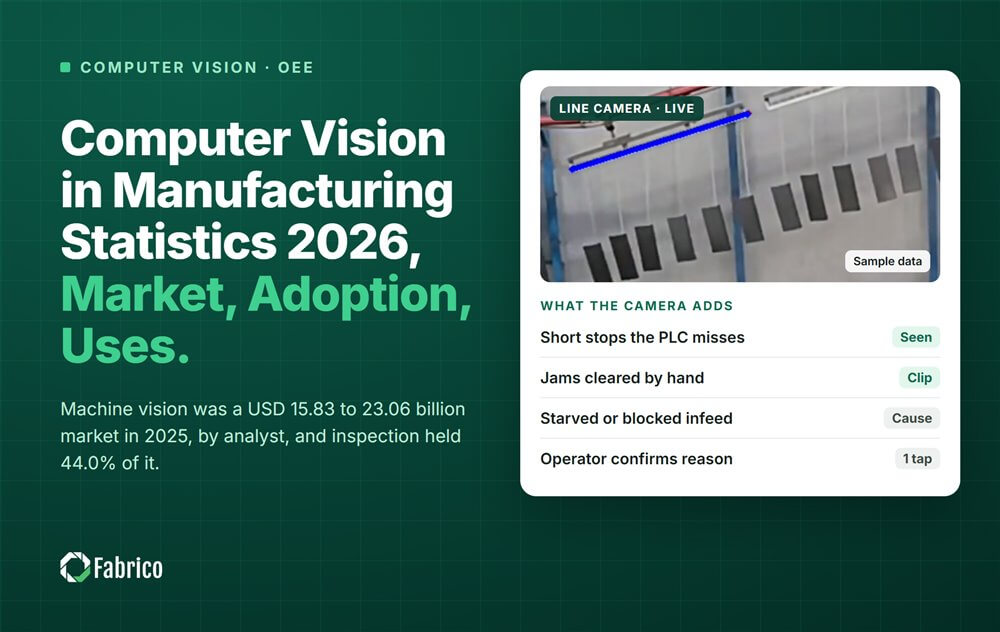
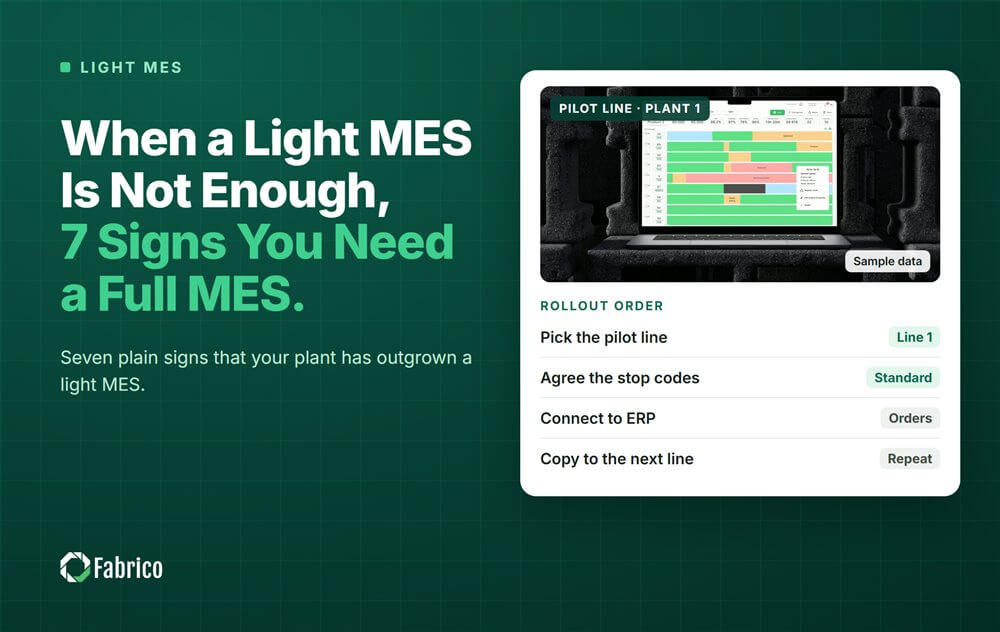
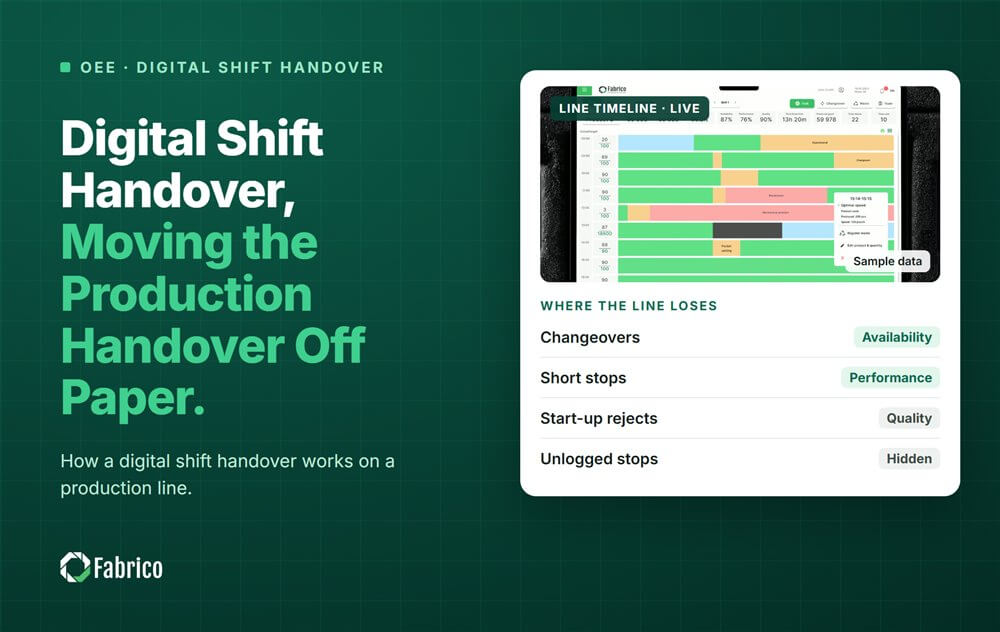


Real Fabrico tiles, sample data.