


 Login
 Blog
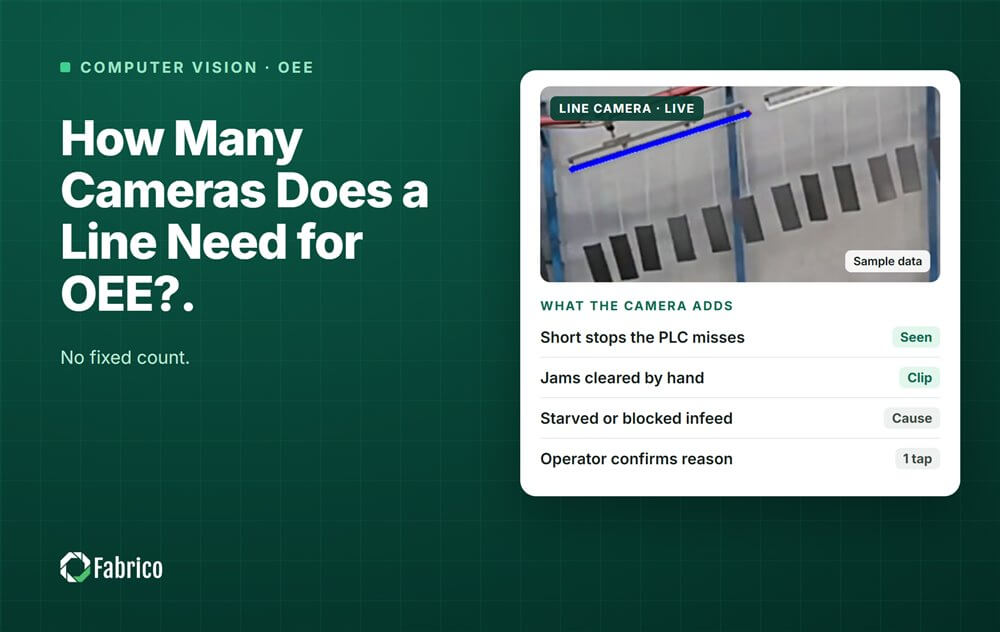
How Many Cameras Does a Line Need for OEE?

Key takeaways
- No fixed number. The count follows the machines and the question each camera answers.
- The bottleneck comes first: a lost minute there is lost line output.
- Add cameras where signals are blind: manual stations, old machines with no PLC, and buffer tables.
- Skip the camera where a clean PLC signal exists.
- Our sample filling line of nine stations needs three cameras.
By the numbers
- 28% of large US manufacturers rank vision systems as a first or second investment priority for the next 24 months. (Deloitte, 2025)
- Analytical AI and machine learning are embedded in nearly 62% of Lighthouse sites' top five use cases, and generative AI in 23%, up from 9% in 2024. (World Economic Forum, 2026)
- 63% of the top five solutions Lighthouse sites present have been scaled up to three or more sites. (World Economic Forum, 2026)
There is no fixed number of cameras per line: start with one on the bottleneck, then add one wherever machine signals are missing or unreliable. Where a programmable logic controller (PLC) already reports clean stops and counts, a camera adds little.
Fabrico is a computer vision enabled Manufacturing Performance Platform. Its OEE and light MES software logs stops automatically, prices each loss in money and shows OEE live by line and shift. OEE stands for overall equipment effectiveness, and MES for manufacturing execution system. A machine connects through its PLC, a Fabrico IoT (internet of things) device or an AI camera.
How do you work out how many cameras a line needs?
Give each camera one question, then count the questions. A camera sees one field of view, in one lighting range, for a set of events.
- Is product moving here, or has the station stopped?
- Is the machine starved or blocked?
- How many units passed this point?
- What happened at this jam point?
If a machine signal already answers the question, skip the camera. If not, or if nobody trusts the signal, the station is a candidate. Rank the candidates by the money they lose, bottleneck first.
When does a PLC signal make a camera unnecessary?
When the signal is clean and answers your question. Fabrico's own comparison rates PLC timing as high and vision timing as moderate, and calls running both "the common end state". See our computer vision vs PLC comparison.
Cheapest source first:
- Read the PLC: run state, count and fault code; read, never write.
- Tap the signal tower: wired in parallel, with no PLC program change.
- Add a sensor: a current clamp shows running or idle; a photo eye counts.
- Point a camera where none of these can see.
A PLC still has blind spots. Its run bit can say "running" while the conveyor is empty, so a starved machine looks busy. And if the OEE tool drops stops under 60 seconds, short stops vanish into speed loss.
Where does a line need a camera?
- Manual stations. No machine signal at all; a camera can count finished units and see when the station stands still. Our guide to computer vision OEE for manual assembly covers the limits.
- Old machines with no readable PLC. A sensor may be enough; a camera adds the clip when stops need explaining.
- Accumulation and buffer tables, where starved and blocked time is decided. An empty table in front of the bottleneck means it will starve; a full one behind it means it will block.
- Jam points on the bottleneck, such as a filler's infeed star wheel. See what a camera on a filling line records.
A station behind a big buffer can usually wait: the buffer absorbs its short stops.
How many cameras do filling, packing and assembly lines need?
Sample layouts, not a rule:
- Filling line (sample layout): two to four cameras. The filler infeed, the buffer tables next to the filler, and any old labeller or wrapper with no readable controller.
- Packing line (sample layout): one to three cameras. None on a bagger with a working PLC; one on a hand case packing table and one on the buffer before the case packer.
- Manual assembly line (sample layout): about one per station, or one per two stations that share a field of view and lighting range.
What changes the count:
- Line speed. On fast lines, count with the PLC or a sensor and use cameras for stops and starved time. Test each view at top rated speed.
- Line length. More conveyors and buffers mean more places where starved and blocked time is decided. Cover the buffers next to the bottleneck first.
- IT. Each camera needs a network port and power, ideally one cable, in its own network zone. See line camera network requirements.
Placement is a separate question: see camera placement and lighting.
Worked example: how many cameras does a sample filling line need?
Sample line (illustrative numbers, not a customer). A water line has nine stations. The filler and capper block is the bottleneck at 500 bottles a minute. The infeed table holds 1,500 bottles, and the table in front of the case packer has room for 2,000.
First, size the two buffers in filler minutes, using Little's law:
- Infeed table: 1,500 / 500 = 3 minutes before a depalletiser stop starves the filler.
- Case packer table: 2,000 / 500 = 4 minutes before a case packer stop backs up into the labeller and then the filler.
Table levels decide whether a filler stop is starved, blocked or its own, so both tables get a camera:
| Station | Data source | Why | Cameras |
|---|---|---|---|
| Depalletiser | PLC | Clean states; 3 minutes of buffer protect the filler | 0 |
| Infeed table | Camera | Shows when it runs low, so a filler stop reads starved, not down | 1 |
| Filler and capper (bottleneck) | PLC + camera | PLC is the clock and counter; a camera over the infeed star wheel records short stops | 1 |
| Labeller | PLC | Readable fault codes | 0 |
| Case packer table | Camera | Full: labeller about to block. Empty: case packer starved | 1 |
| Case packer | PLC | Modern controller that counts cases | 0 |
| Shrink wrapper (1990s) | Sensor | No readable controller; a current clamp and a photo eye give run, stop and count | 0 |
| Palletiser | PLC | Clean states, far from the bottleneck | 0 |
| Repack table | Operator | A few damaged cases a shift, entered on the line screen | 0 |
| Total: 9 stations | 5 PLC, 1 sensor, 1 operator | 3 |
Method note: Sample line, illustrative numbers, not a customer. Every result above comes from the inputs listed and the formula shown with it, so you can repeat the calculation with your own line's numbers.
Result: 3 cameras for 9 stations.
A labeller with no readable controller and frequent jams would earn a fourth camera. A trusted level sensor on the case packer table would remove one.
How do you start small and add cameras later?
Start with a pilot on one line, ideally the bottleneck line, with a baseline and a decision date agreed in advance. Put the first camera where money is lost and the signal is weakest, and add the next when the data shows losses you cannot explain.
- Agree what a stop looks like in each view with the line team.
- Check each camera count against a hand count first.
- Point cameras at product and machines: the camera watches the process, not the person.
With Fabrico, devices are connected in about one month and full rollout takes 3 to 4 months. Each stop keeps its clip as evidence, and the operator confirms the reason in one tap. Ask the technical team where video is processed and how long clips are kept.
Our computer vision OEE pilot plan has the checklist, and the computer vision OEE feature page shows the product. There is no free plan and there are no tiers: each plant gets a quote.
Proof from a named plant: Ficosota raised factory-wide OEE from 53.1% to 59.6%, with good output up 23.2% a month from June to September 2026. Read the Ficosota case.
Toyota calls jidoka "automation with a human touch": the machine stops on a problem, and a person decides what happens next. (Toyota, Toyota Production System)
Frequently asked questions
Do I need a camera on each machine?
No. A machine with a working PLC usually needs none: the controller gives a clean stop and count. Cameras go where the signal is missing or untrusted: manual stations, old machines, buffer tables and jam points on the bottleneck. On the sample line above, three cameras covered nine stations.
Can one camera cover two stations?
Yes, if both fit one field of view in one range of light, with no hands or guards hiding the product. Two short buffer tables side by side can share a view; two stations on opposite sides of a guard cannot. Test the shared view at full line speed.
Should the camera or the PLC count output?
Where a PLC counter works, let it count, and use the camera for stops and starved or blocked time. At a manual station with no machine signal, the camera can count finished units at the outfeed. Check that count against a hand count first.
What does each extra camera need from IT?
A network port, power and a place on the plant network, ideally one cable in a zone of its own. Ask the vendor's technical team where the video is processed and how long clips are kept. Get both answers in writing before the first install.
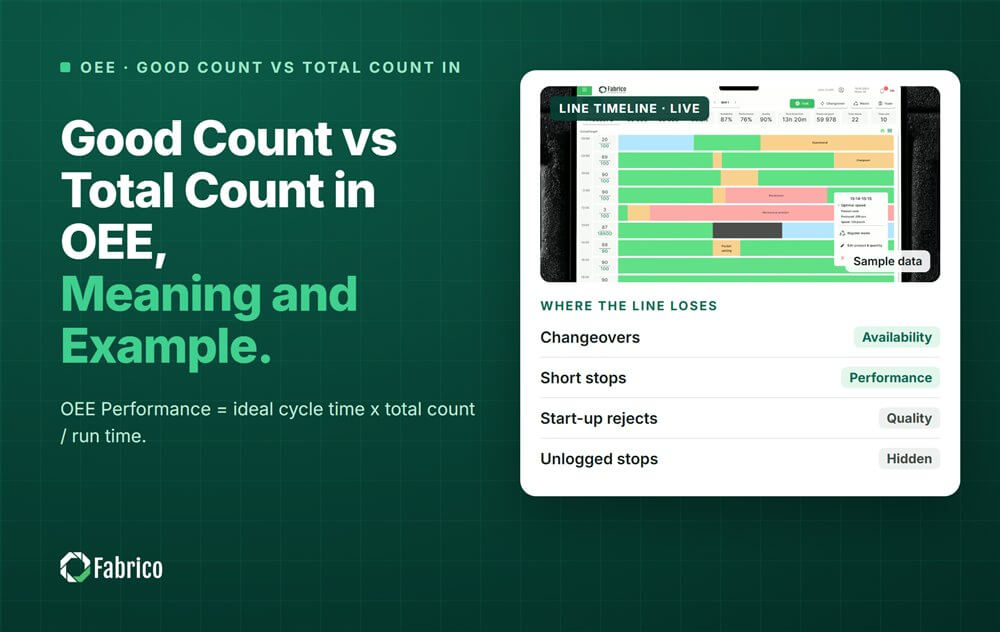



Real Fabrico tiles, sample data.