



Don't Settle for "Mobile-Friendly": A responsive website isn't an app. You need a Native App that uses the phone’s camera, push notifications, and local storage.
Offline Mode is Mandatory: Factories have WiFi dead zones. If the app spins and crashes when the internet drops, it is useless. The app must buffer data and sync later.
See OEE & CMMS live in 15 minutes.
Book a demoThe Camera is the Sensor: The biggest advantage of mobile is the camera. Use it to scan QR codes for asset ID and record video clips of machine failures.
Push > Pull: Desktop software requires you to check it. Mobile apps alert you. The best OEE apps push "Line Down" notifications to your pocket instantly.
The days of the "Central Computer Terminal" are over.
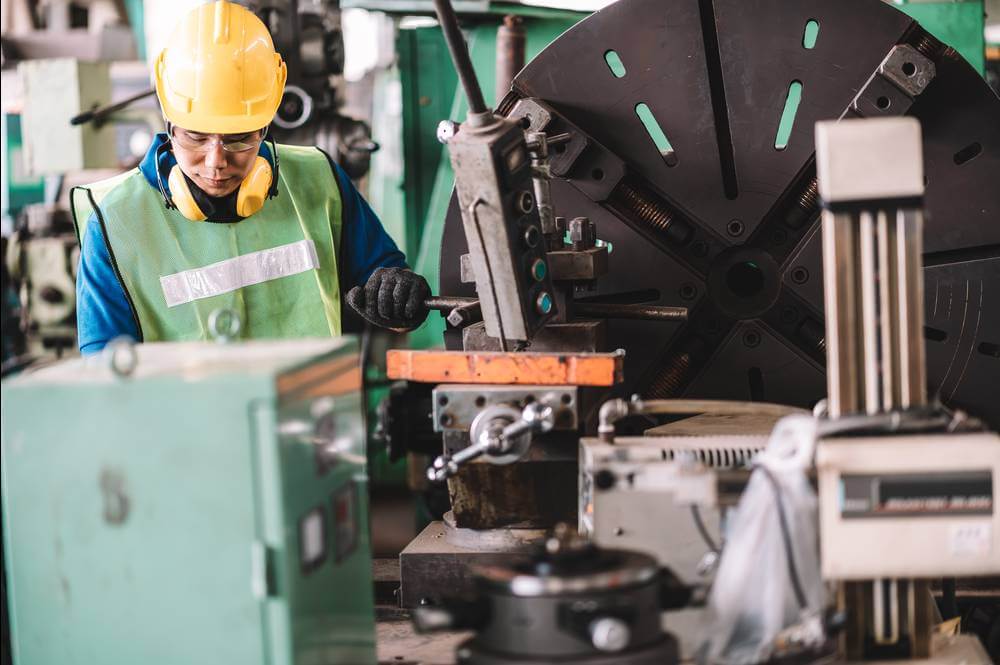
In a modern factory, the Maintenance Manager ("Mike") walks 15,000 steps a day. The Operator ("Tom") moves between three different machines. Tying these people to a desktop PC or a fixed HMI screen destroys productivity.
If you want real-time OEE (Overall Equipment Effectiveness) data, it needs to live in the technician's pocket.
But be careful: Many vendors claim to have a "Mobile Solution," when really they just have a website that shrinks down to fit a phone screen. That creates frustration. You need a purpose-built Mobile OEE App.
Here are the top 5 mobile apps for manufacturing in 2026.
The Verdict: The factory in your pocket.
Fabrico takes the top spot because it offers a true Native App (iOS and Android) that combines OEE monitoring with Maintenance execution, even without an internet connection.
Why it wins for Mobile:
Built for the Floor: Factories are full of concrete and steel (WiFi killers). Fabrico’s app downloads the necessary data. If a tech is in the basement fixing a pump, they can still access manuals and log work. The app syncs automatically when they return to range.
Camera Integration: Fabrico uses the phone’s camera as a data input tool.
Scan: Scan Asset QR codes to pull up OEE history instantly.
Record: Record 10-second video clips of a jam to attach to the downtime log.
OCR: Scan text from a nameplate to auto-fill forms.
Push Notifications: If OEE drops below 70%, the Plant Manager gets a push notification immediately. No need to refresh a dashboard.
Unified Action: You don't just view the OEE; you act on it. You can create a Maintenance Work Order directly from the OEE screen with one tap.
Best For: Teams that need full functionality while walking the floor.
The Verdict: The tablet-first collaboration tool.
Redzone is designed primarily for iPads mounted at the workstation or carried by leads.
Why it’s a contender:
Chat Interface: The mobile experience feels like a social network. Operators can chat across shifts easily.
Huddle Boards: The app is great for casting to Apple TVs for morning huddles.
The Downside:
It is heavily optimized for Tablets (iPads) rather than individual Smartphones. It feels a bit cramped on a standard iPhone/Android phone if you are trying to view complex charts.
Best For: Production lines where every station has a mounted iPad.
The Verdict: The vertical scroller.
MaintainX is built specifically for the smartphone form factor (vertical scrolling).
Why it’s a contender:
One-Handed Use: The interface is designed to be used with one thumb. Big buttons, simple lists.
Speed: It is incredibly fast. Opening a ticket takes seconds.
The Downside:
It is a CMMS app, not a true OEE app. It tracks "Work Orders" beautifully, but it doesn't give you a live "Speedometer" of the machine's current production rate or cycle time drift on the phone.
Best For: Teams that want a "WhatsApp-style" interface for maintenance tickets.
The Verdict: The BYOD (Bring Your Own Device) builder.
Tulip Player is an app that runs the custom interfaces you build on their desktop platform.
Why it’s a contender:
Custom Inputs: You can build big buttons for operators with gloves: "Big Red Stop Button."
Device Access: It connects easily to barcode scanners and cameras.
The Downside:
You have to build the UI yourself. If you don't design it well for mobile (e.g. small fonts), it will be hard to use. It is a container for your apps, not a pre-built solution.
Best For: Engineers building custom mobile interfaces for specific stations.
The Verdict: The HMI replacement.
MachineMetrics is designed to turn a commodity tablet into a machine HMI (Human-Machine Interface).
Why it’s a contender:
Operator Feedback: The tablet app prompts the operator immediately when the machine stops: "Why are you down?"
Load Visualization: Great visualization of machine load on the tablet screen.
The Downside:
It is designed to be Mounted (Stationary) rather than Carried (Mobile). It replaces the machine screen, but it isn't necessarily designed for the Maintenance Manager walking the plant to view fleet-wide health in their pocket.
Best For: Fixed operator stations at CNC machines.
On a desktop, you search for "Mixer 4."
On mobile, you shouldn't type. You should Scan.
Fabrico puts the QR Code scanner front and center.
Operator walks up to a stopped machine.
Scans the sticker.
App instantly opens the Asset Profile, showing Live OEE, Active Issues, and the "Report Breakdown" button.
This "Zero-Search" workflow is only possible with a native mobile app.
Get out of the office. Manage from the floor. [Download the Fabrico App].
Want OEE captured straight from your machines, no manual logs?
See it live
















 Login
Login
 Blog
Blog