


 Login
 Blog
MES vs WMS in a Food Plant: Who Owns What, and Do You Need Both?

In short: the MES runs and measures the line, the WMS runs the store, and they meet at two places: where material reaches the line and where the pallet leaves the palletiser. A small food plant can often start with one; a mid-size plant with chilled stores often needs both, linked at those points.
- The MES owns the order on the line: stops, counts, rejects and the lot it made.
- The WMS owns stock: locations, status, expiry picks, holds and despatch.
- Three integration points matter: material to the line, the pallet off the palletiser, and order and status both ways.
- Pick the first system by where the money leaks, then design the link before you buy the second.
You run a food or FMCG plant. The line packs, the palletiser wraps, a forklift takes the pallet away, and somewhere between the wrapper and the cold store the numbers stop agreeing.
Fabrico, which publishes this guide, makes OEE and light MES software for the line side of this map, so read our view of that side with a vendor's bias in mind.
Where the line hands over to the warehouse
In a food plant the warehouse and the line touch each other at fixed places. Map them before you compare any software.
- Material to the line. Meat, trays, film, labels and cartons come from the store to line-side. Someone calls for them, someone stages them, and what was used has to be booked back.
- Pallet off the palletiser. Finished packs become cases, cases become a pallet, the pallet gets a label and a lot, and the store takes it over.
- Order and status. The order released to the line, the quantity made, and any hold travel between the systems, directly or through the ERP.
The standards world gives plant operations their own layer. The ISA-95 standard page from the International Society of Automation says the standard "primarily deals with the interface between levels 3 and 4", that is, between plant operations and the business systems above them. The international version, IEC 62264-3:2016 on the IEC webstore, defines activity models of manufacturing operations management, and the modelled activities "operate between" Level 4 business planning and logistics and Level 2 process control. In practice, the MES works in that middle layer, where stock moving inside the plant meets it. That is why the MES and WMS overlap at the edges and need a clear owner per job.
What each system owns
The cleanest plants give every job one owner. The other system may read the data, but it does not change it.
| Job | MES (the line) | WMS (the store) |
|---|---|---|
| Raw material and packaging stock | Sees what reached the line | Owns location, quantity, status |
| Picking for the line | Raises the need | Picks by expiry, stages it |
| Running the order | Owns it: start, stops, speed | Not involved |
| Good count and rejects | Owns it, by line and shift | Receives the result |
| Lot, pack date, use-by | Set or confirmed at the line | Carries it on the pallet |
| Pallet label | Agree who prints it | Scans it at the dock |
| Holds and release | Flags a problem at the line | Blocks the pallet in stock |
| Despatch to the customer | Not involved | Owns picking and loading |
Two rows need the most care: the pallet label and holds. If both systems can print a label, or both can release a hold, you will get two truths. Write down the owner for each row and the moment the data moves.
For the wider map of business systems, see our CMMS vs MES vs ERP guide and ERP vs MES. This page stays on the line and the store.
The three integration points, in detail
1. Material to the line
The line needs the right lot of meat, film and labels at the right time, and the WMS needs to know what left stock. Decide how the line asks for material: on a fixed schedule from the order, from a signal at the line, or by a call to the store. Then decide how the used quantity is booked back: per order, per pallet or per shift. In a chilled plant, expiry-first picking lives in the store system; the line only needs to confirm which lot it loaded.
2. The pallet off the palletiser
This handover carries the most data. The line knows how many good packs it made and which lot they belong to. The store needs a pallet it can scan. GS1 Australia, a GS1 member body, describes the SSCC as a number used "to identify a logistic unit, which can be any combination of trade items packaged together for storage and/or transport purposes". The same GS1 Australia SSCC standard page adds: "Upon receipt the SSCC will be scanned, providing the required information to speed up the receipt of goods". In plain terms: one pallet, one label, one count. The label is where the line record and the stock record join.
3. Order and status, both ways
The released order and SKU go to the line. Quantities, rejects and holds come back. This can run through the ERP, or the MES and WMS can talk directly. Either works if the codes match. A mapping table kept by one person in a spreadsheet is a risk.
Traceability: who holds which link
Food plants care about this handover for one more reason: tracing a lot. In the EU, the European Commission's guidance on the General Food Law (conclusions of the Standing Committee, 26 January 2010) explains the "one step back, one step forward" approach. Food businesses "shall have in place a system enabling them to identify the immediate supplier(s) and immediate customer(s) of their products."
The same guidance says that, "without prejudice to sector specific rules", the Regulation "does not expressly compel operators to establish a link (so called internal traceability) between incoming and outgoing products." It adds that an internal traceability system "would contribute to more targeted and accurate withdrawals". The guidance names sector rules that add to this, such as beef and fish labelling, so check the rules for your products with your quality team. The guidance also says it is essential that the traceability system "is designed to follow the physical flow of the products", and that cold store operators and transporters should keep traceability records too.
For the MES vs WMS question this means: the supplier side (which lot came in) and the customer side (which pallet went where) sit naturally in the store and despatch records. The link in the middle, which input lots went into which output pallet, depends on the line record and the pallet label matching. If your customers or sector rules ask for that link, design it into integration point 2.
Do you need both? Decide by plant size and pain
Pick an MES or light MES first if stops, slow running and rejects are guessed, shift reports are typed up from paper, and nobody can rank the top losses per line. See what a light MES covers, and light MES vs full MES if the question is depth.
Pick a WMS first if pallets go missing, picks are wrong, stock expires in the store, or customers claim for wrong lots and short deliveries. The error then lives in stock and despatch, and that is where the fix belongs.
Do both if both are true. Plants with several lines and chilled and frozen stores often find themselves here; check it against your own losses. Do them in steps: start where the money leaks most, and design integration point 2 before you buy the second system.
| Plant situation | Lean toward | Why |
|---|---|---|
| 1 to 3 lines, one store, pallets out within a day or two | Light MES first; ERP stock for now | The losses are at the line; stock is easy to see |
| Several lines, chilled and frozen stores, many SKUs | Both, in steps | Line losses and expiry picks both cost money |
| Customer claims for wrong lots or short pallets | WMS first, link at the palletiser | The error is in stock and despatch |
| Stops and slow running are guessed | MES or light MES first | You cannot rank losses you do not measure |
| Several sites, automated store | Both, with a written interface design | Many systems need one set of codes |
Book a demo with one shift's line count and the dock scan list for the same shift.
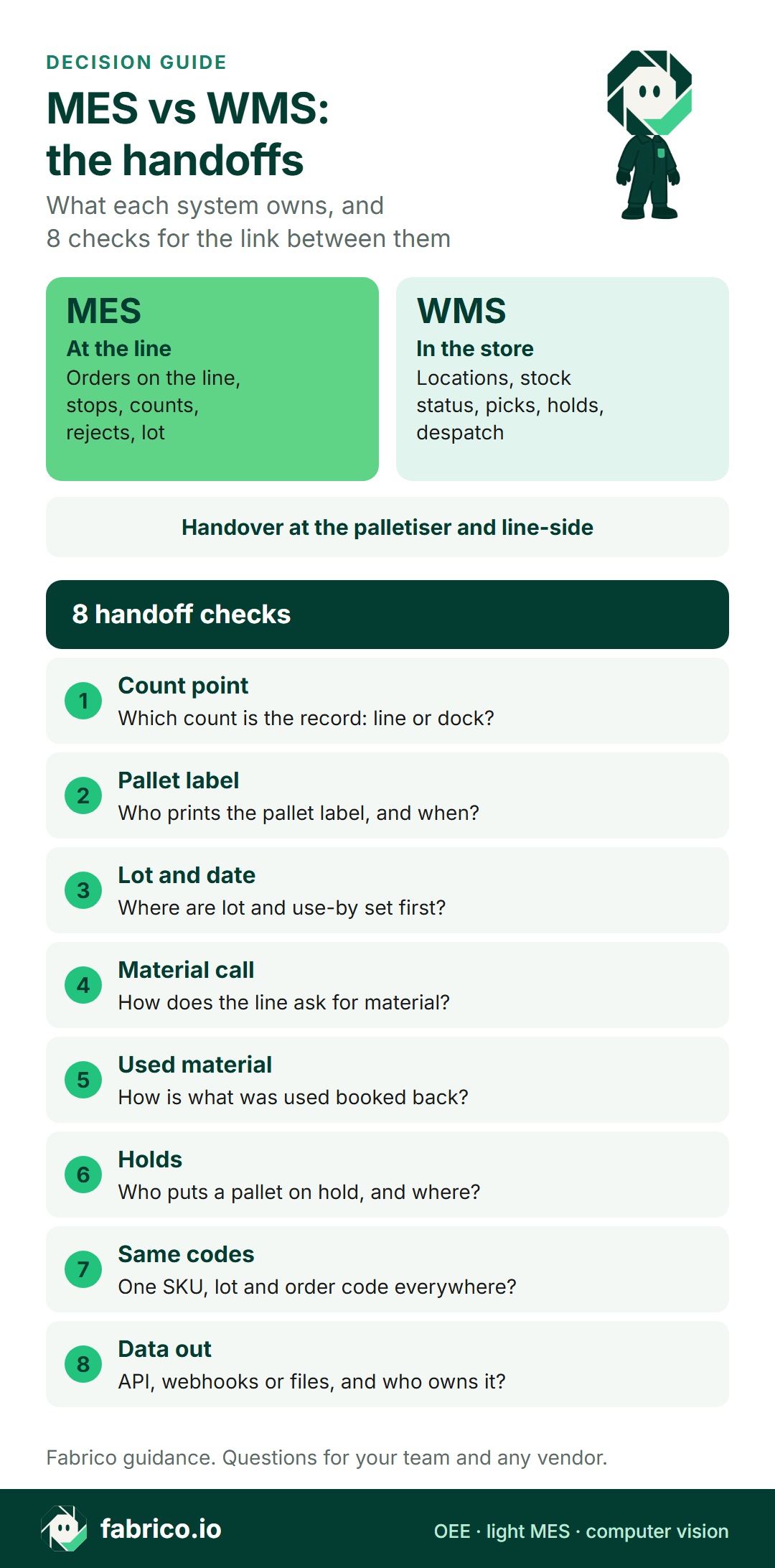
Text version of this infographic:
- Decision card with Iris titled MES vs WMS, the handoffs.
- The MES owns the line:
- orders on the line, stops, counts, rejects and lot.
- The WMS owns the store:
- locations, stock status, picks, holds and despatch.
- The handover sits at the palletiser and line-side, followed by 8 handoff checks:
- count point, pallet label, lot and date, material call, used material, holds, same codes and data out.
Worked example: the pallet that went missing
Sample figures for illustration only. A meat packing line runs one shift of 480 minutes with a 30 minute break, so planned production time is 450 minutes. Packs go 12 to a case and 80 cases to a pallet, so one pallet holds 960 packs.
- Availability: 60 minutes of stops leave 390 minutes of run time. 390 / 450 = 0.867, or 86.7%.
- Performance: the ideal rate is 40 packs a minute, so 390 minutes could make 390 x 40 = 15,600 packs. The line made 14,000. 14,000 / 15,600 = 0.897, or 89.7%.
- Quality: 560 packs were rejected, so 13,440 were good. 13,440 / 14,000 = 0.960, or 96.0%.
- OEE: 0.867 x 0.897 x 0.960 = 0.747, or 74.7%. Check: good packs at the ideal rate need 13,440 / 40 = 336 minutes, and 336 / 450 = 0.747.
Now the handover. The MES shows 13,440 good packs, which is 13,440 / 960 = 14 pallets. The WMS shows 13 pallets scanned in, 12,480 packs. The planner sees a short of 960 packs and calls the line. See OEE in units, cases and pallets for counting across units.
Nobody was wrong. The fourteenth pallet left the wrapper two minutes before shift end and sat at the dock unscanned. The line counted good packs; the store counted scanned pallets. The fix is not more software. It is one agreed count point per pallet, a rule for pallets at shift end, and a daily check that the two totals match.
Keep the losses in one place, too. The 560 rejects are a quality loss at the line; do not count them again as a stock loss in the store.
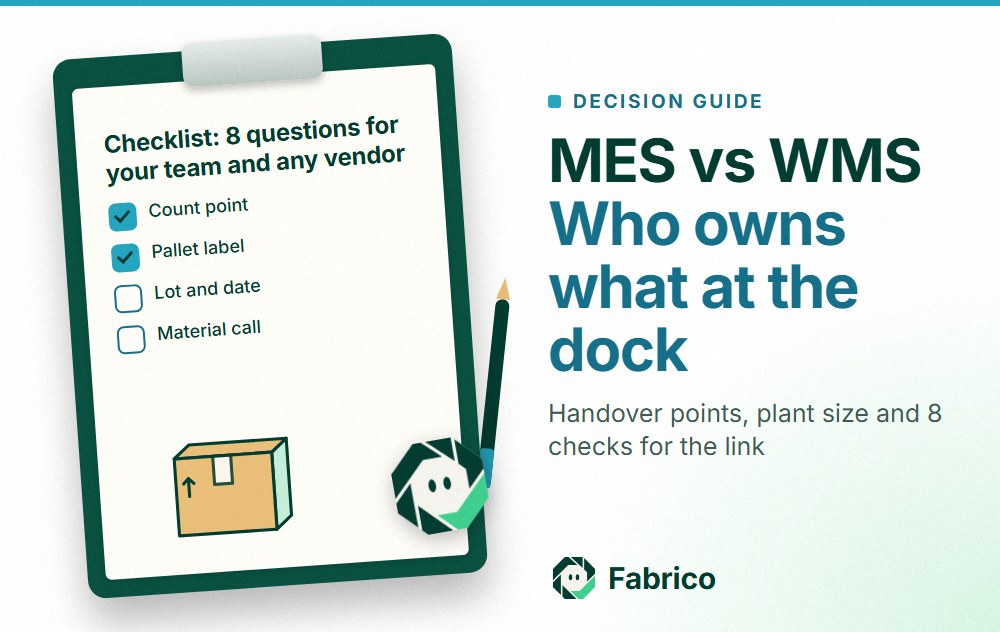
Checklist: 8 questions for your team and any vendor
Put the same questions to the MES vendor, the WMS vendor and your own IT, quality and logistics leads.
- Count point. Which count is the record for a pallet: the one at the line or the scan at the dock? Who settles a gap?
- Pallet label. Who prints the pallet label (the SSCC), at which station, and from which system's data?
- Lot and date. Where are the lot, pack date and use-by first set, and how do they travel to the other system?
- Material call. How does the line ask for material: a fixed schedule, a signal from the line, or a phone call?
- Used material. How is what the line actually used booked back to stock, and how often?
- Holds. Who can put a pallet on hold, in which system, and how does the other system find out?
- Same codes. Do the MES, WMS and ERP use one SKU, lot and order code, or is there a mapping table someone keeps?
- Data out. Does each system offer an API, webhooks or file export, and who owns the link when it breaks?
Where Fabrico fits
Fabrico is an OEE and light MES platform. It sits at the line and covers the performance part of the MES side: what the line ran, when it stopped, how much it made. Lots, holds, material calls and pallet labels are questions to put to us in a demo.
- The line count for the dock check: live output per line during the shift, then output, stops and OEE per shift. On automated lines Fabrico reads it from the PLC; on older machines a Fabrico IoT device with external sensors collects the signal. That is the line-side number in the worked example.
- Stops before the palletiser: operators tag the cause of a stop on a tablet or phone, from your own list of reason codes, and losses are shown in money by line and shift. Use it to rank stops by cost before blaming the store.
- Hand-pack and bagging at end of line: where packs are filled or bagged by hand with no usable signal, the camera add-on counts output. Camera add-on video is streamed when opened, not stored in Fabrico in the standard setup; stop-reason suggestions from the camera add-on are roadmap. See computer vision for OEE.
- Links to ERP and WMS: order and product data come in and results go back; job dispatching, BOMs, routings and genealogy stay in your ERP. Fabrico has a REST API and webhooks, an ERP connection scoped per customer, and Excel or CSV export. How that data would reach your WMS is worth testing in a demo with your own scan list. More in the solution overview and our guide to OEE software.
For the food detail, see MES for food manufacturing, MES for mid-size FMCG plants, computer vision for meat and poultry processing and computer vision for FMCG manufacturing. If you are still choosing a system type, our MES software guide covers the category.
What people ask next
MES vs WMS for a meat processing plant: do I need both?
Often yes in a mid-size plant with chilled and frozen stores, because the losses sit in two places: at the line and in stock. A small plant can start with a light MES and run stock in the ERP for a while. Check your sector rules on traceability before you decide.
What is the difference between ERP, MES and WMS?
The ERP plans and books the business: orders, purchasing, stock value. The MES runs and measures the line: orders on the line, stops, counts and rejects. The WMS runs the store: locations, picks, holds and despatch.
What data flows between an MES and a WMS?
Three flows matter most: the material the line calls for and uses, the pallet that leaves the palletiser with its count, lot and label, and the order and its status, both ways. Agree the owner and format of each one before you connect anything.
Can the ERP's warehouse module do the job of a WMS?
It depends on the module and on your stores. List the jobs you need, such as expiry picking, locations, holds and scanning at the dock, and ask the ERP vendor and any WMS vendor to show each one on your data.
Which should come first, MES or WMS?
Start where the money leaks most. If wrong picks, expired stock or customer claims cost more, start with the WMS. If stops, slow running and rejects are guessed, start with the MES or a light MES.
Who should print the pallet label, the MES or the WMS?
Either can work. What matters is that one system owns it, the label carries the same lot and count as the line record, and the dock scan links the two. Decide it in writing and test it on one line.
Want to close the gap between your line count and your dock scans? Talk to us with last week's pallet scan report.
Related articles
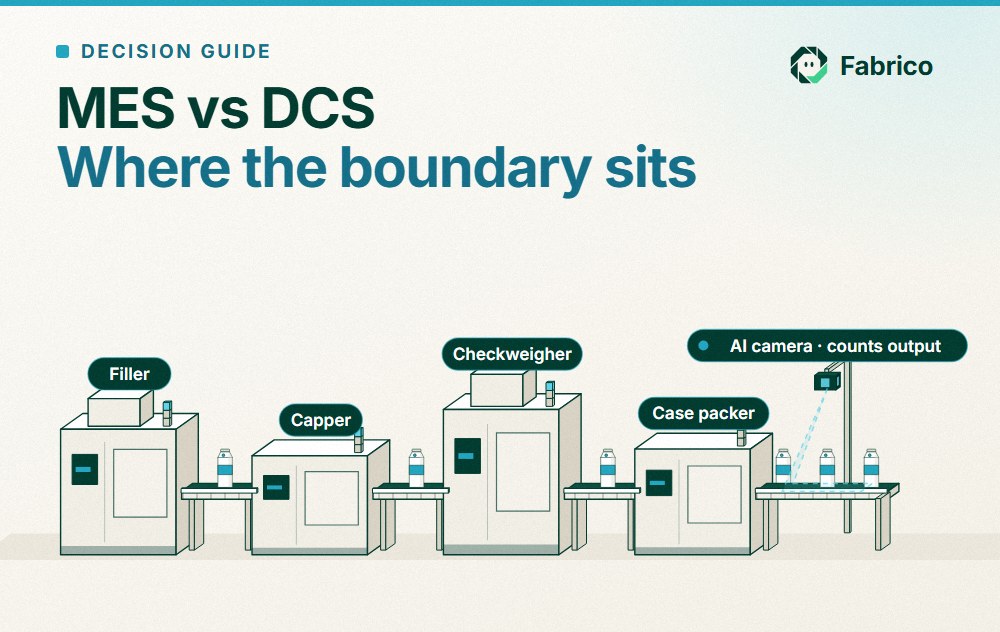
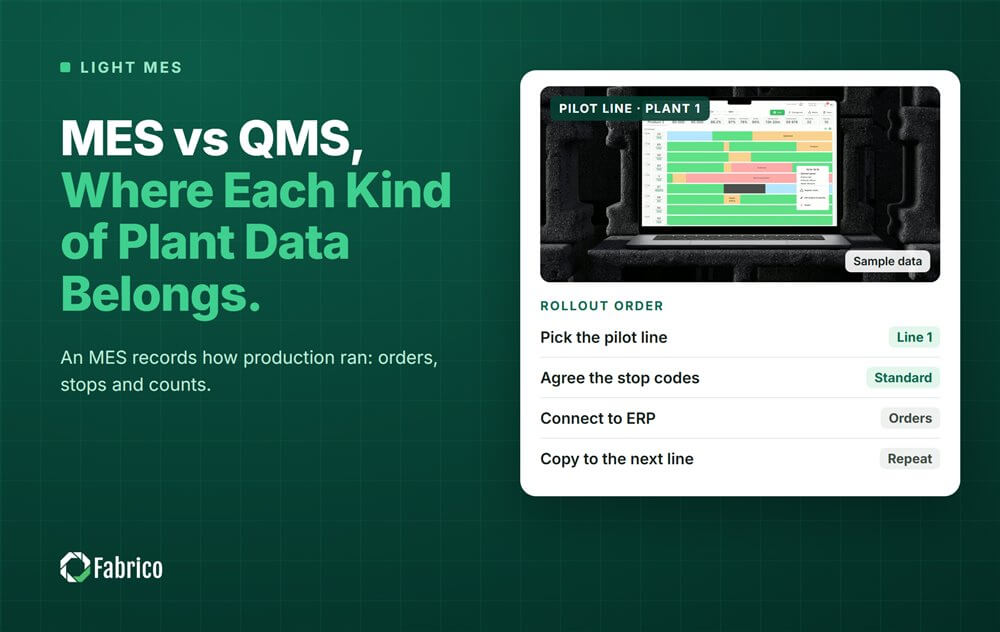



Real Fabrico tiles, sample data.