






 Login
 Blog

The Best Manufacturing Project Management Tools in 2026 [The Ultimate Guide]

Businesses operating in the top manufacturing industry today require tools and technology to help them manage their projects, processes and operations. This is significant because it enables them to retain an edge over their competitors.
There are many manufacturing project management tools on the market, but not all are suitable for your manufacturing business. That’s why you need to select the right tools to help you step into 2024 with confidence and success.
In this article, we cover a short list of the best tools for manufacturers for 2024 to help ease your decision-making process.
Let’s take a closer look.
What Is Manufacturing Project Management Software?
Manufacturing project management software is a tool that helps manufacturing project teams with aspects including:
- Project planning and management
- Gantt charts
- Project calendars to monitor project progress
- Team collaboration
- Kanban boards
- Document management
- Task lists
- Manage the project allocations
- Resource allocation
- Task tracking
- Business intelligence reports
When teams use manufacturing project management software, they streamline workflows, allocate resources efficiently and enjoy greater time and resource savings. These benefits of project management at lean manufacturing tools’ implementation make manufacturing processes more effective and productive.
The Best Manufacturing Project Management Tools
1. Fiix
Main Purpose: CMMS
Core Manufacturing Functionalities
A project management tool designed specifically for the manufacturing industry is Fiix’s CMMS. This software is cloud-based and offers help with work order management.
It enables teams to easily create, complete and optimise work requests and work orders while keeping all records centralised. These work orders can be automatically analysed through a work order insights report.
In terms of asset management, you can observe, track and optimise asset performance in a few clicks, regardless of the type of project.
It is also possible to monitor project status through the software’s inventory management functionality. It facilitates maintenance managers to track spare part quantities and prices for more cost-effective decision making.
An additional feature of the Fiix CMMS is its ability to generate reports and offer insightful analytics. Through these data visualisations, teams can make more informed decisions and reduce waste, costs and asset downtime.
Finally, Fiix’s manufacturing project management solutions provide mobile functionality and access to all maintenance-related tasks through smartphones. It’s not necessary to be connected to the internet for updates to come through because the system synchronises automatically.
Usability
What makes Fiix’s top manufacturing project management software stand out is its user-friendly nature and its mobile functionality. Being able to manage inventory and work orders on the go while keeping teams in the loop and tracking expenses, downtime and spare parts makes this maintenance management system a contender in the field.
The fact that there’s no need to own personal servers is another additional advantage to consider. Overall, its combination of useful features and functionalities makes it a valuable management solution designed for small- and medium-sized manufacturing plants.
Pricing Model
Getting started: Yes, for a limited number of users
- Basic: (see current vendor pricing)
- Professional: (see current vendor pricing)
- Enterprise: Custom pricing
Pros and Cons
|
Pros |
Cons |
|
|
2. Monday.com
Main Purpose: Project management
Core Manufacturing Functionalities
Manufacturing organisations can be complex. They could have marketing, project management, sales, software development, human resources, information technology, operations and construction departments. This is exactly where Monday.com can help through its project management platform.
In particular, as one of the top project management tools on our list, manufacturers can take advantage of this provider’s work management functionalities. Some of the features include documents, integrations, automations, files, dashboards, Kanban and Gantt charts.
In terms of the essentials, it’s possible to get access to unlimited boards and an unlimited number of docs. There are over 20 column types and more than 200 templates. As for project collaboration, teams can work with embedded documents, enjoy Whiteboard collaboration, view the updates section, take advantage of Zoom integration and give access to guests.
For productivity, teams can use shareable forms and send and receive customisable notifications. There are multiple integration capabilities (including premium integrations), automation, time tracking, a formula column and a dependency column.
Regarding views and reporting, teams can take advantage of an activity log, dashboard, Kanban views, timeline views, calendar views, and chart views as well as a team’s overall workload.
When it comes to support, you have the ability to delve into Monday.com’s self-serve knowledge base, 24/7 customer support, daily live webinars and a dedicated customer success manager to take care of your requirements. The platform is highly secure, with enterprise grade access controls and two-factor authentication that gives teams access to or restricts them from viewing private boards and docs.
The extensive range of security features also includes:
- HIPAA compliance
- Integration permissions
- IP restrictions
- A content directory
- Teams within teams
- Custom roles
- Seats management
- Tenant-level restrictions
- Approved guest domain
- The ability to block domains from signing up
Furthermore, in terms of administration and control, the Pro plan offers an unlimited number of seats for board administrators. Meanwhile, the Enterprise plan offers unlimited SCIM provisioning, audit logs, session management, panic mode, private workspaces and advanced account permissions.
In terms of enterprise reporting and analytics, the Enterprise plan also provides work performance insights, dashboard email notifications as well as pivot analysis and reports.
Usability
Some of the perks of this work management solution include beautiful visualisations for reporting and analytics, which are user-friendly and intuitive to navigate. This software is also available for Android and iOS through its mobile functionality.
Pricing Model
Getting started: Yes, free forever for up to two seats
- Basic: (see current vendor pricing) per seat
- Standard: (see current vendor pricing) per seat
- Pro: (see current vendor pricing) per seat
- Enterprise: Custom quote
Pros and Cons
|
Pros |
Cons |
|
|
3. MicroMain
Main Purpose: CMMS/Enterprise asset management (EAM)
Core Manufacturing Functionalities
MicroMain is an example of CMMS/EAM software that forms part of our list of leading project management tools for manufacturing. The product is divided into two parts: a CMMS and an EAM.
When it comes to their cloud-based project management platform, it enables work order management, preventive and predictive maintenance, asset management, parts and inventory management and workforce tracking and management.
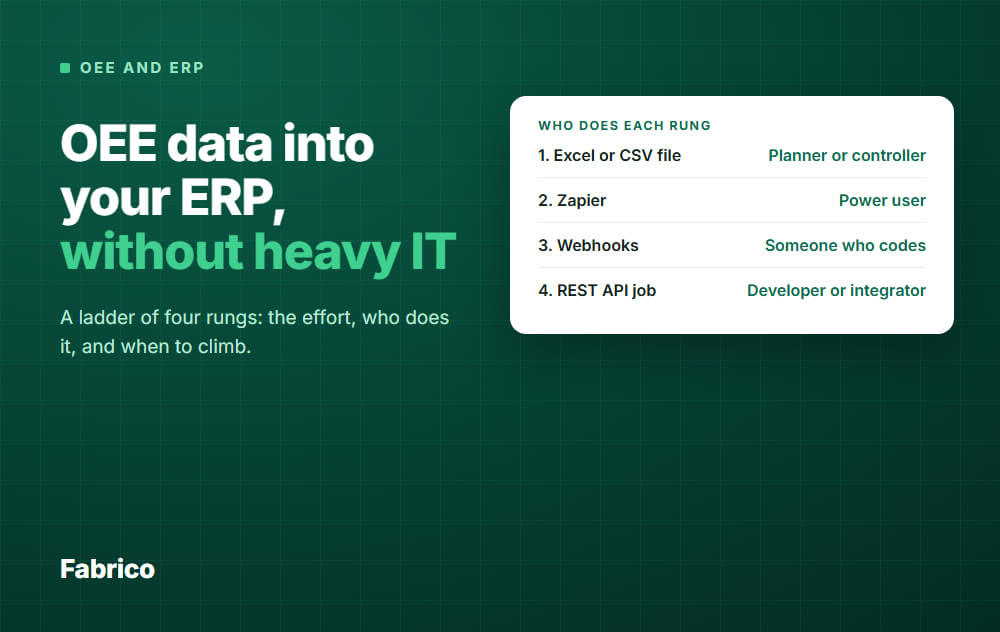
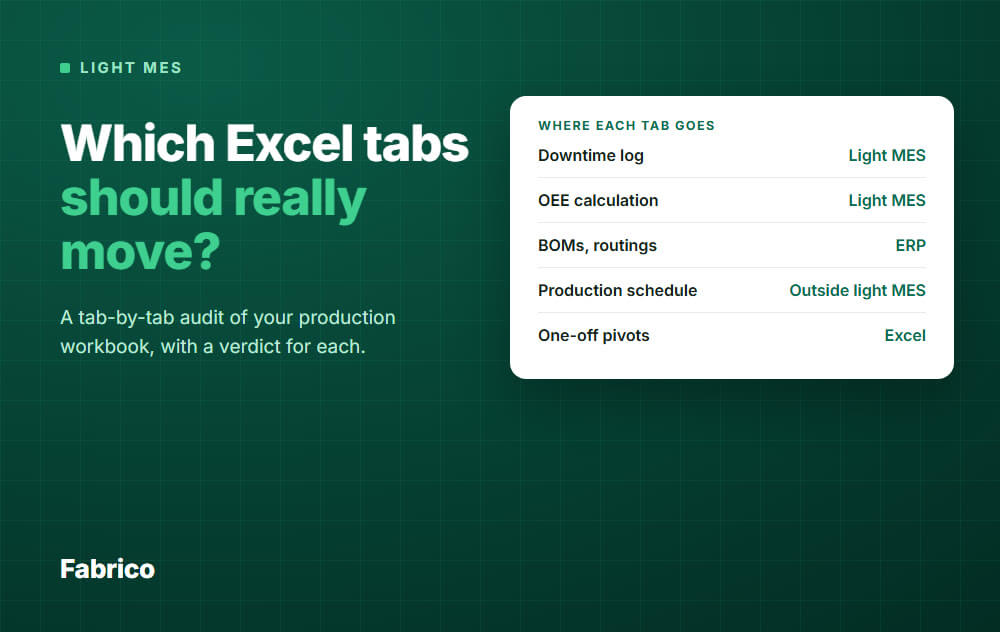
One note: we sell Fabrico. It is an MES and OEE platform with maintenance built in, not a project management tool, so it is not ranked here. It does not replace a dedicated project management system. If your problem is line stops and downtime, start with what OEE means.
Conclusion
Manufacturing project management tools help operations in many ways. There are multiple options you have available to choose from. It’s a matter of selecting the best project management solution that meets your needs.
When exploring these options, it’s worth considering the price, usability, navigation, functionalities and other criteria.
Want OEE captured straight from your machines, no manual logs?
Request a demoContact usRelated articles






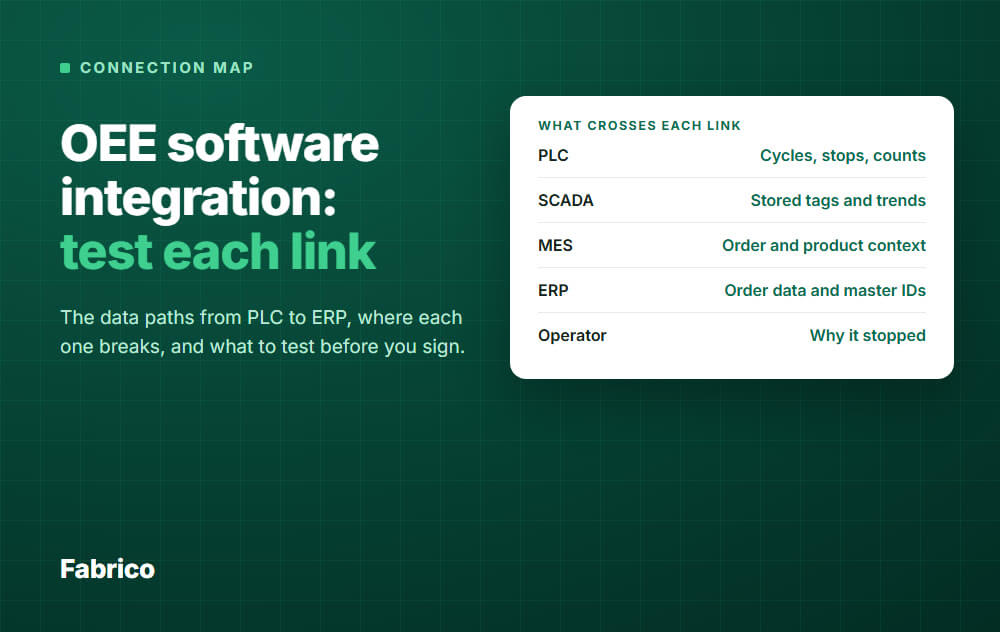
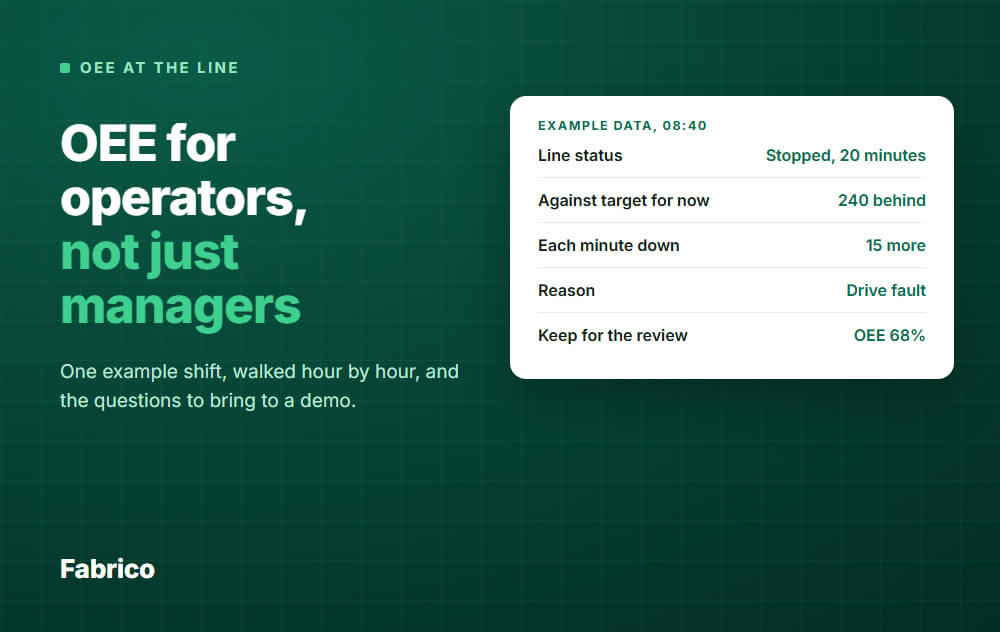


Real Fabrico tiles, sample data.