






 Login
 Blog

5 Best MaintainX Alternatives for Manufacturing (2026 Review)

Key Takeaways
-
The "Chat" Focus: MaintainX is excellent for communication and digitizing paper forms, but it is often less focused on the deep asset hierarchy and engineering data required for heavy industry.
-
The Data Gap: Manufacturers need a system that connects to machine PLCs (OEE), so maintenance works from real machine data as well as operator inputs.
-
The Top Contenders: We review Fabrico, Fiix, Limble, and others to help you find a platform that fits.
MaintainX has grown rapidly by solving a specific problem: Communication.
Its interface looks like a chat app, making it incredibly easy for teams to ditch WhatsApp groups and paper checklists. If your primary goal is to get technicians talking and digitize safety forms, MaintainX is a well-known choice.
However, "Communication" is not the same as "Reliability."
For manufacturers running complex production lines, check how it connects to machine data.
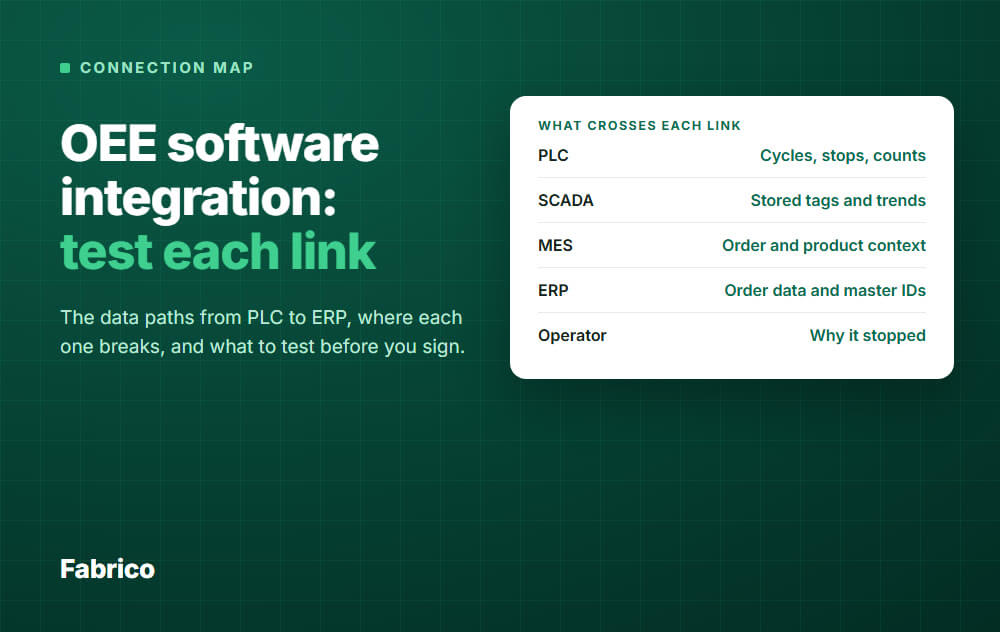
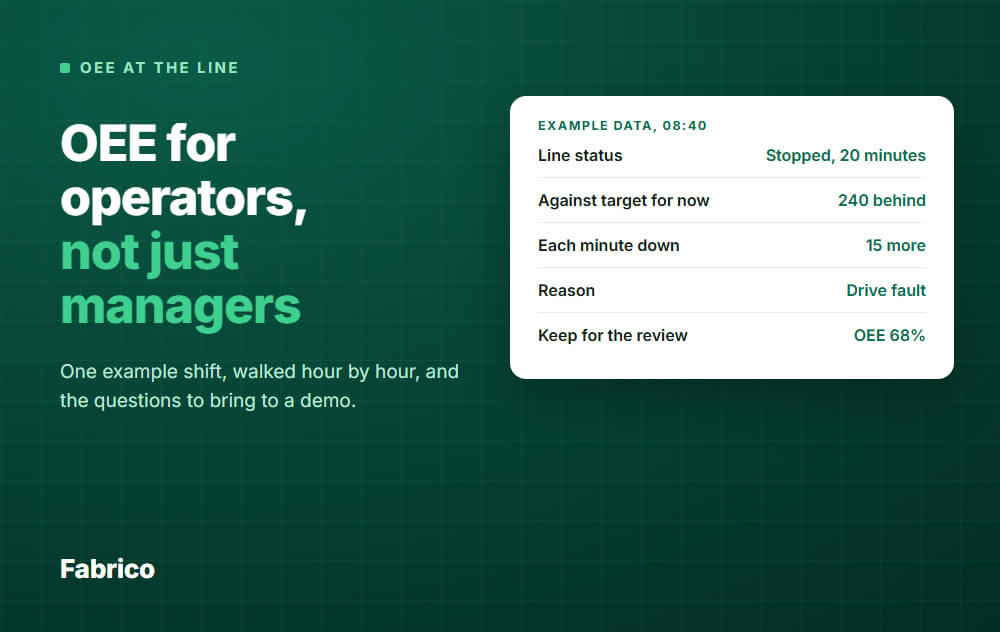
Check how it covers Overall Equipment Effectiveness (OEE) integration.
If you need a system that prioritizes Machine Health over Chat Logs, here are the 5 best MaintainX alternatives for 2026.
1. Fabrico: The "Reliability Engine"
Fabrico is listed first because it is our product.
Best For: Manufacturers who need to connect maintenance to production performance.
Fabrico is an alternative for factories that want OEE and maintenance in one platform.
While MaintainX focuses on the workflow, Fabrico focuses on the asset.
Why Manufacturers Switch to Fabrico:
-
Machine Data (OEE): MaintainX is focused on mobile work requests and team workflows, while Fabrico also offers native OEE tracked straight from the machine.
Fabrico connects directly to your machine sensors (PLCs). When a machine overheats or slows down (Performance Loss), Fabrico logs it, and the team opens a prioritized work order from the same machine record.
-
Asset Hierarchy: Fabrico supports complex Parent-Child-Grandchild asset trees, allowing you to track costs at the component level (e.g., a specific bearing).
-
Spare Parts Intelligence: Fabrico links spare parts to the machines they belong to and records every write-off on the work order. It notifies you when stock falls below its set minimum, so you are not left guessing.
-
Visual Tech Specs: Fabrico replaces chat logs with structured, visual technical data, drawings, schematics, and interactive diagrams linked directly to the asset.
The Verdict: If you want a tool that drives Asset Reliability rather than just organizing tasks, Fabrico is the specialized choice.
2. Fiix (Rockwell Automation)
Best For: Large enterprises with complex integration needs.
If MaintainX feels too "startup-like" for your corporate IT standards, Fiix is the established enterprise alternative.
-
Pros: Massive reporting power. Since being acquired by Rockwell, it integrates well with Allen-Bradley hardware and enterprise ERPs like SAP.
-
Worth checking: Plan the implementation and training effort for your team size.
-
The Difference: Fiix is for the "Head Office" looking for data compliance. MaintainX is for the "Front Line" looking for ease. Fabrico bridges the gap.
3. Limble CMMS
Best For: Teams that want ease-of-use without the "Chat App" feel.
Limble is frequently compared to MaintainX because both score highly on "Usability." However, Limble is more structured around traditional maintenance workflows.
-
Pros: The mobile app is excellent. It is very fast for technicians to log work. It handles asset management and is still easy to learn.
-
Considerations: Like MaintainX, it is a "Generalist" tool used by property managers and gyms. It is less focused on the specific manufacturing modules (OEE, Scrap Tracking, Shift Handover) found in Fabrico.
-
The Difference: Limble is a slightly more robust maintenance tool than MaintainX, but still is less focused on deep production integration.
4. eMaint (Fluke)
Best For: Hardware-heavy condition monitoring.
eMaint is for the engineering purist. Owned by Fluke, it focuses on connecting to handheld vibration sensors and multimeters.
-
Pros: Deeply configurable. If you have a very specific, non-standard way of tracking asset health, eMaint can be built to match it.
-
Worth checking: Confirm implementation time and fit for your team.
-
The Difference: You gain deep hardware data connectivity but lose the modern collaboration features.
5. UpKeep
Best For: Facilities and fleet management.
UpKeep is MaintainX's closest direct competitor in the "Mobile First" category.
-
Pros: Very strong inventory module for general parts. It is intuitive and requires little training.
-
Considerations: It is also a generalist. It is not primarily aimed at high-speed manufacturing lines where cycle times are measured in seconds.
-
The Difference: If you prefer a card-based view over a chat-based view, choose UpKeep. If you need OEE, compare how each connects to machines.
Summary: Making the Right Choice
-
Stick with MaintainX if: Your biggest problem is that technicians aren't communicating, or you need to digitize simple safety forms for a non-complex facility.
-
Choose Fiix if: You are a Fortune 500 company mandating Rockwell compatibility.
-
Choose Fabrico if: If you need your CMMS to talk to your machines and reduce downtime through data, Fabrico is the solution.
Connect maintenance to production performance.
Book a Demo with Fabrico to see the difference between tracking tasks and optimizing production.
See Fabrico live. Request a demo.
Request a demoRelated articles









Real Fabrico tiles, sample data.