


 Login
 Blog
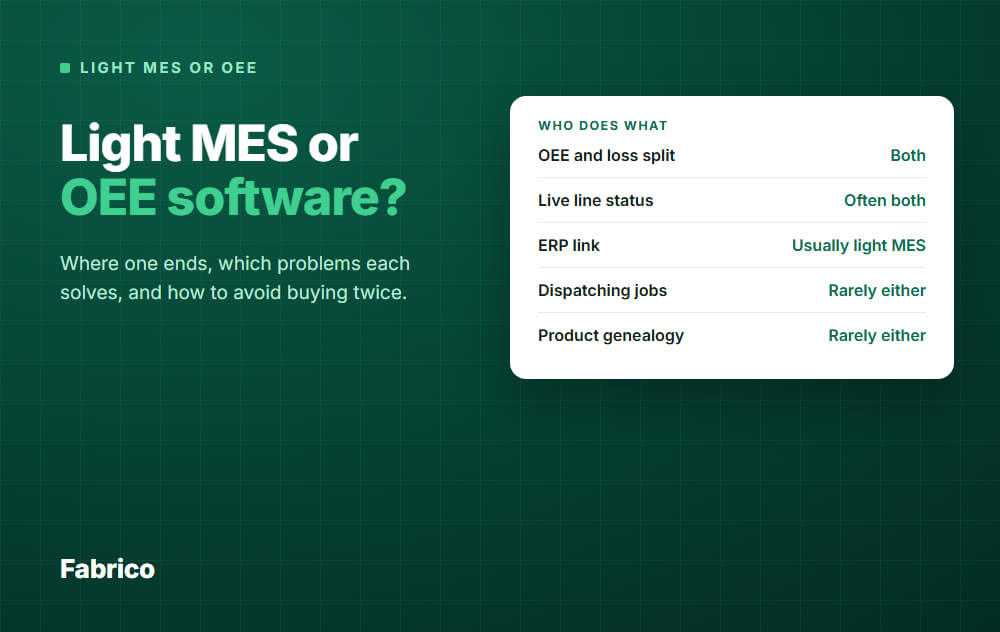
Light MES vs OEE Software: Where One Ends and How to Choose

In short: OEE software tells you how much time and output a machine loses. A light MES does the same, then usually spreads it across the plant with live line views, mixed machine connections and an ERP link. Planning and dispatching jobs usually sit outside both.
- Is OEE software an MES? Not on its own. It covers a small part of what an MES is defined to do.
- The labels overlap, so compare capabilities and not product names.
- Sort your lost minutes first. If most sit at the machine, you need measurement. If most are waiting for jobs, neither tool fixes that.
- To avoid buying twice, check what you keep if you move up later: signals, reason codes, history.
You have two quotes on the table. One says OEE software, the other says light MES, and the demos look almost the same.
This guide draws the line between them, shows which plant problems each one solves, and explains how to choose without paying for the same job twice.
One note: we sell a light MES, so read this with that in mind. We also say plainly what it does not do.
Is OEE software an MES?
Not by itself. An MES is a system at Level 3 of the ISA-95 model that manages production operations, between the machines below it and the ERP at Level 4.
The industry group MESA, which closed in June 2026 and passed its content to ISA, set the scope of MES with 11 functions. In plain terms, a full MES schedules and dispatches work, controls documents, manages quality, traces product genealogy, collects data and analyzes performance.
OEE software does the last two jobs: it collects machine data and analyzes performance. That is real value, but it is a small part of the whole.
A light MES starts from the same two jobs and adds what makes the data usable across a plant. No standard defines the term, so one vendor's light MES can be another vendor's OEE tool.
In this guide, light MES means the machine-first kind, built on machine signals and operator stop reasons.
Where the OEE tool ends and the light MES starts
Think in layers. Each product type stops at a different height.
Here is the same line as a checklist. It is our own summary from reading vendor pages, not a standard or a survey.
So test each row. "Varies" means you must ask.
| Capability | OEE tool | Light MES | Full MES |
|---|---|---|---|
| OEE with availability, performance, quality | Yes | Yes | Usually a module |
| Stops from a machine signal | Varies | Core | Varies |
| Operator tags the stop reason | Usually | Usually | Varies |
| Live line status across many machines | Often | Usually | Usually |
| PLC and add-on sensor data side by side | Varies | Usually | Varies |
| ERP link | Varies | Usually | Yes |
| Dispatching jobs to stations | Rarely | Rarely | Yes |
| BOMs and routings | Rarely | Rarely, stay in ERP | Usually |
| Product genealogy | Rarely | Rarely | Usually |
So there are two boundaries, and buyers tend to mix them up.
- OEE tool to light MES: a soft line. It moves with each product, and it is about reach: how many machines, how live, how connected. Some OEE tools now sell live status and ERP links too.
- Light MES to full MES: a hard line. Once the system tells people which job to run and records what went into each unit, you are in full MES territory.
One demo question finds the real layer fast: what does this system record without anyone typing it? Then ask on which of your machines that is true.
Which plant problems each one solves
| Your problem | What usually fits |
|---|---|
| You do not trust your OEE number, or it is typed in after the shift | OEE tool or light MES |
| One bottleneck machine, and you need the loss picture | OEE tool can be enough |
| Mixed machine park, old and new, several lines | Light MES |
| Managers want live status and one view across plants | Light MES |
| Output and stop data must reach the ERP without retyping | Light MES |
| People wait because nobody knows which job is next | Neither: planning, ERP or full MES |
| Customers or regulators require unit or batch traceability | Neither: full MES or ERP |
| Operators need work instructions at the station | Neither: station app or full MES |
Example: sort your lost minutes before you choose
Two plants can have the same OEE and need opposite things. All numbers here are example data.
Both plants plan 450 minutes in a shift and make 290 minutes' worth of good output. That is 160 lost minutes and an OEE of 290 / 450, about 64 percent.
The factor split shows a difference, but not the reason. Plant B's lower availability could be faults or waiting, and only the stop reasons tell you which.
| Example data | Plant A | Plant B |
|---|---|---|
| Stopped minutes (faults, changeover, waiting) | 110 | 135 |
| Availability | 340 / 450 = 75.6% | 315 / 450 = 70.0% |
| Performance | 300 / 340 = 88.2% | 300 / 315 = 95.2% |
| Quality | 290 / 300 = 96.7% | 290 / 300 = 96.7% |
| OEE | 64.4% | 64.4% |
One definition matters here. We count waiting for a job as a stop inside planned time.
If your plant takes that time out of planned time, Plant B shows 290 / 360, about 81 percent, and its biggest loss disappears from the number.
Plant A loses 140 of its 160 minutes at the machine. Measurement plus a weekly routine goes straight at that, so an OEE tool or light MES fits.
Plant B loses 90 of its 160 minutes, or 56 percent, waiting for a job. A better OEE number will not fix that. It needs better planning and dispatching, from the ERP, a planning tool or a full MES.
Plant B found this by sorting its minutes, and that number makes the case for the planning fix. A rough two-week log can show a loss this big before you buy anything.
How plants end up buying twice
These are the common ways it happens, and how to avoid each one.
1. Buying a full MES for a downtime problem
The project can spend months on orders and routings, while the stops go on uncounted. If your pain is at the machine, start at the machine.
2. Buying an OEE tool that depends on typing
Manual logs miss short stops and take time, so the first tool gets replaced. Ask to see the data flow from the signal to the screen with nobody touching it.
3. Connecting only the easy machines
The newest PLC line works in the demo. Then the 20 year old press has no usable signal, and you buy a second system for it.
Name your oldest machine in the first meeting, and your most manual step too.
4. Expecting a light MES to do full MES jobs
Someone assumes that "MES" in the name means dispatching or genealogy. Later, a second purchase request arrives.
Get the "does not do" list in writing before you sign.
5. Skipping the ERP talk
Without a link, people retype output into two systems, and the two numbers soon disagree. Decide early which system owns orders and which owns stops.
What you should keep if you move up later
This is the real protection. Moving from one layer to the next is fine, as long as the work you already did comes with you.
| Asset | Why it matters | Ask the vendor |
|---|---|---|
| Machine signals | Wiring and setup are real work | Can another system read the same PLC tags or sensors? |
| Stop reason list | Your team worked hard to agree on it | Can we export it, in our own wording? |
| Loss history | It is your baseline for any later project | Can we export it with timestamps and reasons? |
| Machine and line list | Every later system needs one | Is it a clean list that another system can import? |
| Weekly loss routine | It lives in people and not in software | Nothing to ask. Keep doing it. |
If the first three answers are yes, the first purchase is a step and not a dead end.
Also ask for an API or export format in writing, and find out what happens to your data if the contract ends.
How to choose in five steps
- Write down the job. Is it "see why lines stop" or "tell people what to run"? The first is measurement, the second is execution.
- Sort two weeks of lost minutes. Use paper if you must, with the buckets from the example. The numbers will be rough, and that is fine here.
- Check your hard requirements. If traceability is mandatory, that decides a large part of the answer.
- Test one representative line. Pick a typical line and not your best one, with a real mix of machines.
- Put a value on the top losses. Use the guide to why lines stop to value a stopped hour, then decide what to add next.
Good looks like this after the test: OEE from machine data, a ranked list of stop causes in minutes, and a named owner for the top three.
If you get that from a simple OEE tool on one machine and do not need more reach, stop there. Buying more layers than your problem needs is also buying twice.
How Fabrico fits
Fabrico is a cloud-based light MES. It sits in the bottom four layers of the figure above.
- Machine data comes from PLCs, IoT devices with sensors for older machines, and AI cameras where there is no machine signal.
- Operators tag the cause of a stop on a tablet or phone, using your own reason codes.
- You see OEE by line and shift with the availability, performance and quality split, plus live line status and a multi-plant view.
- Micro-stops are detected from the machine signal, and losses can be shown in money.
- It connects to SAP S/4HANA, and to other systems through a REST API, webhooks or a custom integration. Lists export to Excel or CSV.
- A work order can be opened from a stop, if you want maintenance in the same system.
Plan on about 1 month to install and connect devices, and 3 to 4 months for a full rollout.
What it does not do: job dispatching, BOMs, routings and product genealogy stay in your ERP, and Fabrico does not plan or schedule production today.
If that is your main problem, like Plant B, we are not the right first purchase.
See the Fabrico MES and OEE overview for details, or Request a demo or Contact us to talk through your lines.
What people ask next
Can I start with an OEE tool and move to a light MES later?
Yes, if your signals, reason codes and history come with you. Some products also grow across this line, so ask what the same vendor adds at the next step.
We already have an MES. Do we need OEE software too?
Only if its OEE module does not show you enough. Check whether it records stops from the machine signal, including short ones, and read OEE vs MES for how the two work together.
Does either one replace my ERP?
No. The ERP says what should be made. An OEE tool or light MES sits below it and reports what the line really did.
When do I need a full MES?
When the job is running orders and not measuring losses. Think traceability a customer or regulator demands, electronic batch records, or a daily fight over which job runs next. Start with this guide to MES software.
Which OEE tools should I shortlist?
Build the shortlist on how data is collected, how easy the operator screen is, and how fast you can start. See best OEE software.
How soon will I know if I chose right?
Once a line is connected, a few weeks of data should be enough to rank its losses. If most of them sit outside the machine, you have learned that early, on one line.
Want to see which layer your plant needs? Request a demo or Contact us.






