


 Login
 Blog
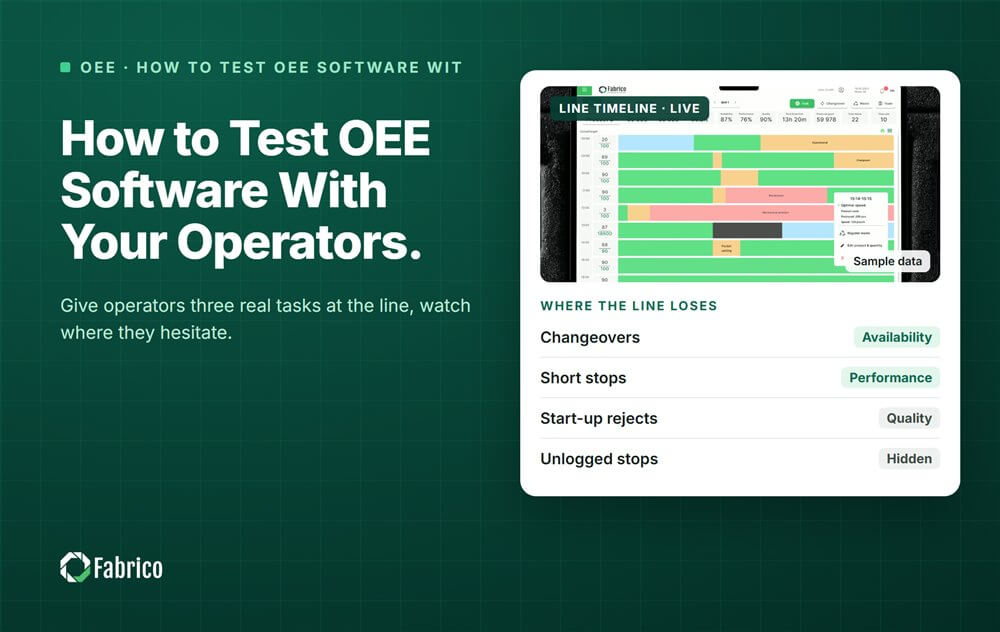
How to Test OEE Software With Your Operators

Key takeaways
- Test OEE software by giving operators three real tasks at the line: confirm a stop reason, read the line screen, find their own shift.
- Include at least one operator from each shift, plus a line lead.
- Watch, do not help: note where they hesitate, tap twice or ask.
- Collect the verdict in their own words, on a short sheet.
- Test the software, never the person: no names on results.
To test OEE software with operators, put the screen at the line and give each operator three real tasks. They confirm a stop reason, read the line screen and find their own shift's result. Watch where they hesitate, ask for their verdict in their own words, and judge the software, never the person.
The filler jams at 2 a.m. The operator clears it, restarts the line and has a few seconds to give a reason. If the screen needs four taps and a search, the reason becomes "other".
This guide is for CI (continuous improvement) leads and line managers who run the test. It comes from Fabrico, a vendor of OEE and light MES software with computer vision on stops. The method works for any vendor.
Why test OEE software with operators at all?
Because operators give the stop reasons, and the reasons decide whether the data is any good. A demo shows the manager's screens, not the one at the line.
- A slow stop screen means missing or wrong reasons.
- Reasons in office words get picked at random.
- A screen nobody on the night shift understands goes unused.
Our guide to operator friendly reason codes shows how to keep the list short, and OEE for operators covers what the line needs to see.
What should operators do in the test?
Three real tasks, at the line, on the screen they would use every shift.
- Confirm a stop reason. On a real or replayed stop, pick the reason in as few taps as possible.
- Read the line screen. Say the current OEE and the biggest loss right now.
- See their shift. Find the last shift's result and its top three losses.
If time allows, add a fourth: correct a reason that was entered wrongly. Mistakes happen, and fixing one should be easy.
Who should take part from each shift?
At least one operator from every shift, plus a line lead. Mix experience levels and languages.
- An experienced operator and a newer one, so you see both speeds.
- The night shift, where support is thinnest.
- Operators who read the screen in a second language, if your plant has them.
- Volunteers. Explain that the test is of the software, not of them.
In Germany, tell the works council before the test. Our works council guide explains why.
What should you watch during the test?
Watch, do not help. Every time you explain a step, the software failed that step.
- Hesitation: where they stop and look for a button.
- Taps: how many to confirm one reason.
- Questions: what they ask, word for word.
- The line: gloves, glare on the screen, reading distance, noise.
- Trust: whether they believe the number they see.
See what makes OEE software easy to use for more things to look for.
How do you collect the verdict without ranking anyone?
Use a short sheet with no names, only shift and role. Report results by task, never by person.
- Would you use this on a busy shift? Yes or no.
- What slowed you down?
- What would you change first?
Read the answers back to the group. Operators who see their words in the decision keep giving reasons after go-live.
A worked example: a test sheet for two vendors
Sample line (illustrative numbers, not a customer): line 2 of a dairy plant, a cup filling line. Six operators took part, two from each of 3 shifts, plus the line lead. Each did the same three tasks on two vendors' screens. Results are by task, never by name.
| Task or question | Vendor A | Vendor B |
|---|---|---|
| Confirm a stop reason without help | 6 of 6 | 4 of 6 |
| Taps to confirm one reason (typical) | 1 | 4 |
| Read OEE and the top loss without help | 5 of 6 | 5 of 6 |
| Find own shift's result without help | 6 of 6 | 3 of 6 |
| Would use it on a busy shift | 6 of 6 | 2 of 6 |
| Most common comment | "Big buttons, our words" | "Too many menus" |
- Vendor A tasks done without help: 6 + 5 + 6 = 17 of 18, and 17 / 18 = 94%.
- Vendor B tasks done without help: 4 + 5 + 3 = 12 of 18, and 12 / 18 = 67%.
- Taps on a shift with 40 stops to explain: 40 x 1 = 40 for A, against 40 x 4 = 160 for B.
Vendor B had more reports in its demo, but operators could not use its stop screen fast enough. The team scored Vendor A higher on usability. The sheet went to the decision meeting with no operator's name on it.
Mistakes plants make with operator tests
- Testing in a meeting room, not at the line.
- Only the day shift takes part.
- Helping operators through each task.
- Writing names next to results.
- Asking "do you like it?" instead of giving real tasks.
Where Fabrico fits
Fabrico is a computer vision enabled Manufacturing Performance Platform. OEE and light MES come first, and the operator is the person who makes the data good.
- The operator confirms the reason in one tap: the stop is already logged, so only the reason is asked for.
- A camera clip as evidence for a stop: the camera suggests a reason, the clip shows it, and the operator confirms it.
- OEE live by line and shift: each shift sees its own result, never a named operator's.
- Automatic downtime logging: nobody types the start and end of a stop.
You start on one line, with a baseline and a decision date agreed in advance. There is no free plan and there are no tiers: each plant gets a quote.
See how stops are captured on the computer vision OEE page.
Frequently asked questions
How many operators should test OEE software?
Enough to cover every shift: at least one per shift, plus a line lead. Six to eight people is often plenty for one line. Mix experienced and newer operators, and include anyone who reads the screen in a second language.
Should operators test OEE software before the purchase?
Yes. Operators give the stop reasons, so their test is the best check of data quality you can run before you sign. Ask each shortlisted vendor to set up a screen at the line for the same three tasks. Test before the contract, not after go-live.
What if operators reject the software?
Take it seriously. Ask what slowed them down and whether the vendor can fix it. If the stop screen stays slow or the reasons stay unclear, the data will be weak, however good the reports look. That is a reason to choose another vendor.
Do we need the works council for an operator test?
In Germany, talk to the works council first. Section 87(1) no. 6 BetrVG covers equipment that can monitor behaviour or performance. The Federal Labour Court has held that manual input with storage can count. Elsewhere, check local rules with HR before the test.
Should operators see their own shift's OEE?
Yes. Seeing the shift's own result and its top losses makes the reasons worth giving. Show OEE by line and shift, never by named operator. The aim is to fix the process, not to rank the people. Put the shift's result on the screen at the line, where the team can act on it.
Bring your operators to a demo
Bring a line lead and one operator from each shift. They can try the stop screen themselves and tell you what they think.
Latest from our blog
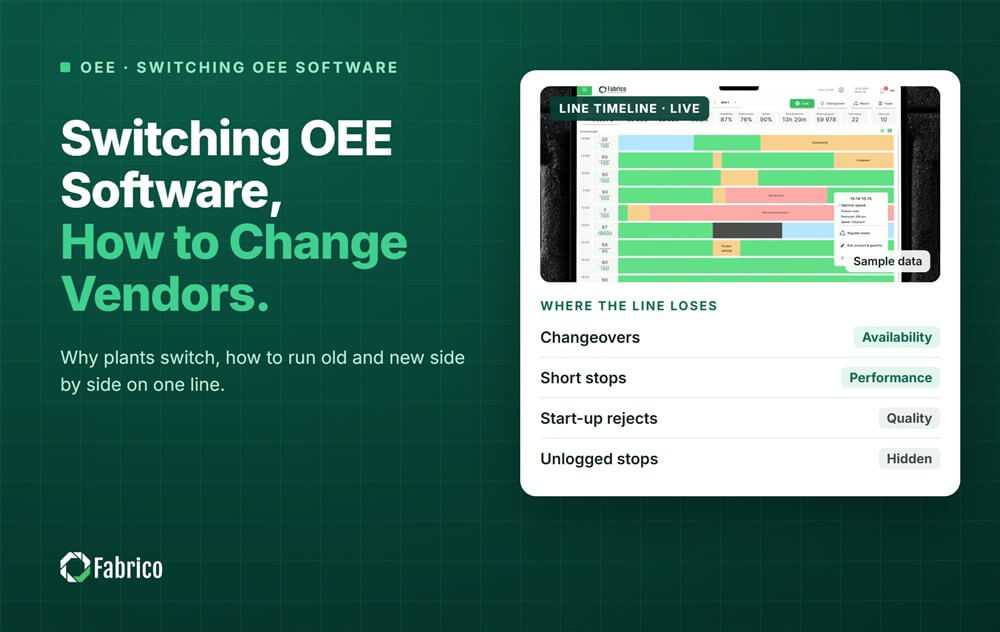
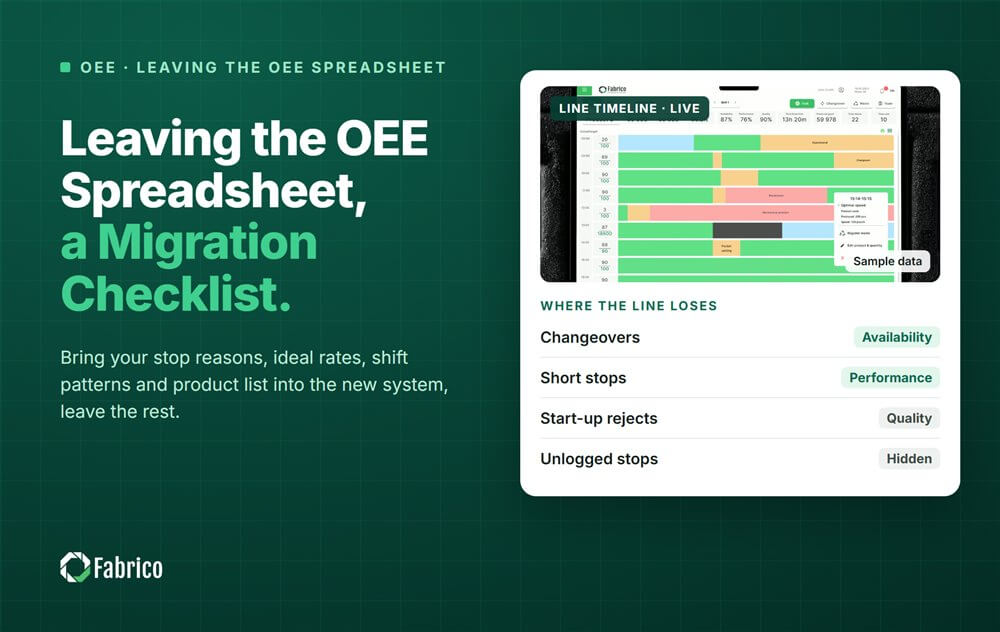
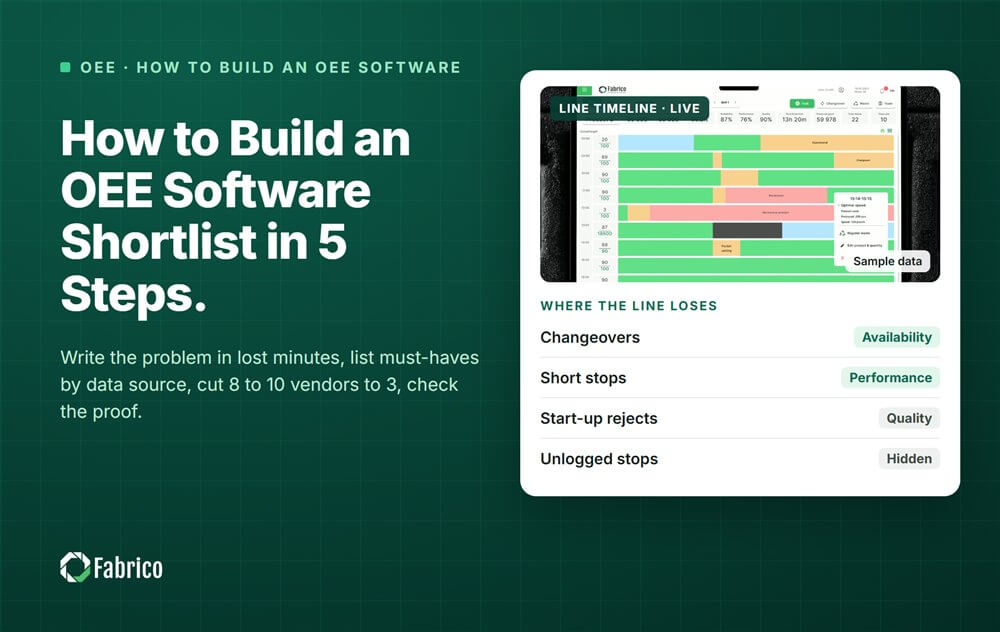


Real Fabrico tiles, sample data.