
Key Takeaways: Spreadsheet-based maintenance management looks free. It isn't. The hidden costs, manual PM tracking, emergency response delays, compliance audit failures, and tribal knowledge loss, consistently exceed CMMS investment within 18 months. Fabrico addresses all of them with a manufacturing-first CMMS that field technicians actually adopt.
CMMS vs spreadsheets is a decision most manufacturing operations make by default, staying with Excel because switching seems complex. The actual cost of staying is higher.
Spreadsheet maintenance tracking fails in four predictable ways:
Five capabilities that separate Fabrico from Excel regardless of how carefully the spreadsheet is maintained:
Real-time PM generation: Someone must manually create each PM work order from the schedule. Fabrico generates them automatically, by calendar, by runtime hours, or by OEE cycle count from connected production equipment.
Parts availability at the machine: A technician with Fabrico scans the asset QR code and sees whether required parts are in stock before starting a job. A technician with Excel makes a trip to the storeroom and discovers the stockout after starting.
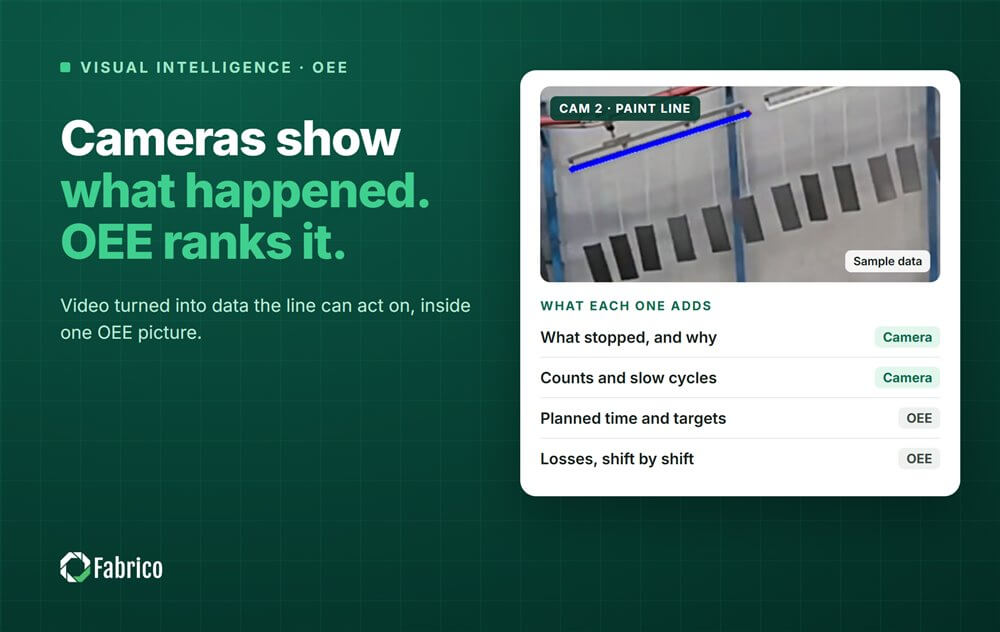
OEE connection: Excel maintenance has no connection to production performance data. Fabrico's CMMS receives automatic work orders from OEE monitoring, maintenance responds to production data, not phone calls.
Historical failure analysis: Excel work order history cannot be systematically analyzed for MTBF trends or bad actor identification. Fabrico surfaces these patterns automatically in the management dashboard.
Fabrico Assistant: When a technician encounters an unfamiliar fault code, Fabrico's AI reads the uploaded machine manual and provides a direct answer in the work order, no manual lookup, no call to a senior technician, no delay.
The move off spreadsheets stalls most often on internal effort rather than on software. If you have no IT team, weigh the options using our guide to OEE and CMMS software without an IT department.
Stop waiting for "the right time." These five conditions mean the switch is already overdue:
The switching timeline for manufacturers replacing spreadsheets with Fabrico: 2 weeks to go live for small operations (<50 employees). Load the 30 most important assets and PM schedules. Go live with mobile app. Add the rest over the following 60 days.
The most common mistake: trying to load everything before going live. Fabrico with 50 assets in it and high adoption delivers more value than perfect spreadsheets with 500 assets that never transition.
See how Fabrico unifies OEE and maintenance in one platform.
Request a demo










 Login
Login
 Blog
Blog