
Key Takeaways: Industrial sensors tell you when a machine stopped. Computer vision tells you why, and captures everything sensors miss entirely: operator handling delays, manual inefficiencies, micro-stops under 10 seconds, and the exact moment quality problems began. Fabrico's Inefficiencies Zoom-In uses computer vision to capture video clips of every downtime event, giving maintenance teams the visual evidence that makes root cause analysis precise instead of speculative.
See our roundup of analytics tools that put this data to use.
Computer vision in manufacturing is the technology that captures the invisible 10-15% of OEE losses that PLC data completely misses.
What industrial sensors capture: machine on/off state, production counts, basic cycle timing.
What sensors miss entirely:
For the counting use case specifically, see our guide to AI visual counting in manufacturing.
Fabrico's computer vision feature. Inefficiencies Zoom-In, operates in three steps:
Step 1: Continuous monitoring. Cameras positioned at production stations monitor machine and operator activity continuously. The system identifies normal operating patterns vs deviations in real time.
Step 2: Event capture. When the computer vision system detects an anomaly, a micro-stop, an unusual operator movement, a machine idle period, it captures a short video clip of the event. The clip is automatically tagged with timestamp, asset, and deviation type.
Step 3: OEE integration. The captured events feed directly into Fabrico's OEE calculation. Micro-stops appear in the performance rate losses. Detected quality issues contribute to the quality rate calculation. Every captured event can trigger a CMMS work order if the pattern indicates a maintenance root cause.
The result: maintenance teams investigate root causes with video evidence instead of guesswork. "The machine stopped" becomes "at 14:23, the feed roller jammed when the cardboard blank entered at 7 degrees off-center, here's the video."
In typical Fabrico deployments with computer vision enabled, the additional OEE losses captured vs sensor-only monitoring:
The ROI calculation: on a production line generating $5,000/hour, recovering 8% additional OEE from computer vision = $400/hour in additional production value. Against Fabrico's platform cost, the payback on the computer vision component is typically under 30 days for lines running 2+ shifts.
Computer vision in manufacturing is no longer a future technology. Fabrico deploys it in standard production environments, food, beverage, automotive, electronics, packaging, with cameras that mount in minutes and require no specialized installation expertise.
They overlap. Machine vision traditionally means a fixed inspection station running deterministic rules, often for pass or fail checks. Computer vision is the broader term and usually implies learned models that cope with variation, which is what makes it workable on a live production line rather than only in an inspection cell.
Usually far less than teams expect: an industrial camera with a stable mount, consistent lighting, and a network path to wherever inference runs. The mount and the lighting matter more than the camera specification, because a model trained on a steady view stays accurate while a drifting one does not.
Counting at a manual station, detecting micro stops on a line where the PLC only reports running or stopped, and verifying that a step actually happened. These are narrow, measurable, and they produce a number you can compare against a known truth on day one.
Agree in advance what result would count as success, on which line, over how many days, and who decides. Most pilots stall because nobody wrote down what proof looks like. See how to design a pilot that proves something.
Vision produces the same three inputs OEE already uses: run state, count and reject. Once those arrive automatically, availability, performance and quality can be calculated for areas that previously relied on paper. See the OEE guide.
A machine vision inspection system is usually described as one product, but it is five parts, and a weakness in any one of them caps the whole result.
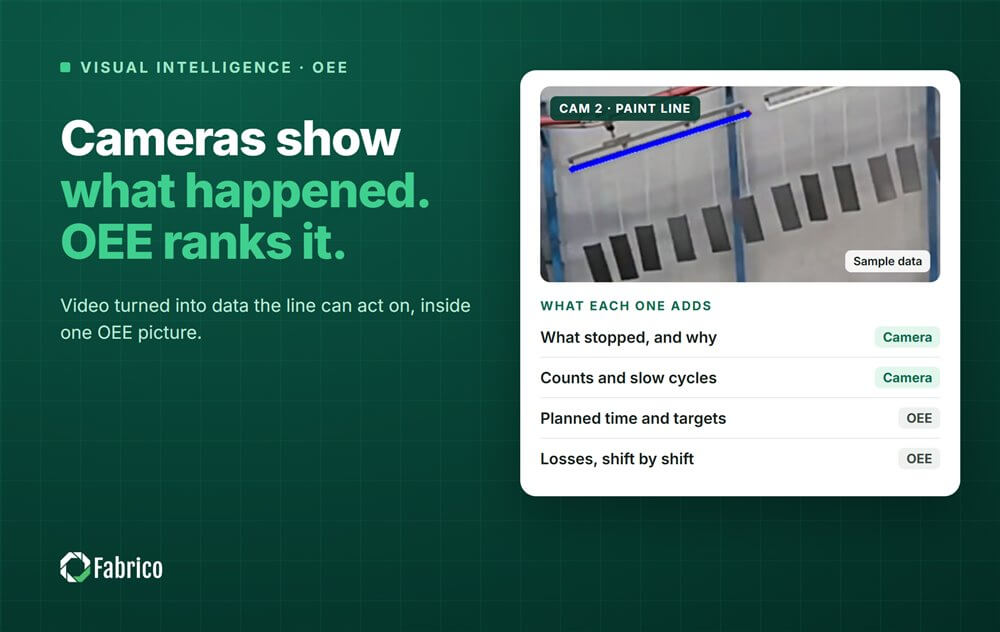
To see this on your own lines, look at Fabrico's camera-based OEE software, which puts camera events and machine data in one OEE timeline.
See Fabrico in action. Book a personalized demo.
Request a demo







 Login
Login
 Blog
Blog