


 Login
 Blog
Coding and Marking for High-Speed Lines: Choose a Coder by Downtime

In short: the best coding solution for a high-speed production line is the coder whose stops and wrong codes stay smallest on your pack at your speed. No technology wins on every line, so pick the technology by substrate first, then compare models by the downtime they cause.
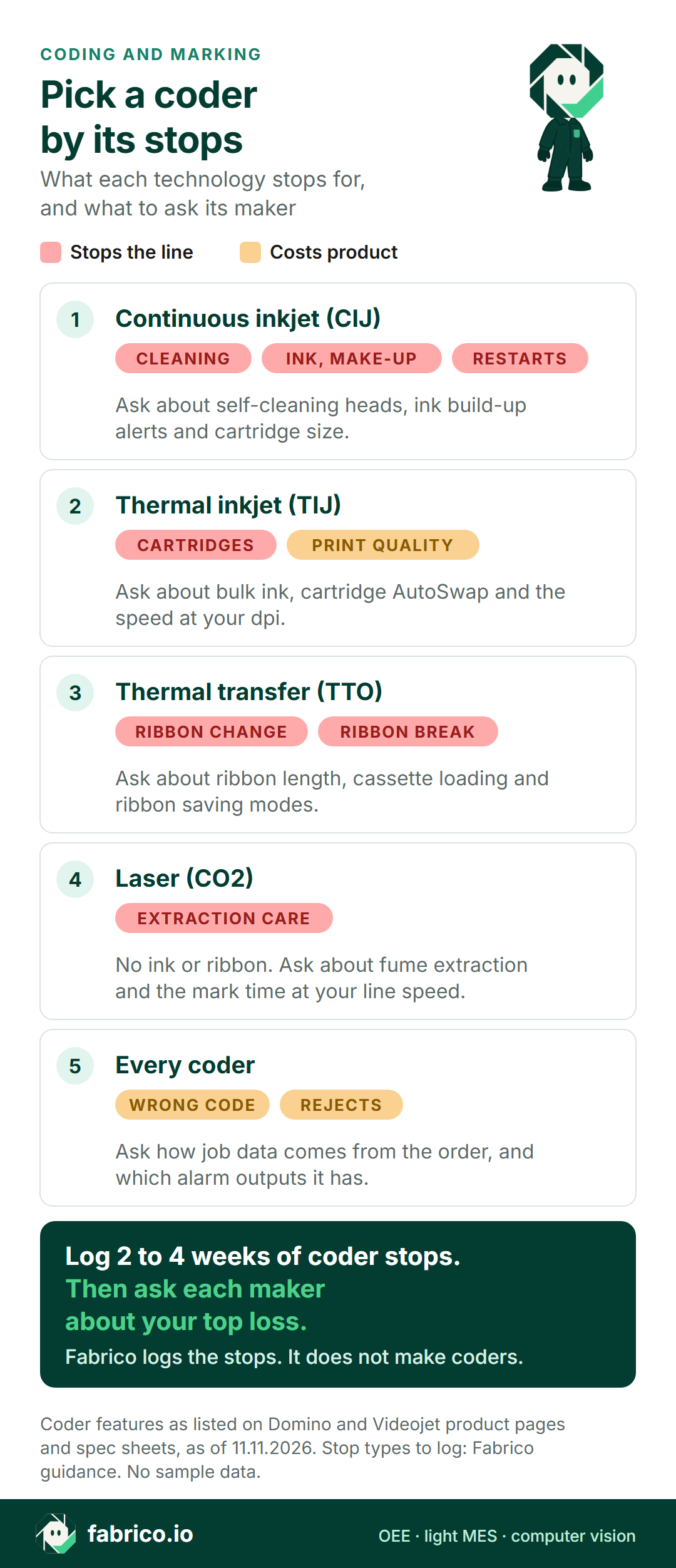
- The four technologies stop for different reasons: head cleaning and ink for CIJ, cartridges for TIJ, ribbons for TTO, extraction and code size at speed for laser.
- The costliest coder event is often a wrong code, not a stop. Videojet's own surveys put operator error at 50 to 70 percent of coding errors.
- Log two to four weeks of coder stops by reason before you talk to coder makers, then ask each one about your top loss.
- Fabrico does not make coders. It logs their stops from the machine signal, the operator adds the reason, and each loss is priced in money.
Your line runs at 400 packs a minute. The coder stops for three minutes to clean a head, and the filler behind it backs up. Nobody writes it down, and by Friday it has happened 14 times.
This page is for plant managers, packaging engineers and CI leads replacing coders or specifying them for a new high-speed line: the four main technologies as their makers describe them, where coder downtime hides, how to measure it, and what to ask each maker.
We sell Fabrico, OEE and light MES software. We do not make coders, so we name no winner. Test what we say here like any vendor's claims.
Best coding solutions for high-speed production lines: the short answer
There is no single best coder. Most buyers decide in two steps.
- Substrate and code. What you print on (film, glass, PET, cans, cartons) and what the code holds (a date and lot, or a 2D code) narrow the choice to one or two technologies.
- Downtime. Among the models left, the best one stops least and prints the wrong code least on your line. A spec sheet cannot tell you that. Your own stop log and a trial can.
The second step is where most comparisons go wrong. A coder is a small machine, but on many lines it sits on the conveyor with little or no buffer around it. When it stops, or stops the line to protect the code, the whole line waits.
Four coder technologies, as their makers describe them
Here is what two coder makers, Domino and Videojet, list on their own product pages and spec sheets, as of 11.11.2026. The last column is our guidance on what to log, not a maker's claim. Other makers sell these technologies too, so ask each one the same questions.
| Technology | Prints on, per the maker | Uptime features listed | Stops to log on your line |
|---|---|---|---|
| Continuous inkjet (CIJ) | A wide variety of substrates and speeds | Self-cleaning head (Ax560i); build-up sensor, auto-rinse (Videojet 1880) | Head cleaning, ink and make-up, restarts |
| Thermal inkjet (TIJ) | Paper, card, plastic, metal and more | Bulk ink and AutoSwap on Gx150i, Gx350i, Gx-OEM | Cartridge changes, print quality checks |
| Thermal transfer (TTO) | Films and labels, on wrappers, sealers, labellers | Cassette ribbons, 770 m or 1,200 m, ribbon saving | Ribbon changes, ribbon breaks |
| Laser (CO2) | PET, PP, paper, cardboard, coated metal, glass | DPX extraction, remote diagnostics | Extraction care, code size at speed (no ink or ribbon) |
Sources, as of 11.11.2026: Domino's Ax-Series, Gx-Series, Vx-Series and Dx-Series pages, and the Videojet 1880 spec sheet (dated 2020). Case and pallet coding (print and apply labellers, large character inkjet) is a separate job; see labeller OEE.
Makers list speeds under different conditions, so figures from two spec sheets do not compare and are not a ranking. Ask each maker for the speed at your code and pack. Resolution is one condition that matters: on Domino's Gx-Series TIJ page, as of 11.11.2026, one printhead type runs at up to 228 m/min at 100 dpi, but 38 m/min at 600 dpi.
That last point matters more each year. GS1 US describes Sunrise 2027 as a global transition from 1D UPC barcodes to 2D barcodes at retail, and tells brand owners to add 2D barcodes to existing packaging. That is US guidance, but many FMCG brands sell there. A 2D code needs resolution, and on some coders resolution costs speed. Ask for the speed at the resolution your code needs, not the maximum.
Where coder downtime hides on a fast line
Siemens' 2024 True Cost of Downtime report puts an hour of unplanned downtime at $36,000 in fast moving consumer goods, the lowest of the four sectors it covers. It comes from Siemens' own survey of 181 maintenance, engineering and IT staff at large industrial firms, 2019 to 2023. It also found FMCG was the one sector where hours lost were similar to 2019. Your number will differ, so price your own hour. The coder's share of it comes in five forms.
Consumables and cleaning
Ink and make-up fluid on CIJ, cartridges on TIJ, ribbons on TTO. Each change is a short stop, unless the coder can swap supplies while it runs. Dirty heads give faint codes, and cleaning them is another stop. These rarely reach a paper log.
Restarts after breaks and changeovers
If the line is ready after a pause and the coder is not, those minutes belong to the coder, not to the changeover. As of 11.11.2026, Videojet's 1880 spec sheet (dated 2020), for example, links its start-stop sequence to longer gaps between printhead cleanings.
Wrong codes
A wrong date or lot code costs product, not minutes. Everything made since the last good check goes on hold. A Videojet white paper, copyright 2023, with no survey dates, and based on Videojet's own surveys of FMCG manufacturers, puts operator error at 50 to 70 percent of coding errors. Wrong data entry and wrong job selection alone made up 45 percent. Nearly half the firms surveyed had coding errors at least once a week, and a quarter at least once a day.
That is a coder maker's research, so read it as a direction, not a benchmark. The same paper says many companies tend not to highlight coding errors in their plant efficiency reports. That is the gap to close first.
Code checks that stop the line
A code reader rejects unreadable codes, and many lines stop after a few rejects in a row. The minutes are availability loss and the packs are quality loss, so book them apart. See label and code checks vs an OEE camera.
Coder faults
Faults that need a technician are rarer, but long.
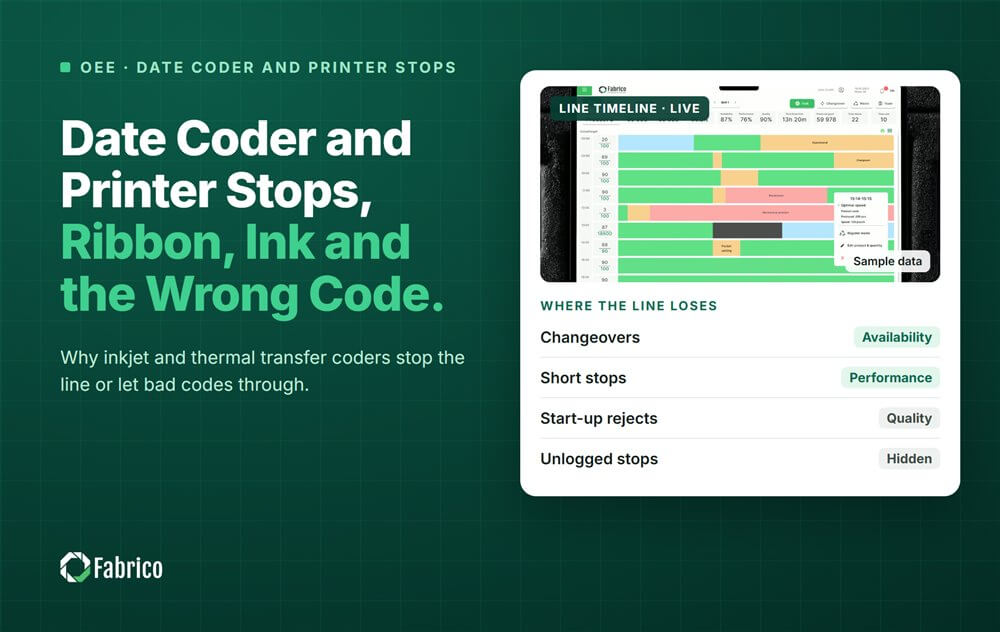
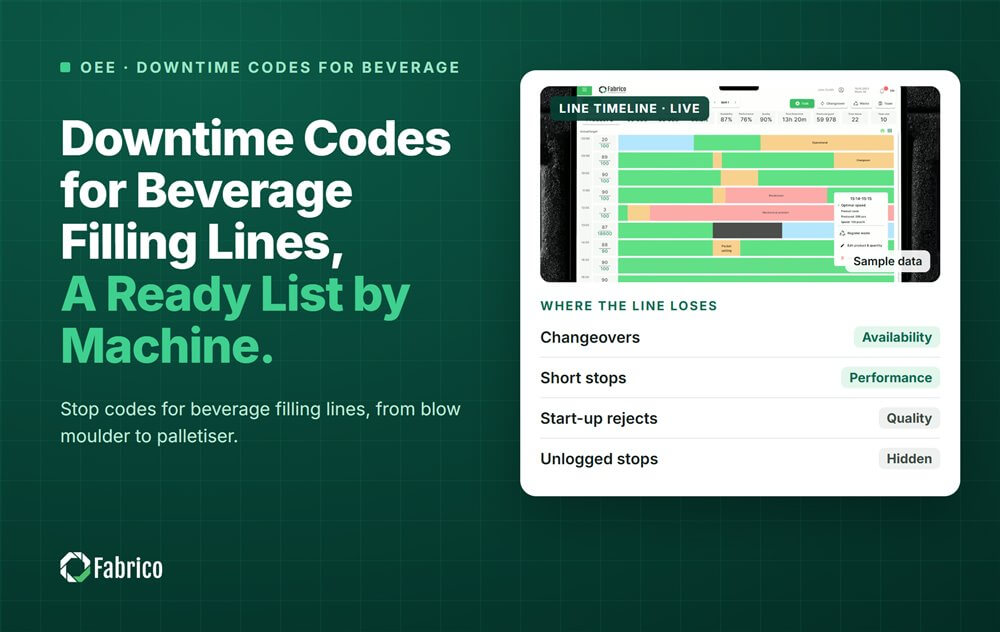
For causes and codes stop by stop, read our guide to date coder and printer stops, and copy reason codes from our packaging downtime code list.
What to read from the coder for OEE
To measure coder downtime you need four things: when the coder or the line stopped, how many packs were coded, how many were rejected, and why it stopped.
Many coders can report their own state. As of 11.11.2026, Videojet's 1880 spec sheet (dated 2020) lists a beacon (alarm light) output and two relay outputs as standard, and Domino's Ax-Series page lists OPC UA and EtherNet/IP on the Ax350i, Ax550i and Ax560i. Your controls team picks the signal. Read it, never write to it.
Short coder stops are micro stops, so set one threshold for every line (see micro stops and OEE). At a manual end-of-line step, or on an old machine with no usable signal, a camera count is an option: see camera or sensor for OEE, machine by machine, and for bottle and can lines, computer vision for beverage lines.
Worked example: measure the coder you have before you buy
Sample line (illustrative numbers, not a customer). A PET bottle line runs at 400 bottles a minute. A CIJ coder prints the date and lot on each bottle, on the conveyor after the filler, with almost no buffer. When the coder stops, the line stops. Each bottle carries a sample contribution of $0.04, so one line minute is worth 400 x $0.04 = $16.
One week is 10 shifts of 480 minutes, or 4,800 planned minutes. Once the coder stops are logged with a reason, the week looks like this:
| Coder reason | Stops | Minutes | Cost |
|---|---|---|---|
| Head cleaning, faint codes | 14 | 42 | $672 |
| Coder fault, technician called | 1 | 35 | $560 |
| Wrong job loaded after a changeover | 1 | 25 | $400 + $600 hold |
| Ink or make-up change | 5 | 20 | $320 |
| Fault on restart after a break | 10 | 20 | $320 |
| Total | 31 | 142 | $2,872 |
The wrong job was found 15 minutes after the changeover, so 15 x 400 = 6,000 bottles carried the wrong code. They went on hold and were reworked at $0.10 each, or $600. Add the 25 line minutes at $16, or $400, and that one event cost $1,000, more than any other row.
The 142 minutes are 142 / 4,800 = 3.0% of planned time. On this line that is up to 3 OEE points lost at the coder alone, before any rejects.
Now the buying question has an answer for this line. The top losses are code data and cleaning, not ink. So the questions for coder makers are about job selection from the order and head cleaning, and a bigger ink cartridge matters less. On a flow wrapper line with a TTO coder, the order will be different. That is why the log comes first.
How to choose a coder by downtime: questions for any coder maker
Bring your stop log to each maker and ask the same questions. Test the answers in a trial on your line, not in a showroom.
| Ask each coder maker | How to test the answer |
|---|---|
| How often will it need cleaning on our pack and speed? | Log every cleaning in a trial on your line, with the minutes each one takes. |
| Can supplies be changed while it runs? | Watch an ink, cartridge or ribbon change in the trial and time the stop, if there is one. |
| How long from a stop or a break to the first good code? | Time five restarts on the trial unit, including one after a long break. |
| Where does the code data come from? | Ask whether jobs and dates come from the production order or a database, and whether an operator can type over them. |
| How does a bad code get caught? | Ask which reader or vision check rejects it, and where the reject count goes. |
| What does the coder tell other systems? | Ask for its alarm outputs and protocols, so your OEE system can read its state, read only. |
| What maintenance does it need, and who does it? | Ask for the planned tasks and minutes per year, split by operator and technician. |
| What speed at our resolution? | Ask for the speed with your real code, 2D codes included, not the maximum. |
In a demo, we show how a coder stop looks on the shift timeline, with its reason and its cost. Bring one week of stop sheets and your questions.
Run a coder trial that measures downtime
- Baseline first. Two to four weeks on the coder you have: stops with reasons, plus holds and rejects.
- Same reason codes for both. Use one reason list for the old coder and the trial unit, or the comparison means nothing.
- Per output, not per week. Compare stops and minutes per 100,000 packs, so a slow week does not flatter the new coder.
- Same SKUs. Run the same substrates and codes, including your hardest pack.
- Count the holds. A wrong code caught late can cost more than a week of stops.
- Agree the decision rule first. Write down which result buys the coder before the trial starts.
The same method works for software. See our guide to evaluating OEE software on one line before you roll it out.
Where Fabrico fits
Fabrico is a cloud OEE and light MES platform. It does not make, sell or service coders. Here is what it does around one.
- Stops and counts: from the machine signal: the line's PLC on automated lines, or a Fabrico IoT device with external sensors on older machines. Which option fits each machine is agreed with the Fabrico team before installation.
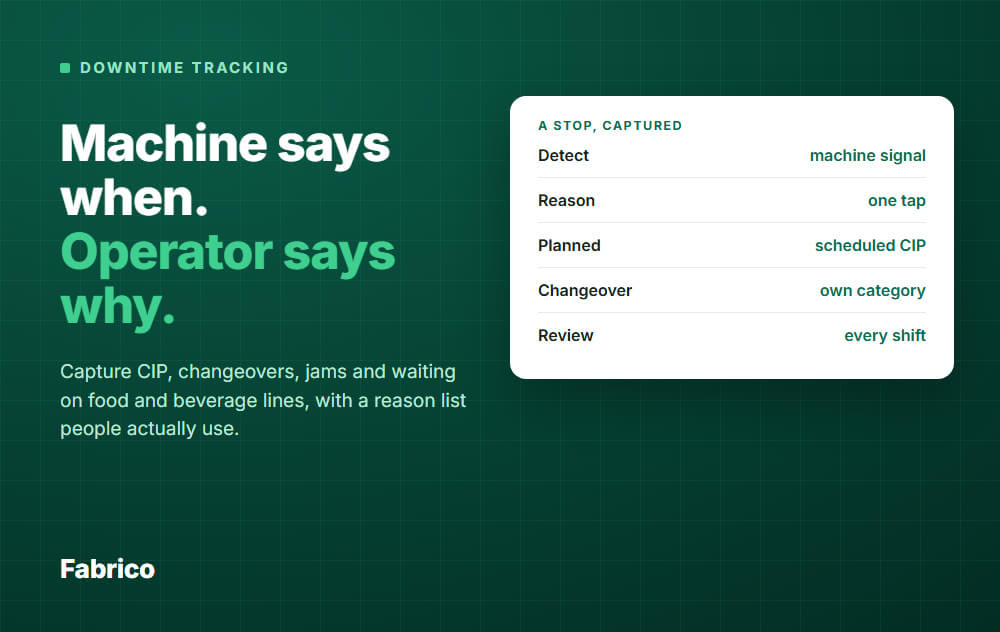
- Stop reasons: the operator adds them at the line, on a tablet or phone, so head cleaning, ribbon out and wrong job each get a code.
- OEE and losses: by line and shift, with losses shown in money, so a quality hold and a short stop sit on one list. On the web, iOS and Android.
- Rejects: a code reader's reject count or signal can feed the quality part of OEE, so rejects are counted once.
- Cameras, on request: the AI camera add-on counts output, including at manual steps or on machines with no usable signal. You can open the camera video for any moment on the shift timeline, for example to see what happened at the coder before a stop. In the standard setup, video is streamed on request, not stored in Fabrico.
- Your data: it leaves through a REST API, webhooks and Excel or CSV export.
Roadmap, not live today: stops detected by the camera, and a camera suggesting a stop reason.
What Fabrico does not do: make coders or check codes. Code and label checks are inspection, done by readers and vision systems that sit next to OEE, not inside it.
See light MES and OEE in Fabrico and the Fabrico camera add-on for OEE. For fast packaging lines, compare OEE software for high-speed packaging lines, and for cameras across plants, read computer vision for FMCG manufacturing. The trial rules above work for OEE software too, us included.
What people ask next
What is the best coding technology for a high-speed production line?
There is no single best one. The substrate and the code narrow the choice to one or two technologies. Then the best model is the one that stops least and prints the wrong code least on your pack, which you can only measure in a trial on the line it will run.
Is laser coding the lowest-downtime option because it uses no ink?
It has no ink or ribbon to change, so those stops go away. It still needs fume extraction, and the code has to be marked while the pack passes, so check the code size you need at your line speed. Compare it on your pack, like any coder.
How do I code without slowing down the production line?
Ask for the coder's speed at the resolution your code needs, not its maximum. Then cut the stops: supply changes while it runs where the coder allows it, cleaning before print quality drops, and job data from the order instead of typed by hand.
Should coder stops count as availability or performance loss?
Stops above your short-stop threshold are availability loss, and stops below it are often booked as performance loss. No standard sets the cutoff, so pick one and use it on every line. Rejected packs are quality loss either way.
Can OEE software read the coder directly?
It can when the coder exposes a signal. As of 11.11.2026, the Videojet 1880 spec sheet lists a beacon output and two relay outputs, and Domino's Ax-Series page lists OPC UA and EtherNet/IP on the Ax350i, Ax550i and Ax560i. Your controls team picks the signal, read only. Where nothing can be read, the line signal and the operator's reason still show the coder's stops.
Does Fabrico check date codes?
No. Code and label checks are inspection, done by code readers and vision systems. Fabrico can take their reject count into the quality part of OEE, and log the stops they cause with a reason.
Want to see coder stops priced in money? Book a demo and bring one week of stop sheets.
Related articles





Real Fabrico tiles, sample data.