


 Login
 Blog
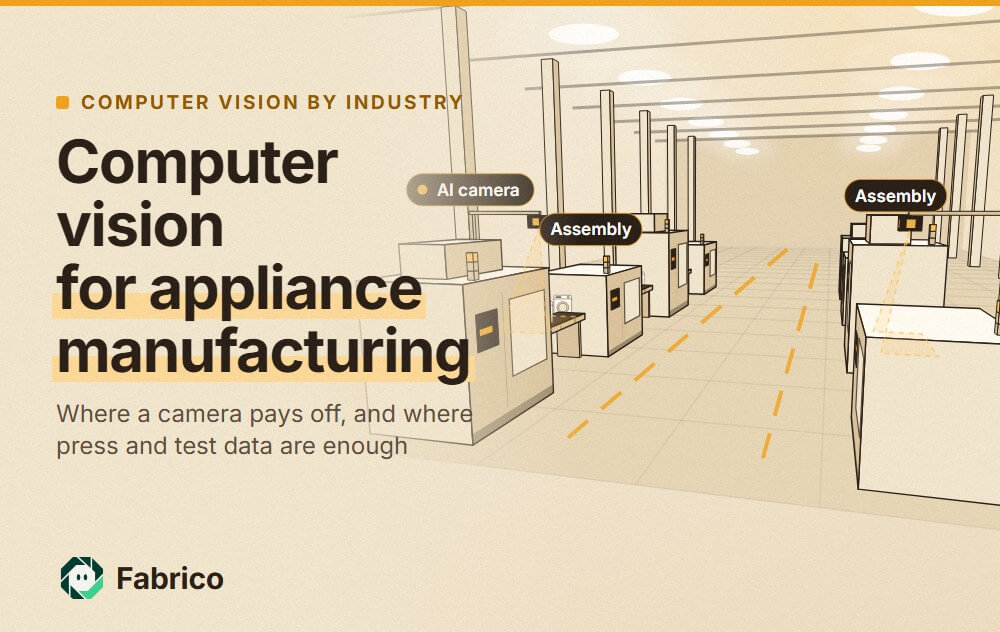
Computer Vision for Appliance Manufacturing: Sub-Assembly Cells to Packing

In short: computer vision in appliance manufacturing pays off as a counter and a witness: cameras count units off manual sub-assembly cells and the packing line, where no station signal exists, and let you open the video of a short stop on the paced line.
- Dents, scratches, labels and missing parts are inspection. That is a different job, done by inspection systems from vendors such as Cognex or Keyence. End-of-line test rigs keep their own pass and fail data.
- Appliance losses hide in material shortages, model changes, short stops on the paced line, overcycle at single stations and rework loops after end-of-line test.
- Press lines and foaming rigs already give a signal. Put cameras at manual sub-assembly cells and on the packing line. Add one at the end of assembly or the rework bay only where you cannot reach the test rig data.
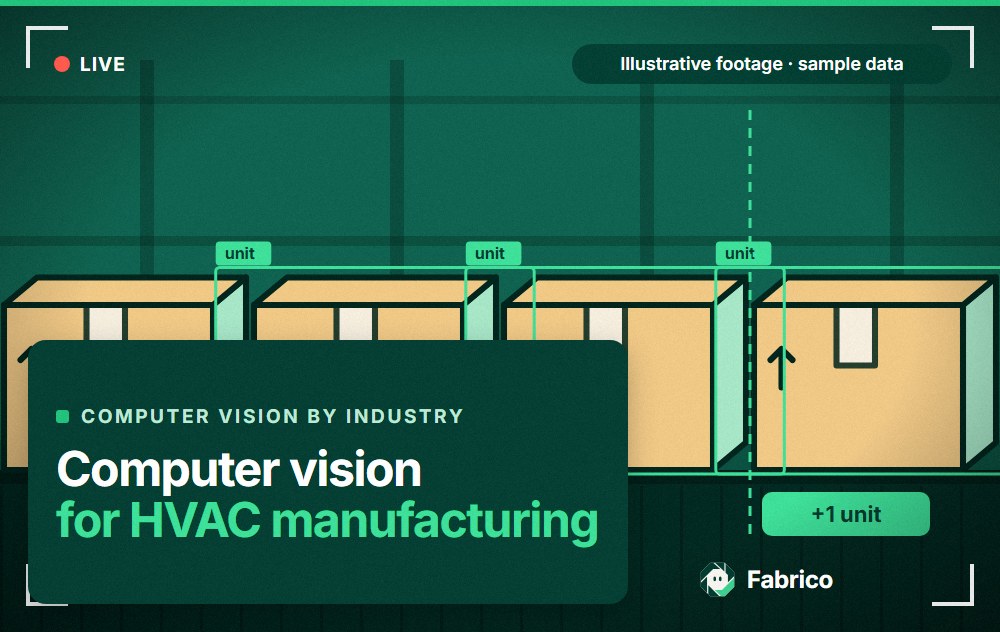
- Fabrico's camera add-on counts output and lets you open the video for any moment on the shift timeline. The operator adds the stop reason.
Your presses count strokes. Your foaming machine logs each shot. Your test rigs record each pass and fail.
The paced assembly line in between often gives you run and stop, and an andon call if one is fitted, but no count from the manual cells that feed it.
This page is for plant managers, operations and CI leads in white goods and small appliance plants choosing cameras and OEE software. It shows where a camera earns its place, where the signal you already have is enough, and what to ask each vendor.
Computer vision for appliance manufacturing: two different jobs
Two kinds of camera system get sold under one name. Inspection systems check each unit for defects. OEE cameras count output and show you what happened at a stop. Keep them apart in the spec.
| Job on an appliance line | Inspection or test | OEE camera |
|---|---|---|
| Dents, scratches, panel gaps | Inspection system | No |
| Rating plate, label, barcode | Inspection system | No |
| Missing screws or clips | Inspection, or tool controller data | No |
| Electrical safety and function | End-of-line test rig | No |
| Count units off manual stations | Rarely | Yes |
| Video of a short line stop | Fail images, not stop video | Open the video for that minute |
| Feeds OEE through | Its fail count | The output count |
The two work side by side. An inspection system's or test rig's fail count, read from its PLC or a counter signal, can feed the quality part of OEE, so fails are counted once.
Where the losses hide on an appliance line
This is a large, labour-heavy industry. In Europe, the trade body APPLiA counts 983,695 direct and indirect jobs and 3,214 enterprises, citing its 2021-2022 statistical report. In the US, the Bureau of Labor Statistics puts electrical equipment, appliance and component manufacturing at 448.4 thousand jobs in October 2026, a preliminary figure for a group wider than appliances.
Press lines, roll formers and die changes
Cabinets, wrappers, doors, oven cavities and drum parts start on press lines, roll formers and punching cells. These machines have a stroke or cycle signal. Read it.
Their losses are die and coil changes, and a long die change can starve assembly hours later. A camera adds little at a press with a working signal. See OEE for stamping press operations.
Foaming and fixtures
Refrigerator and freezer cabinets and doors are filled with polyurethane foam in fixtures, and they stay in the fixture while the foam cures. The foaming machine logs each shot, and the fixture carousel or press has its own state.
Losses here are fixture changes, cure time and cabinets repaired after foaming. Use the machine data, not a camera.
Paced assembly with many manual stations
The heart of an appliance plant is a paced line: a conveyor that moves or indexes at a fixed cycle, with people at stations along it, fitting compressors, harnesses, drums, motors, doors and panels.
A peer-reviewed study of one white goods line, by Guden and Meral (2016), describes 68 stations through which four product models are assembled, each with about 300 tasks and 400 precedence relations.
The conveyor PLC knows when the line runs and when it stops. If the line has andon, it also knows which station called the stop. It does not know how many units a manual sub-assembly cell finished, or what happened at the station in those minutes. If every unit passes a test rig whose data you can read, that rig is already your line count. The camera add-on then earns its place at the sub-assembly cells that feed the line, such as doors, drums and control boards, and at packing. Refrigeration lines add brazing, evacuation, charging and helium leak testing; those machines log their own data. For the general case, read computer vision for OEE on manual assembly.
Material shortages
Many line stops have nothing to do with a machine. A line-side bin runs empty, a sub-assembly is late, or a supplier delivery misses its slot.
The PLC records a stop with no cause. Give shortages their own stop codes, by part family if you can, so they stop hiding inside "line stopped". The team leader adds the reason at the line. A camera does not know a bin was empty.
Model changes on a mixed-model line
Mixed-model lines run several models in sequence. Some changes cost nothing; others need a fixture swap, a new kit of parts at the line side, or a new test program.
Book each model change that stops the line as a stop with its own code. If line speed changes with the model, give each model its own ideal rate, or performance will move whenever the mix moves. See changeover time.
Overcycle at one station
On a paced line, the conveyor sets the pace, and line balancing keeps each station's work under its cycle time. When one station's work runs over for a model, the operator drifts into the next zone or calls andon, and the line stops.
That shows up as many short stops, not as slow running. The andon log shows which station called. Point the camera add-on at the two or three stations that call most, and the video for those minutes shows what happened there. See starvation and blocking on a balanced line and our page on micro stops.
Rework loops after end-of-line test
End-of-line testing covers electrical safety, a function run (a run-in test on washers and dryers), and cooling checks on refrigeration products. It runs on test rigs with their own data.
Units that fail go to a repair bay and come back to test. If you count good units only at packing, a repaired unit looks like a good one, and quality looks better than it is. In OEE, a good unit is one that passed the first time. Read first-pass results from the test rig, and count units going back to test as their own number. See rework and the good count in OEE.
Packing and palletizing
Large appliances get foam corners, a carton or a stretch hood, and many leave the plant on clamp trucks with no pallet. Small appliances go into retail boxes, then master cartons, then onto pallets.
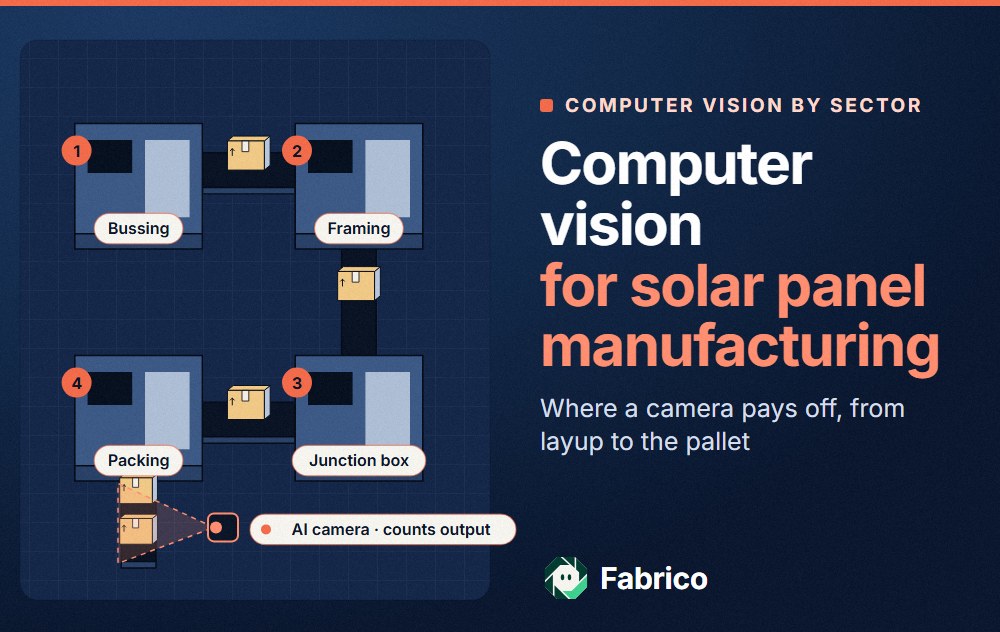
Packing is often partly manual, with no counter you can reach. A camera at the end of the packing line counts what was packed. See palletizer OEE.
Where a camera goes on an appliance line
Here is one example: a refrigerator plant from press line to packing.
For a longer list by machine type, see camera or sensor for OEE, machine by machine.
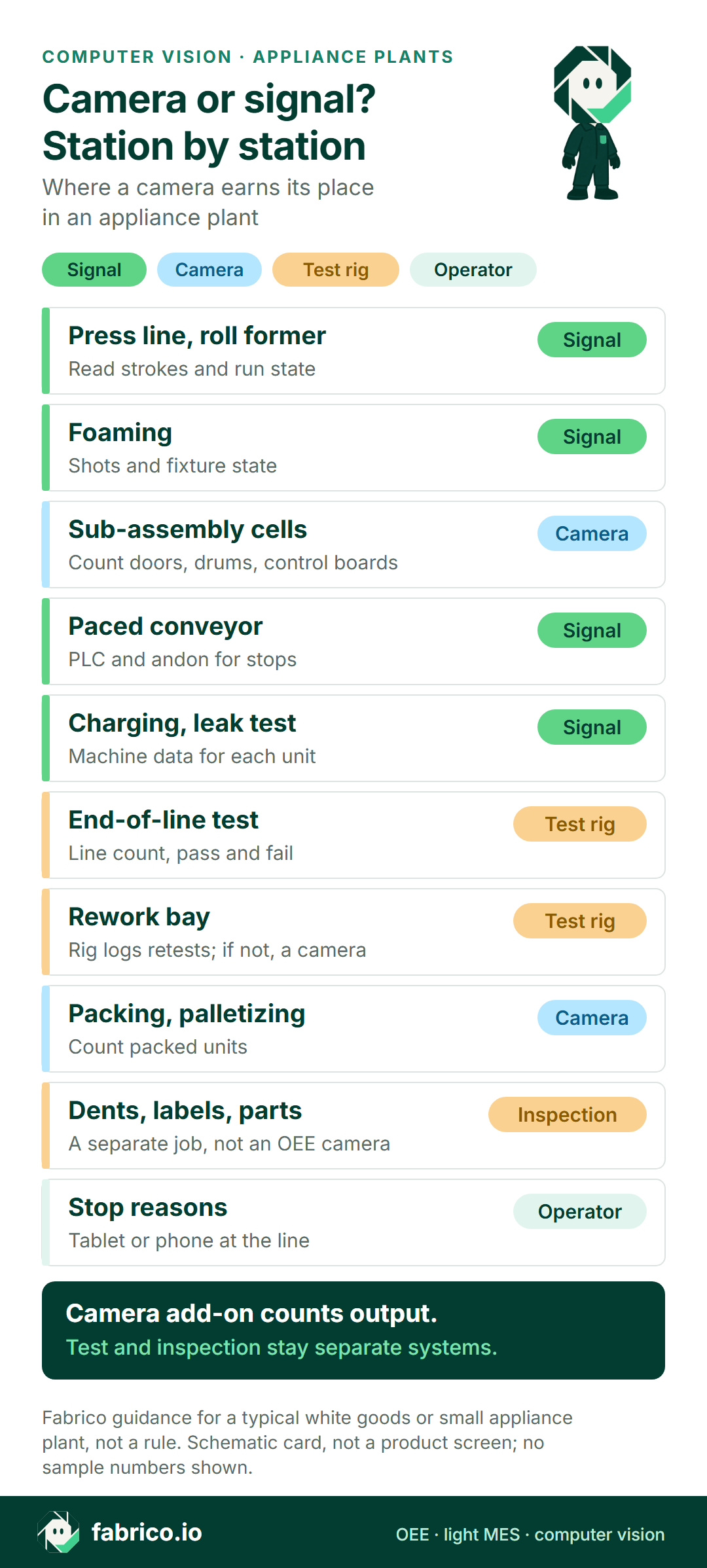
Camera, signal or operator: station by station
This is typical for a white goods or small appliance site, not a rule. Check each machine.
| Station | Count and stops from | What a camera adds |
|---|---|---|
| Press line, roll former | Press or line PLC | Little. Use the signal. |
| Liner thermoforming | Machine PLC | Little. Use the signal. |
| Foaming | Foaming machine and fixture data | Little. Use the signal. |
| Paced conveyor | Line PLC: run and stop; andon: which station | Video of what happened at that station |
| Brazing, evacuation, charging, leak test | Machine data | Little. Use the signal. |
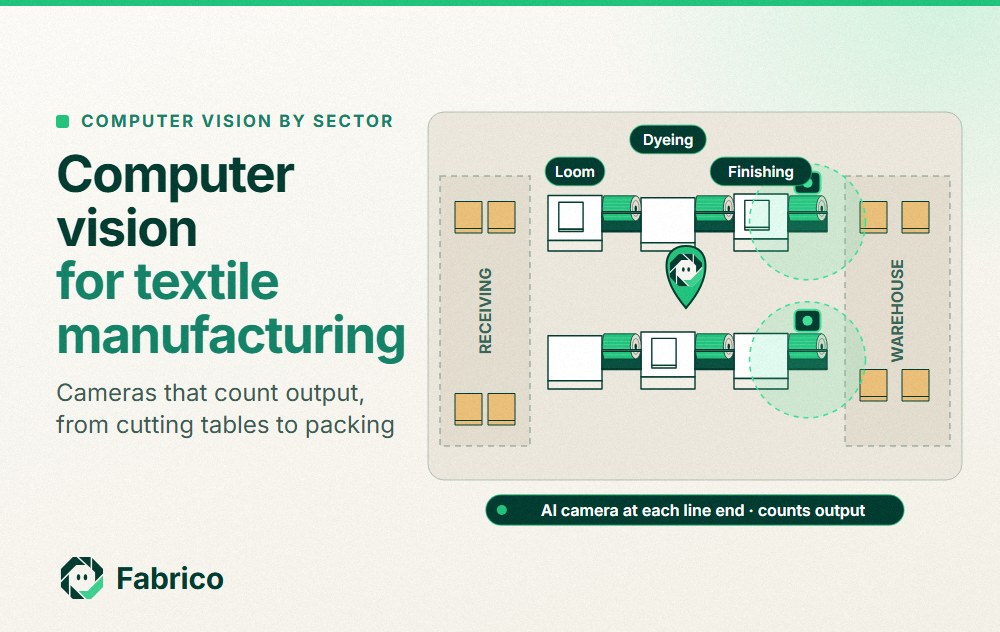
| Manual sub-assembly cells | Often nothing | Count of units off the cell |
| End-of-line test | Test rig: pass and fail | Nothing. Feed fails to quality. |
| Rework bay | Test rig retests, or a paper log | Little if the test rig logs retests by serial. A count if it does not. |
| Packing, palletizing | Packer PLC, if you can reach it | Packed count if you cannot |
| Stop reasons, all lines | The operator, on a tablet or phone | Video to check a disputed reason |
Bring your station list and one shift of line stop logs to a demo, and we will go through it station by station.
Worked example: one paced line, one shift
These are example numbers, and they describe no real plant. A paced assembly line with a cycle time of 60 seconds, one carrier a minute, runs one 480-minute shift. At that pace it can finish at most one unit for each minute it runs.
The line PLC gives the run state. The test rig logs each unit it tests, so its records give both the count off the line and the first-pass results. The packer gives no count you can reach, so a camera add-on at the packing line counts what was packed.
The line stopped for 78 minutes: material shortages 24, two model changes 24, short line stops 18 and one conveyor fault 12. Run time is 402 of 480 minutes, so availability is 83.8%.
At one unit a minute, 402 minutes could finish 402 units. The test rig tested 370, so performance is 92.0%. The gap is 32 empty carriers: the conveyor ran, but no cabinet was loaded because the buffer from foaming ran dry.
The test rig passed 352 units the first time and failed 18, so quality is 95.1%.
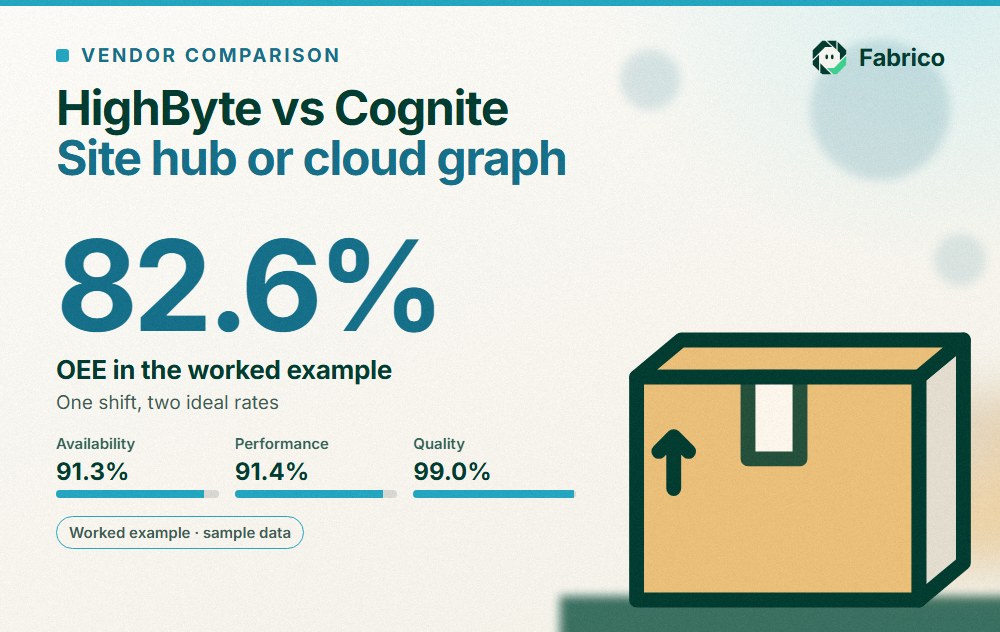
OEE is 83.8% x 92.0% x 95.1% = 73.3%. Check it the short way: 352 first-pass good units of 480 possible is also 73.3%.
Now look at packing. The repair bay fixed 8 of the 18 fails during the shift, so the packing camera counted 360. Count good units there, and OEE reads 75.0%.
With the right counts, rework stops hiding inside the good count.
Eight checks for any appliance camera or OEE vendor
Run these with every vendor, and with us. Bring one real shift from last week as the test case.
| Ask | How to test the answer |
|---|---|
| How do you count a paced line? | Ask whether the count comes from the conveyor, a station or a camera. Run it next to a hand count for one shift. |
| Can it split model changes from other stops? | Ask for a model change code and an ideal rate per model. |
| How do shortages get a reason? | Ask how a team leader adds a shortage code at the line, by part family. |
| Where does first-pass quality come from? | Ask how test rig pass and fail results reach the quality figure, so a repaired unit never counts as good first time. |
| What exactly does the camera count? | Units, cartons or pallets? Ask how it handles two models that look alike, and units that loop back from rework. |
| Where does each camera mount? | Ask for each position on a drawing, clear of clamp trucks, forklifts and overhead conveyors. |
| Is video kept, and who can open it? | Ask where it lives, for how long, and who sees it. |
| How does a short line stop look? | Ask to see a 90-second stop on the shift timeline, and the video for that minute. |
A long line does not need a camera at each station. Read how many cameras a line needs for OEE, then test on one line before you go site-wide. See our guide to a computer vision OEE pilot.
Cameras, privacy and the works council
A camera pointed at an assembly station will see hands and faces. Tell staff before any camera goes up. In many European countries, talk to the works council first.
Frame the camera on the product leaving the station or the packing line, not on the crew. Report by line and shift, not by person. Ask each vendor, us included, what privacy masking is live today and what is still roadmap.
Fabrico's camera add-on counts product, not people. For a fuller checklist, read production line cameras without surveillance.
Where Fabrico fits
Fabrico is a cloud OEE and light MES platform. Here is what it does in an appliance plant today.
- Stops and counts: from the machine signal, through the press, foaming or conveyor PLC, a sensor or a counter.
- Stop reasons: the operator or team leader adds them at the line, on a tablet or phone.
- OEE and losses: OEE, downtime and losses by line and shift, with losses shown in money. On the web, iOS and Android.
- Camera add-on, on request: AI cameras count output at manual stations and sub-assembly cells and on the packing line, and at the end of assembly where test data cannot be reached. With the add-on you can open the camera video for any moment on the shift timeline. In the standard setup, video is streamed on request, not stored in Fabrico.
- Your data: it leaves through a REST API, webhooks and Excel or CSV export.
Roadmap, not live today: stops detected by the camera add-on, jam zones on the video, and the add-on suggesting a stop reason.
What Fabrico does not do: inspection and end-of-line testing, which stay with your inspection systems and test rigs and feed Fabrico's quality figure through their fail signal or counter. For planning and line sequencing, ask us in the demo.
For the full product, see Fabrico computer vision for OEE. If you are still comparing platforms, read our guide to OEE software. All eight checks above apply to us too.
Bring one shift of line stop logs and your test rig results to a demo, and ask us to show which numbers we can fill and which we cannot.
What people ask next
Which appliance station should get the first camera?
Usually a manual sub-assembly cell for doors, drums or control boards, or a packing line with no count you can reach. If every unit passes a test rig you can read, the rig already counts the line, so the end of assembly comes last.
Can a camera find dents, scratches and missing screws?
Yes, but that is an inspection camera, not an OEE camera. Cosmetic checks, labels and missing parts are done by inspection systems, and screw counts often come from the tool controller. Fabrico does not sell inspection. The inspection system's fail count can feed the quality part of OEE.
Do press lines and foaming rigs need a camera?
Rarely: presses, foaming machines, charging units and leak testers already log each cycle, so read them first.
How should rework after end-of-line test count in OEE?
Count a unit as good only if it passed test the first time. Read the first-pass result from the test rig, and count repaired units separately. If you count good units at packing, repaired units look like first-pass good ones and quality looks better than it is.
Is the camera video stored?
Not in the standard setup. Video is streamed on request, and you can open it for any moment on the shift timeline. Ask every vendor the same question, and where their video lives.
What drives the cost of computer vision in an appliance plant?
Pricing is set per quote. In an appliance plant the drivers are line length, the number of sub-assembly cells and packing lines you want counted, mounting clear of clamp trucks and overhead conveyors, and network coverage across a large hall. Give each vendor the same station list so the quotes compare.
Want to see it on a line like yours? Book a demo and bring one shift from a paced assembly line.
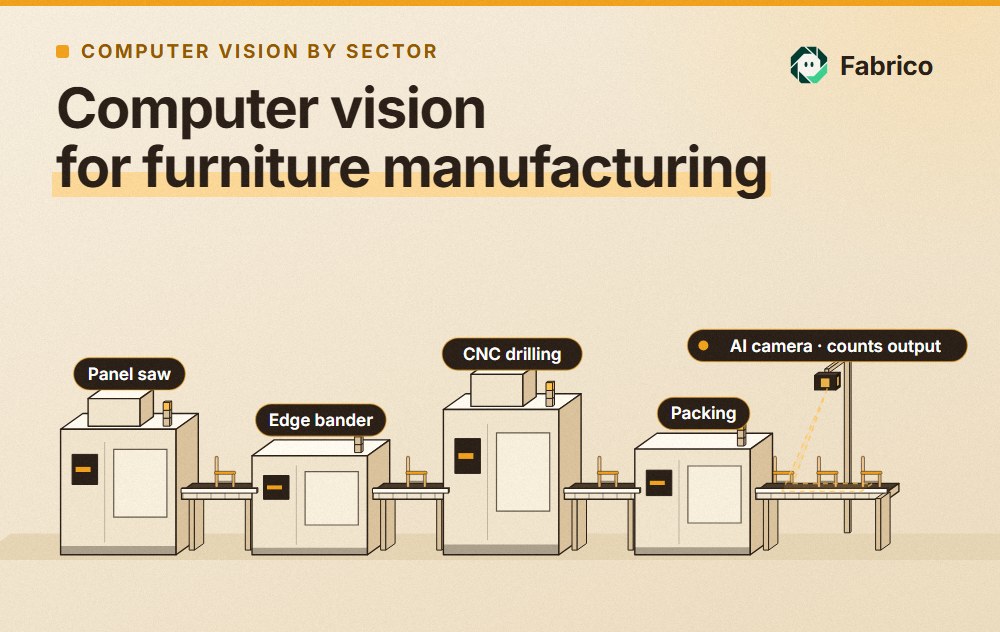



Real Fabrico tiles, sample data.