


 Login
 Blog
Light MES or Connected Worker Platform: Which Fits Your Plant First?

In short: Light MES vs connected worker platform is not a contest: a light MES measures the machine (stops, counts, OEE, losses in money), while a connected worker platform guides the people (instructions, checklists, forms, skills). Start with the one that fixes the problem you can name today.
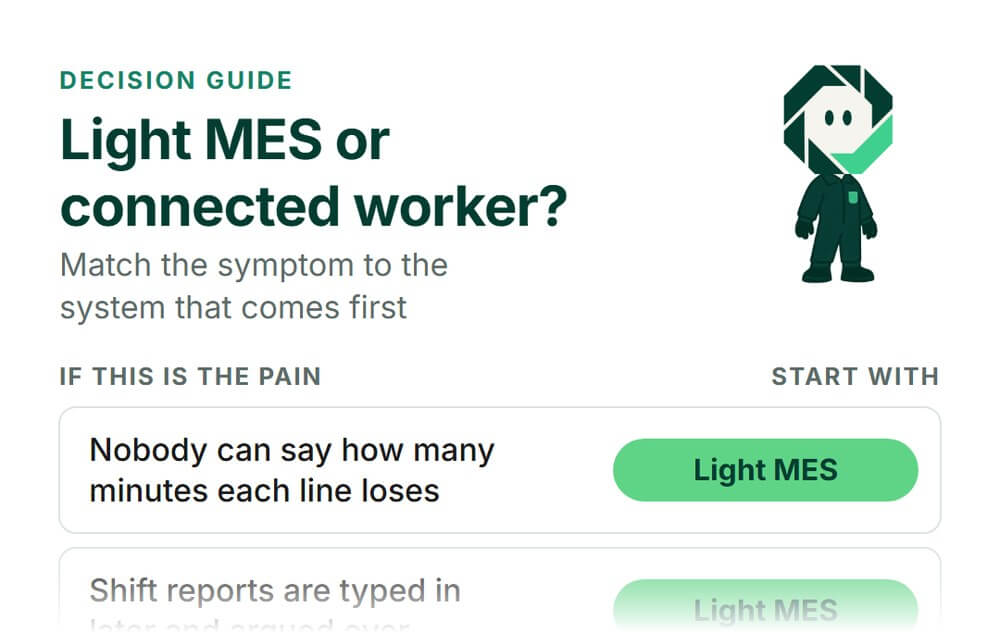
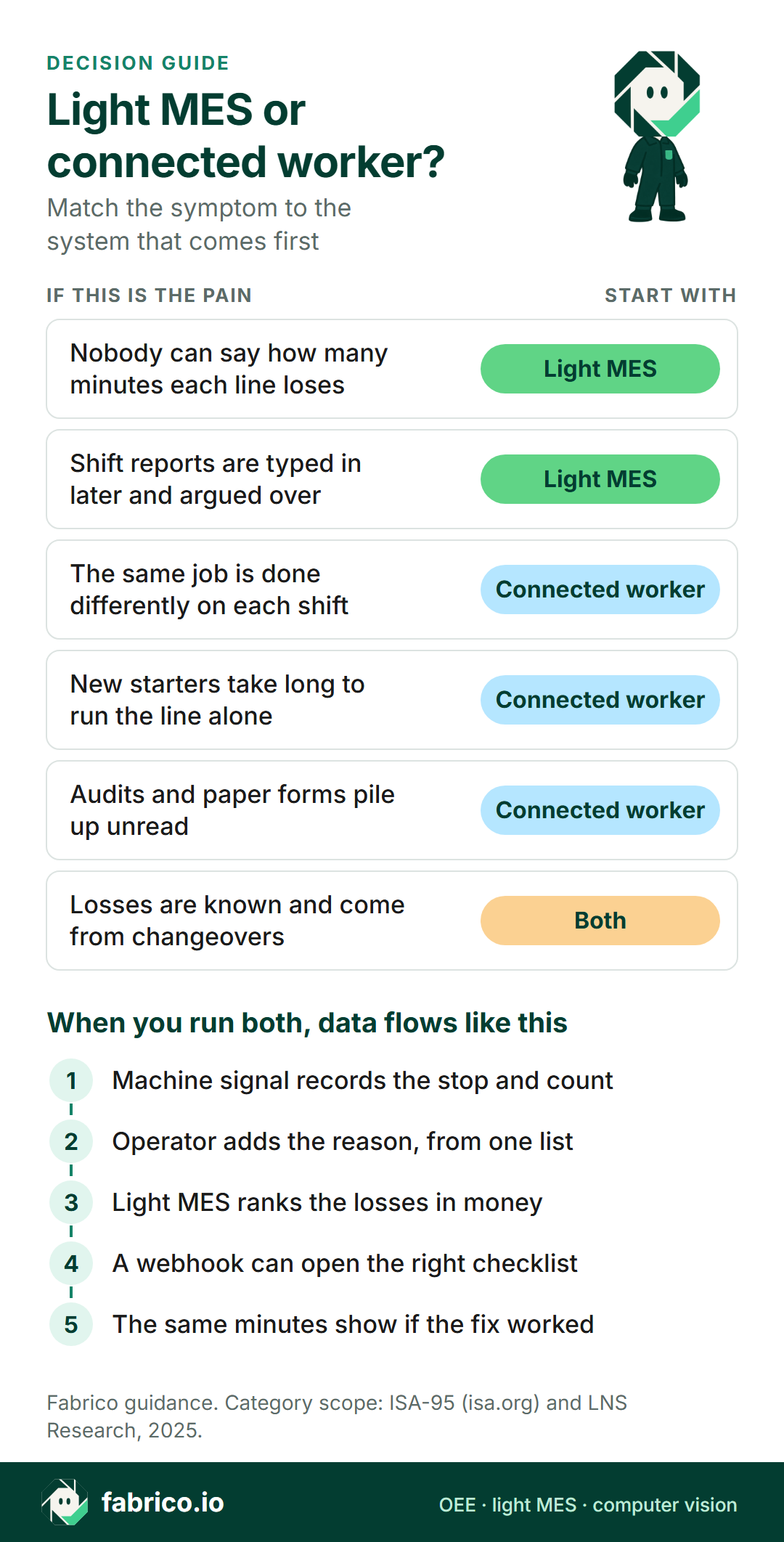
- If you cannot say how many minutes each line loses and why, start with light MES.
- If the losses are known and trace to method, changeovers or skills, add a connected worker platform on those jobs.
- If the main pain is audits, forms and sign-offs, not output, a connected worker platform can lead.
- When you run both, keep one reason-code list and one set of line names, and let machine events trigger the right checklist.
Two kinds of software keep turning up in the same plant meetings. Both put a tablet at the line, and both want the same budget. This guide helps plant managers, CI leads and IT or OT managers decide which to buy first, and how the two share data.
We sell Fabrico, a cloud OEE and light MES platform. Read what follows with that in mind, and test our claims like any vendor's.
Light MES vs connected worker platform: two different jobs
A light MES is the part of a manufacturing execution system that watches the machines. It takes a signal from the PLC, a sensor or a counter, records stops and output, asks the operator for the stop reason, and turns it into OEE and losses. In the ISA-95 model, ISA describes Level 3 as the place where MES and SCADA systems manage manufacturing operations. A light MES covers the performance part of that level. For the longer story on scope, see light MES vs full MES.
A connected worker platform starts from the person, not the machine. LNS Research, an industrial analyst firm, describes these applications (February 2025) as software that gives frontline workers an interface to support safe work execution. Its list of core capabilities includes workforce competency management, which it says makes sure workers are proficient for tasks through onboarding and upskilling. In practice, vendors in this group sell digital work instructions, checklists, audits, forms and skills matrices. Our connected worker software guide covers the category in more depth.
| Question | Light MES | Connected worker |
|---|---|---|
| Starts from | The machine signal | The person and the task |
| Main data | Stops, counts, rejects, reasons | Steps, sign-offs, forms, skills |
| Answers | Where did the time go? | Was the job done right? |
| Typical output | OEE, downtime, losses in money | Completed checklists, audit trail |
| Weak spot | Says little about how work is done | Typed numbers miss short stops |
A light MES asks "why did it stop?". A connected worker platform asks "did you do step 4?". If a vendor claims both, ask which data comes from a machine and which is typed by a person.
Which problem do you have first?
Most plants feel both. Start with the symptom that costs most right now.
- You argue about numbers. Reports are typed in after the shift and nobody knows the lost minutes. Measurement problem: light MES.
- The fix does not stick. Changeovers run long on one shift and not another. Method problem: connected worker.
- New starters are slow to run the line alone. Skills problem: connected worker.
- Audits and forms pile up. If output is not the issue, a connected worker platform can lead.
Skip the measurement question and you write instructions for the jobs people complain about, not the ones that cost the most minutes.
Pick light MES if, connected worker if, both if
Pick light MES first if you cannot rank losses by line and shift, or stop reasons are guessed at the end of the shift. Machine data gives a number nobody has to type. See the machine monitoring software review for the tools that do this part.
Pick a connected worker platform first if the work is mostly manual, the main risk is compliance or safety, or you already trust your loss data. Our connected worker platform review compares the tools in this group, and digital work instructions vs paper looks at the instruction part on its own.
Plan for both if your biggest known losses come from changeovers, start-ups or skills gaps. The light MES measures the loss and proves the fix; the connected worker platform carries the fix to the line.
| Situation | Start with | Why |
|---|---|---|
| No trusted stop minutes or reasons | Light MES | You cannot target what you cannot rank |
| Losses known, method differs by shift | Connected worker | The fix is standard work |
| Manual cells with no machine signal | Connected worker, or a count first | Little to read from a PLC |
| Audits, permits, forms are the pain | Connected worker | Output is not the question |
| Changeovers and start-ups dominate | Both | Measure, fix, then prove |
In manual cells, a connected worker platform guides the work but does not count output. A sensor, a scale or a camera count fills that gap. See camera or sensor for OEE, machine by machine.
Want to see stop minutes, reasons and losses in money before you decide? Book a demo and bring your station list.
Where the two meet: the stop and its reason
The two systems meet when a machine stops. Machine data says when and how long. The reason, and often the fix, sits with people.
A Chalmers University doctoral thesis by Richard Hedman (2016) looked at production follow-up data from 23 companies and 884 machines over six months, supplied by the production follow-up software company Good Solutions. More than half of the recorded loss time had no reason at all. Of the downtime that could be classified, about 90% was linked to supporting activities done by operators, such as detecting and fixing a stop, changeovers and adjustments, not to the automatic process itself. That is one vendor's data set, not a law of nature. Two lessons fit what many CI leads see: without reasons you cannot direct improvement, and much of the downtime you can explain is about the work around the machine.
So the light MES first gets the reasons recorded and shows which people-and-method losses are big, and the connected worker platform is one way to fix some of them, such as changeovers and start-ups. Without the first, you write instructions blind.
A worked example: one shift, both views
Illustrative, sample data. A packing line runs one 8-hour shift with 450 minutes of planned production time. The filler is the constraint, with an ideal rate of 100 units a minute.
- Availability: 63 minutes of stops leave 387 minutes of run time. 387 ÷ 450 = 86.0%.
- Performance: the line made 34,830 units. At the ideal rate, 387 minutes allow 38,700. 34,830 ÷ 38,700 = 90.0%.
- Quality: 697 rejects leave 34,133 good units. 34,133 ÷ 34,830 = 98.0%.
- OEE: 86.0% × 90.0% × 98.0% = 75.9%. Check: 34,133 good units ÷ 45,000 possible = 75.9%.
Operators added these stop reasons at the line: changeover over standard 22 minutes, start-up adjustments 10, jams at the case packer 17, waiting for material 14. That is 63 minutes, counted once, in availability.
Split them by the kind of fix. Changeover overrun and start-up adjustments, 32 minutes, are people and method losses: a checklist, an instruction and training fix them. Jams and the material wait, 31 minutes, belong to engineering and logistics.
Because the filler is the constraint, a lost minute there is lost output. 32 minutes × 100 units a minute = 3,200 units a shift that never get made. At a sample contribution margin of EUR 0.08 a unit, that is EUR 256 a shift. If the CI team rolls out a changeover checklist, the same 22 minutes in the light MES show whether it worked. More on the arithmetic: OEE calculation.
How data should flow between light MES and connected worker
Decide early which system owns which data. Two systems that both collect stop reasons will soon disagree.
- Machine events live in the light MES. Stop start, stop length, counts and rejects come from the signal. Nobody types them twice.
- The operator adds the reason once, in the light MES, from one shared reason-code list.
- Instructions, checklists, sign-offs and skills live in the connected worker platform, with their versions and approvals.
- Events cross over. A changeover start or a repeated reason can send a webhook that opens the right checklist. A finished checklist can send its time stamp back, so you can compare runs with and without it.
- One set of names. Line, machine, shift and product names match in both tools, or the reports never join.
Ask both vendors which directions they support today, and who maintains the link after go-live.
Questions to put to any vendor, or your own team
- Where does the stop start time come from: a machine signal or a person?
- Can an operator add a stop reason in a few taps at the line, and who owns the reason list?
- Are losses shown in units and in money, valued at the constraint, without counting a loss twice?
- Are instructions and checklists versioned, with an approval and a record of who signed off?
- Is there a skills record that shows who is trained on which job?
- Which events go out (webhooks), what comes in (API), and can you export everything to CSV?
- Do line, machine and shift names stay the same across both tools?
- Who on your team runs it after go-live, and what will a pilot line prove?
If a product claims both jobs, ask for a live screen of each.
Where Fabrico fits
Fabrico sits on the light MES side. It calculates OEE from data collected at the machine, not from figures typed in after the shift. On automated lines it reads cycles, stops and output from the PLC. On older machines a Fabrico IoT device with external sensors collects the signal. Where there is no usable signal, AI cameras count output as a camera add-on.
- Stops and reasons. Stops are recorded with start time and length; operators tag the cause on a tablet or phone from your own reason codes. Micro-stops come from the machine signal.
- Losses in money. Stop time and slow cycles show as availability and performance loss, and losses are shown in money. See the MES and OEE solution overview and OEE software.
- Maintenance built in. If a stop needs a repair, a technician opens a work order from the stop.
- Open data. A REST API, webhooks and Excel or CSV export. Web, iOS and Android apps.
- Rollout. Devices connected in about a month; full rollout in 3 to 4 months.
For people and tasks, Fabrico's Task Management & Work Cards puts each work order on a person's day. A technician or supervisor creates it for the stop, linked to the line, with a photo, a description and files, approval steps where needed, and recurring templates. For work instructions, skills or forms, ask in the demo what Fabrico covers today. Production planning and scheduling are not part of Fabrico today. On the camera add-on, counting output is live; camera-detected stops and stop-reason suggestions are roadmap. More on the camera side: computer vision for OEE and computer vision for FMCG manufacturing. For the category itself, read what light MES is and what it leaves out, and for mid-size plants, MES for mid-size FMCG plants.
What people ask next
Is a connected worker platform a kind of MES?
Not usually. In the ISA-95 model, an MES sits at Level 3 and manages manufacturing operations. A connected worker platform serves the people doing the work: instructions, checklists, forms and skills. Some products overlap at the edges, so judge each one by the job it does, not by its label.
Can a connected worker platform measure OEE?
Some collect counts and stop reasons through digital forms. Typed numbers arrive late and miss short stops. If OEE is the question, ask where the stop start time comes from. If the answer is a person, you get a log, not a measurement.
Can a light MES replace digital work instructions?
No. A light MES shows where the time goes. It does not hold versioned instructions, sign-offs or a skills record. You can point from a stop reason to the right instruction, but the instruction itself lives in a tool built for it.
Which should we buy first with one budget?
The one that answers your most expensive open question. If you cannot say how many minutes each line loses and why, start with light MES. If losses are known and most trace to method or skills, start with a connected worker platform on those jobs.
Do both need to come from the same vendor?
No. Two tools work well if they share line, machine and shift names, use one reason-code list, and pass events through an API or webhooks. One vendor can mean fewer interfaces. Either way, ask what each module does today, not what is planned.
How do we prove the second system paid off?
Pick one loss, such as changeover overrun. Measure its minutes for a few weeks in the light MES. Roll out the checklist or instruction for that job, then watch the same minutes. If they do not move, change the instruction before you blame the people.
Want to see the light MES side, stop reasons and losses in money, on a line like yours? Book a demo.
Related articles

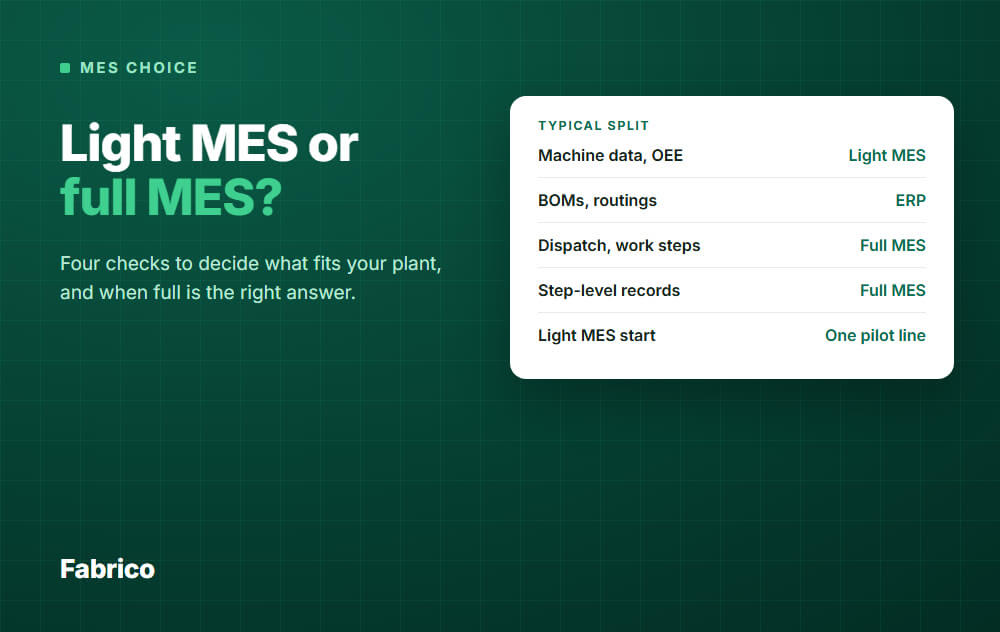
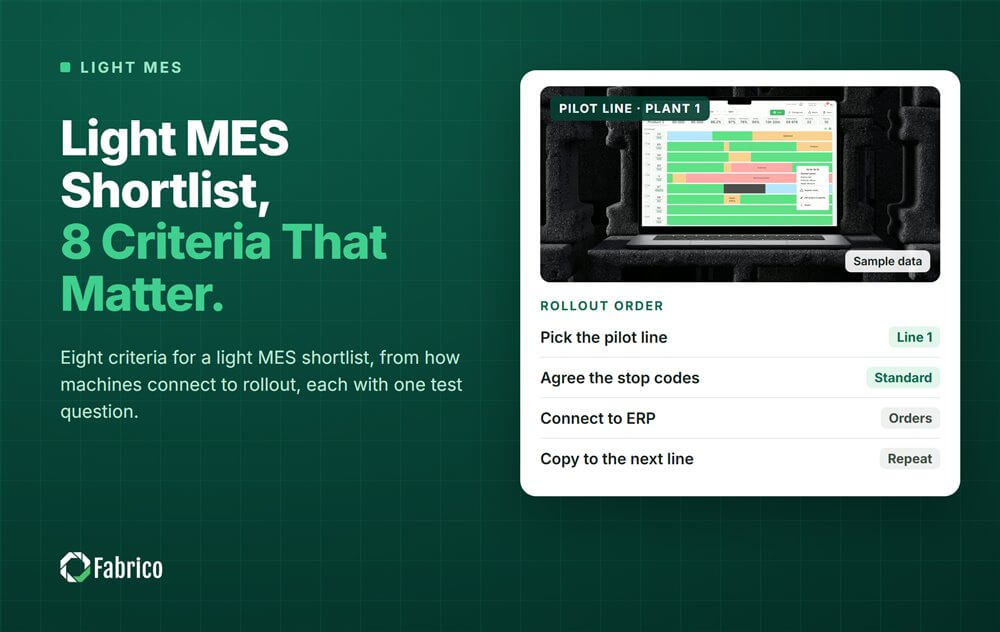

Latest from our blog




Real Fabrico tiles, sample data.